
by Dan Robinson
[UPDATE: FW 1.3 is now available at Elecevolve under downloads and upgrade works using Windows app]
For users of the MLite-880 portable, Elecevole now offers a Windows app that makes upgrading the firmware of this receiver quite easy.
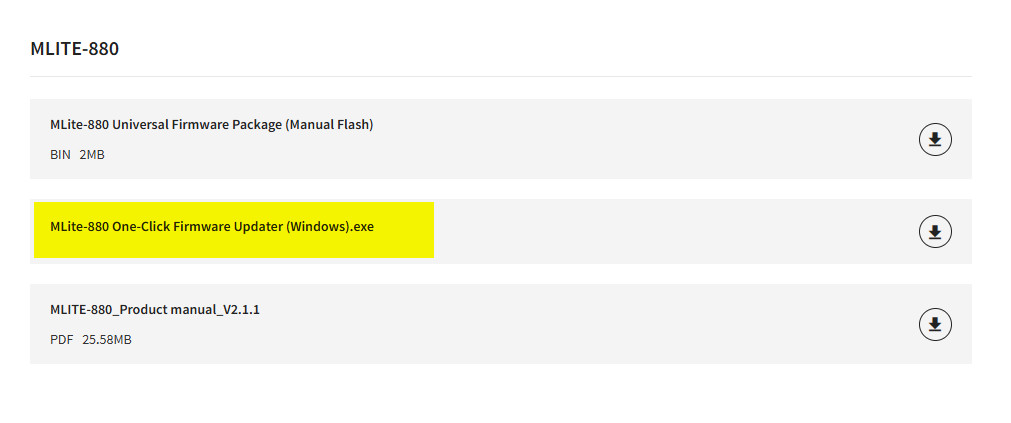
A look at the Elecevolve website shows the updater available as an .exe download (see: https://www.elecevolve.com/download/mlite-880)
In my initial review of the MLite-880 I noted that undertaking upgrades using the STMCube Programmer software was likely to cause a lot of people headaches, something confirmed in comments by some users.
After seeing this Windows app, I decided to go ahead and upgrade my unit to FW 1.2 — the process went smoothly, though I had to recheck various settings, and eliminate the key beep which is returned as a default after the upgrade.
We still don’t know when an upgrade beyond 1.2 will be available.
So can I use the Type C cable that came with the LITEMALADSP MLITE 880? It sounds like you can but I had assumed that you need a program cable to flash the V 1.3 but some are saying that the provided cable works. Confused!
I used the supplied cable. I did have an issue. My main Windows desktop computer has an issue where the radio is not seen properly, but I have a Windows laptop where it works perfectly.
When I received my Mlite-880 last week I downloaded this updater. Initially I had difficulty getting the computer to see the radio. I was using a desktop computer with a good selection of USB 2 & 3 ports, and the cable supplied with the radio. After struggling with this for a while, I decided to try another computer, a small Windows laptop I have available. It worked first try. I still don’t know the issue with the first computer although I suspect a driver issue as Windows Device Manager showed the radio as an unrecognized device.
A peek at the files in the install directory show that it seems to be built on the same STMCube code, so issues with one program might also be experienced with the other.