
by Dan Robinson
Since my first look at the MLite-880 some new information has become available, so passing on what I know to SWLing.com readers:
FIRMWARE UPDATES
Drawing from comments in various places, including those left on my original article, the Telegram Malahit chat, RigReference, and first adopter comments on YouTube, the following have been discussed:
- Size of microSD cards compatible with the receiver
- Ease of connecting BT to various speakers/PCs etc
- Clock time not holding after certain periods powered down
- Continuing requests for selectable sideband in SAM mode
- Some reports of frequency correction/calibration not working
- One user asserting that when in HiZ LW and MW reception is not good, while external antenna brings “great” results.
- Some users reporting poor FM reception using whip and issues with RDS
- Some users reporting encoder occasional “misses” out of the box
I have been helping relay user issues to Malahiteam in Russia as well as to Elecevolve in China, but I’ll address each of these based on my use of a unit purchased from Banggood.
- microSD: I am now using a 16GB card with no problems when in RECORD mode. We have had one user report that up to a 256GB card was usable. So, there are varying reports still coming in.
- BT Connectivity: Again, varying reports as to ease of connection to various speakers but my Edifier speaker connects with no problem
- SAM: Malahiteam reports that providing selectable sideband synchronous is in fact planned for the future
- Frequency correction: one user reported that frequency correction/recalibration was not working in FW 1.2 But I have experienced no problems with my unit but did notice out-of-box error from displayed frequency but not huge and correctable.
- HiZ LW/MW reception: I have not experienced this. In fact I am impressed with the radio’s performance on MW using the whip (note there is no ferrite internally).
- FM/RDS: I have experienced no major problems with FM reception or with RDS on my unit though I do notice that RDS character clarity can be variable — this may be due to antenna sensitivity depending on whip length and location of radio in my house.
- Encoder misses: my unit purchased from Banggood does not exhibit this issue.
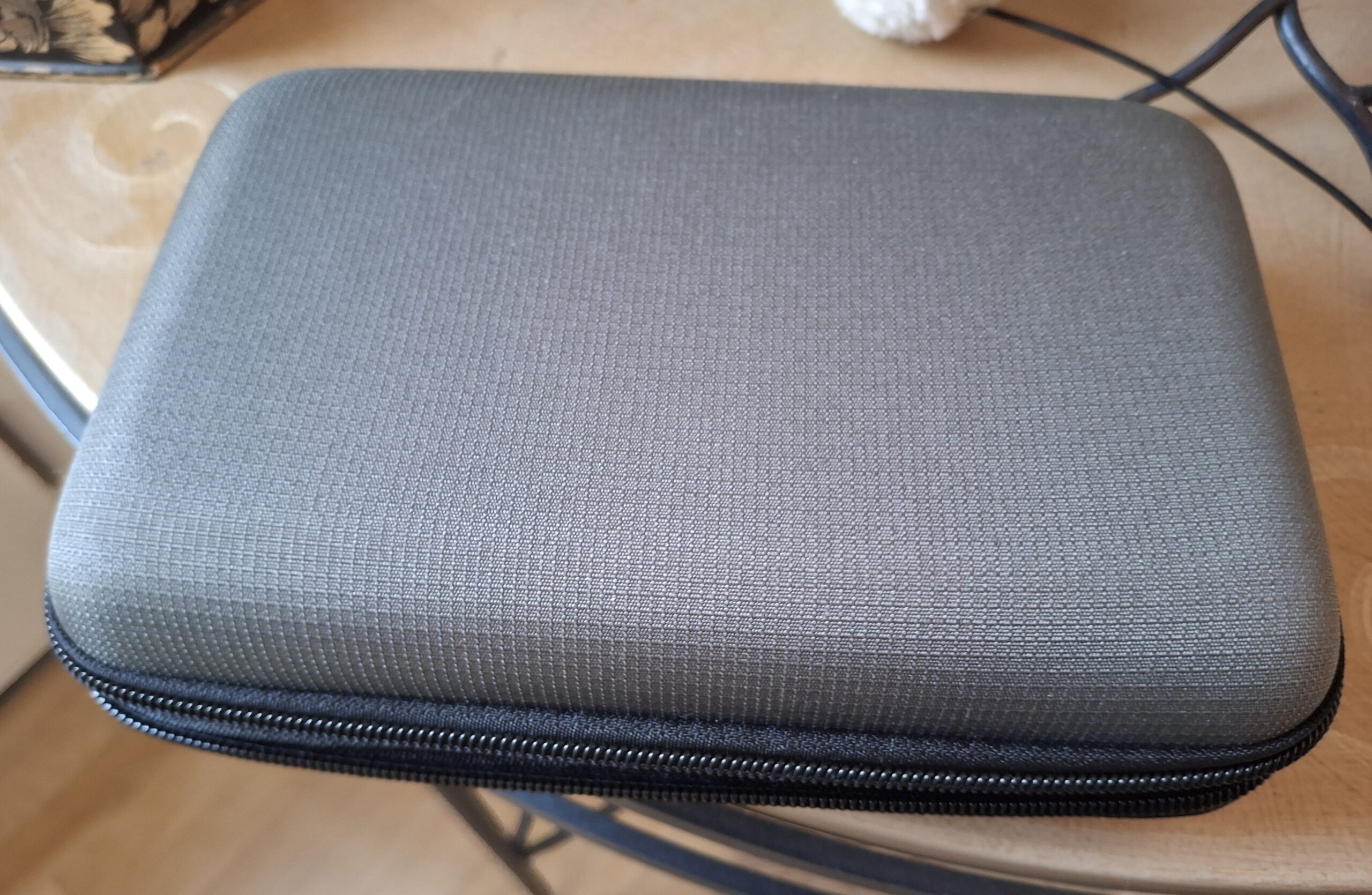
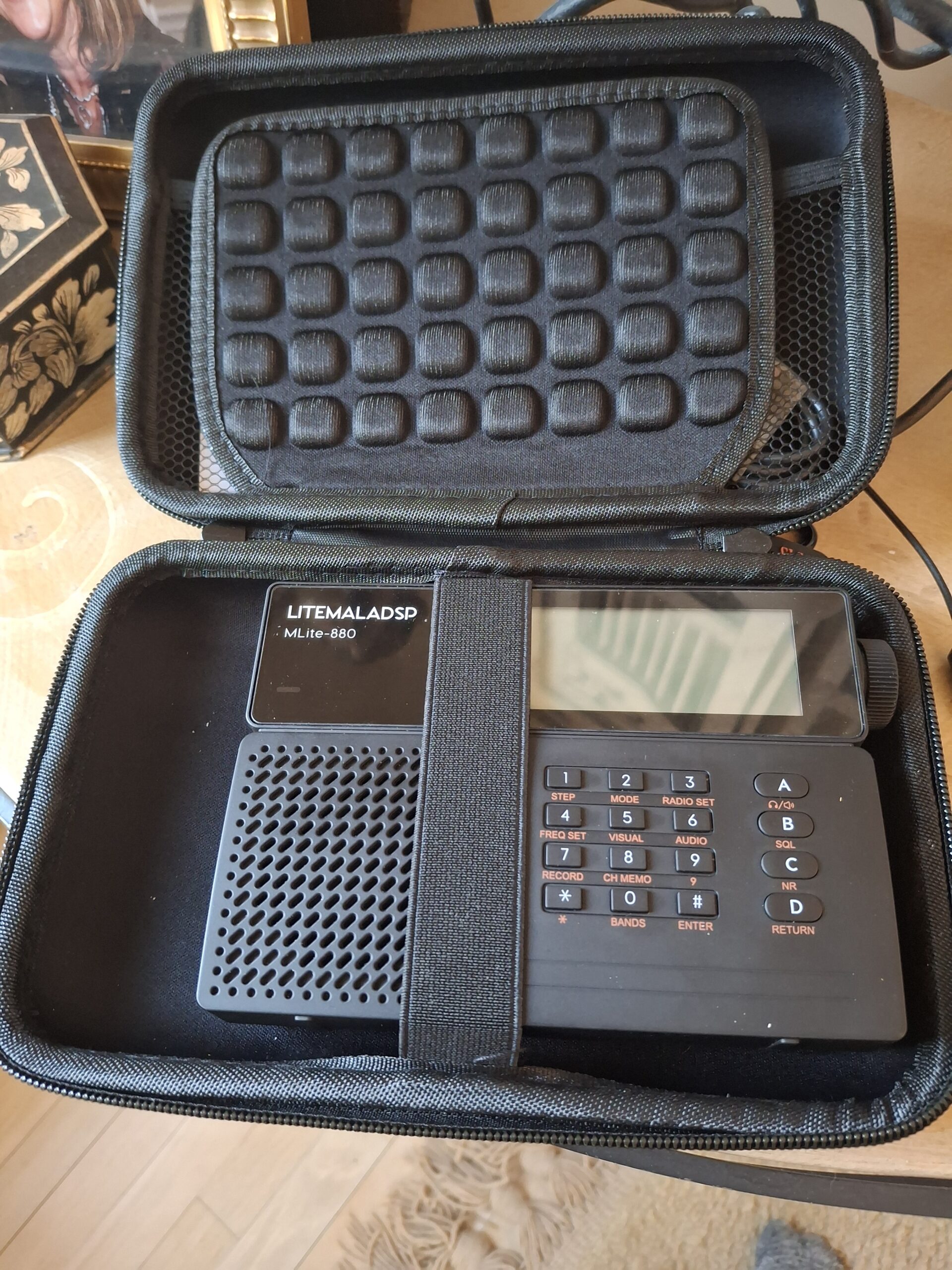
Thanks to Guy Atkins who provided the Amazon URL to the carrying case pictured above. This case is an excellent fit for the MLite-880 with some space to spare in the lid top and the bottom for USB cable and other items.
Malahiteam informs me that they are monitoring various reports, but are in “no rush. . . as there are no critical bugs requiring immediate fixes.” They say the “bug collection process is ongoing” and users should contact Elecevolve with any serious issues being seen at the moment.
Indeed, I have noticed as one user reported that recordings have the wrong month. This is an obvious bug that we hope will be addressed in upcoming firmware updates.
Malahiteam states on clock issues: ” . . .power is turned on mechanically [something that was] actually done at the insistence of DSP1-3 users — not everyone liked the button-based activation, as it caused false alarms despite the built-in protection.” And they add on the microSD: “the SD card reading speed is low, about 1.5 MB per second, and there is no way to increase it.”
Another issue I have noticed is the need to take care with VOLUME when making recordings. I almost blew out my speaker when playing a recording. NOTE that the manual states for RECORDING: “Rotate [knob] to adjust the audio gain level when recording/the recording indicator should be approximately at the level of half to 3/4 of the scale.”
From my SWLing.com article, Richard Langley notes: “It seems there is no way to transfer files from the receiver to a computer except by moving the memory card between the receiver and the computer. It would be nice if the receiver could be connected to a computer so it sees the files so that they could be downloaded over USB. The radio couldn’t see my MacBook Pro to broadcast audio to it when Bluetooth was set up. No problem connecting to an Anker Bluetooth speaker, however. As received, it appears that the frequency calibration of my radio is good to about 10 Hz. I used the Fldigi spectrum scope while tuned to CHU. I tuned the radio to 7849.00 kHz in USB mode and narrowed the bandwidth. The offset in the spectrum scope from 1000 Hz was about -10 Hz or so. One of the reasons I acquired the MLite-880 to add to my stable of receivers was a promise of scheduled audio recordings. When I asked on the Banggood website if that was possible with the receiver, I was told it was. Oh well. So, it would be nice if the receiver had an alarm function so that the receiver would tune to the desired frequency/mode and then start recording audio for a set period of time.”
Guy Atkins: “Those who think the frequency calibration may be broken in firmware 1.2 have likely not turned the knob far enough. The MLite 880’s adjustment is in very tiny 0.1 PPM (parts per million). This is an impressive level of adjustment accuracy for a portable receiver. I upgraded my set to firmware 1.2, and wanted to replicate a 1 kHz offset tuning on WWV at 15 MHz. When you put a radio in SSB and tune up or down by 1 kHz, you definitely hear the audio quality change. A 1 kHz change from 15 MHz equals 66.67 PPM. Since the frequency calibration in the radio adjusts in 0.1 increments, this means you need to turn the knob (a lot!) to read “667 x 0.1ppm”. I did this on mine and the tonal change in the voice announcements was clearly audible. I then returned the setting to “0 x 0.1ppm” and the audio sounded fine. Note that parts per million calculations is frequency dependent, so I recommend using upper HF signals for testing, such as WWV 15 MHz, or you’ll be tuning the radio’s knob for a lonnnng time! A more scientific way to check the frequency calibration of the MLite 880 would be with a software tool called Spectran. I’ve used Spectran in the past to check the exact carrier frequency of medium wave stations. (A big thanks to Victoria, BC Canada DXer Nick Hall-Patch for alerting me to this useful program.)”
But BGFourQL noted: “It may be, but I only need to adjust to 60 x 0.1ppm in the firmware of 1.0 and 1.1, but even if it is adjusted to 600 in 1.2, of course, the developer has admitted that it is a BUG, and he will fix this problem in the next firmware.”
Finally, direct from Elecevolve we get clarification that Banggood sources MLite-880 directly from them. Regarding firmware, they confirm that 1.2 is as of this writing still the curent version but updates are “planned to be released in the near future” along with “more new products”.
On my unit I can’t adjust the brightness. It is stuck on maximum brightness regardless of what option I choose. Does anybody else have this problem? Is there a way to factory reset the radio? I haven’t been able to find one yet. Maybe this could help.
I’d like to pipe in re: MW sensitivity and general use. I have had my MLite-880 for a week, using every evening so far. I have been using my MegaLoop FX loop amp on an indoor hexagonal “twinlead” loop hanging off the least noisy wall I have. 🙂 (condos! Hmph!)
For those not sure about this, my loop (designed for travel) consists of two, 36″ spreaders, made of maple dowel, and segmented in the middle to collapse to 21″ max. M4 hardware on ends goes through a nice twinlead (300 ohm FM/TV stuff) element, with both elements in PARALLEL. Total length/perimeter is 3.1m, and four holes drilled into the cable insulation between wires to fit the M4 bolts. Two M4 nylon wahser to affix it on the spreader ends and this works really well! 🙂 If someone wants more detail feel free to ask. This hangs as a regular hexagonal loop with capture Area ~0.73m2
Noise on this loop when located on the wall in my den is around the -113dBm to -106dBm range depending upon time of day, on SW. MW for me is lower noisefloor on average with a few adjacent unit (condo neighbour) hash sometimes showing up and turning off at various times, but overall, pretty decent. on SW, RNZ comes in mornings and evenings pretty well most times, as does VoK – Also US SWBC pretty solid also. We’re now in a sort of SW desert here in NW NAm these days…
Adjusting the AGC gain to 35dB or 37dB and cutoff gain at above 75dB (like 77dB to 80) makes things much “hotter” on the radio. I have had 250W stations from TX here in AB fade in pretty well – enough for ident and copy. This is less noisy and more sensitive than using my Sony ICF-7600GR with a PK loop tuned sometimes. So, I would say not too shabby if using the 50-ohm input. Maybe off whip (haven’t tried that yet) is average, but NOT using a good external antenna with it!
Darren VE6QY
Great stuff, and thanks Dan for sharing about this great radio! 🙂
Just got mine this weekend, and so far it has exceeded expectations. Amazing NR?NB capabilities on thsi unit.
BT is giving me a bit of a challenge, as I don’t know if the BT light should flash on acquiring link, but cannot so far connect my digital headphones. Will try a speaker next. Should the unit be on speaker, headphone, both or mute when pairing? There’s no info on that .
FYI, my Bonito FX Megaloop works amazingly well with the radio! Cheers, and 73!
Darren – VE66QY
Hi, I think you might have the same problem as me. If possible, you can try my method. It’s very easy to disassemble the four screws on the back of the machine. You will see the Bluetooth chip. Turn on the Bluetooth switch of the radio, adjust it to headphones or headphones & speaker mode, press the button on the radio chip, and you can pair your headphones/speaker. But when you want to change to another headphones/speaker, you still need to disassemble the radio and press the button
Here is another case recommendation – “USAGear” makes lots of hard shell cases in a variety of sizes. If you know your radio’s measurements and check the interior dimensions of these cases you can usually find a good fit. For the Mlite-880, this one works quite well: https://www.amazon.com/dp/B078X1ZNGK
The only downside to the USAGear cases is they aren’t “padded”. They do have soft felt lining. The bottom half has an elastic band that helps hold the radio snug, and the top half has a net pocket that might be able to hold a USB cable and earbuds as long as they aren’t thick.
In this situation the use of a mechanical power switch gives added choices when selecting a case. Other radios, like the Qodosen DX-286 for example, have “live” buttons that could drain the battery. External pressure on its tuning knob could keep the radio awake during storage. In my case I added a foam block beneath the tuning knob on that side, to offload any external pressure.
Mlite-880 = STM32H743 + TEF6688HN (on fm)?
Just received a V1.2 unit from BG as well.
Only tried on the whip and built-in speaker with HiZ antenna setting.
MW sensitivity is unimpressive.
Noise Reduction is awesome with surprisingly few artifacts.
I do get unpredictable encoder misses or delays – which I am not sure are related to the (cheap) encoder mechanism or if it is just the CPU catching up. Sometimes a click of the encoder will appear not to register until a half-second or more later. Suggests it is CPU-bound and might be related to what “else” the CPU is doing at the time you turn the knob.
The lack of Up/Down slewing buttons is a major downer.
Thanks for sharing these firmware update insights — it’s helpful to see the real-world user feedback on things like BT connectivity and SD card compatibility. I especially appreciate how you’re helping relay issues to the developers, which really helps the community stay informed. The reports about FM reception and encoder misses are interesting and might be worth watching as more users test the device in different conditions.