
 Many thanks to SWLing Post contributor Rich, who shares the following tip:
Thomas,
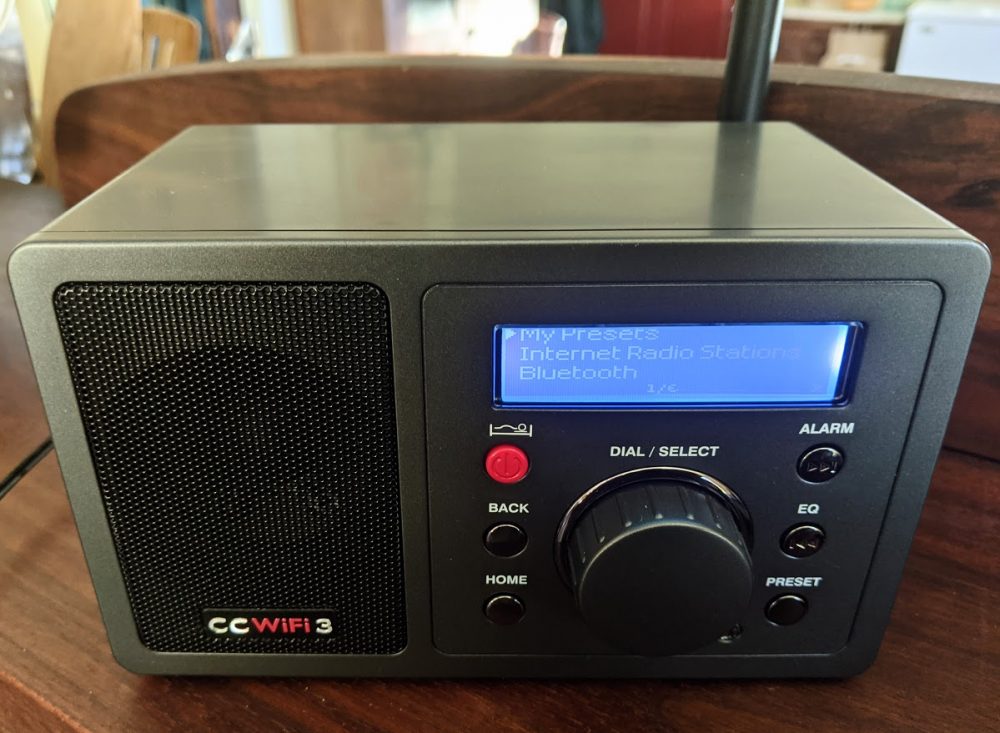
Have noticed a few posts recently about Internet radio, the most recent about the C. Crane version.
I own the C. Crane radio and an Ocean Digital, and both use the Skytune aggregator.
Frequently, stations will just stop working, and while I have had limited luck using the inspect function in Chrome to see the HTML code, it’s not a sure thing. Recently, while trying to repair a feed, I stumbled across this on the Skytune Facebook page.
By using the Radio stream URL search engine, you can enter the station call sign, and it will show you the streaming link, which you can copy and enter into the Skytune radio by using its local IP address on your network.
I have corrected several today and added a few stations that are not listed on Skytune, and I thought others would find this useful.
Click here to check out the Radio Stream search engine.
73,
Rich, WD3C
Thank you so much for the useful tip, Rich!
Excellent!
Cheers, Jock