 Many thanks to SWLing Post contributor Dan Greenall for once again sharing a remarkable collection of vintage off-air AM radio recordings. In this post, he shares recordings made from his home and during his travels across North America and the Caribbean.
Dan writes:
Hi Thomas
Judging by the interest on my Internet Archive page, vintage AM radio audio clips from the 1970’s are among the most popular files. In addition to the one posted on the SRAA in September 2023, here are the remaining ones I have to take you back 50 years.
VOA Marathon 1973
The Voice of America station from Marathon Key, Florida is heard signing off on its frequency of 1180 kHz. This recording was made while on vacation in West End, Bahamas in December 1973. Reception of the station in much of North America was tough due to the signal being south beamed to Cuba. However, at least one listener in New Zealand managed reception as evidenced by the attached QSL image from 1972.
ZNS3 Bahamas 1973
ZNS3 radio on 1060 kHz from Freeport, Bahamas is heard with a station identification jingle. The recording was made while on vacation in West End (near Freeport) on Grand Bahama Island in December 1973.
Bermuda AM/FM airchecks 1975
Brief airchecks from 5 local radio stations recorded while visiting Bermuda in March 1975. They are as follows:
ZBM1 1230 kHz
ZBM2 1340 kHz
ZBM-FM 89.1 MHz
ZFB1 960 kHz
ZFB-FM 94.9 MHz
WVMT Burlington VT 1975
Brief aircheck from radio station WVMT in Burlington, Vermont on 620 kHz recorded in March 1975 in Montreal, Quebec. Starts with “Mandy” by Barry Manilow, station ID, then into NBC news.
XERF Ciudad Acuna, Mexico 1971
Short audio recording of radio XERF on 1570 kHz as received in Ancaster, Ontario, Canada in November 1971.
“This is radio station XERF in Ciudad Acuna, Coahuila, Mexico. This is Paul Kallinger, your good neighbor along the way.”
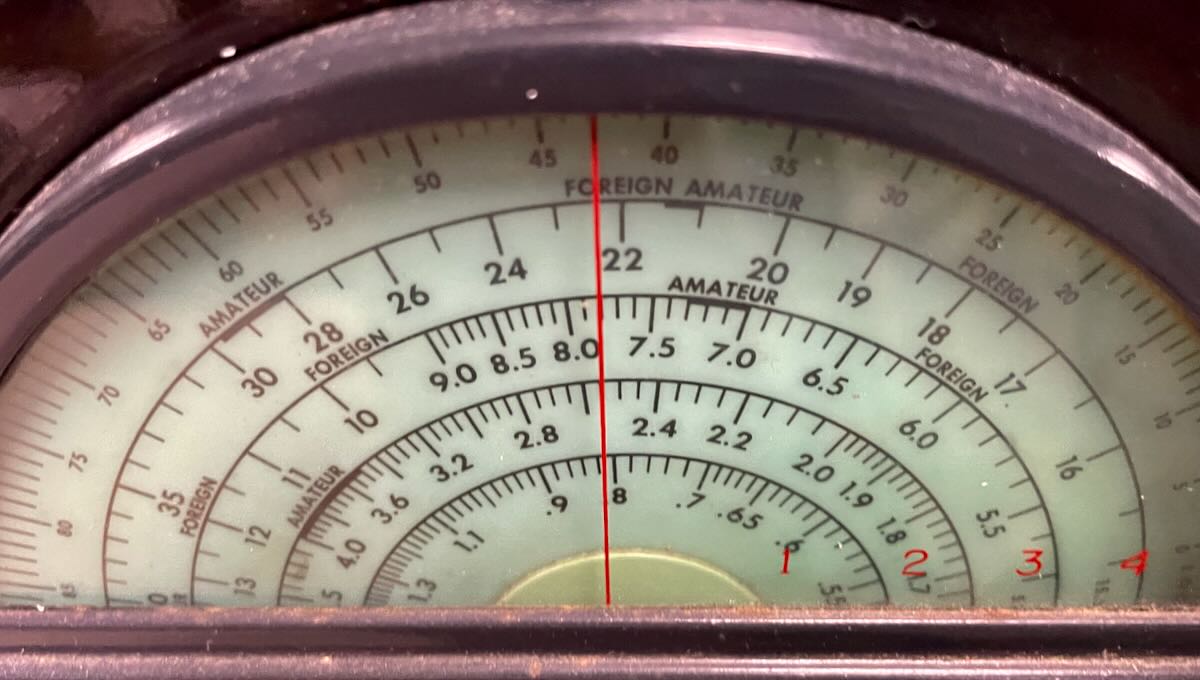
Used a Hallicrafters S-52 communications receiver and a longwire antenna.
KPCR Bowling Green, MO 1973
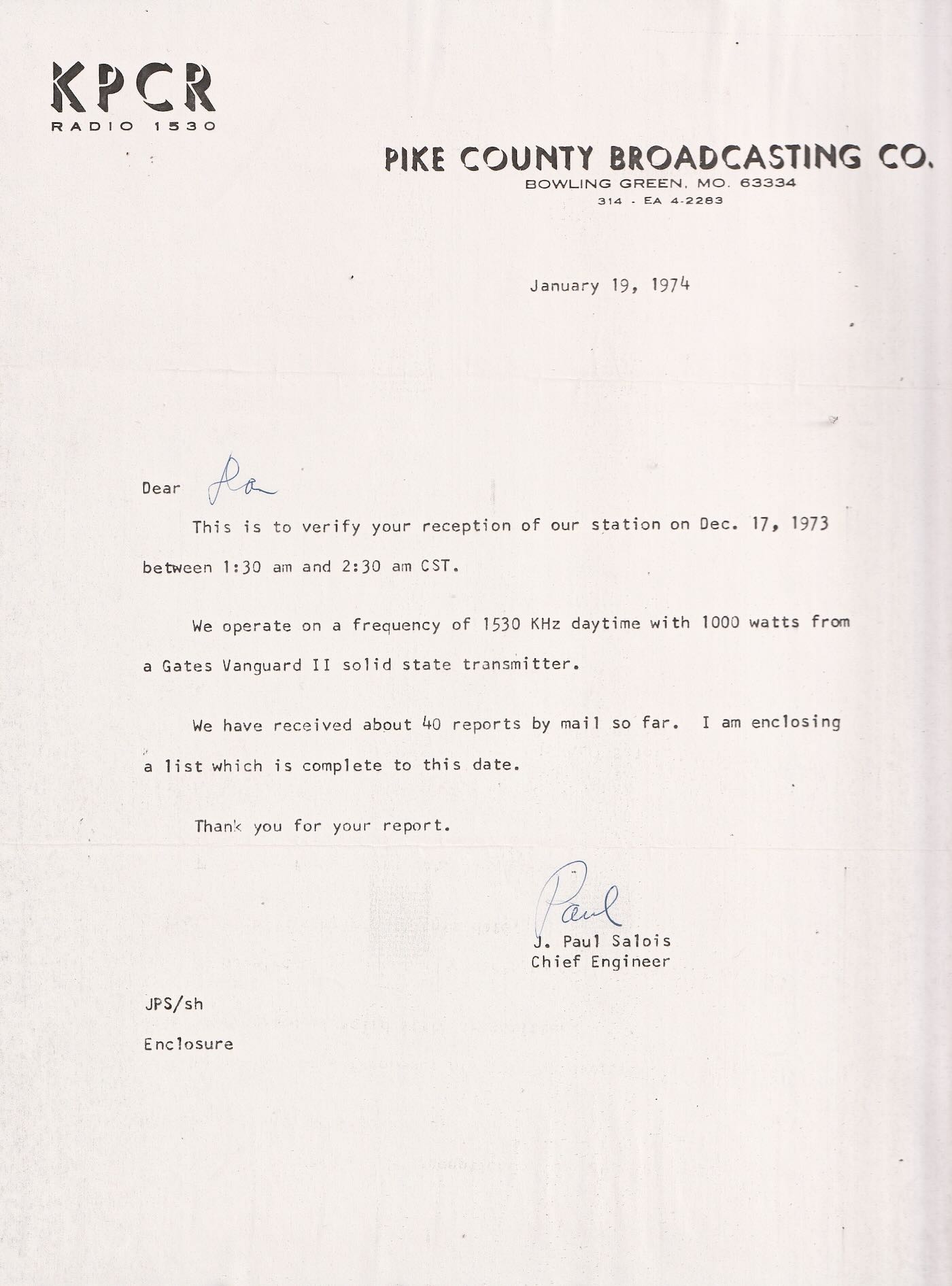 KPCR radio in Bowling Green, Missouri as heard in Ancaster, Ontario, Canada on 1530 kHz during an overnight DX test on December 17, 1973. They only ran 1000 watts, but 50 kw WCKY in Cincinnati was off the air that night. Used a Realistic DX150A receiver and a longwire antenna.
KFDI Wichita, KS 1974
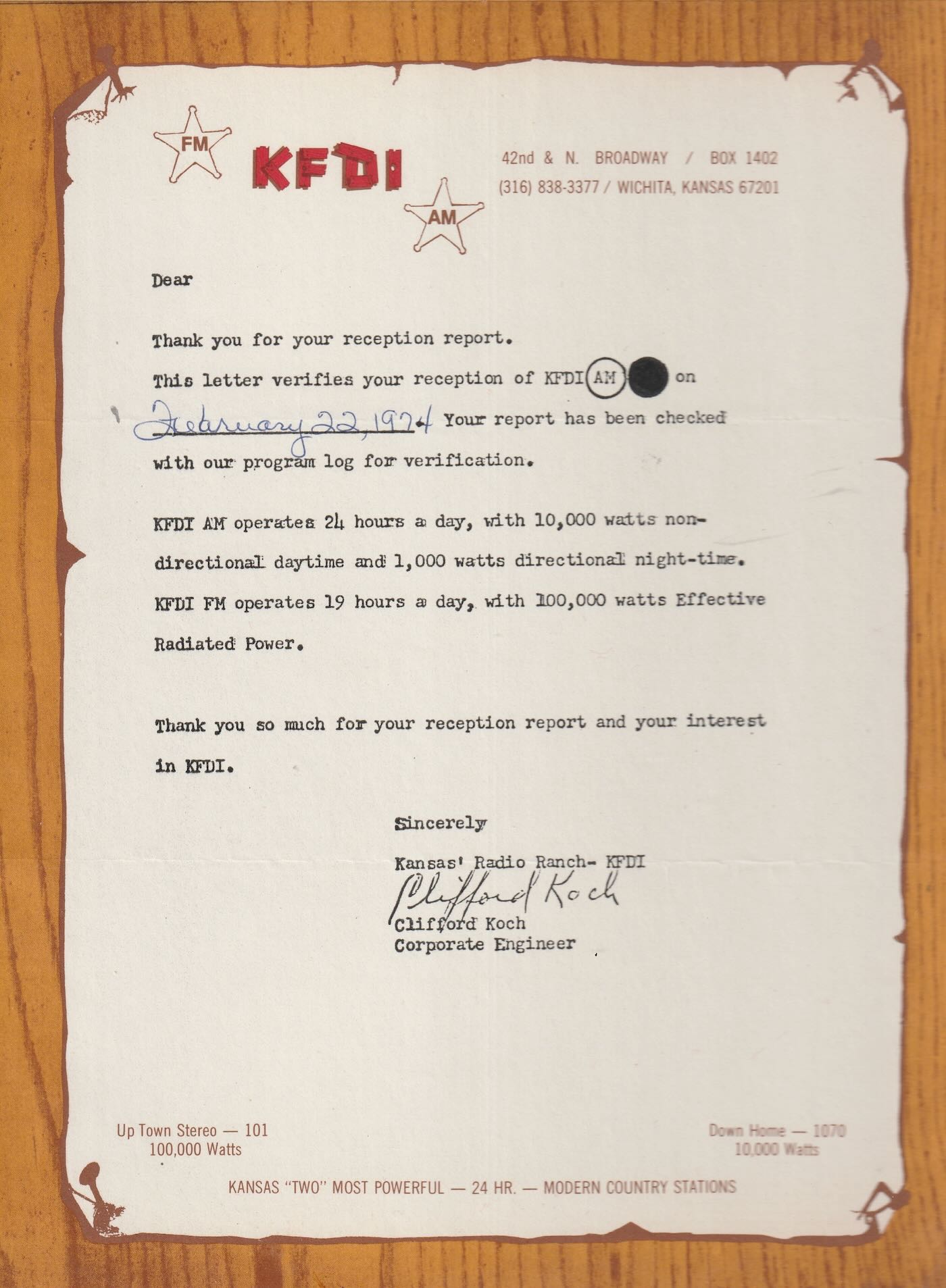
A brief aircheck from KFDI Radio 1070 in Wichita, Kansas as heard in Ancaster, Ontario, Canada on February 22, 1974. Receiving equipment was a Realistic DX150A using a longwire antenna.
WDXR Paducah, KY 1974
WDXR radio in Paducah, Kentucky is heard signing off for their broadcast day. This recording was made circa 1974 while they were operating on 1560 kHz. Receiver location was Ancaster, Ontario, Canada and equipment was a Realistic DX150A and longwire antenna.
WANN Annapolis, MD 1974
A brief aircheck of WANN radio in Annapolis, Maryland heard here signing off for their broadcast day. The recording was made circa 1974 while they were operating on 1190 Khz, A lucky catch for me since WOWO in Fort Wayne, Indiana was usually heard on 1190. Receiver location was Ancaster, Ontario, Canada, (40 miles SW of Toronto) and equipment used was a Realistic DX150A and a longwire antenna.
WCPC Houston, MS circa 1974
One of the easiest ways to log the state of Mississippi on the AM broadcast band in the 1970’s from my location near Hamilton, Ontario, Canada, was WCPC in Houston, MS on 940 kHz around local sunset. Here they are giving a station ID as heard on a Realistic DX-150A receiver and a long wire antenna.
XEMO Tiajuana, Mexico circa 1971
Here is a brief English language aircheck from radio station XEMO in Tiajuana, Mexico as received in Ancaster, Ontario, Canada (a distance of 3392 km or 2108 miles) circa 1971. They were broadcasting on their frequency of 860 kHz. At the very end, there is a quick “X E M O Tiajuana Mexico” in Spanish.
WGR Buffalo, NY 1973
Here is a brief aircheck/jingle from radio station WGR in Buffalo, New York on 550 kHz as recorded in 1973 at Ancaster, Ontario, Canada. That same year, the song “Get Down” by Gilbert O’Sullivan reached number 7 on the Billboard Top 100, and WGR aired it regularly as heard here in the second recording, Most of the time they would just ID as “GR-55”.
Vintage AM radio airchecks 1975 recorded from Bermuda
These brief vintage AM broadcast band airchecks were recorded in March 1975 while vacationing in Warwick, Bermuda at the Belmont Hotel.
1. ZDK, Antigua, West Indies 1100 kHz
2. WKAQ, San Juan, Puerto Rico 580 kHz
3. Radio Paradise, Basse Terre, St. Kitts, West Indies 1265 kHz
4. WHN, New York, NY 1050 kHz
5. WKBR, Manchester, NH 1250 kHz
6. WRKO, Boston, MA 680 kHz
7. CFBC, St. John, NB, Canada 930 kHz
KKJO St. Joseph, MO 1973
In the wee hours of October 28, 1973, this DX recording was made of radio station KKJO in St. Joseph, MO broadcasting on 1550 kHz in the AM broadcast band. My receiving post was some 800 + miles distant in Ancaster, Ontario, Canada. I was using a Realistic DX150A communications receiver hooked up to a long wire antenna. You can hear the station fade gradually in and out a number of times during the recording, but fortunately faded in around the 2:49 mark to catch their station ID and announcement about returning to Central Standard Time. Paul Simon’s “Kodachrome” is heard at first, and Art Garfunkel’s “All I Know” afterward, 2 very popular songs in 1973.
KRLD Dallas, TX 1974
KRLD in Dallas, Texas on 1080 kHz was not heard often at my listening post in Ancaster, Ontario, Canada during the 1970’s. WTIC in Hartford, CT was normally received on this frequency instead. Here is a recording made in early 1974 when KRLD managed to make it through. My receiver was a Realistic DX150A hooked up to a longwire antenna.
Vintage AM radio airchecks 1973 part 2
Here are a few more airchecks from the AM broadcast band recorded in 1973 at Ancaster, Ontario, Canada unless otherwise noted below.
1. WLW Cincinnati, OH 700 kHz
2. WIRK West Palm Beach, FL 1290 (recorded in West End, Bahamas)
3. WINZ Miami, FL 940 (recorded in West End, Bahamas)
4. WSMB New Orleans, LA 1350 (recorded in West End, Bahamas)
5. WDBO Orlando, FL 580 (recorded in West End, Bahamas)
6. WPOM Riviera Beach, FL 1600 (recorded in West End, Bahamas)
7. KFYR, Bismarck, ND 550
8. KWAM Memphis, TN 990
9. WPTR Albany, NY 1540
10. WOKY Milwaukee, WI 920
11. WIBC, Indianapolis, IN 1070
12. WPDX Clarksburg, WVA 750 (special DX test early hours of Feb. 18, 1974)
13. WMAQ Chicago, IL 670
14. WBT Charlotte, NC 1110
15. WNOE New Orleans, LA 1060
16. WSM Nashville, TN 650
17. WJR Detroit, MI 760
73
Dan Greenall, Ontario, Canada
Click here to view all of Dan Greenall’s Archive.org contributions and click here to browse his collections on the Shortwave Radio Audio Archive.