Author Archives: Jock Elliott

A different way to listen to the radio – the CCrane CCWiFi3


By Jock Elliott, KB2GOM

I don’t know about you, but my goals when I switch on a radio are not always the same. Sometimes I want to communicate, to send and receive information, such as on the Commuter Assistance Network through ham radio. At other times, I want to gather information passively from first-hand sources, like the road condition reports that I can hear through the scanner from the highway crews on the New York State Thruway. And still other times, in the pre-dawn hours, my greatest desire is to hear the farthest possible station on the medium wave frequencies.

And sometimes, I simply want to hear something different . . . different from the usual fare that comes across medium wave, FM, or even shortwave. Hold that thought for just a moment.

The other day, an email popped up in my inbox from the CCrane Company, inviting me to check out their CCrane CCWiFi3. “Listen to Thousands of Radio Stations from Around the World With Clear Reception – No Static, No Fade, No Apps,” it promised.

I was intrigued and sent an email to CCrane asking if they would like me to do a review, and they sent me a CCWiFi3 without charge.

To cut to the chase, the CCWiFi3 really does deliver what the marketing copy says: you can “Listen to Thousands of Radio Stations from Around the World With Clear Reception – No Static, No Fade, No Apps.” No kidding! And no frustration in setting it up either. It is easy and fun to use.

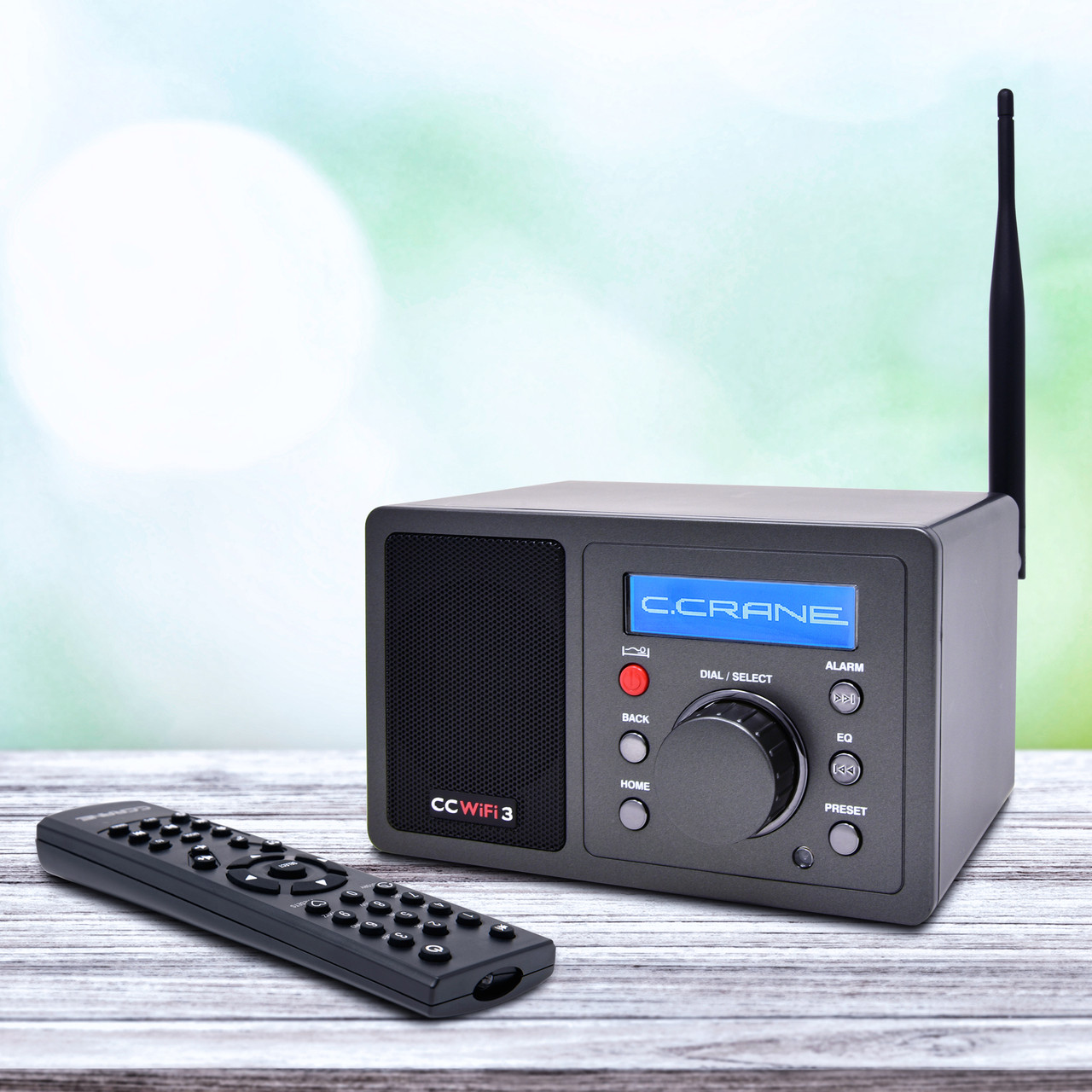
The CCWiFi3 measures roughly 6.5 inches by 4 inches by 4 inches. On the front are six buttons, a knob, a speaker grill, and a small digital display. On the bottom are four rubbery white feet to keep it from sliding around on tables. On the back panel is a connector for a WiFi antenna (included), a line out socket, a headphone socket, and a socket for plugging in an external power supply. The unit comes with a remote control that can select stations, boost and lower volume, mute the audio, and much more.
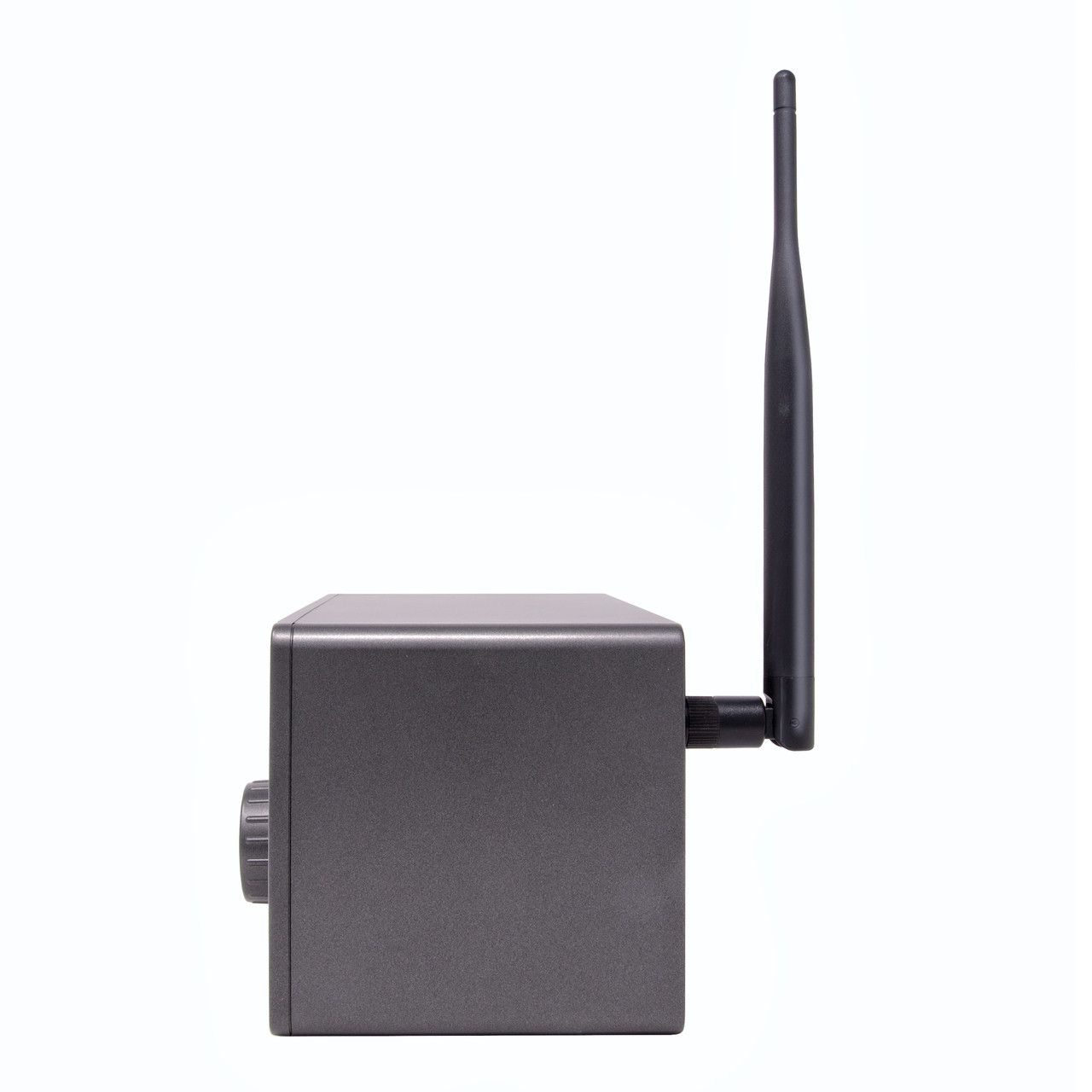
Setting up the CCWiFi3 is super easy: attach the antenna, plug in the external power supply. It will then warm up, and the display will ask for your preferred language. Make your selection, push in the central knob to confirm it, and the CCWiFi3 will then search for WiFi networks. Select the one you want, put in your password (using the central knob to select and confirm the letters and numbers), and you are good to go. (A tangential but important note: the unit is very light, so moving it from room to room, so long as you have a place to plug in the power supply, is no big deal.)

In a sense, the hardest thing about using the CCWiFi3 is choosing from the dizzying number of stations available. At the top of the menu for internet radio stations is: Most Popular (US), By Genre (World), and By Location. Click on any one of these, and you begin drilling down into the possibilities. For example, click on By Location, and your next set of choices includes Africa, Americas, Asia, Europe, Internet Only, the Middle East, and Oceania. Click on Oceania, and up pops a list beginning with Australia, Bermuda, and the Cook Islands. Want to hear news/talk in Finnish? You can. The possibilities seem endless.
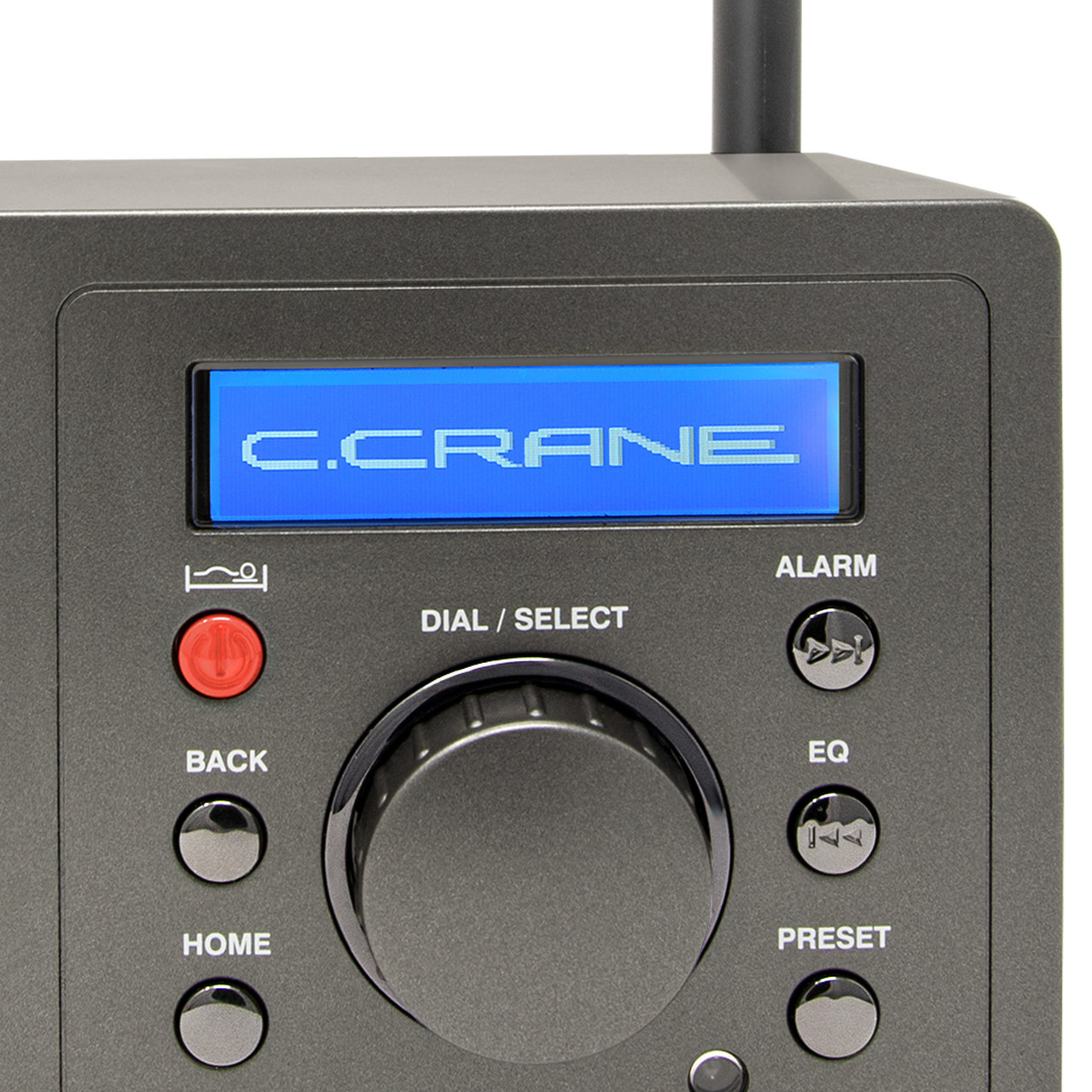
I clicked on By Genre, then Talk-based, scrolled down to Old Time Radio and Suspense, and within minutes had Amazing Tales, Western Old Time Radio, and the Best of Art Bell saved to my station presets. You can access 10 easy presets using the remote and over 100 presets in the sequence list. As is typical of CCrane, the manual is clear, well-written, and easy to follow.

Even better, the audio coming through the speaker or headphones is pleasant.

Don’t get me wrong: I still love my antenna-to-antenna radios, but whenever you have the itch for something different from the radio, the CCWiFi3 delivers almost endless possibilities in a way that is enjoyable, easy to operate, and pleasing to the ears.

UPDATE: A couple of additional comments that I was unable to post until now.

1. Using the CCWiFi3, on St. Patrick’s day, I was able to hear Irish fiddle music, direct from Ireland on Radio Siamsa. The station’s website says: Radio Siamsa is the only Irish radio station specializing in traditional Irish music, with no ads and high-fidelity sound. Listen to Irish tunes and songs from Dublin, 24 hours a day, on your smartphone, tablet, or Amazon Echo device.

2. There is a function on the CCWiFi3 that allows searching by keyword. It’s a little clunky, since you have to select each letter separately using the main dial, but a search for “bluegrass” quickly turned up a couple of dedicated stations that had me happily enjoying banjo, guitar, fiddle and mandolin. That puts a smile on this old banjo picker’s face!
Click here to check out the CC WiFi-3 at C. Crane.

The Deepelec DP-666: A very interesting radio

By Jock Elliott, KB2GOM

My friend Andy, who is an expert medium wave DXer, calls it his “weapon of choice” and a “DX machine.” In fact, just a night ago, using a YouLoop passive antenna hanging from a birdfeeder on his porch in upstate New York, he snagged a couple of tiny Mexican stations above 1600 kHz at a distance of over 2000 miles. He was surprised the stations were there, and it was a bit of a hunt on the internet to find their livestreams and ID them.

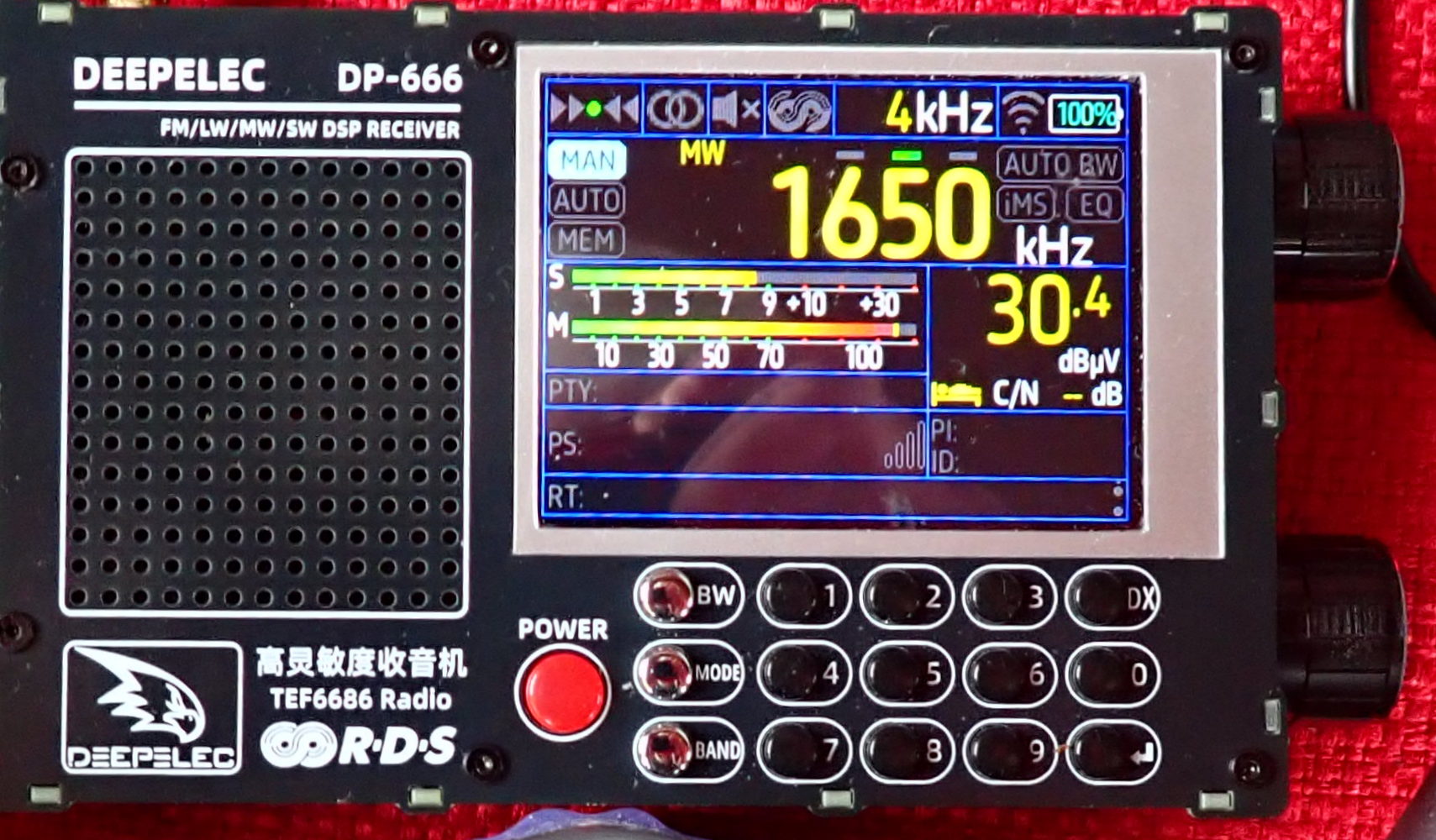
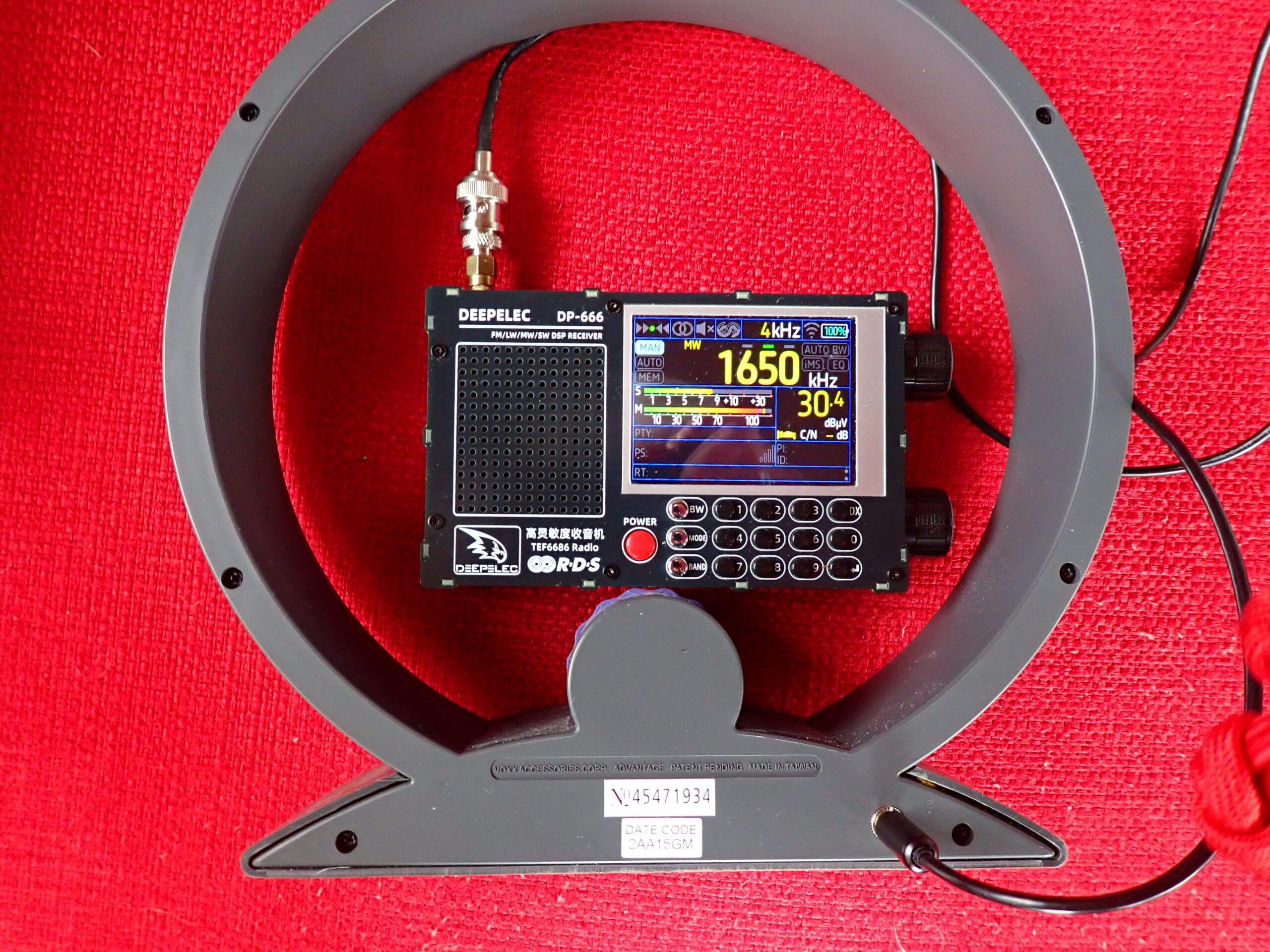
The radio that made hearing these diminutive stations possible is the Deepelec DP-666, a radio based on the high-sensitivity, high-selectivity TEF6686 chip which is used in automotive radios. The DP-666 measures 5 inches wide (excluding knobs) by 3 1/8 inches high by 1 1/8 inch deep. On the front panel are a speaker grill, a 2.8-inch color display, and 15 buttons for various radio functions (including a full numeric keypad for direct frequency entry) and a red power button. On the right side are tuning and volume knobs. On the bottom panel is a master switch for power. On the left panel are a 1/8-inch headphone socket and a USB-C port for a communication interface and for charging the 5000 mAh rechargeable battery, which is not user-accessible.

The DP-666 can receive FM (from 65-108 MHz with various frequency ranges selectable for different parts of the world and over a dozen different bandwidths), SW (from 1700-27000 kHz), MW (522-1791 kHz, 9 kHz steps; 520-1720 kHz, 10 kHz steps) and LW 144-513 kHz. In AM mode, 3/4/6/8 kHz bandwidths are available. The DP-666 does not offer single-sideband reception.

You won’t hear anything, however, unless you connect an antenna to the standard SMA female connector on the top panel of the radio, because the DP-666 has no internal antenna. The DP-666 comes with a 29 ½ inch whip antenna that does a yeoman job of receiving MW and FM. For MW DXing, Andy prefers the passive YouLoop, and he uses the DP-666/YouLoop combo frequently. “It’s quiet,” he says.

For MW reception, I like a direct cable connection between the DP-666 and a Terk AM Advantage, which is an un-amplified loop antenna with capacitive tuning. I can hold the Terk antenna in my left hand (which allows me to rotate it from side to side and even tilt it for improved reception), and with my thumb, I can rotate the antenna’s tuning wheel for peak reception. At the same time, I hold the DP-666 in my right hand and operate the tuning knob with my thumb and forefinger. It looks a little weird, but works really well.

For FM reception, I use a scanner antenna, a Comet W100RX extended to about 31 inches. The DP-666 display offers a full complement of RDS information if transmitted by the FM station. I am not, by any means, an expert FM DXer, but it seems to be a “hot” receiver.

For SW reception, the DP-666 also works pretty well with the whip antenna that comes with it. When connected to my 50-foot indoor horizontal room loop antenna, it detected a lot of shortwave stations on auto-scan. My guess is that dedicated shortwave DXers will be pleased with this pocket-sized radio.

In addition to its excellent electrical performance on MW, SW, and FM (I did not test LW), there are a couple of things about the DP-666 that I really love. The first is that, straight out of the box, the DP-666 is easy to use without consulting the manual. However, if you want tons, and tons, and TONS of customizability, press and hold the MODE button to access the MENU screens, where you can “fiddle the bits” to your heart’s delight. I have never used any of these settings, but they are there if you want them. (I think I consulted the manual just once to learn how to store stations in memory.) The well-written manual can be downloaded in PDF format here: https://deepelec.com/files/dp-666/DP-666_Product_Manual_EN.pdf .

The second thing that delights me about the DP-666 is that it is a quiet radio to operate. The clicks from the buttons are soft, and the tuning knob has detents that are felt, not heard. With headphones on, I can seek distant stations without disturbing others in the room.

Bottom line, the Deepelec DP-666 is a sensitive and easy to use radio that delivers pleasing results on MW, SW, and FM. I would be delighted to hear from others who have used it, particularly with high-performance antennas.

Configuring the “News Cruiser” for your emergency radio

By Jock Elliott, KB2GOM

Rob, W4ZNG, endured three weeks without electricity on the Mississippi Gulf Coast as a result of Hurricane Katrina.

When he and I spoke about his experience (and what any one of us might want in our “fertilizer hits the fan” radio kit), he mentioned that during Katrina, all of the local broadcasters were wiped out. There was a local low-power FM broadcaster who got permission to increase power to 1,000 watts and was broadcasting where to get food and water. There was a New Orleans AM station that was on the air, but all of its coverage was “New Orleans-centric.” After a few days, some local FM broadcasters, working together, cobbled together a station that they put on the air and began broadcasting news. Rob also began DXing AM stations at night to get additional news.

Hold that thought for a moment.

A few weeks ago, Andy, W2SRA, pops up on the Radio Monitoring Net (which I run on Tuesday nights) with a list of “Rolling News” medium wave stations that can be heard at least some of the time from my location in the Capital District of New York State. Rolling news stations broadcast news ‘round the clock.

The list includes:

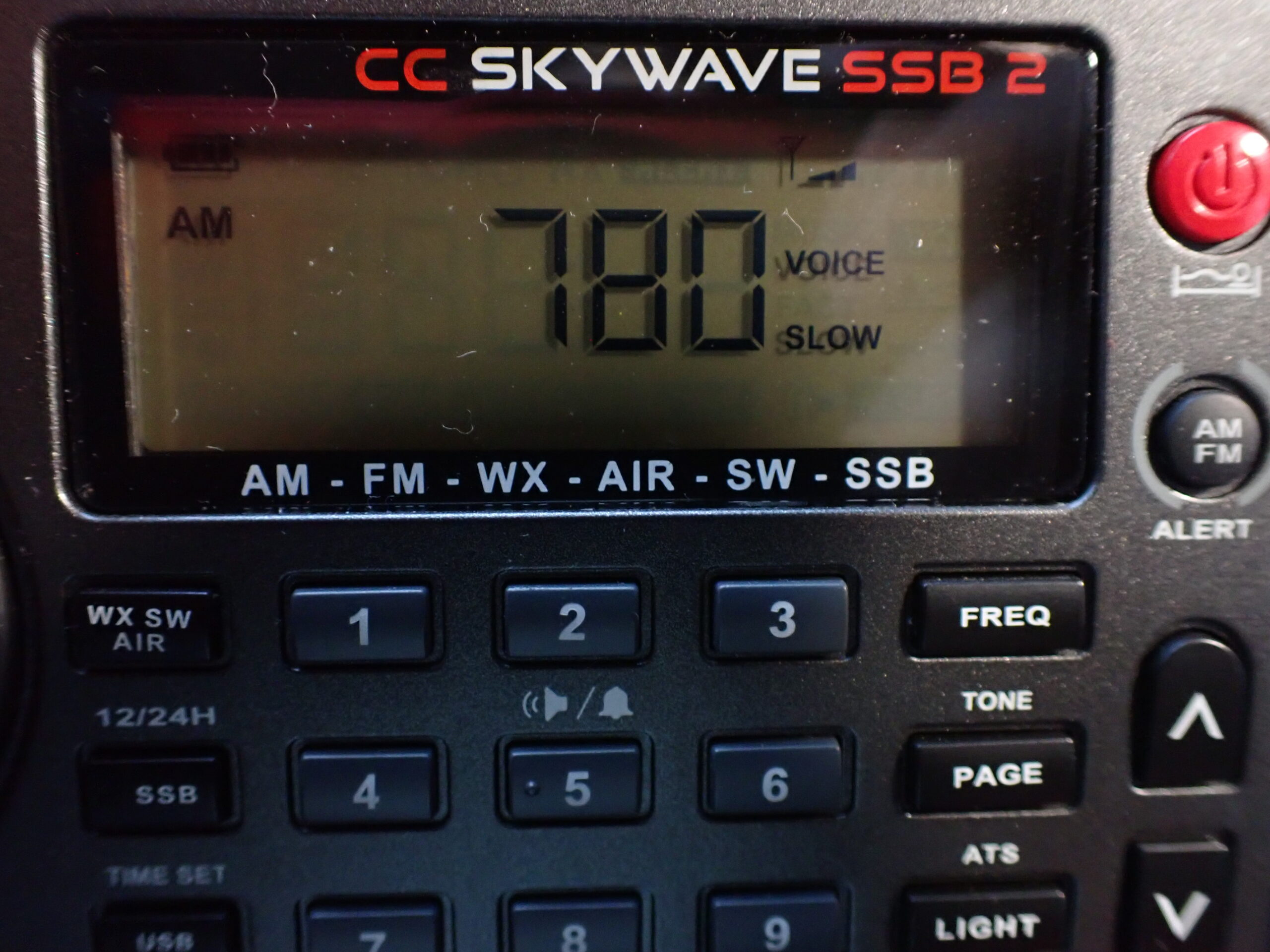
  • 780, WBM, Chicago, IL
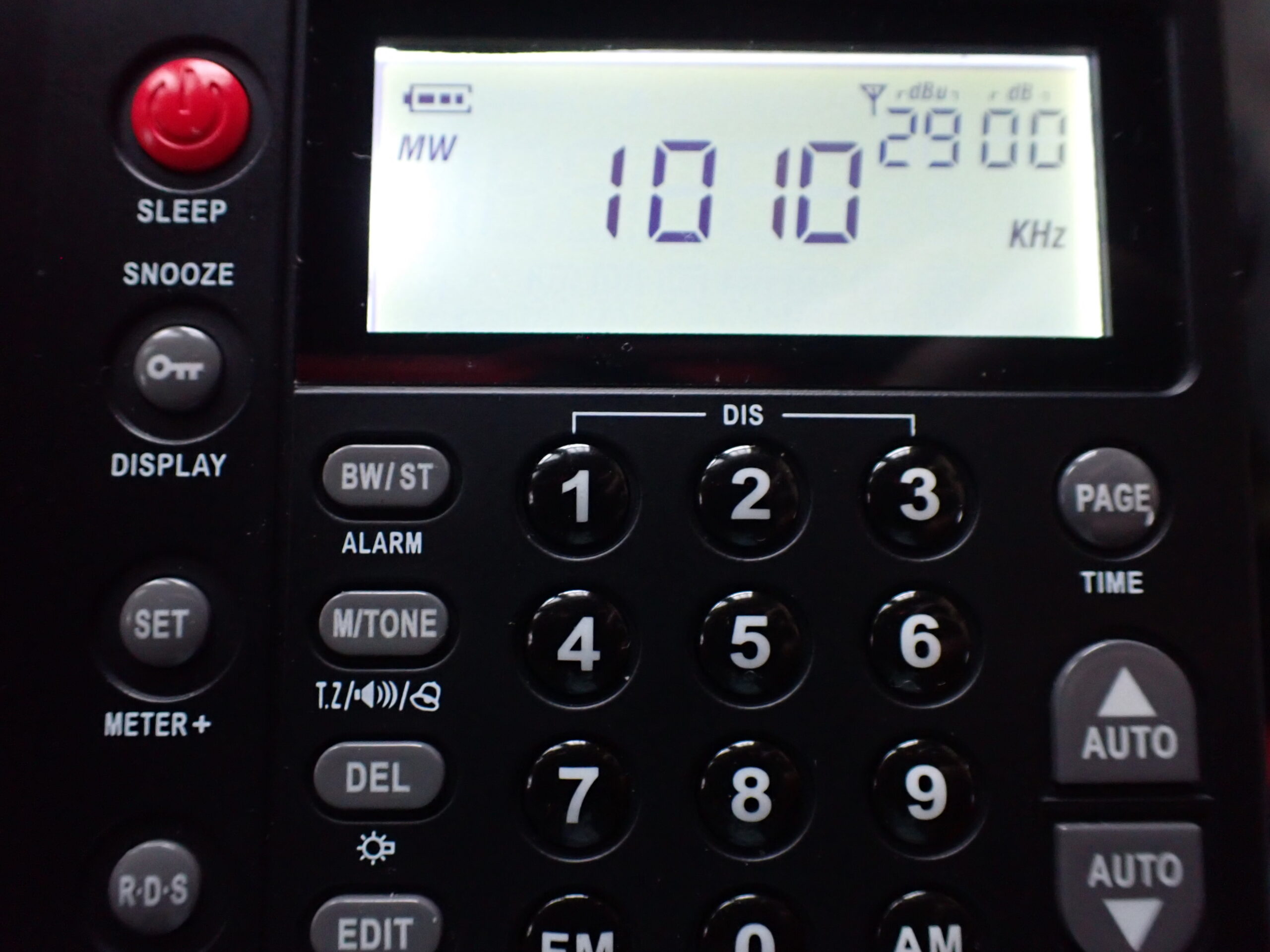
  • 1010, WINS, New York City
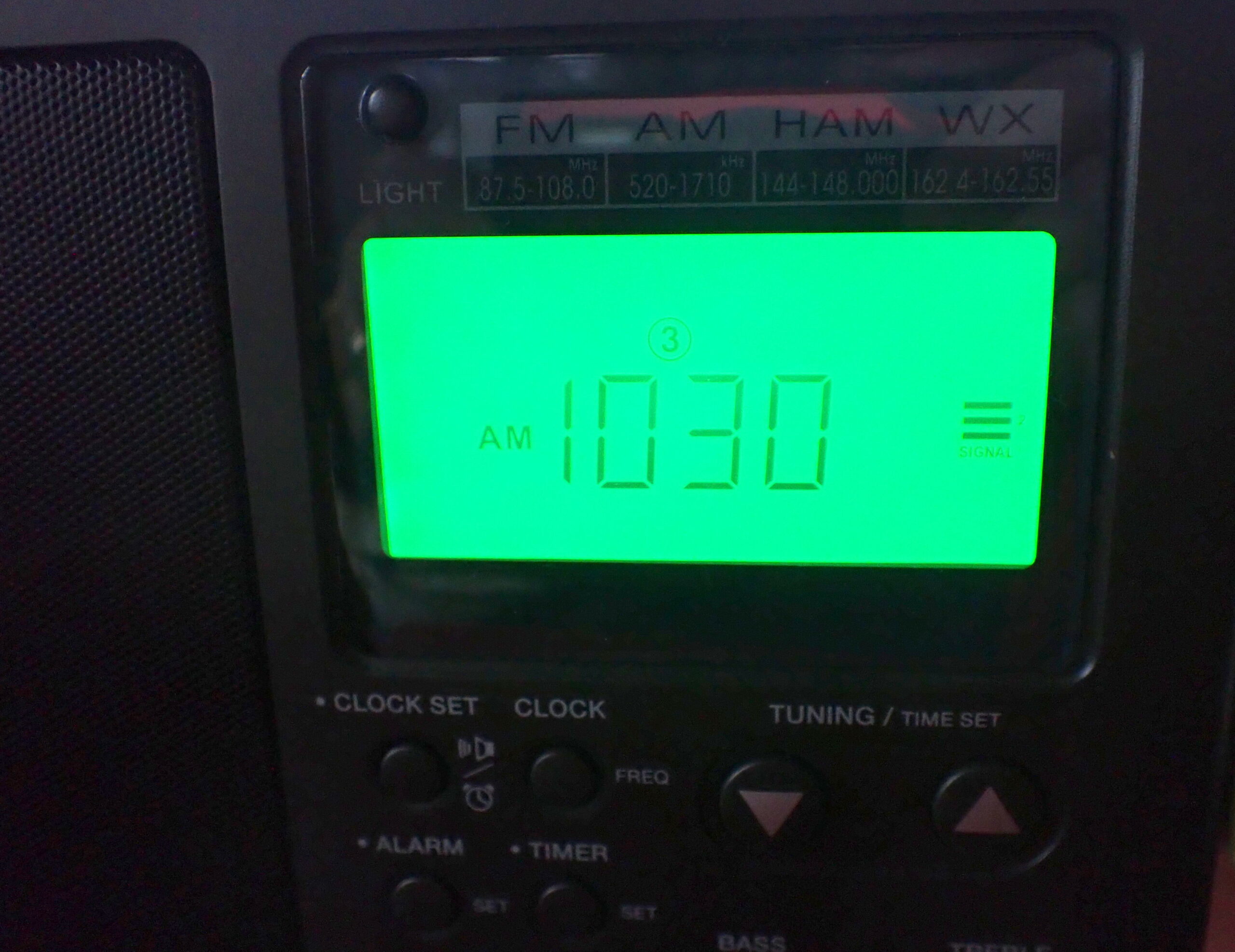
  • 1030, WBZ, Boston, MA
  • 1060, KYW, Philadelphia, PA
  • 1090, WBAL, Baltimore, MD
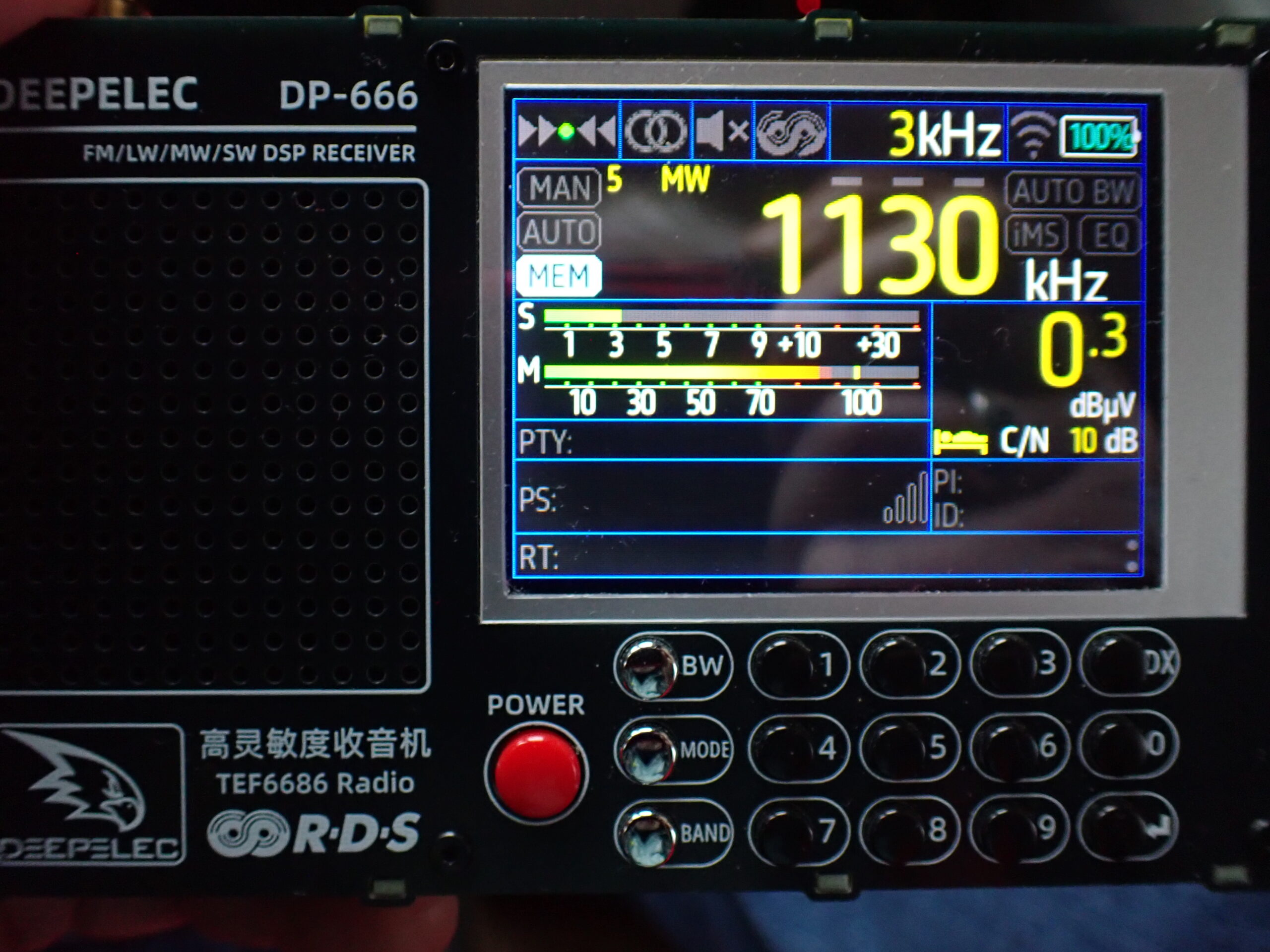
  • 1130, WBBR, New York City
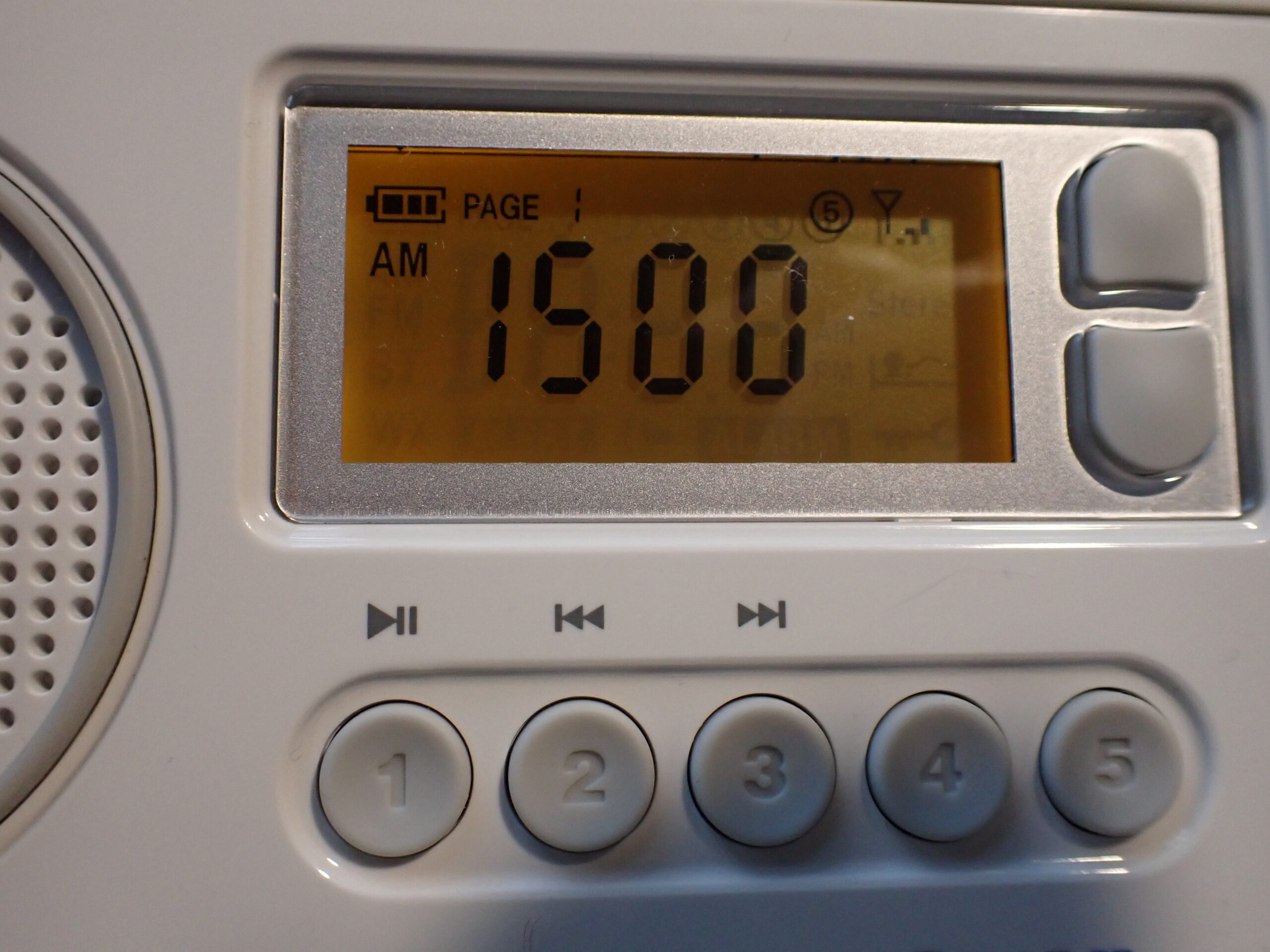
  • 1500, WFED, Washington, DC

When I saw that list, I thought “This is a pretty good resource.”

Then a day ago, something clicked, the lightbulb went on, and I realized: “This is exactly the list of stations that I would want if I were in the same situation as Rob after Katrina, where my local stations were dark, and I wanted to know what was going on! I named the list: the News Cruiser.

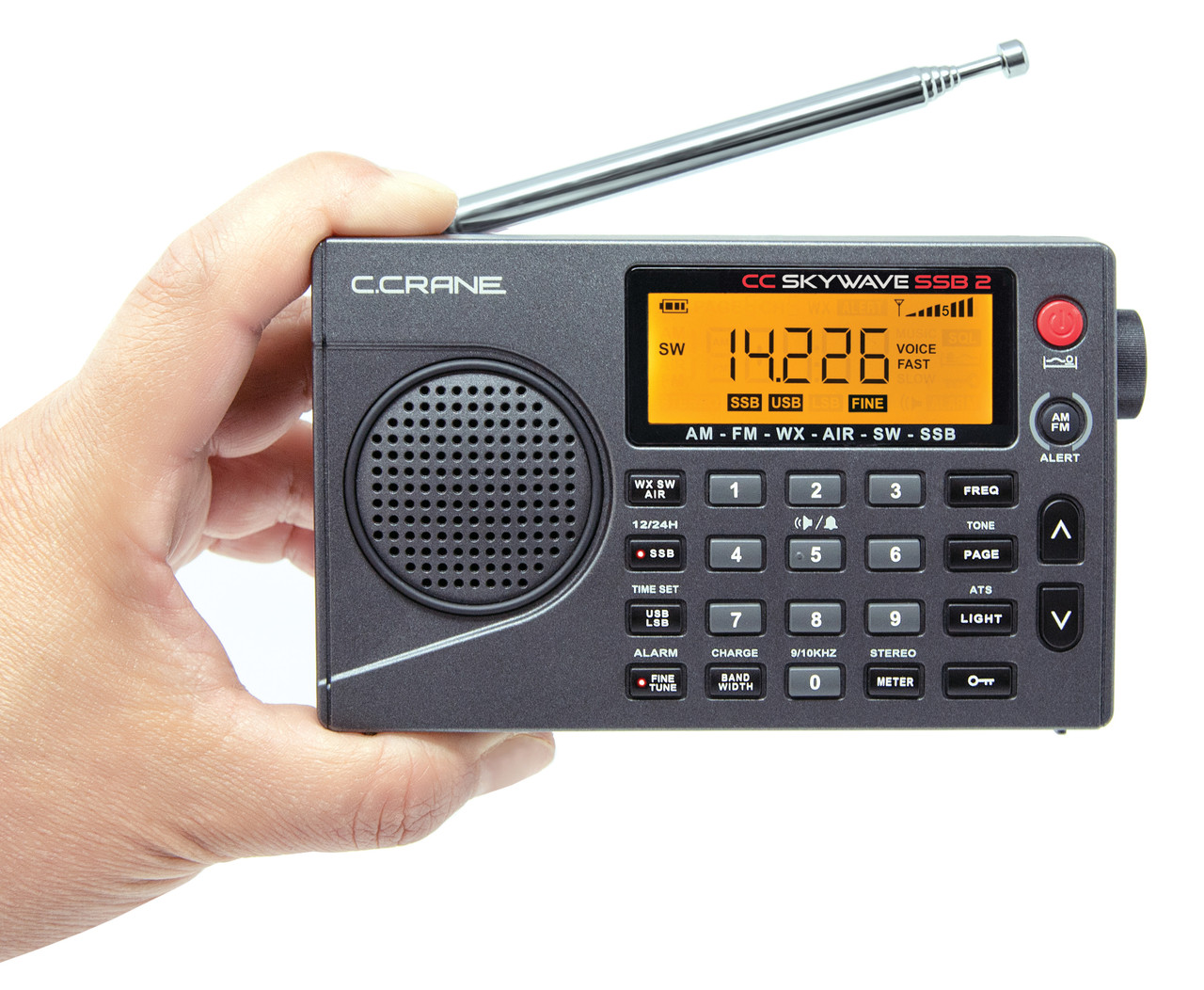
So, in the predawn hours, I decided to put the News Cruiser list to the test. I plugged the frequencies into several of my radios, and here is what I found. With the CCrane Skywave SSB 2, the signals ranged from copyable with noise to marginal to uncopyable, depending on the station. With the CCrane CCRadio SolarBT the results were better, but often tough to copy. Neither of these radios has the ability to connect to a medium wave loop antenna through a direct wired connection, although they can be inductively coupled to a loop such as the Terk AM Advantage.

The CCrane 2E, a much bigger radio with a much bigger internal ferrite bar antenna, produced markedly improved results. All three of these radios can be powered by off-the-shelf AA or D cells, which I considered to be an advantage during an emergency.

Two other radios, the Qodosen DX-286 and the Deepelec DP-666, which are powered by rechargeable batteries, acquitted themselves quite well when hardwired to the Terk AM Advantage loop antenna, but I prefer radios that can accept off-the-shelf commercial batteries.

If you live in North America, you can create your own News Cruiser list for your emergency radio by consulting https://radio-locator.com/ and using the search function to find stations that broadcast in the “News” format.

Once you have assembled your list, test it out with the radio you would grab in an emergency and see how well they perform. You might find the perfect combination that you like or you might discover that there is some room for improvement.

In any event, I heartily recommend that every household has an emergency radio that can be easily deployed to discover essential information when the fertilizer hits the fan. The point is to discover what works for you and to discover it before it is needed.

Further, I would very much like to know what works for you no matter where in the world you are located. Let me know in the comments below.

CC Buds Solo: Two years into the mission . . .

By Jock Elliott, KB2GOM

Okay, okay, I can almost predict what you will be thinking: it’s not the most expensive piece of gear in your listening kit. But for me, headphones or earbuds that pipe the audio from my SW receiver or scanner directly into my ears is one of my most valued pieces of equipment.

Why? First, because I have a hearing deficit that headphones or earbuds help to overcome. Second, to preserve domestic tranquility, so my wife doesn’t have to endure the squeaks, squawks, and static crashes that are often part of the listening experience. (We Armchair Adventurers have to keep our priorities straight.) And third, to help me concentrate on teasing out faint signals.

So I am a fan of headphones and earbuds, but I have had a difficult relationship with them because the wires break. That’s right; until recently, all of the headphones or earbuds that I employed eventually failed because the wire/cable connecting the headphones or earbuds to the radio failed, either losing any signal entirely or becoming intermittent.

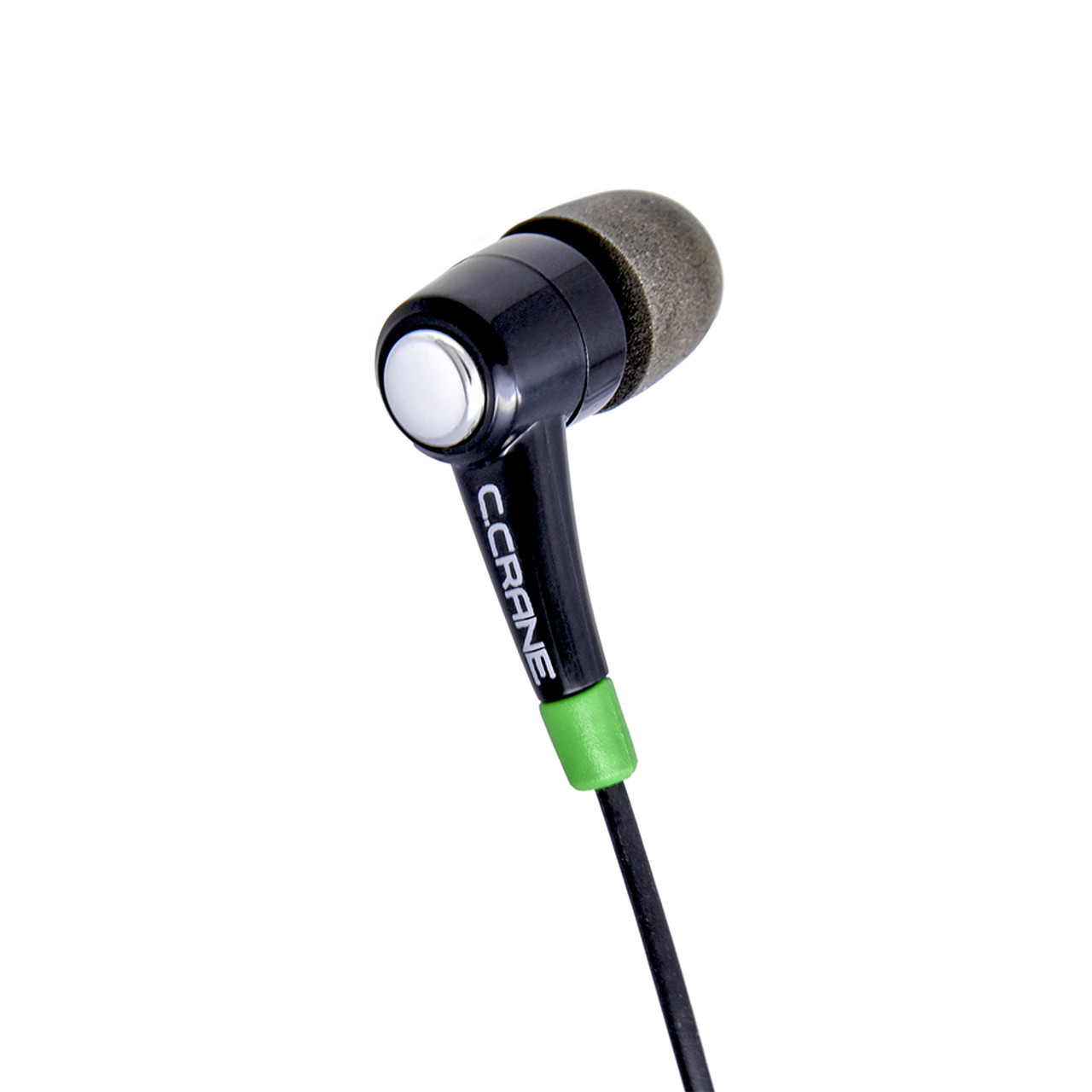
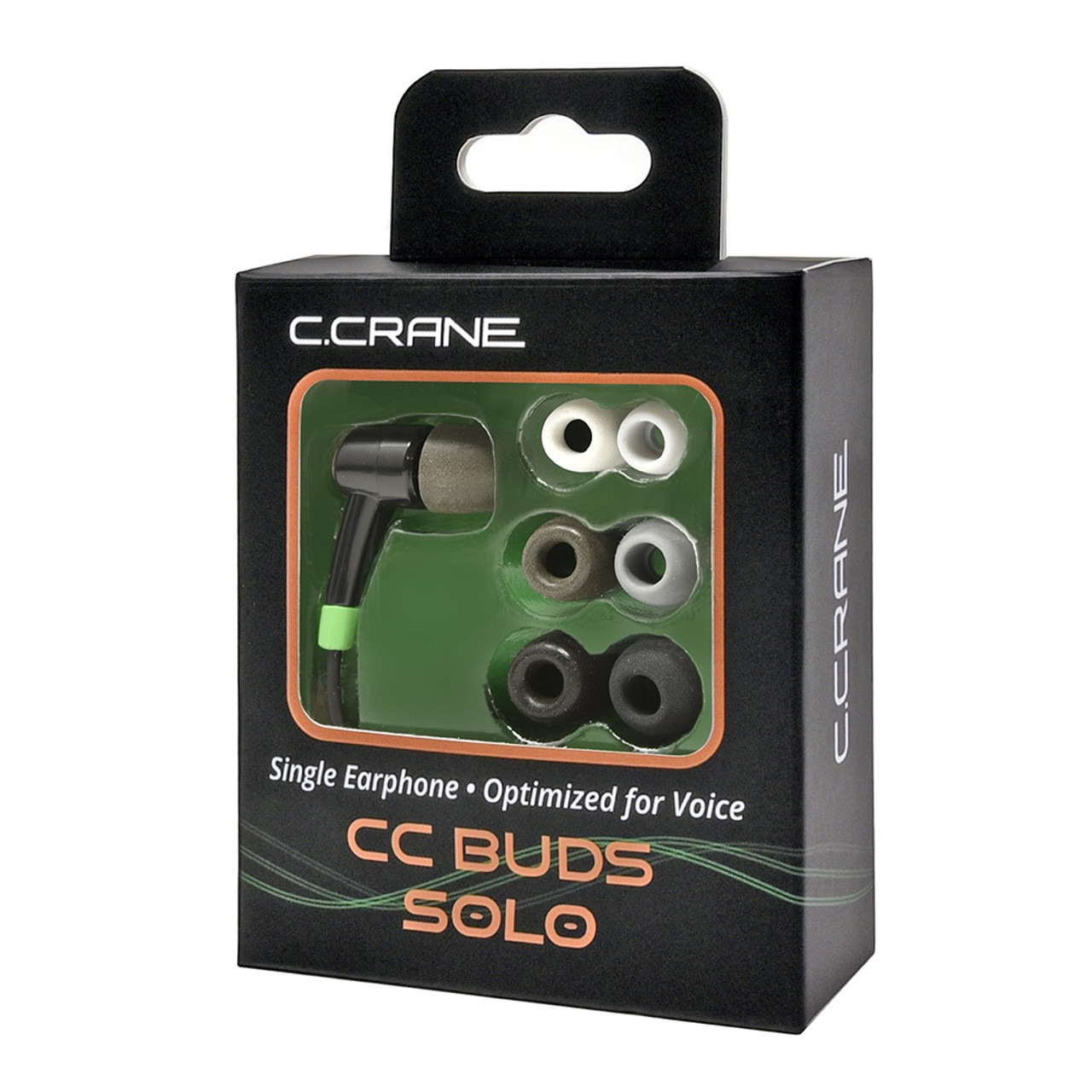
Two years ago, the folks at CCrane teased me with a marketing email that offered CC Buds Solo In-Ear Single Earbud with a cable that was Kevlar reinforced for “maximum durability.” Intrigued, I purchased the “buy two, get one free” deal because I knew, just knew, Kevlar-reinforced or not, the cable would eventually fail.

Well, guess what? The cable did not fail, not even a little bit, despite my treating it badly. (Once, while walking, the cable caught on a doorknob, yanking the earbud out of my ear and a small digital recorder out of my pocket. And that’s not the only time I have inadvertently done my best to render it inoperable.) Two years into the mission, I am still using the original CCrane solo earbud that I first unpacked. The second one is deployed upstairs for my horizontal DXing exploits in the middle of the night, and the third I gave to a friend. CCrane says the audio is “tuned for superior voice quality,” which works just fine for my purposes.

So the upshot, if you hadn’t guessed, is that I can heartily recommend the CCrane Solo Earbud. If you consult the original post, found here — https://swling.com/blog/2023/12/checking-out-ccranes-solo-earbud/ — you can discover some additional details and some of the reasons why I find listening with one earbud to be an advantage.

A HUGE difference . . .

By Jock Elliott, KB2GOM

It was a remark from Sebastian Schlüter in response to this post – https://swling.com/blog/2025/10/some-really-inexpensive-ways-to-perhaps-improve-your-shortwave-listening — that sparked today’s post.

He said:

If your RFI is really high, your best weapon is a magnetic loop antenna aka small receive loop. At home, my RFI is so high that I don’t benefit from a larger/longer antenna. For example: Using the telescopic antenna (75 cm) vs using 3m of wire. Reason is that the signal-to-noise ratio is roughly the same in both cases and that all of those very weak signals are below the noise floor anyway, and the ones that make it through the noise are already strong enough to be received with the telescopic only. Conclusion: In a high RFI environment, it’s not about maximising the signal strength but maximising the SNR. You need to find an antenna type that will pick up less of that RFI. A cheap and simple antenna for this is the small receive loop. For a start, you can use a cheap wire terminal with 3.5mm mono jack. Using a 1:1 balun further improves the result.

What really struck my eye was this:

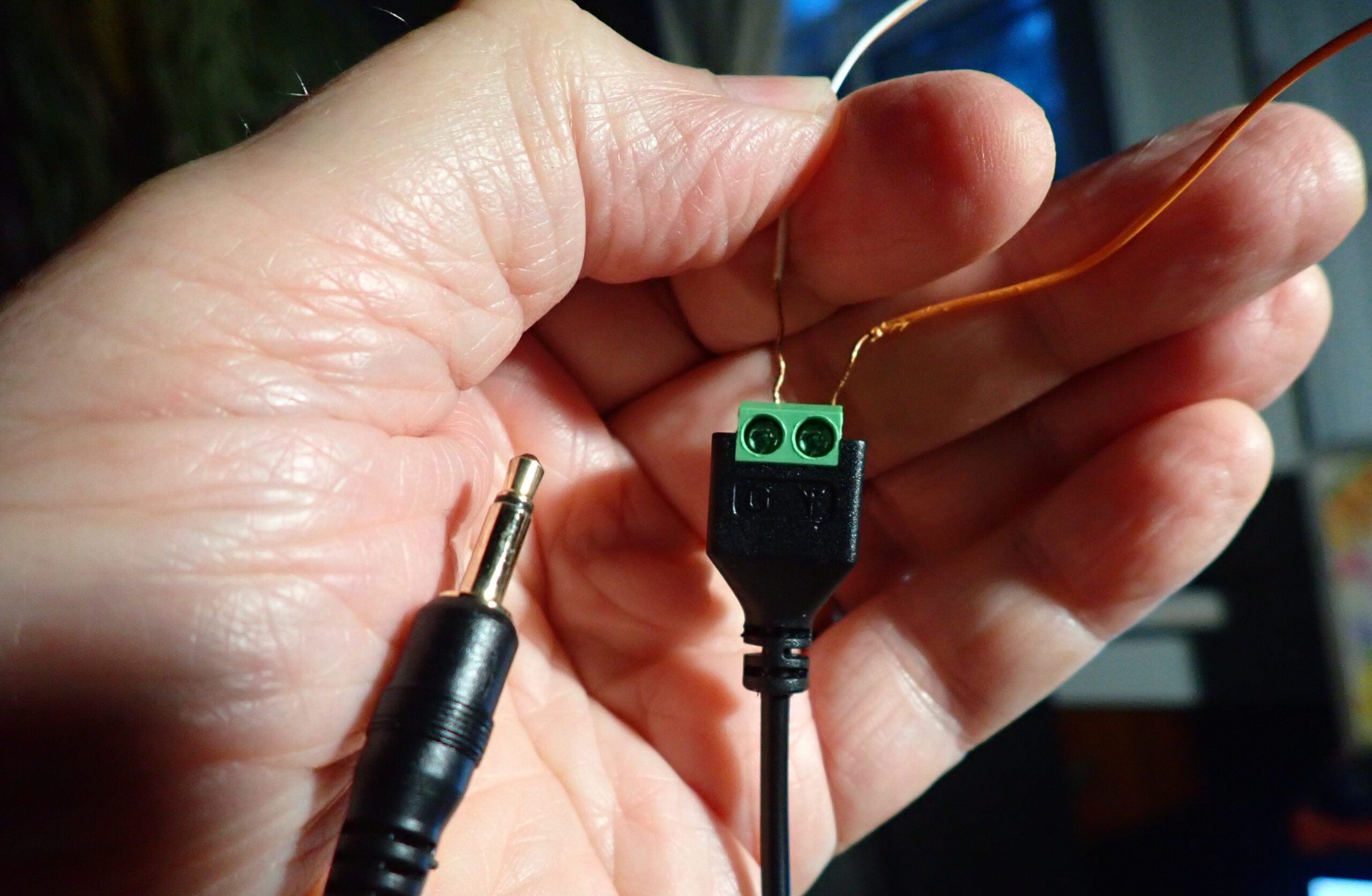
A cheap and simple antenna for this is the small receive loop. For a start, you can use a cheap wire terminal with 3.5mm mono jack.

My CCrane Skywave SSB 2 came with a wire terminal with a 3.5 mono jack, I realized. I hooked it up to my 45-foot horizontal room loop (a single strand of insulated wire run around the top of window frames and bookcases in my radio shack), and then ran the following experiment.

Using the scan function on the Skywave SSB 2, I scanned the shortwave bands using the whip antenna, and then I did it with the loop plugged into the external antenna socket.

The results:

CCrane Skywave SSB 2

Whip antenna: 4 stations detected.                             Loop antenna: 13 stations detected.

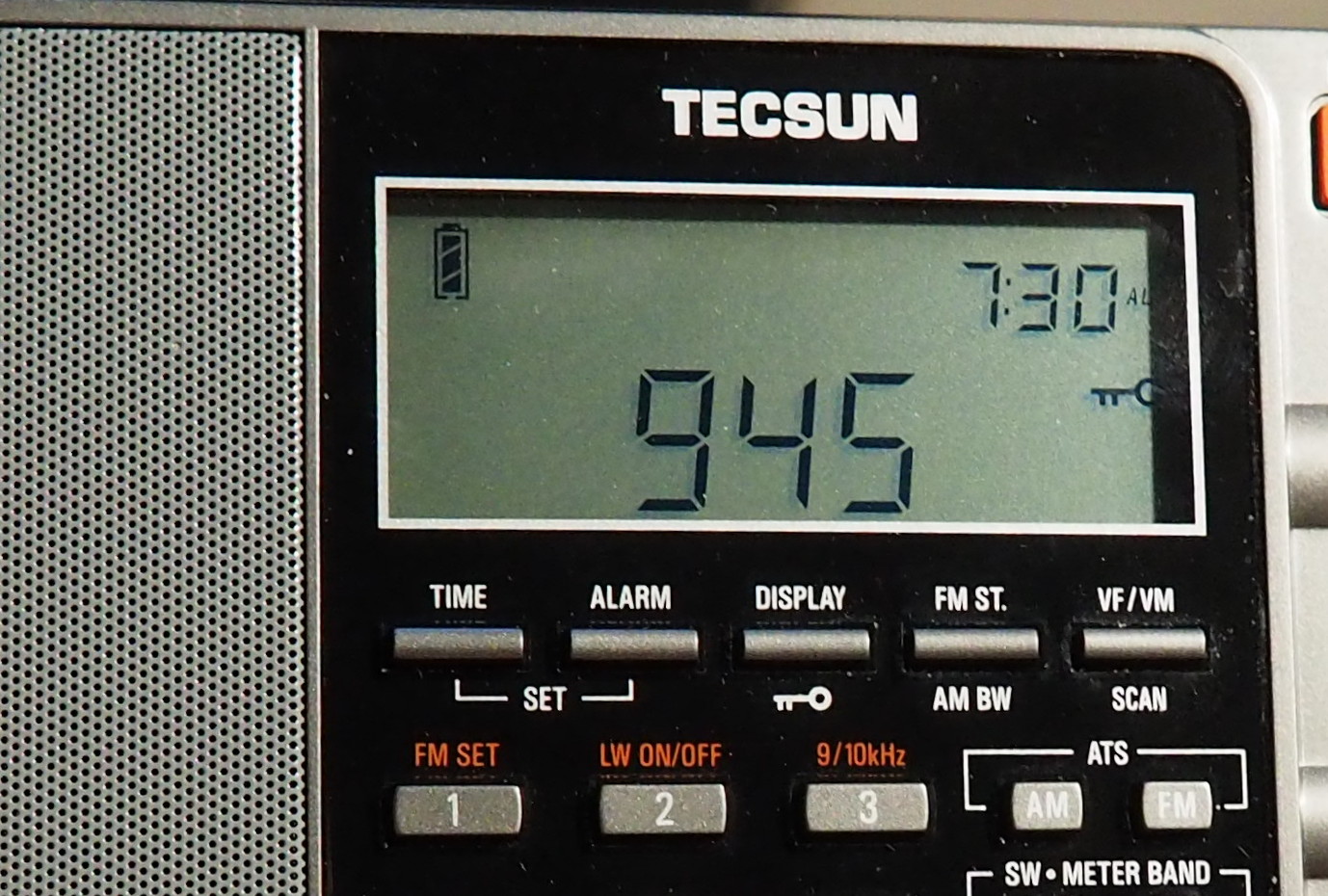
Then I tried the same experiment with a Tecsun PL-880.

The results:

Tecsun PL-880

Whip antenna: 8 stations detected                              Loop antenna: 15 stations detected.

Clearly, Sebastian’s suggestion of plugging in a simple wire loop makes a huge difference. And, I should note, I didn’t play fair. I did the test while 3 scanners, an LED light, and two UHF/VHF ham transceivers were operating in the vicinity and probably generating RFI.

So now the question: I ran the experiment with a 45-foot simple loop. What do you suppose would be the minimum wire length for an effective simple wire loop? I look forward to your input.

Some really inexpensive ways to perhaps improve your shortwave listening


By Jock Elliott, KB2GOM

Just yesterday morning, I was reminded that sometimes really small things can make a significant difference SWLing. So here are some things that I found can make an improvement, particularly if you are using one of the modern shortwave portables with its whip antenna.

  1. Turn off as many electronics as possible in the room where you are listening. Computers, scanners, LED lights and all sorts of other electronics can introduce digital “hash” into the airwave near your radio. Turning them off may reduce the noise floor. Remember, we are all about improving signal-to-noise: we want more signal, less noise. Yesterday, I was trying to chase some English language broadcasts and found that turning off a nearby police scanner made a significant difference. If weather permits, moving outside can make a huge difference.
  2. Feel free to move the whip antenna of your radio to different orientations such as horizontal and various points of the compass. Again, yesterday I was unable to hear one particular station with the whip antenna vertical, but when I lowered it to nearly horizontal and pointed toward the south, the station was audible.

OLYMPUS DIGITAL CAMERA

  1. If you are just getting started, try using the search/scan/seek function of your radio to see what broadcasts it detects. Remember, though, that the seek function will reveal only what it can detect, so you might also try it with your antenna in different orientations. (See number 2 above.)

OLYMPUS DIGITAL CAMERA

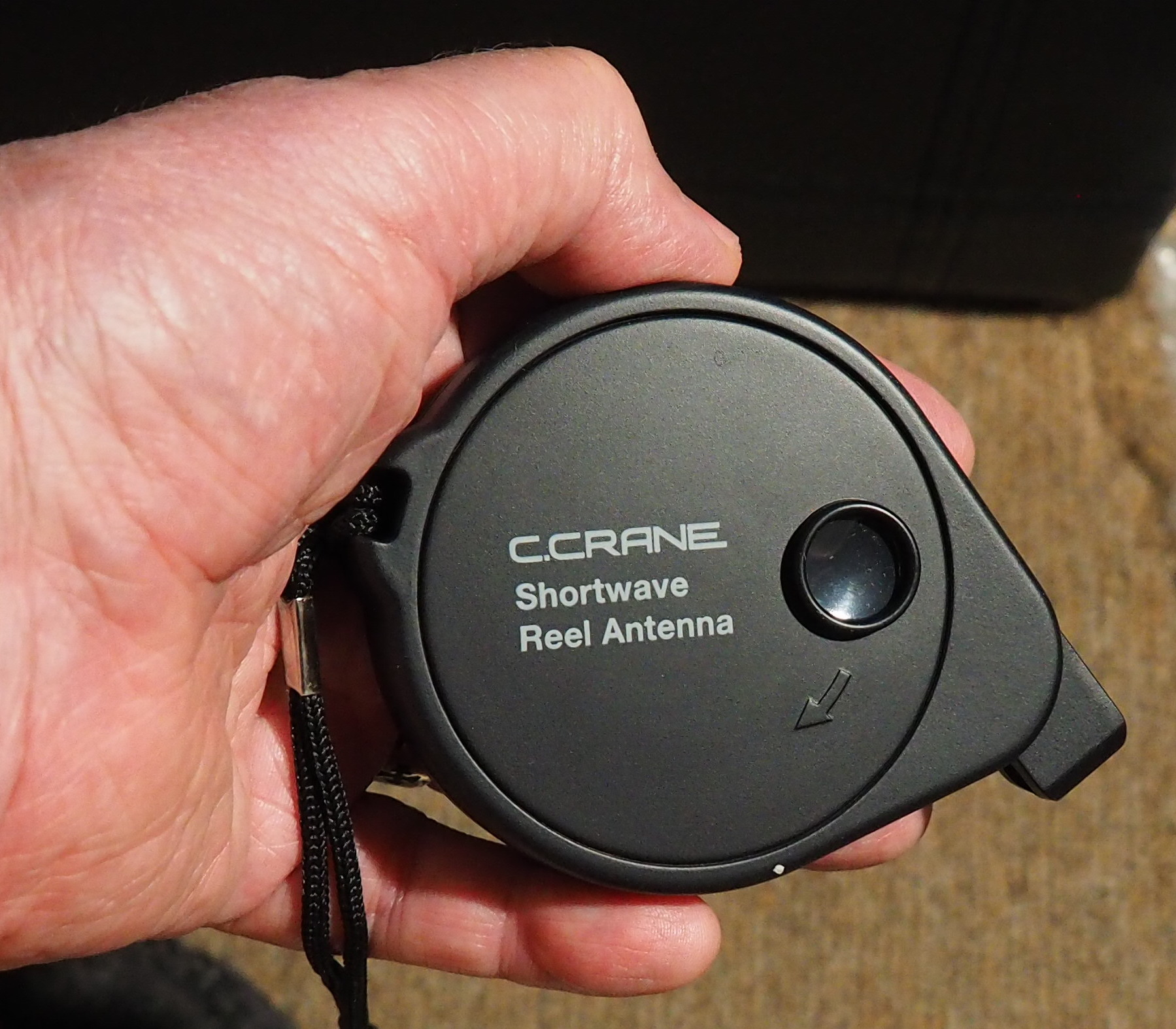
  1. Try using a bigger antenna. If you radio came with an auxiliary roll-up antenna, try deploying it. One of my auxiliary antennas is designed so that the far end can be clipped to a curtain. Try different configurations and see which works best. If you radio didn’t come with one, it is easy to improvise: get yourself 20 feet of insulated wire and an alligator clip. Attach the clip to the wire, then clamp the jaws of the alligator clip to the whip antenna on your radio. Try different configurations. The only hard and fast rule is: never, EVER, deploy an antenna where it can fall on a power line or a power line can fall on it. And, if you deploy your antenna outside be sure to haul it in when lightning threatens. Don’t go nuts with the length of the wire . . . 20 feet will do. Carlos Latuff, whose radiofax and weatherfax interceptions often grace this blog, often uses a wire antenna that is just 3 meters long!

  1. It is very useful to have a list of target frequencies, particularly since so many modern portables have a keypad that makes punching in a frequency as easy as using a calculator. I can highly recommend the charts produced by Harold Sellers of the Ontario DX Association. These include the World English Survey (a listing of English language broadcasts by time and frequency), Target Listening by Country, and Target Listening by Time. Just because a station is listed at a particular time on a particular frequency doesn’t mean that you will be able to hear it, but I find it fun to punch in the numbers and discover what I can You can be notified when each month’s charts can be downloaded. They are posted to the ODXA Facebook Group files section and also on three IO Group files section: ODXA, World of Radio and CIDX.

I hope these small suggestions will be of some help in making your listening better.

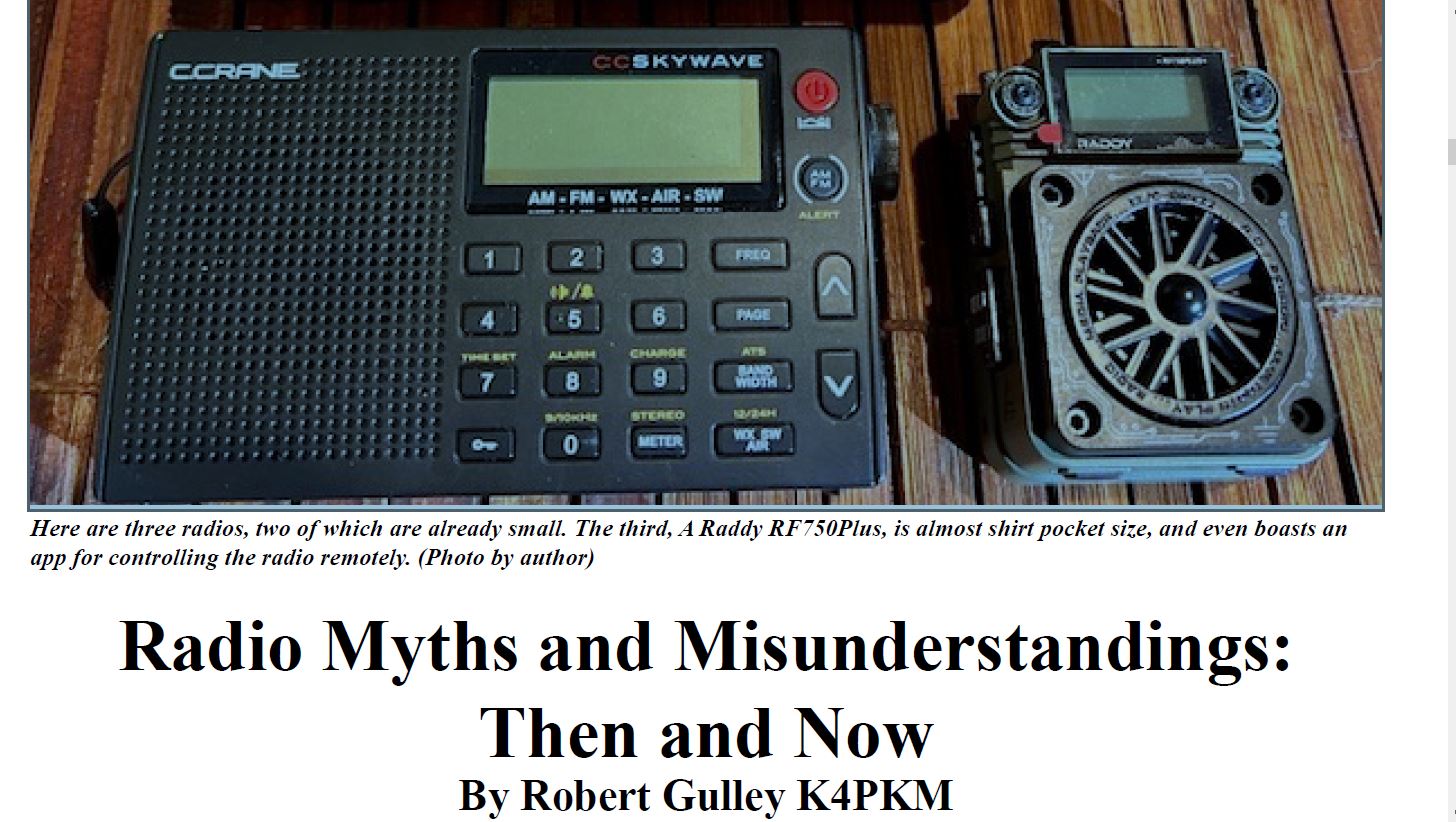
Wonderful Robert Gulley article in the Sept. The Spectrum Monitor

There is a truly excellent article by Robert Gulley in the September issue of The Spectrum Monitor. Entitled “Radio Myths and Misunderstandings: Then and Now.” it cover such myths as Radio is Dying, There is Nothing to Listen to, Digital Modes are Killing Amateur Radio, Radio isn’t Relevant Anymore or is Obsolete, and other topics as well.

It is well-written, interesting, and thought-provoking and well worth the time.

One of my favorite quotes from the entire piece is this:

“Analog scanners, by the way, also pick up road crews,
snowplows, school busses, construction reports, and hazmat
incidences, all of which can keep you informed of what is
happening locally, usually better than your local news.”

I agree, and I can highly recommend this article.

– Jock Elliott