Category Archives: Radios

Upgrading my Yaesu FT-817 transceiver with the G7UHN rev2 Buddy board

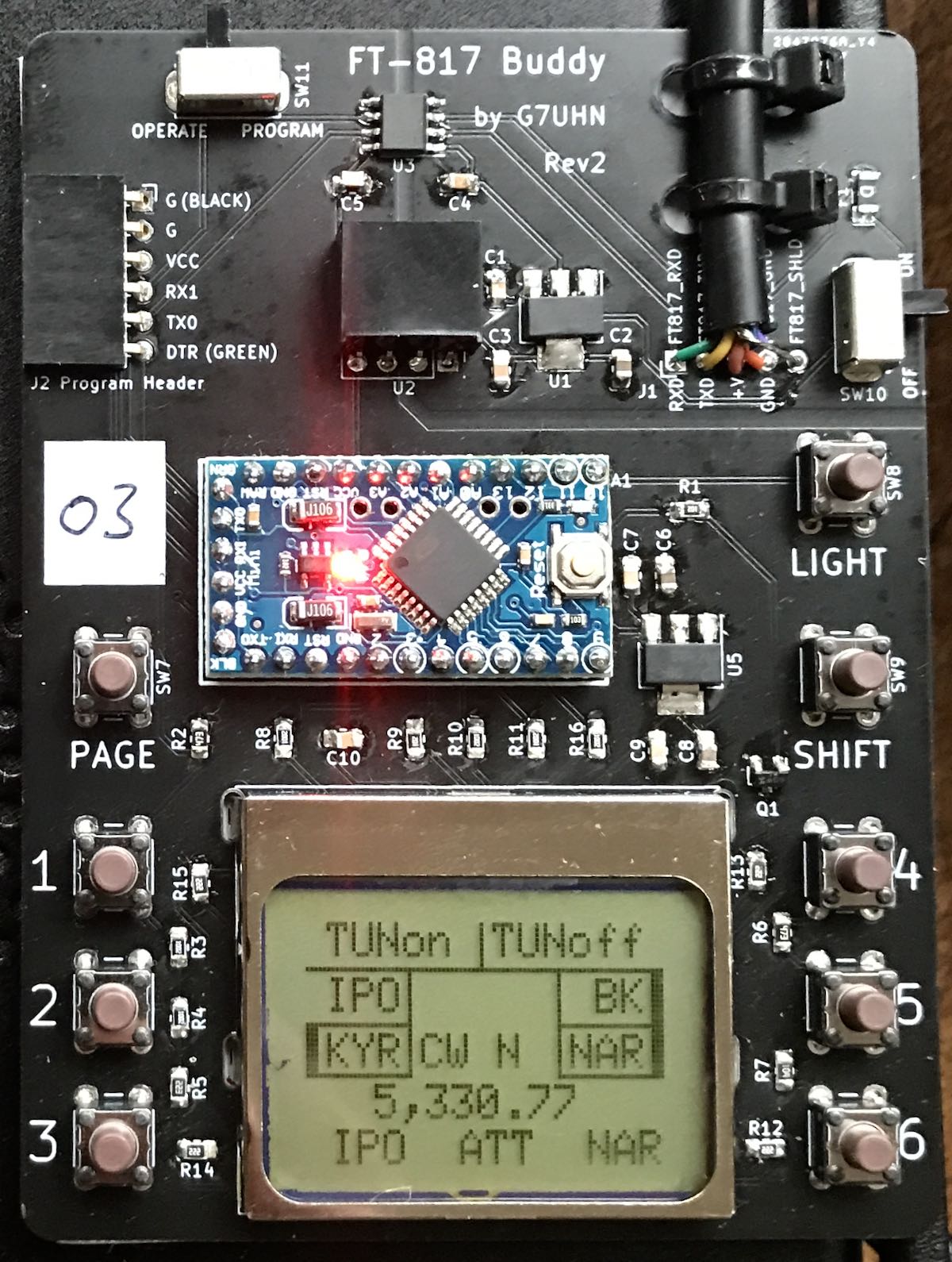
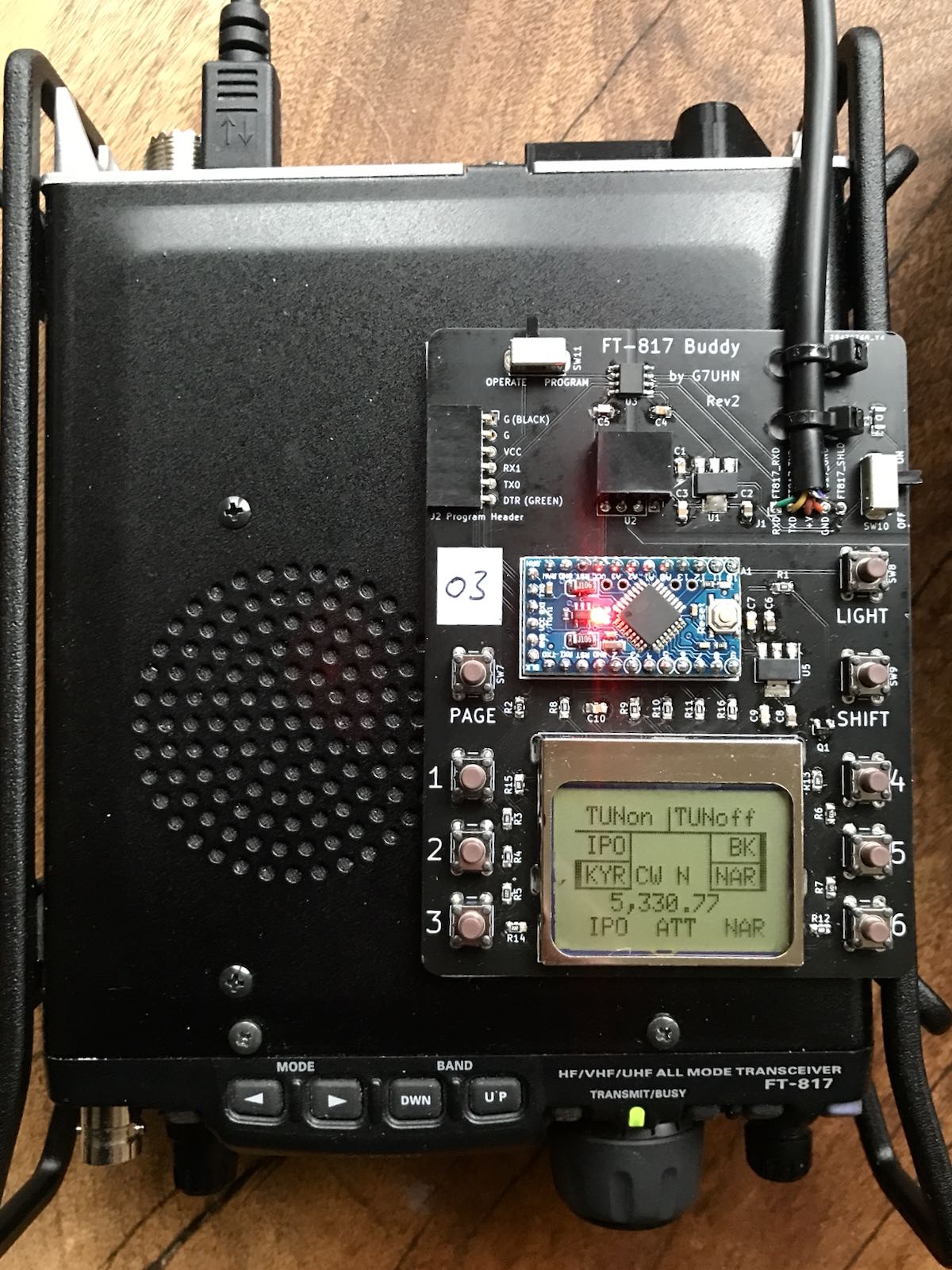
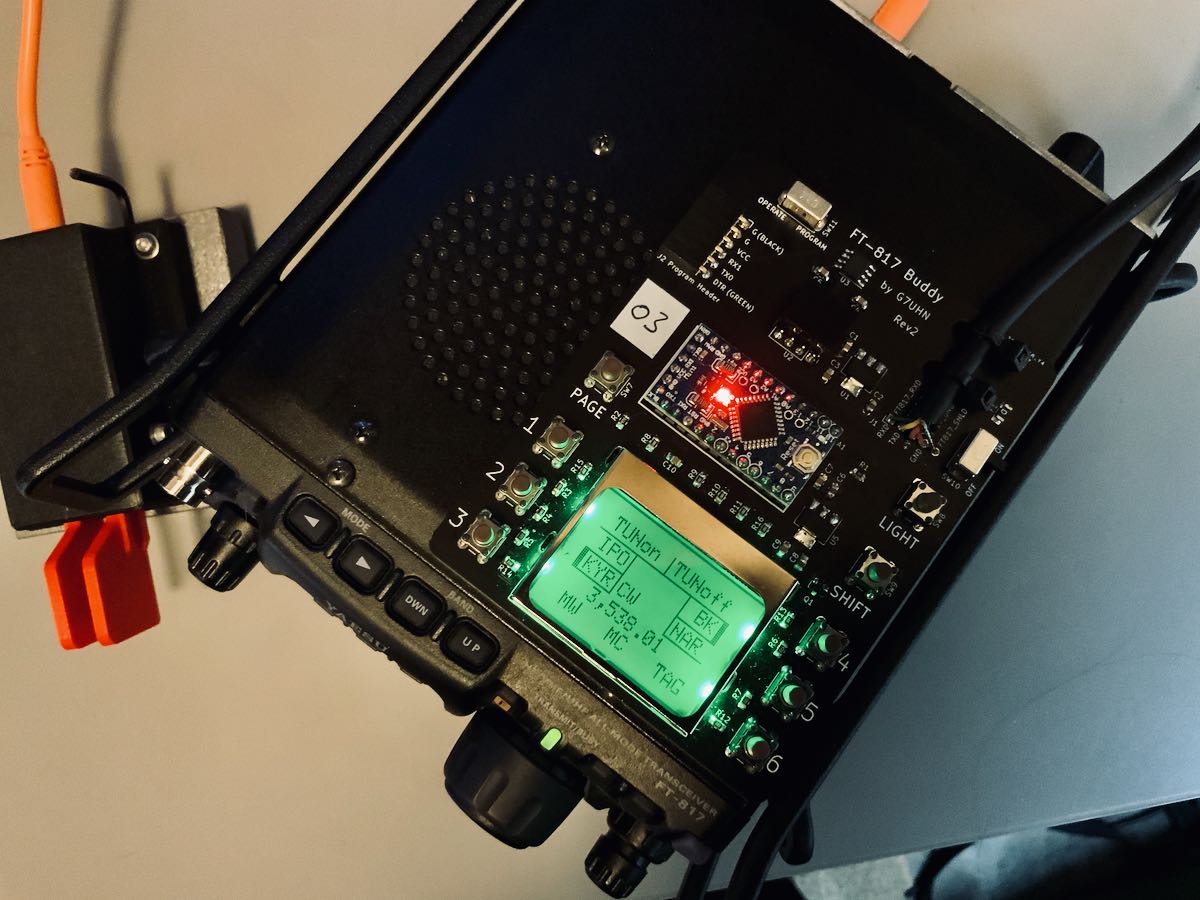
Last August, SWLing Post contributor, Andy (G7UHN), shared his homebrew project with us: a genius companion control display for the venerable Yaesu FT-817 general coverage QRP transceiver.

Andy’s article caused me (yes, I blame him) to wax nostalgic about the popular FT-817 transceiver. You see, I owned one of the first production models of the FT-817 in 2001 when I lived in the UK.

At the time, there was nothing like it on the market: a very portable and efficient HF, VHF, UHF, multi-mode general coverage QRP transceiver…all for $670 US.

In 2001? Yeah, Yaesu knocked it out of the ballpark!

In fact, they knocked it out of the ballpark so hard, the radio is still in production two decades later and in demand under the model FT-818.

I sold my FT-817 in 2008 to raise funds for the purchase of an Elecraft KX1, if memory serves. My reasoning? The one thing I disliked about my FT-817 was its tiny front-facing display. When combined with the embedded menus and lack of controls, it could get frustrating at home and in the field.

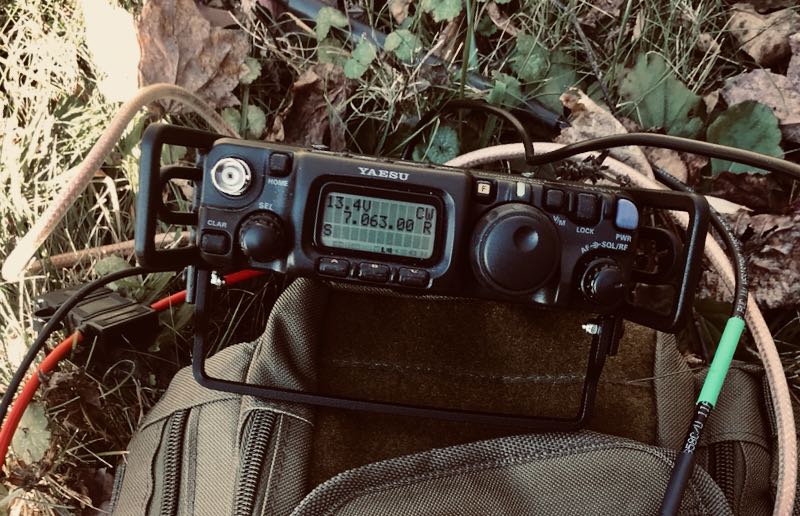
I mentioned in a previous post that I purchased a used FT-817ND from my buddy, Don, in October, 2020. I do blame Andy for this purchase. Indeed, I hereby declare him an FT-817 enabler!

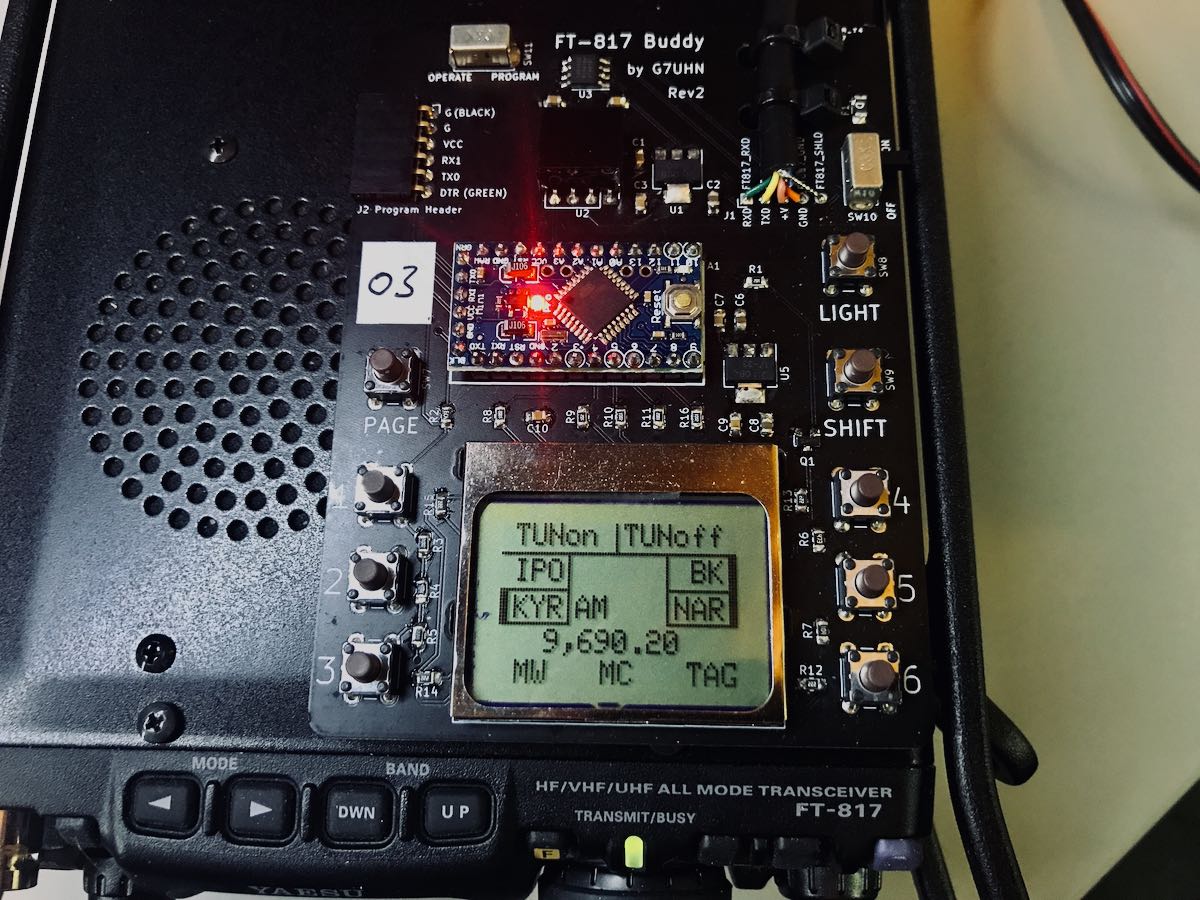
FT-817 Buddy board

When I told Andy about my ‘817ND purchase, he asked if I’d like to help him test the FT-817 Buddy board versions. How could I refuse?

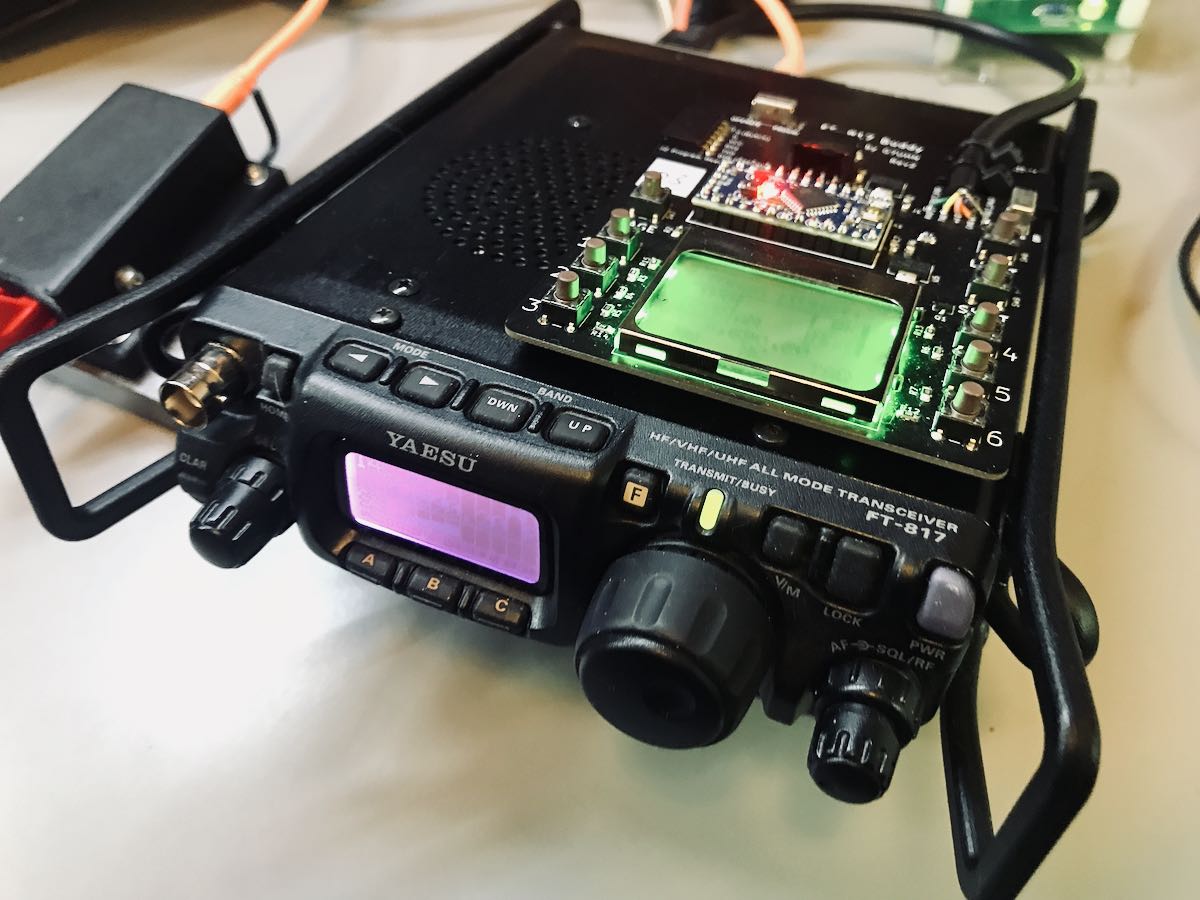
Andy sent me a prototype of his Version 2 Buddy board which arrived in late November. I had to source out a few bits (an Arduino board, Nokia display, and multi-conductor CAT cable). Andy kindly pre-populated all of the SMD components so I only needed to solder the Arduino board and configure/solder the cable. I did take a lot of care preparing and soldering the cable, making sure there was no unintentional short between the voltage and ground conductors.

Overall, I found the construction and programming pretty straight-forward. It helped that Andy did a remote session with me during the programming process (thanks, OM!). Andy is doing an amazing job with the documentation.

I do love how the board makes it easier to read the frequency and have direct access to important functions without digging through embedded menus. While there’s nothing stopping you from changing the program to suit you, Andy’s done a brilliant job with this since he’s an experienced FT-817 user.

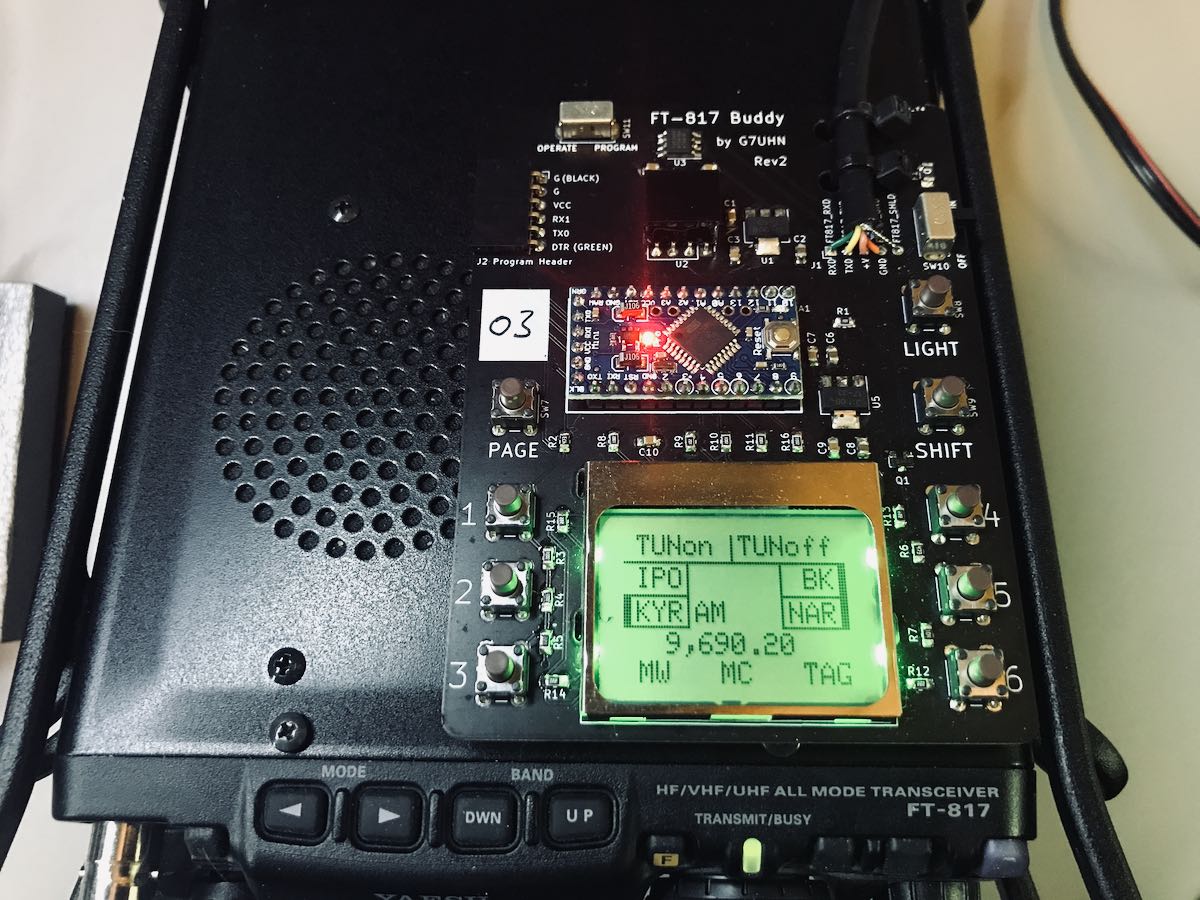
The Nokia display is very well backlit, high contrast, and easy very to read.

“Resistance is futile”

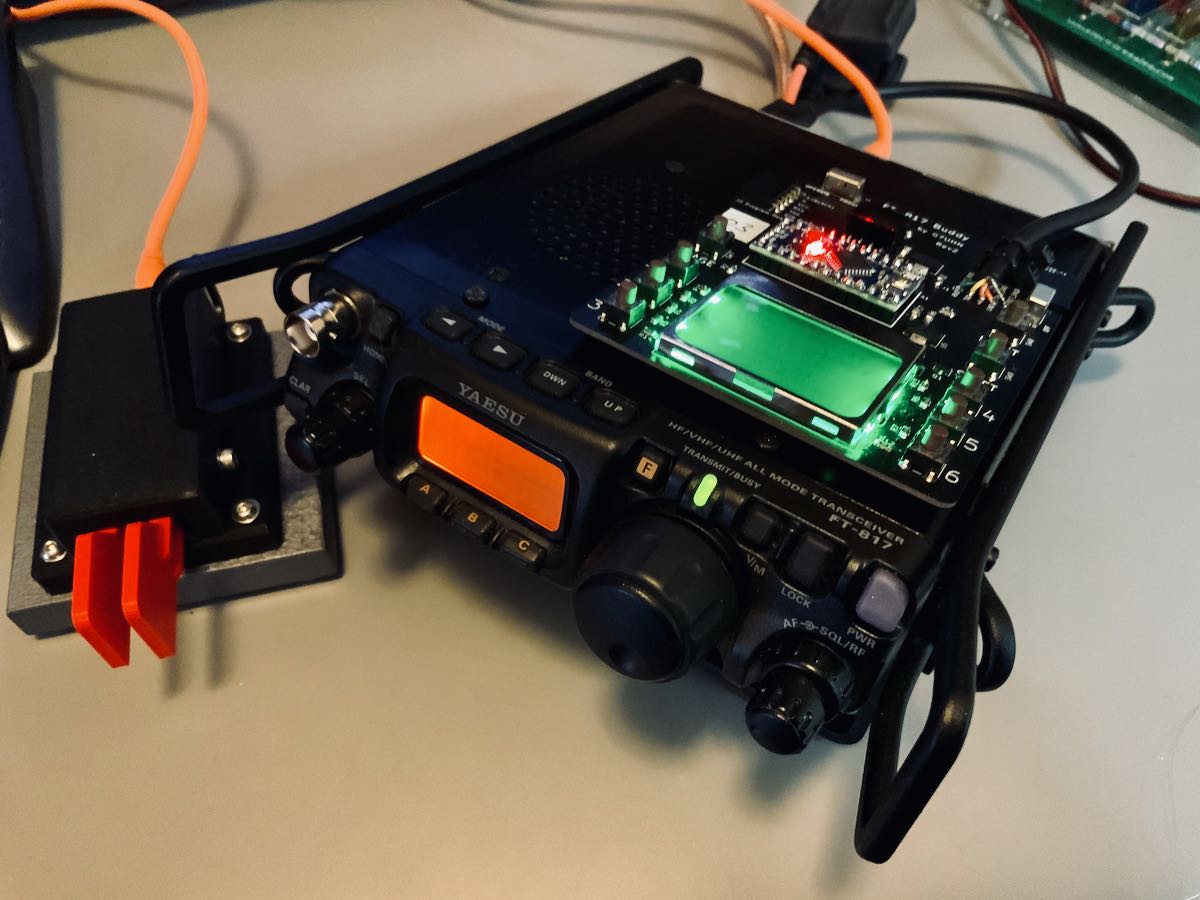
I mentioned on Twitter that, with the backlight on, the FT-817 Buddy makes my ‘817ND look like it was recently assimilated by The Borg.

Don’t tell any Star Trek captains, but I’m good with that.

Andy has a rev3 board in the works and it sports something that will be a game-changer for me in the field: K1EL’s keyer chip!

For more information about the FT-817 Buddy, check out Andy’s website. At time of posting, it’s not available yet, but as Andy says, “it’s nearly there!”

Of course, we’ll keep you updated here as well. Many thanks to Andy for taking this project to the next level. No doubt a lot of FT-817 users will benefit from this brilliant project!

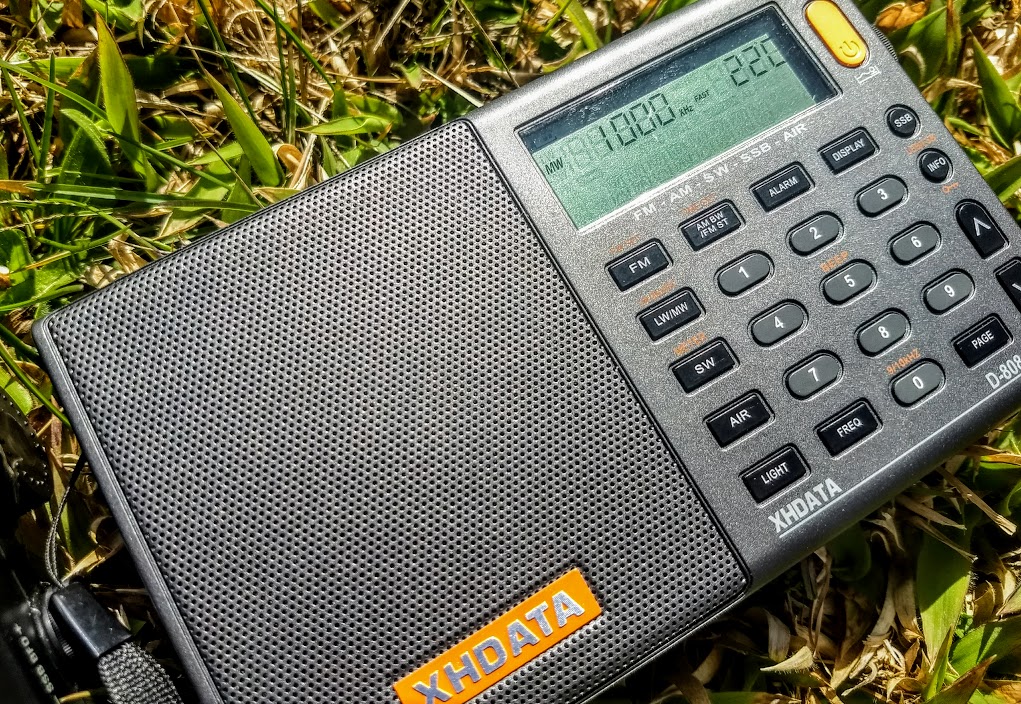
Setting time and saving/recalling station memories on the XHDATA D-808?

Many thanks to SWLing Post contributor, Sorin, who writes:

Hello Thomas,
I’ve read with interest your blog and inputs about the XHDATA radio.
Now since yesterday I own such a radio, and I’ve noticed it has aspects that are superbly resolved, but I miss a complete Instruction Manual. The pdf you have there (the same as the printed one that came with my radio) isn’t describing some matters, I will highlight just those I’ve confronted:

How do you set the local time? The manual stops at saying how to switch from Automatic (I guess from the unreliable RDS clock) to Manual. What buttons are to be pressed further to set the time ?

How do you save radio stations beyond the 10 pcs on Page 00? Ho do you go further from Page 00 to some other ? Pressing further the Page button doesn’t change anything.

How do you call saved stations from other pages that Page 00?

best regards,
Sorin

Thank you for your question, Sorin. I’m letting a friend borrow my D-808 so, unfortunately, don’t have it handy to confirm this for you. My hope is that an SWLing Post reader can help.

Please comment if you can help Sorin with these D-808 functions!

Looking back at 2020: What radios were in heavy rotation at your home and in the field–?

This morning, I’m looking at the calendar and I see and end in sight for 2020. I think most of us can agree that 2020 will be one for the history books, in large part due to the Covid-19 global pandemic which has had a pretty dramatic affect on many of our lives. It certainly brough my planned travels to a halt. I think many of us are quite happy to show 2020 the door!

As each year comes to a conclusion, I often look back at my radio activities during that year and see how it played out. I especially note the radios I used most heavily throughout the year.

Since I evaluate and test radios, models that are new to the market obviously get a lot of air time. Still, I’m also known to pull radios from the closet and give them some serous air time.

I’m very curious what radios you gave the most air time in 2020?

Here’s my list based on type/application:

Portable shortwave receivers

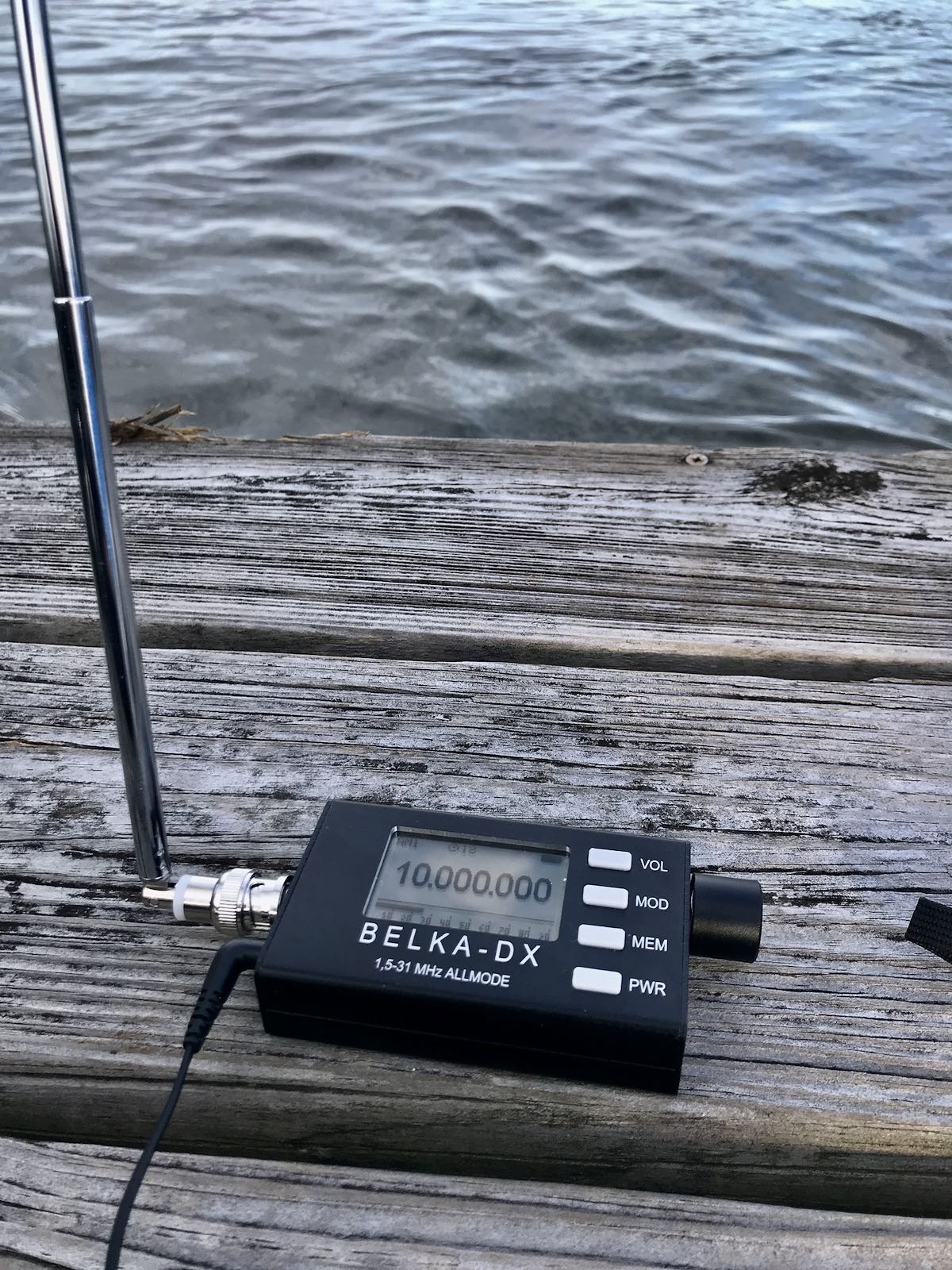
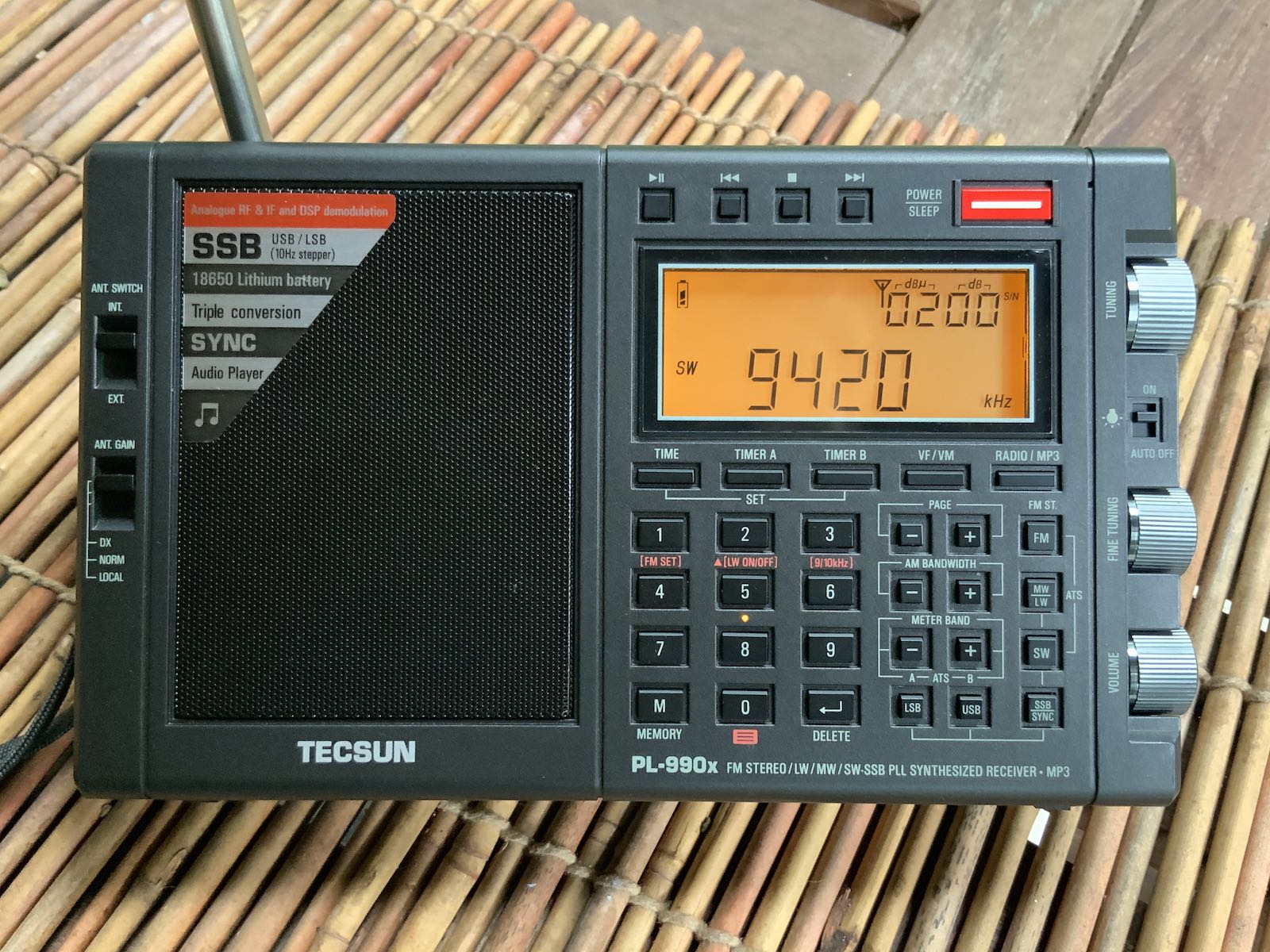
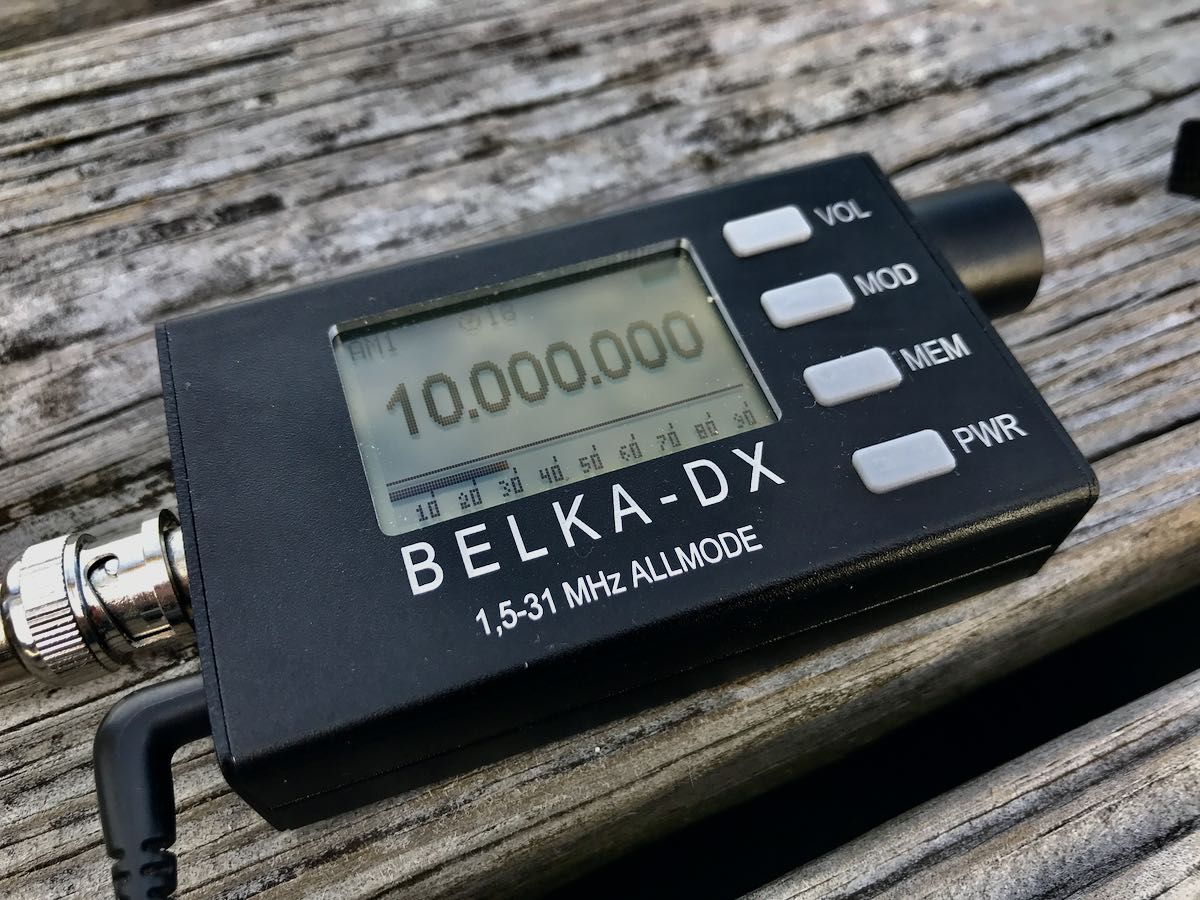
Since they’re new to the market, both the Tecsun PL-990 (above) and Belka DX (below) got a lot of air time.

I do like both radios and even took the pair on vacation recently even though packing space was very limited. I see the Belka DX getting much more air time in the future because 1.) it’s a performer (golly–just check out 13dka’s review of the Belka DSP) and 2.) it’s incredibly compact. The Belka now lives in my EDC bag, so is with me for impromptu listening and DXing sessions.

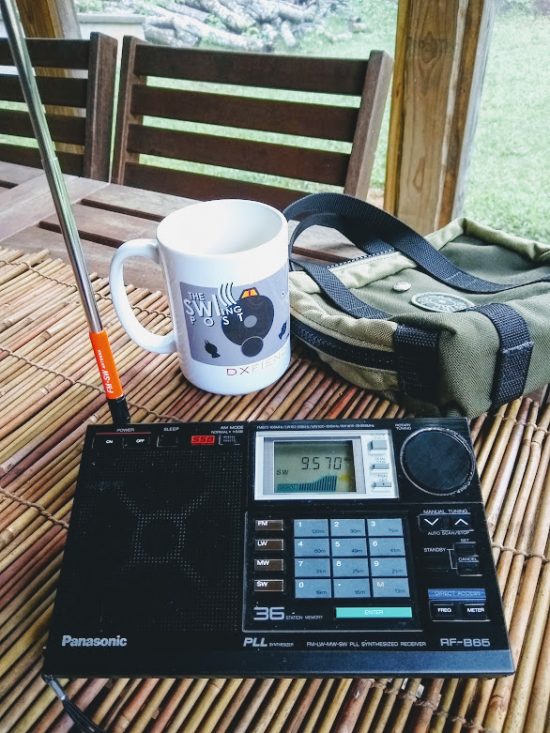
A classic solid-state portable that also got a lot of air time this year was the Panasonic RF-B65. Not only is it a performer, but it has a “cool” factor that’s hard to describe. I love it.

Tabletop portables

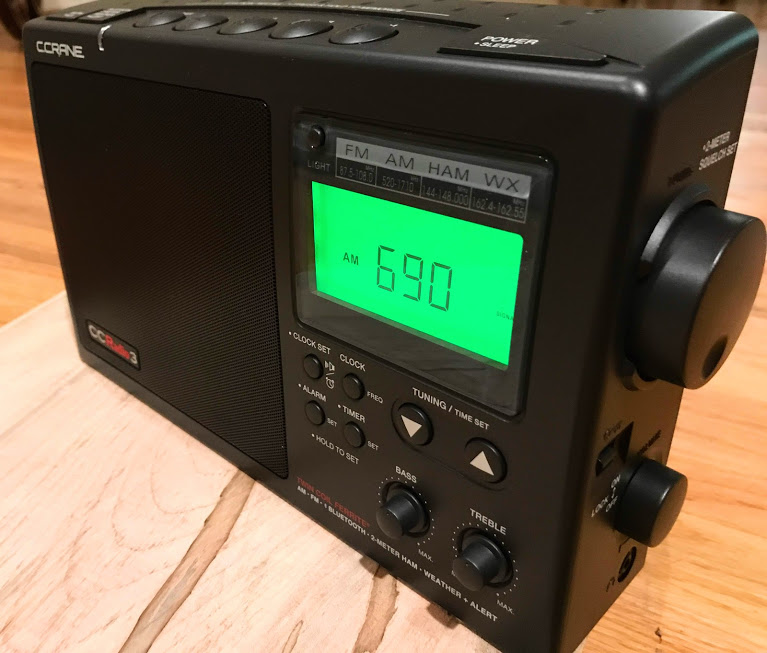
In a sense, the C.Crane CCradio3 got more play time than any of my radios.  It sits in a corner of our living area where we tune to FM, AM and weather radio–90% of the time, though, it’s either in AUX mode playing audio piped from my SiriusXM receiver, or in Bluetooth mode playing from one of our phones, tables, or computers. In October, the prototype CCRadio Solar took over SiriusXM duty brilliantly. I’m guessing the CCRadio3 has easily logged 1,600 hours of play time this year.

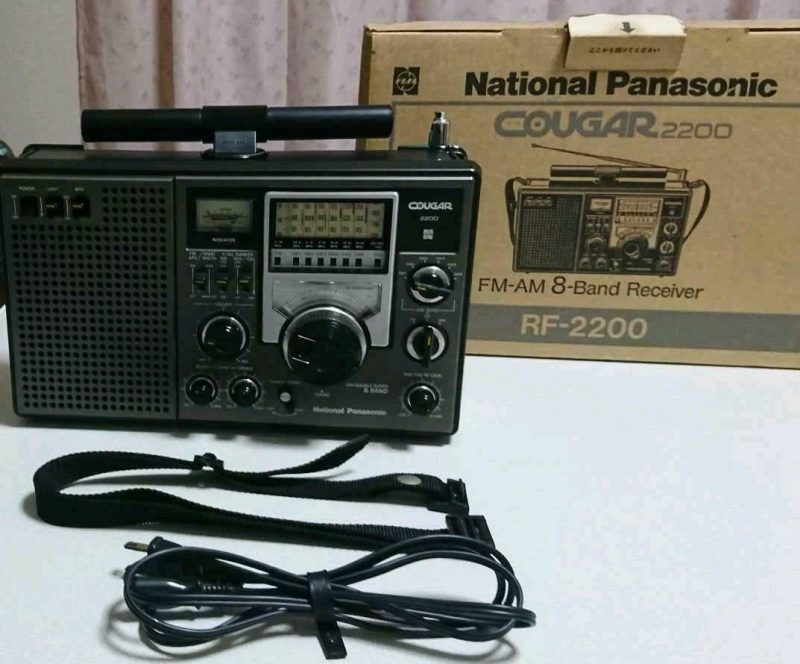
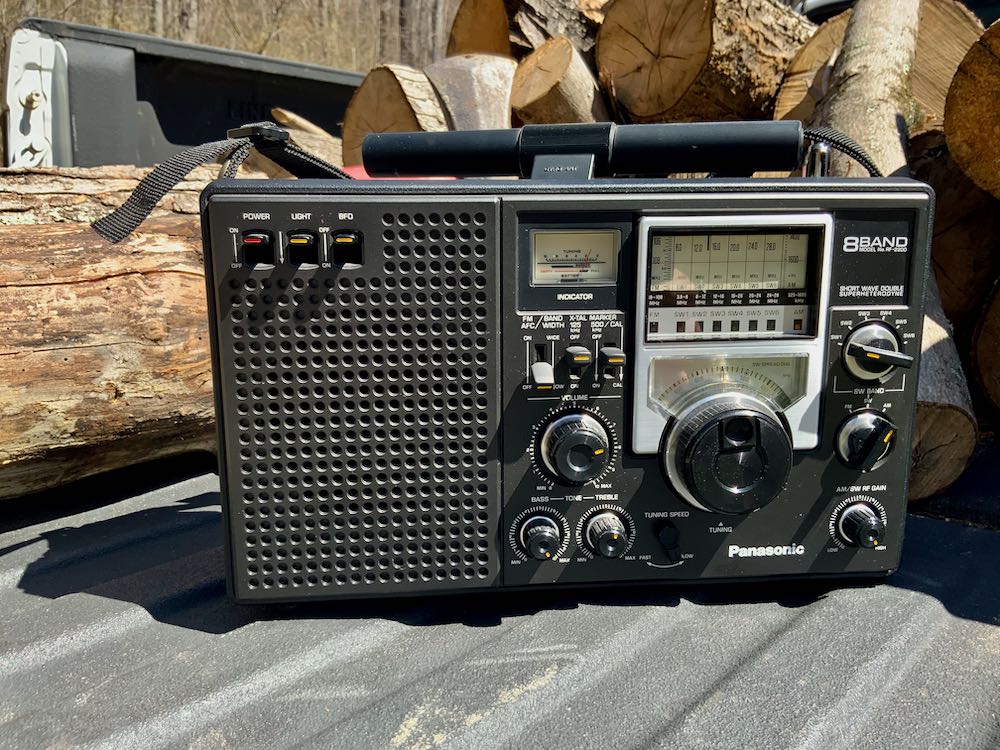
Of course, the Panasonic RF-2200 is one of my all-time favorite vintage solid-state portables, so it got a significant amount of field time.

Software Defined Radios

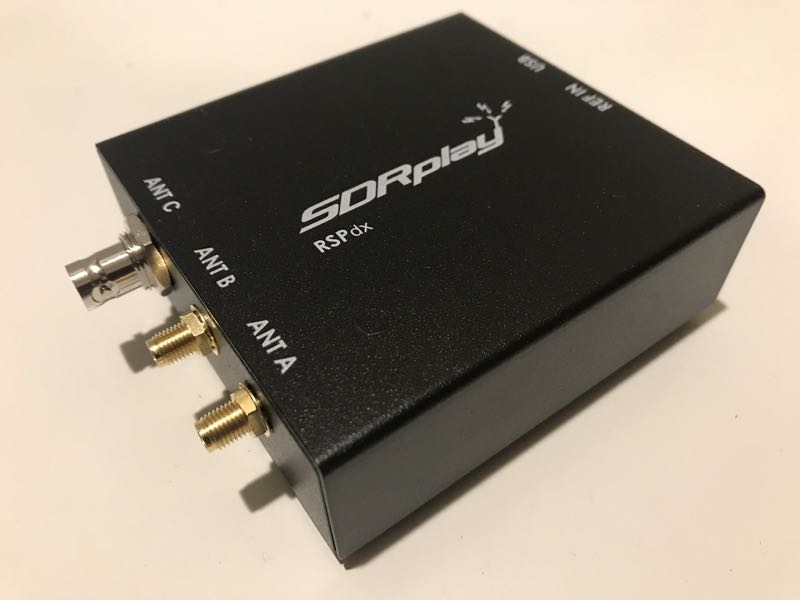
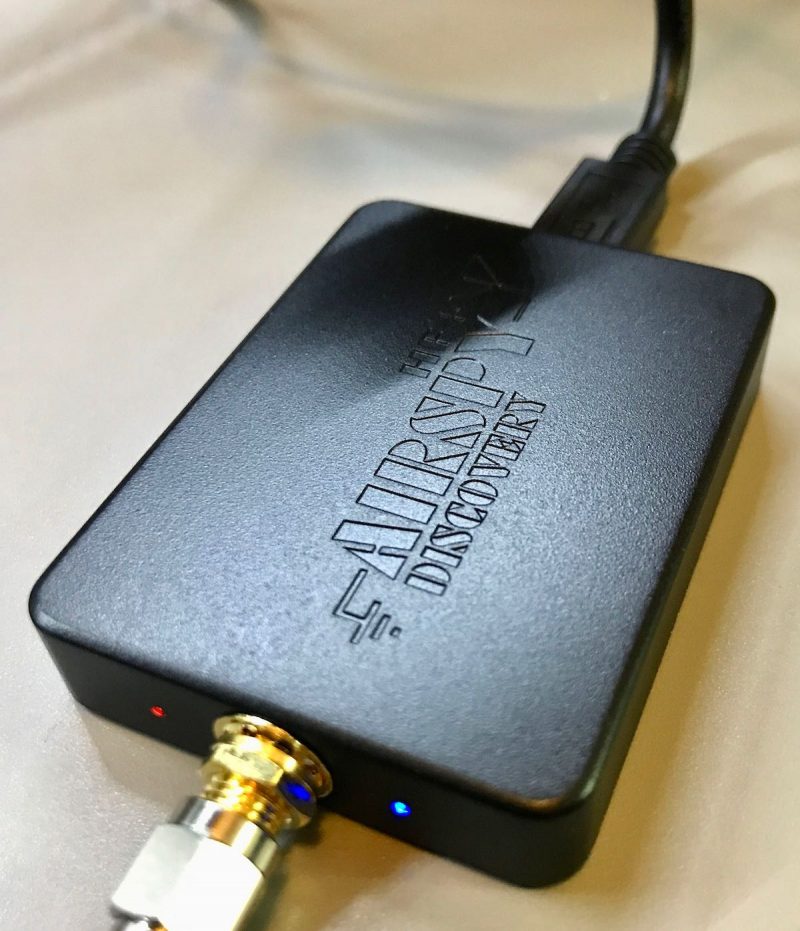
While at home the WinRadio Excalibur still gets a large portion of my SDR time, both the AirSpy HF+ Discovery and SDRplay RSP DX dominated this space in 2020.

The HF+ Discovery was my choice receiver for portable SDR DXing and the RSPdx when I wanted make wide bandwidth recordings and venture above VHF frequencies.

Home transceivers

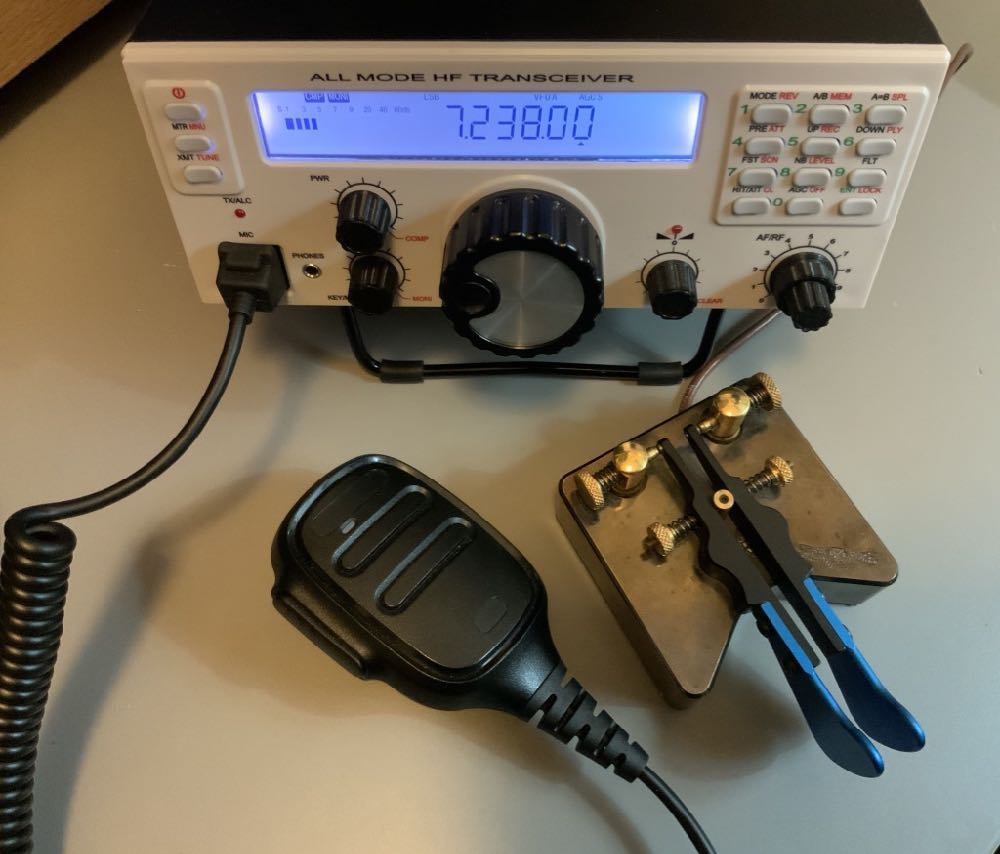
Without a doubt the new Mission RGO One 50 watt HF transceiver got the most air time at home and a great deal of field time as well. It’s such a pleasure to use and is a proper performer to boot!

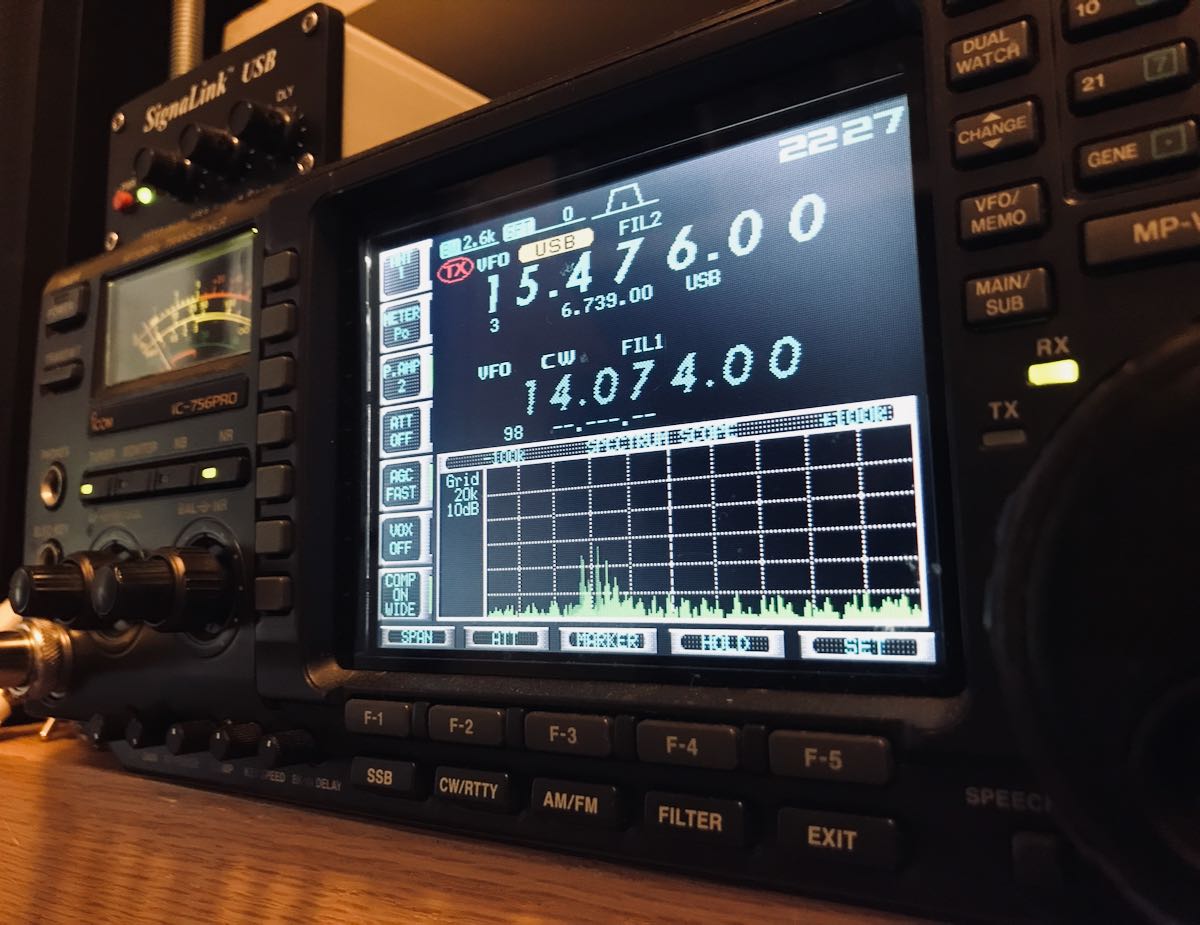
My new-to-me Icom IC-756 Pro, however, has become my always-connected, always-ready-to-pounce home 100W HF transceiver. It now lives above my computer monitor, so within easy reach. Although it’s capable of 100+ watts out, I rarely take it above 10 watts. The 756 Pro has helped me log hundreds of POTA parks and with it, I snagged a “Clean Sweep” and both bonus stations during the annual 13 Colonies event.

Field transceivers

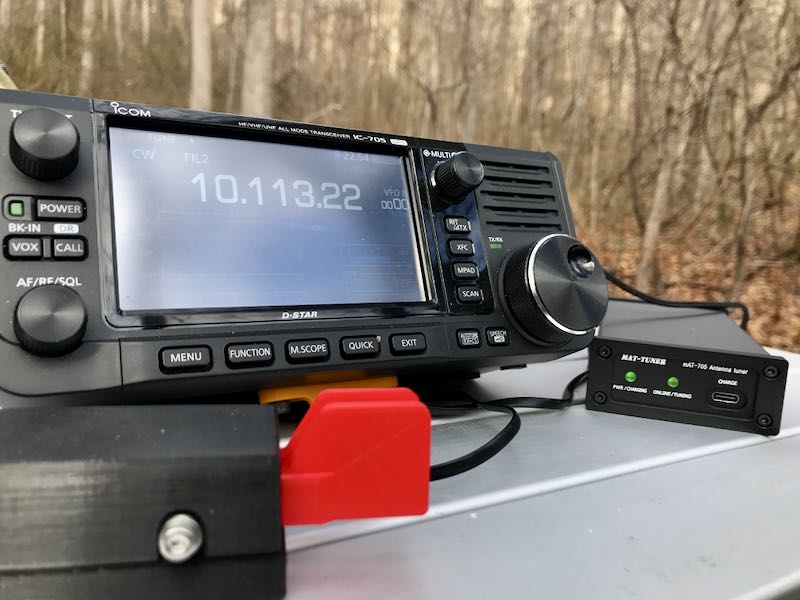
The new Icom IC-705 has become one of my favorite portable transceivers. Not only is it the most full-featured transceiver I’ve ever owned, but it’s also a brillant SWLing broadcast receiver. With built-in audio recording, it’s a fabulous field radio.

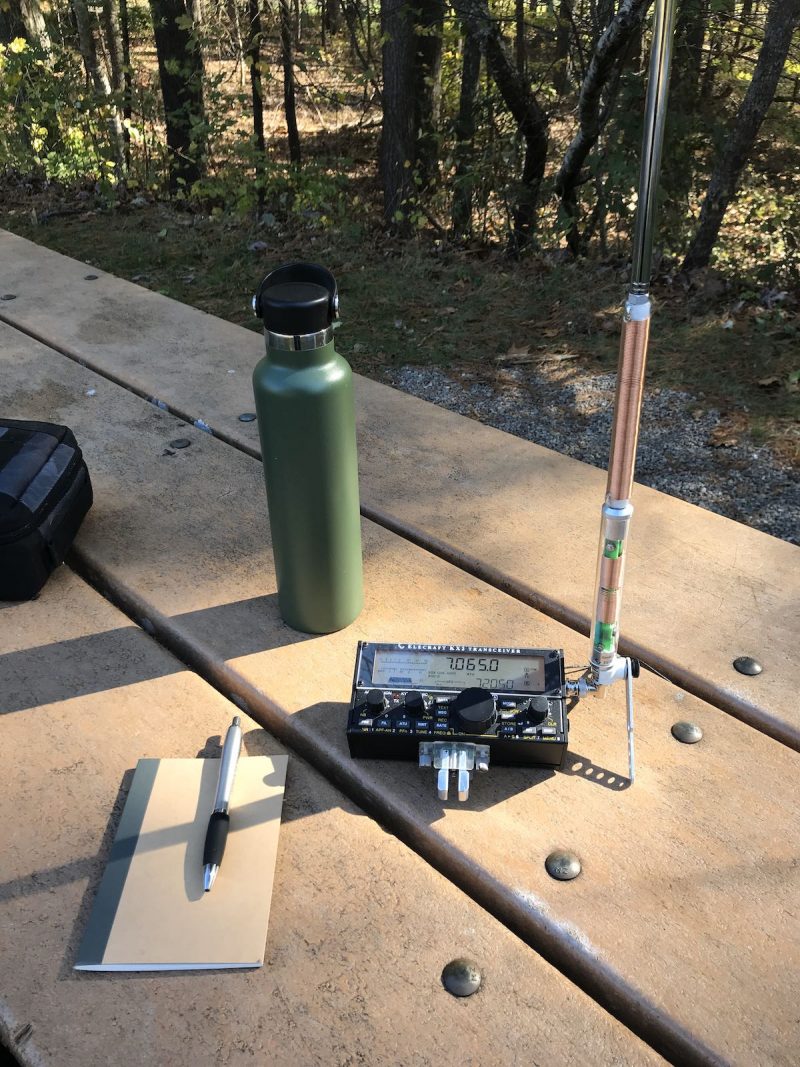
Still, the Elecraft KX2 remains my choice field radio for its portability, versatility and incredibly compact size. This year, in particular, I’ve had a blast pairing the KX2 with the super-portable Elecraft AX1 antenna for quick field activations. I’ve posted a few field reports on QRPer.com and also a real-time video of an impromptu POTA activation with this combo:

How about you?

What radios did use use the most this year and why? Did you purchase a new radio this year? Have you ventured into the closet, dusted off a vintage radio and put it on the air?

Please comment!

Dan’s respect for Hammarlund and the SP-600 series

Many thanks to SWLing Post contributor, DanH, who shares the following comment in response to this news article from the Citizen Times featured in Radio Waves yesterday:

Here are my thanks to members of the Amateur Radio community and The News-Record & Sentinel for remembering the legacy of Hammarlund Manufacturing Company Incorporated. It is good to know that this part of our radio history is valued and preserved. I loved the newspaper article!

I have a few vintage Hammarlund radios including two Super-Pro models. The SP-600-JX-21 is one of my daily drivers. This relatively late production SP-600 is in stock condition with the exception of a half dozen electrolytic capacitors that I replaced mostly in the power supply. By the time this SP-600 was built in 1957 Hammarlund had replaced the short-lived black beauty electrolytes with ceramic disc capacitors. Like military and industrial users I upgraded the original nickel plated tube shields with IERC heat dissipating tube shields where possible. I also installed vintage GE No. 1847 long-life incandescent bulbs as direct replacements for the brighter (too bright, for me) No. 47 dial lamps.

Here are my two most recent reception videos of the SP-600. The first features reception of Radio National da Amazonia and the second is a brief operating demo of the SP-600. The loudspeaker used in both videos is a full-range vintage Jensen 10? with matching transformer from the 1950’s instead of a communications range speaker typically used with these radios. This makes a big difference when listening to broadcasts.

This old Hammarlund is still working pretty well.

RN da Amazonia

SP-600 operating demo

Wow! Thank you for sharing this, Dan!

I used to own an SP-600 myself and I do miss it. The only reason I sold it is I was struggling to find a spot in my very compact shack where I could keep it on the air as a daily driver, yet still have enough room to bring new radios and accessories into the shack for evaluation. Moving it around all of the time (especially higher on my radio shelves) was incredibly difficult as she’s a hefty girl indeed! I ended up selling the ‘600 to a good friend for a song. That’s okay because like you, I know he’ll keep her in prime operating condition and I can even pop by to visit when I wish! I do miss having the ‘600 in the shack, though. It was truly a champion MW receiver as well!

Hammarlund HR-10: David seeking advice about weather frequency adjustment

Many thanks to SWLing Post contributor, David Korchin, who needs a little advice regarding his recently restored Hammarlund HR-10:

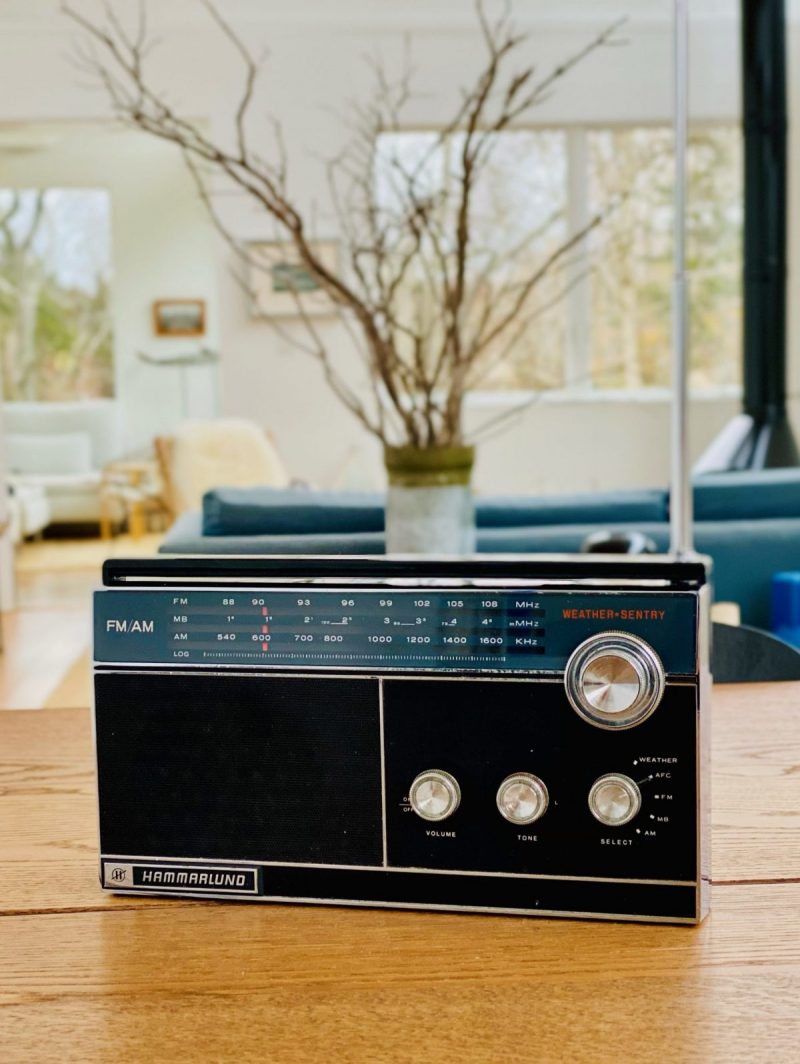
After doing a heart transplant on my Hammarlund HR-10 Weather Sentry multi band receiver (I found a rough user on eBay and swapped out the chassis into my unspoiled case) the rig is running to spec; MW is very strong with that long bar antenna, the FM+AFC is terrific , and I’ve been sandbagging 75-80 m hams in their AM QSO’s. But the Weather band is fixed reception at 162.550 MHz—that works in New York City but the NOOA stations out here in easternmost Suffolk County NY use different frequencies. I’m wondering if the radio can be adjusted to another frequency? Or the crystal swapped?

Any ideas would be appreciated!

Please comment if you can help David sort out how he might add or modify the HR-10’s weather frequency!

A comprehensive review of the Mission RGO One general coverage 50 watt transceiver

The following review was first published in the November 2020 issue of The Spectrum Monitor magazine:


A review of the Mission RGO One ham radio transceiver

by Thomas (K4SWL / M0CYI)

Wow…I love this!

If I am perfectly frank, that would sum up my initial impression of the Mission RGO One.

It was the 2018 Hamvention in Dayton, Ohio, and I had just met up with radio engineer Boris Sapundzhiev (LZ2JR) who was debuting the prototype of his 50-watt transceiver kit, the Mission RGO One. With its clean, functional design and simple front face, large weighted encoder, and enough tactile buttons and multi-function knobs to keep one’s most needed features within reach, the kit was certainly pushing all the right buttons for me.  Without a doubt, I was impressed from the start.

Boris (LZ2JR) the designer and engineer of the Mission RGO One.

To my mind, the RGO One smacks of classic 1990s-era transceivers:  a traditional tabletop front-facing panel, a large fold-out bail, and a unfussy backlit LCD display that’s large enough to read in the field and viewable at any angle.

Perhaps it’s only because I can’t turn off the innate radio reviewer, that I was rapidly checking mental boxes in this first encounter with the RGO One.  Indeed, when I first set eyes on any new radio, I do skim through my mental “operations checklist” to see how difficult the rig might be to use at home and/or in the field. Specifically, I’m looking for the following controls:

  • Encoder
  • AF Gain
  • RF Gain
  • Mode switch
  • Power output adjustment
  • Tune/Xmit button
  • Preamp/Attenuator
  • VFO A/B
  • Split and A=B
  • Mic gain and keyer speed
  • RIT
  • Filters
  • Band switching and direct frequency entry
  • Key and encoder lock

Of course, these days it’s fairly rare that radios actually contain all of these functions without the user having to dig into layers of menus, multi-function controls, or touch-screen options to access them.

Remarkably enough, the Mission RGO One, despite simple design, manages to include all of these features on the front panel without the need of embedded menus. In contrast with some of the radios I’ve tested and evaluated over the past several years, I could tell by the layout alone that the Mission RGO One was developed by an active ham radio operator and DXer: the controls are that intuitive.

Alas, the tantalizing prototype on Boris’ table in the 2018 Hamvention flea market was for show only.

Boris promised that he’d have fully-functional models available at the 2019 Hamvention. Because of this, following that first meeting in 2018, I kept in touch with Boris; we arranged to meet again at the 2019 Hamvention so I could take a second, much closer look at the RGO One––especially since he intended to start shipping the first very limited, early-production-run rigs shortly afterward.

So…did Boris deliver?  And more importantly: did the RGO deliver––?  Let’s find out.

On The Air

Within hours of taking delivery of the prototype radio, I had it in the field activating parks.

It was May 2019 when Boris delivered on his promise, handing me a loaner prototype RGO One. He did so with the understanding that the prototype was still a little rough around the edges. I acknowledged this, thinking in terms of a late Beta-test model since he welcomed reports of any bugs or anomalies I encountered and was fully prepared to address them.

After taking the initial RGO One to the field, I did note a few bugs, but nothing major.  All of my field notes were then sent to Boris and turned into action items.

Then, in July of 2020, Boris sent me a fully-upgraded Mission RGO One with the new internal ATU and optional adjustable filter. This radio represented the “fully-grown” production model, and in preparation to put it through its paces, I returned the prototype.

Although there are planned hardware upgrade options and, of course, firmware upgrades, the RGO One has now reached full maturity as a transceiver.

However, it was one thing to have ham-friendly ergonomic controls. The real question was, how did the RGO One stack up against the competition? It was time to find out.  After all, this is the danger of a “love at first sight” radio encounter––it often leaves the door open for disappointment, and of this I was well aware.

What follows is my full review of this 2020 Mission RGO One transceiver. Let’s take a deep dive into this rig…

Features and specifications


What follows are some of the RGO One features and highlights as written in the product manual (PDF):

  • QRP/QRO output 5 – 50W [can actually be lowered to 0 watts out in 1 watt increments]
  • All-mode shortwave operation – coverage of all HAM HF bands (160m/60m optional)
  • High dynamic range receiver design, including high IP3 monolithic linear amplifiers in the front end, and diode ring RX mixer or H-mode first mixer (option)
  • Low-phase noise first LO – SI570 XO/VCXO chip
  • Full/semi (delay) QSK on CW; PTT/VOX operation on SSB. Strict RX/TX sequencing scheme with no “click” sounds
  • Down conversion superhet topology with popular 9MHz IF
  • Custom-made crystal filters for SSB and CW and variable crystal 4 pole filter – Johnson type 200…2000Hz
  • Fast-acting AGC (fast and slow) with 134kHz dedicated IF
  • Compact and lightweight body, only 5 lbs
  • Custom-made multicolor backlit FSTN LCD
  • Custom-molded front panel with ergonomic controls
  • Silent operation with no clicking relays inside – solid state GaAs PHEMT SPDT switches on RX (BPF and TX to RX switching) and ultrafast rectifying diodes (LPF)
  • Modular construction – Main board serves as a “chassis” also fits all the external connectors, daughter boards, plus inter-connections, and acts as a cable harness
  • Optional modules – Noise Blanker (NB), Audio Filter (AF), ATU, XVRTER, PC control via CAT protocol; USB UART – FTDI chipset
  • Double CPU circuitry control for front panel and main board – both field programmable via USB interface
  • Memory morse code keyer (Curtis A, CMOS B); 4 Memory locations 128 bytes each

Build quality

First impressions proved accurate in terms of construction.  I’m very pleased with the build quality of the Mission RGO One. Keep in mind, however, you might note from the photos that some items––like the volume and multifunction knobs––are 3D printed, and I’m not certain if they’ll ever have custom knobs manufactured.  But I really don’t even think this is necessary, as the 3D printed ones are very nice, indeed––moreover, should a replacement ever be needed, I love the idea I could simply print one myself!

The RGO One main optical encoder/tuning knob is just brilliant. It’s weighted properly for the right amount of “heft” while tuning. I’m very pleased with the overall feeling and quality. It’s substantial, yet silky-smooth in operation, just what I look for in a tuning knob.

On the back of the unit, there is an externally-mounted heat sink with two small fans. These fans are quiet and efficient.

The chassis and bail are both top-shelf quality and should withstand years of field use. Just do keep in mind that like almost every other amateur transceiver currently on the market (save the recently reviewed lab599 Discovery TX-500), the chassis is neither water-proof nor weather-proof, so will require common-sense care to protect it from the elements.

Portability

The Mission RGO is relatively compact, lightweight (only 5 lbs without the ATU), and has a power output of up to 55 watts, even though the specs list just 50 watts. As a point of comparison, most other rigs in this class have a maximum output of 10 to 20 watts, and require an external amplifier for anything higher. The form factor is very similar to the Elecraft K2.

The light weight of the rig and the extra power makes the RGO One a capable and versatile field radio. Although the RGO One is configured like a desktop radio (with a front-facing panel), it’s still relatively compact and can easily be set up on a portable table, chair, or on the ground. Unlike field-portable rigs with top-mounted controls (think the Elecraft KX3 or KX2), obviously, it would be tough to do handheld or laptop operation.

The RGO One should also play for a long time on battery power as the receive current drain is a respectable 0.65A with the receiver preamp on. It’s not as efficient as, say, an Elecraft KX3 or the new Icom IC-705, but keep in mind the RGO One can provide 50 watts of output power and has a proper, internally-mounted, amplified speaker. The popular 100 watt Yaesu FT-891, in comparison, has a current drain closer to 1.75 to 2.0 amps [update: actually the specifications indicate 2 Amps in receive, but user reports are less than half that amount].  I pair the RGO One with my larger 15 aH Bioenno LiFePo battery. When fully-charged, I can operate actively for hours upon hours without needing to recharge.

Mission RGO One Bioenno LiFePo

The Bioenno 15aH battery powers the Mission RGO One for hours at a time in the field.

If it’s any indication of how much I wanted to take this rig to the field, when Boris handed me the prototype RGO One on Saturday at the 2019 Hamvention, I had it on the air that same day doing a Parks On The Air activation at an Ohio State Park.

Since then, I’ve easily taken the Mission RGO One on 30 or more park activations.

Performance

What’s most striking and obvious about the Mission RGO One’s receiver from the moment you turn it on is the low noise floor. It’s incredibly quiet. So much so that more than once, I’ve double checked to make sure RF gain hadn’t been accidentally altered as I started a field activation. I’d call CQ a few times, though, and when stations return they literally pop out of the ether. The RGO One currently has no digital noise reduction (DNR) but frankly, I don’t miss it like I might in other transceivers. Indeed, the RGO One is a radio I’ve reached for when the bands are noisy because the AGC and receiver seem to handle rough atmospheric conditions very well.

The RGO One’s built-in, top-mounted speaker provides ample audio levels for the shack, but in a noisy field environment, I wish it had a little more amplification. I’ve also used my Heil Pro headset and even inexpensive in-ear earphones connected to the front panel headphones jack in the field. The audio via headphones is excellent.

Let’s take a look at how well the RGO One performs by mode:

CW

First and foremost, CW operators will appreciate the RGO One’s silky-smooth full break-in QSK. The  RGO One employs clickless and quiet pin diode switching–a design feature I’ve become particularly fond of as traditional T/R relays can be noisy and distracting when not using headphones.

The RGO One also has a full compliment of adjustments for the CW operator including adjustable delay (default is 100ms), iambic mode, weight ratio, hand key/paddle, adjustable pitch, and sidetone volume.

The key jack is a standard three conductor 1/8” jack found on most modern transceivers. It’s located on the back of the radio.

My review unit has the optional variable width narrow filter which I highly recommend if operating in crowded conditions. I’ve used the RGO One on ARRL Field Day and found that it easily coped with crowded band conditions. Even after a few hours on the air, I had very little listener fatigue.

I also find that, as I mentioned earlier, CW signals just seem to “pop” out of the ether due to the low noise floor and excellent sensitivity/selectivity.

The RGO one also sports four CW keying memories where you can record your CQ, callsign, or even contest exchange. I’ve become incredibly reliant on memory keying to help facilitate my workflow in the field—while the radio is automatically sending my CQ or my regards and callsign to an station I’ve just worked, my hands are free to log the contact, adjust the radio, or even eat lunch!

Memory keying does require one long-press of the “6” button followed by either the “1,” “2,” “3,” or “4” button to play a message. Occasionally I won’t hold the 6 button long enough and accidentally move my frequency down one meter band since the 6 button is also the band “down” button. While it doesn’t happen often, it’s frustrating when it does but I think it could easily be fixed in the firmware as it’s really a timing issue.

SSB

Likewise, phone operators will be very pleased with the Mission RGO One. During all of my testing, I’ve only used the microphone supplied with the radio mainly because I don’t currently own another radio with an RJ-45 type microphone connector.

I do love the fact the microphone port is on the front panel of the radio—it’s very easy to connect and disconnect (in contract to the recently released Icom IC-705, for example). I’ve gotten excellent audio reports with the RGO One in SSB mode and have even monitored my own tests and QSOs via the KiwiSDR network.

Compression, gain, and VOX controls are easily accessible. One missing feature at present is a voice memory keyer. For field operators activating sites for the POTA, WWFF, or SOTA program, voice memory keying is huge as it saves your voice from calling “CQ” over the course of a few hours. I understand Boris does plan to implement voice memory keying in a future speech processor board.

AM Mode

Since the RGO One has general coverage receive and since I’m a shortwave broadcast listener, I was disappointed to find that there is presently no AM mode. Boris told me he does plan to add AM mode, “to be implemented in future versions of the IF/AF board only on RX.”

With that said, I can always zero-beat a broadcaster and use a wide SSB filter to listen to broadcasts which is more than I could do, for example, with my (ham band only) Elecraft K2.

At the end of the day, the RGO One is a high-performance, purpose-built ham radio transceiver, so the current lack of AM mode isn’t a deal-breaker for me, but I would love a wide AM filter on this rig.

ATU

The 2020 review model I received has the internal automatic antenna tuner which I feel is a worthy upgrade/addition. In the field, I’ve paired the RGO One with my Chameleon CHA Emcomm III Portable random wire antenna which requires an ATU in order to find matches across the bands. The pairing has been a very successful one because the Emcomm III can handle up to 50 watts power output in CW and covers the entire HF band when emptying the RGO One ATU.


Even though it’s a minor thing, I also like the fact that the RGO One ATU operates so quietly, even though with the present firmware it takes longer than some of my other ATUs to find a match.

Power

One thing I’ve found very useful in the field and, no doubt others will as well is the power output. In many ways, the RGO feels like a larger QRP radio (think Ten-Tec Argonaut V or VI) but it’s actually able to pump out 55 watts (often five watts more than specified). In single sideband mode, this is a meaningful amount of power output compared to, say, 5 or 10 watts. When I activate a rare park, or an ATNO (All Time New One), I’ve been taking the RGO One more times than not in order to get the best signal possible and maximum amount of contacts. Running full power, the rig never feels warm—heat dissipation is superb—and the fans on the back of the heat sink are super quiet.

I actually feel like the 50 watts of output power gives the RGO One a market niche since it sports top-shelf performance as you might expect in the venerable Elecraft K2, for example, but  not being a 10 watt or 100 watt radio, rather something in between which saves a little weight and also the need for heftier heat dissipation.

Other unique features

The RGO One has some interesting features not found in similar radios.

For one, there are no less than ten color options for the custom backlit LCD display, along with adjustable contrast and backlighting intensity.

The RGO One team also documents how to access hidden admin menus for granular adjustments to transceiver parameters, but of course you’d want to adjust those with caution and note values prior to changing them. When you receive your RGO One, Boris includes a sheet with all default values to make stepping back much easier.

Hands-on philosophy

At the end of the day, the Mission RGO One is a kit that can eventually be purchased in kit form, or as a fully assembled transceiver. It’s modular: you can add and upgrade features as you wish. Some field operators, for example, may wish to omit the ATU to save a little extra weight or cost. I actually love this philosophy and I think it’s one that’s made Elecraft such a successful manufacturer.

The process of upgrading firmware is slightly more involved than you might find with, say, an Elecraft, Icom, or Yaesu product. It’s a two stage process where one upgrades both the front panel and the main board separately. I completed a firmware update only a few weeks prior to publication. It took me perhaps 15 minutes with my PC as I followed Boris’ step-by-step instructions (http://lz2jr.com/blog/index.php/rgo-one-firmware-update-procedure/).

There is also an active email discussion group for the Mission RGO One (https://groups.io/g/RGO-ONE/) where participants share experiences, modifications, and even any glitches or bugs that are discovered. This group is closely monitored by the RGO One team, so items are addressed very quickly. I highly recommend joining this discussion group if you see an RGO One in your future.

Also, I’ve gotten great customer support from Boris (LZ2JR) and have heard the same from group members. He’s very much open to critical customer feedback.

Summary

Mission RGO One POTA

Every radio has its pros and cons. When I begin a review of a radio, I take notes from the very beginning so that I don’t forget some of my initial impressions. Here is the list I formed over the time I’ve spent evaluating the 2020 production model Mission RGO One.

Pros:

  • Excellent sensitivity and selectivity
  • Very low noise floor
  • Excellent, clean audio (see con)
  • Silky-smooth QSK
  • Full compliment of CW and SSB features and adjustments
  • CW memory keyer
  • Superb ergonomics with no need to access embedded menus for common features
  • 50 watts output power with effective quiet heat dissipation
  • Lighter weight compared with comparable transceivers
  • Direct frequency entry
  • Standard Anderson Powerpole power port on rear panel

Cons:

  • No voice keyer memory (at time of posting, but is planned in upgrade)
  • No notch or auto notch filter (at time of posting, but is planned)
  • No 6 meter option
  • No AM mode (at time of posting, but is planned)
  • Firmware updates are a two stage process
  • Would like slightly more audio amplification while using internal speaker in noisy outdoor environments

Conclusion

If you can’t tell, I’m impressed with the Mission RGO One because it does exactly what it sets out to do.  The RGO One is designed for an operator who appreciates rock-solid performance with simple, intuitive ergonomics.

While teaching an amateur radio course to our homeschool cooperative high school students last year, I picked the RGO One as the best field radio for HF demonstrations.

I’ll never forget setting the (prototype) RGO One for the first time on a folding table outside the classroom under a large tree. I had the students erect both an end-fed resonant antenna and a simple 20 meter vertical. I picked the RGO one because all of the adjustments we had talked about in the classroom—AGC, Filters, A/B VFOs, Direct Frequency Entry, Pre Amp, Attenuation—are on the front panel and one button press away.

We hopped on the air with one of my students calling CQ single sideband on the 20 meter band.  Her very first contact was with a station in Slovenia—and she simply beamed with excitement. All of my female students that term passed their Technician exam by the end of the term.

The RGO One is a very inviting radio.

I’ve had the luxury of testing, evaluating, and working with everything from one of the first prototypes to the latest updated version of the RGO One. It’s rare that I’m able to evaluate a radio over such a long period of time.

Even with the very early, bare-bones prototype, I was impressed with this transceiver’s performance characteristics. I’m not the only one either. It’s almost become routine new discussion group members join prior to receiving their radio, then announces how blown away they are with its performance. Check out eHam reviews, too—at time of posting, it’s a solid five stars at time of posting.

The RGO One reminds me of simple, classic radios of the 1980s and 90s, but underneath, it’s packing state-of-the-art performance.

Is it perfect? No radio is perfect, but I must say that for what it offers, it really hits the sweet spot for this radio operator.  It’s a joy to use.

There are still features in the works that will either be implemented with future firmware updates, or with future boards. In terms of performance and appearance, it reminds me of the Ten-Tec Eagle and Elecraft K2—both benchmark rigs in my world. And like the Eagle and K2, the RGO One is happy in the field, at home, or even on a DXpedition. It’s a simple radio that beckons to be on the air.

If you’re interested in the Mission RGO One, check the following web page for the pre-order form and pricing list. The RGO One is produced in batches, so you’ll need to reserve your model.

Click here to view the Mission RGO One order page.

Review Notes: Xiegu GSOC Firmware updated to version 1.1–still a number of issues

For those of you who have been asking about the new Xiegu GSOC controller, I just updated my unit with the latest firmware (version 1.1).

Firmware notes show that it addresses the following items:

Xiegu GSOC FW V1.1
1. Solved the CW sidetone delay problem
2. Solved the problem of unstable system and occasional crash
3. Added RTTY modem
4. Added CW decoder
5. Added SWR scanner
6. Added FFT/Waterfall level adjustment
7. Added FFT line/fill color mixer

The list above was copied directly from the version notes.

I’m currently evaluating the GSOC/G90 pair which were kindly sent to me on loan by Radioddity. I upgraded the GSOC firmware to v1.1 this weekend.

What follows are some of my evaluation notes an observations after performing the upgrade.

Updating firmware

Updating the GSOC firmware is a pretty straight-forward process.

First you must download the GSOC firmware package (about 330 MB!) which includes a disk image and application to flash the image to a MicroSD card.

Yes, you’ll need a dedicated MicroSD card to upgrade the GSOC firmware–meaning, you can’t simply use a MicroSD card with data on it you’d like to keep because the process of flashing the ISO file also includes a full format with multiple partitions.

You’ll also need an SD Card reader/writer if your Windows PC doesn’t include one.

The included firmware application/tool makes it quite easy to flash a disk image on the MicroSD card.

After the MicroSD card has been prepared, simply turn off the GSOC, insert the MicroSD card on the left side of the GSOC, turn it back on and the GSOC will automatically boot from the MicroSD card and install the new OS/firmware.

Once the upgrade has completed, the GSOC will turn itself off and you must remove the MicroSD card.

If you want to restore the MicroSD card to one partition, you’ll need to perform another format and shrink the volumes.

CW sidetone latency (still issues)

After performing the upgrade, I hopped on the air and tried to make a few CW contacts since I noted in the version notes that the CW sidetone latency had been addressed. So far, my evaluation has pretty much been on hold because I’m unable to use CW mode with any sense of sending accuracy.

Unfortunately, I’m still finding that there’s still a bit of sidetone latency or keyer timing interfering with my ability to correctly send words and letters.

To my ear, it sounds like there’s much less latency in the sidetone audio now (compared with v1.0 which was a little insane) but I still struggle sending characters that end in a string of dits or dashes. For example, when I try to send a “D” the radio will often produce a “B” by adding one extra dit. Or if I try to send a “W” it might produce a “J”. I know something is a little bit off because I botched up two CW contacts with POTA stations yesterday as I tried to send my own callsign correctly.  And “73” was even problematic.

I’m guessing that there may still be a bit of audio lag between the G90 body (where the CW key is plugged in) and the GSOC (where the sidetone audio comes out). At the end of the day, the keying information must be sent to the GSOC from the G90 transceiver body and I assume the processor on the G90 is causing a bit of audio latency. Hopefully, Xiegu can sort this out. It’s a serious issue for anyone who wants to operate CW with the GSOC.

If you own the GSOC and operate CW, I’d love your comments and feedback.

Other updates

I tried using the CW decoder yesterday via the “Modem” menu and had limited success decoding a CW rag chew.

My markup in red: You can see at the very end of this conversation, it decoded the call sign, but interpreted “TU” as “TEA”

The decoder seemed to adjust the WPM rate automatically at one point, but as you can see in the image above, almost every dit was interpreted as an “E” and every dash a “T”. I must assume I don’t have it configured properly, but I don’t have an operator’s manual for reference and instruction.  I’ve also tried RTTY decoding, but haven’t been successful so far–I’m pretty sure this is also because I haven’t configured it properly.

SWR Scanner

I tested the new SWR scanner and it seems to work quite well, plotting SWR across a given frequency range. I did note, however, that it doesn’t seem to confine itself to the ham bands at all. It does inject a signal as it scans (I read 1.5 to 2 watts on my CN-801 meter).

I discovered out-of-band scanning when I took the photo above while trying to do a scan of the 30 meter band. It started around 9.6 MHz–well into the 31M broadcast band where it shouldn’t be transmitting. Xiegu needs to limit transmitted signal to the ham bands.

Memory Keying

I had hoped Voice Memory Keying would be added along with TX/RX recording. I do believe this will eventually be included in a future update. It appears via the “Modem” menu that CW Memory Keying has been added, but I can’t sort out how to make it work (again, a operation manual would be quite handy).

Audio recording

I had hoped transmit and received audio recording would be added in this firmware update; I understand this will eventually be added.

Combined current drain

As I mentioned in a previous GSOC update, the GSOC controller and G90 transceiver both need a 12V power source–indeed, each has a dedicated power port. The GSOC does not derive power from the G90.

I was originally told that the G90 and GSOC both pull about .60 amps in receive which would total 1.2 amps combined. My Hardened Power Systems QRP Ranger battery pack displays voltage and current; it’s not a lab-grade measurement device, but it’s pretty accurate. When I operate the GSOC and G90 at a moderate volume levels in receive, it appears to draw 0.95 to 0.97 amps–basically, 1 amp.

At home on a power supply, this is inconsequential, but in the field you’d need to keep this in mind when choosing a battery. It’s on par with a number of 100 watt transceivers.

Spectrum display images

I’m still finding images on the GSOC display that are not present in the received audio. I mentioned this in my initial overview and it doesn’t seem the firmware update addressed this.

I can only assume the spectrum imaging might be due to the I/Q input being too “hot” coming from the G90 via the shielded audio patchcord. Perhaps there’s a function to manually lower the I/Q gain, but I haven’t found that yet.

Spectrum images are most noticeable on the 31 meter band, but found them on the 20 meter ham band as well.

Here are two screen shots that show how images appear when a nearby signal overwhelms the GSOC:

Images are not present all of the time, only when a strong signal intrudes.

Ever-present noise and spurs in portions of spectrum

Perhaps this is related to the issue above, but there are some spurs on the spectrum display that seem to be present whether the G90/GSOC is hooked up to an antenna or dummy load.

Here’s a photo of the GSOC hooked up to an antenna:

And to a dummy load:

I’ve highlighted the spurs in red and as you can see, the intensity is stronger without an antenna thus I’m guessing this is internally-generated. The spurs do not move on the display as you change frequency.

Other notes

Again, I feel like the GSOC firmware isn’t mature and I can’t yet recommend purchasing it. I feel like Xiegu have rushed this unit to market.

I know that, over time, more features will be added and Xiegu certainly has a track record of following up.

When I evaluate a product, I keep a list of notes that I send to the manufacturer and to keep for my own reference. In Alpha and/or Beta testing, I’d share this info only with the manufacturer. Since the GSOC is a product that’s in production and widely available, however, I thought I’d share them here publicly:

  • GSOC volume control scale is 0 to 28. The difference between 0 (muted) to 1 seems to be the biggest increment. Volume 1 is actually a low to moderate volume level (i.e. a bit high).
  • Boot up time for the GSOC is 30 seconds
  • A keyboard and mouse or capacitive stylus are almost required for accurate operation. Many of the touch screen buttons are quite small and difficult to accurately engage with fingertip. The pointer seems to fall slightly below where fingertip makes contact on the screen.
  • Notch Filter seems to have no effect even after the v1.1 upgrade. There is no Auto Notch feature either.
  • I can’t seem to engage split operation even though there are A/B switchable VFOs and a “Split” button above the spectrum display. Using a keyboard and mouse doesn’t engage it either.
  • There are a number of announced features that I haven’t discovered including some WiFi and Bluetooth wireless functionality.
  • For field use, you must pack quite a bit of kit: the transceiver, the controller, CW key cable, microphone, serial cable, I/Q cable, G90 Power cable, and GSOC power cable. It would also be advisable to take a wireless keyboard and mouse especially if you plan to use any advanced functions like CW memory keying.
  • It doesn’t appear that you have CAT control of the GSOC which complicates digital operation. I believe many of us hoped the GSOC would make digital mode operation easier with the G90, but it hasn’t. Indeed, I assumed the GSOC would have an internal sound card for digi modes much like the Icom IC-7300 and IC-705. Use of VOX control is still  the best way to control transmit. I hope this can be upgraded else this would be a missed opportunity.
  • Since the v1.1 upgrade, the GSOC hasn’t crashed (it did frequently with the v1.0 firmware).
  • Not a pro or con, but I wish the AF Gain/Squelch was AF Gain/RF Gain like most HF transceivers. I’ve accidently engaged squelch twice which essentially muted audio. Pressing and holding the PO (Power Output) button opens the RG Gain control function).

The GSOC Universal Controller is an interesting accessory for the G90 and I’ve read comments from users that love the interface and added functionality.

If I’m being honest, I feel like I’m Beta testing the GSOC. I’ve yet to find a GSOC operation manual–this makes it very difficult to know if one has correctly configured the controller and engaged features/functions correctly. A quick start guide is included with the product, but it really only helps with connections and starting up the GSOC the first time. If you’re a GSOC early adopter, just be aware of this. Again, I’m pretty confident Xiegu will make refinements and include promised features in future firmware updates. I understand their software engineer closely monitors the GSOC discussion group as well. If you’re considering the purchase of a GSOC, I’d encourage you to join the GSOC group.

Questions? Comments?

As I said, I can’t recommend purchasing the GSOC controller yet. So much can change with firmware updates, however, I would encourage you to bookmark the tag GSOC to follow our updates here on the SWLing Post. I will update the GSOC controller each time a new firmware version is issued and until Radioddity asks for the loaner units to be returned. Again, many thanks to Radioddity for making this GSOC and G90 evaluation possible.

Feel free to comment with any questions you might have and I’ll do my best to answer them!