Category Archives: Radios

The new Sangean WR-15 AM/FM radio

Sangean-AMFM-Radio

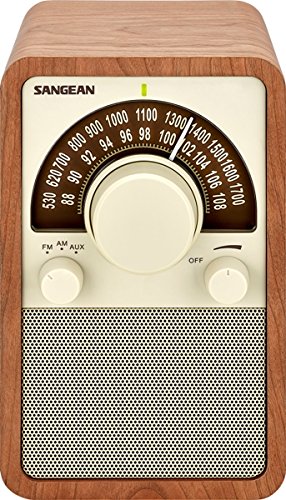
Jeff over at the excellent Herculodg blog, is about to pull the trigger on this Sangean WR-15. I must admit, I’m mighty tempted, too–about as tempted as I get for radios lacking shortwave coverage.

I love the simple design, the analog dial, and the three choices of finish: walnut, black leatherette, and silver piano finish.

At $145.95, the WR-15 is no bargain basement find, but I’m willing to bet it’ll perform quite well. Perhaps as well as my Tivoli Model One? We’ll see.

I’m sure Jeff will post a review on the Herculodge after he receives his unit in the coming weeks/months!  Thanks for the tip, Jeff!

Software Defined Receivers (SDRs) for the visually impaired listener

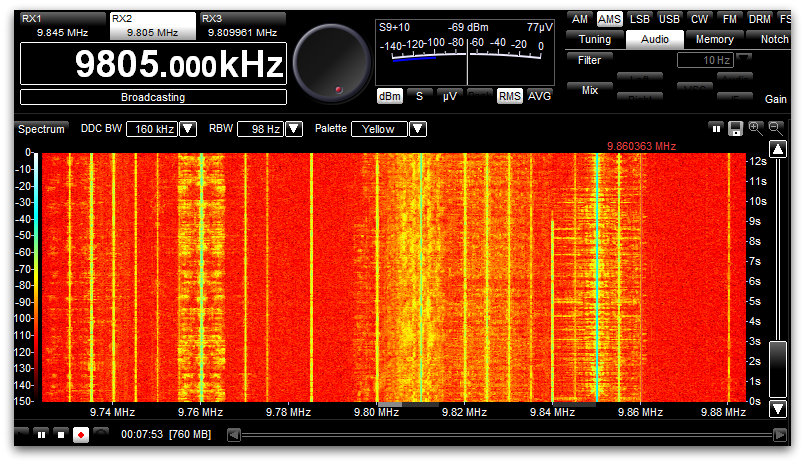
Spectrum Display 31 Meters on the WinRadio Excalibur

At the 2015 Winter SWL Fest, I co-hosting a forum on Software-Defined Radios.  Afterwards, a radio friend–who happens to be visually impaired–approached me to ask:

“What is the best SDR for those who are blind or visually impaired?”

I’d never been asked the question before, and replied that I’d have to do a little research. In truth, I suspected that research would turn up very little that was useful:  after all, SDRs require a lot of pointing and clicking, and some of the interfaces are rather complicated. Spectrum and waterfalls displays, often at the heart of the SDR app, are visual displays.

But I kept thinking of my friend’s question. Upon my return, I set out to do a little research and possibly pose the question here on the SWLing Post.  Then assistance stepped in…in the form of medium wave DXer Tore Johnny Bråtveit.

If Mr. Bråtveit’s name sounds familiar, that would be because I recently posted a link to an Oregon Public Broadcasting interview with him. In the interview, he mentioned that he uses SDRs to chase MW DX, and that he is visually impaired.

I reached out to Mr. Bråtveit via his website and asked for any advice he could give about SDRs for those who are blind or visually impaired.  His enlightening response:

“In the interview I mentioned screen reader software and the need to find SDR software that plays well along with such screen reader software. For those visually impaired who have some eyesight, this aspect may not apply, since many of them are well helped by a screen magnifier software package.

For those without eyesight at all, or with so little left of the eyesight that they cannot make practical use of the screen, there are these screen reader software packages. They all do the same, but they solve the job in a somewhat different way and are good at different tasks.

I began using SDRs back in 2007. First I used some [RFspace] SDR-IQs for a few years, until I purchased a Winradio G31DDC in 2010. The user experience with Winradio was so good that I have stayed with those radios since then, using both G31DDC and G33DDC receivers at my remote listening places.

I think I can say that all the software packages delivered with SDRs have issues and challenges when it comes to using them along with a screen reader. The worst example of unusable native software I have seen so far, is the software package delivered with the [Microtelecom] Perseus. I had a thought purchasing one some years ago and make some scripts for my screen reader JAWS to see if I could make the Perseus possible to use effectively, but I dropped the idea at that time in favor of Winradio.

The SpectraVue software delivered with SDR-IQ was usable, but I had to script it quite extensively, especially to be able to use the timeline when playing back recordings. Also the frequency selector was a bit tricky, so I had to assign some hotkey combinations to it. Otherwise it worked fine.

The Winradio software for the G3x series works quite fine right out of the box. They have apparently thought [through] keyboard operation, and there are shortcuts for almost everything. Such shortcut keys are necessary, as navigating the program interface with a screen reader can be a bit too complicated, especially for those only using speech output from the screen reader to access the screen content.

I personally am living in a country where we have good access to refreshable Braille displays, which gives me the opportunity to turn off the speech entirely if I want and only use Braille output. This way I can navigate the program interface quite effectively to understand how things are laid out.

The only real issues I have had with Winradio software, is:

1. Changing shortcut keys:
Normally, the Tab key is used to move between elements on a screen, so it would be natural to think that pressing the Tab key will bring me to the next shortcut key definition. Not in Winradio. Tab can be defined as a shortcut key itself, so trying to navigate the shortcut keys dialog with that key gives you a number of options, all connected to the Tab key. My way around this was to navigate with the Braille display until I found the shortcut key definition I wanted to change, focus on it by pressing a cursor routing key in that position and changing the definition. Then navigate further down to the OK button and activate it.

2. The timeline:
The timeline used when playing back recordings can be hard to locate when using a screen reader, and even more difficult to work with, since when you press a cursor routing key on the Braille display to simulate a mouse click on it, the focus often moves to somewhere else on the screen. Then you have to work hard to locate back to that timeline again. My solution here was to script my screen reader with a hotspot at the timeline with a shortcut key assigned to it, so that I could move focus back there by pressing a key.

Among the third-party software packages developed for SDRs, I have found few that I can recommend. The only one I can think of, is HDSDR. Especially in the current version from November 2013, there are a number of useful shortcut keys, and the program seem to work very well. I have used it a bit with an AFEDRI SDR I have, and have also used it to play back older SDR-IQ recordings.

So, if nothing else works, Iwould say that HDSDR is the solution, since it is both easy to use and have support for a number of receivers. And it is free, as you certainly know.

[…]Please write back if I can help you any further”

Brilliant!  What a treasure trove of information for our visually-impaired SDR listeners and operators.  Thanks so much, Mr. Bråtveit, and please keep in touch with us here at the SWLing Post.  73s!

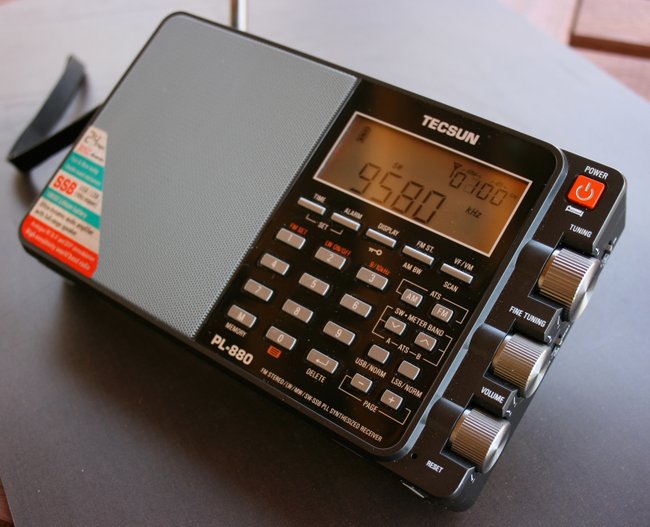
Do late model PL-880s lack some hidden features?

Tecsun-PL-880-Manufacturing-date-SWLing-Post

SWLing Post reader, Del Fields, writes:

“I’ve bought a new PL-880 this year (2015) and apparently some of the “hidden features” are not hidden anymore. They don’t even exist. HaHa.

For example, I tried the DNR hidden function by pressing and holding 6. Nothing.

Also I tried the hidden date of manufacture trick…..nothing. I tried the pressing holding while turned off, the AM BW button and did that twice and got “8820”. Pressing and holding a third time just returned it to normal off screen. Just fyi. But I do wish there was a DNR function or a squelch feature.”

This is interesting, Del–I have no late model PL-880s to try out these hidden features. My PL-880 dates from November 2013 (see the manufacturing date displayed on screen above).

Have any others who have recently purchased the PL-880 noticed this? Click here for a complete list of PL-880 hidden features.

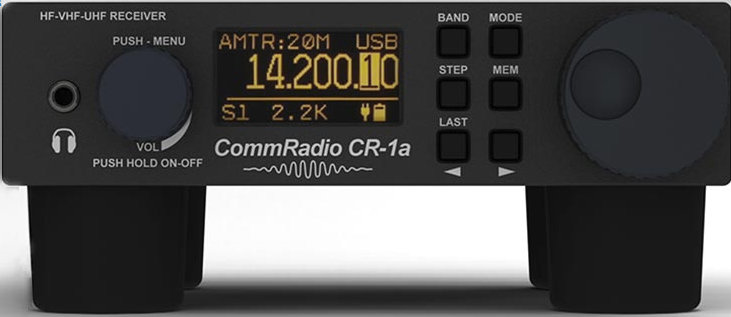
Ray compares his JRC NRD-515 and CommRadio CR-1a

CommRadioCR1a

SWLing Post reader, Ray (WB8VDS) recently commented:

“I have continued to run A/B comparisons between my CR-1a and an NRD-515. Digital to Analog competition.

My NRD-515 has been a station favorite for many years. I find the two radios are pretty much equal in terms of performance. Sensitivity between the two are even. The wide range of BW filter options on the CR-1a are a real plus. My 515 has the stock 2.4 mechanical and the 500 hz cw filter.

The CR-1a with the portability, long battery life and internal speaker makes this one awesome receiver. I plan to use this radio when camping and recharging via a small solar panel should be a snap. A small QRP transmitter with T/R switching is the works.

I was really blown away by receiving an email from the president of Comm Radio concerning feedback I left on their website.

Big performance in a small package. 5/5+”

Thanks for your comment, Ray! Wow–The JRC NRD-515 is a classic. It’s great to hear that the CommRadio CR-1a stacks up so well against this benchmark.

Like you, I love the portability of the CR-1/CR-1a line. The internal battery powers it for hours at a time. I’ve hinted to CommRadio that they should design a small companion transmitter for portable QRP–link the two together and that would be one cool piece of kit!

Review of the SSTRAN AMT3000 AM transmitter kit

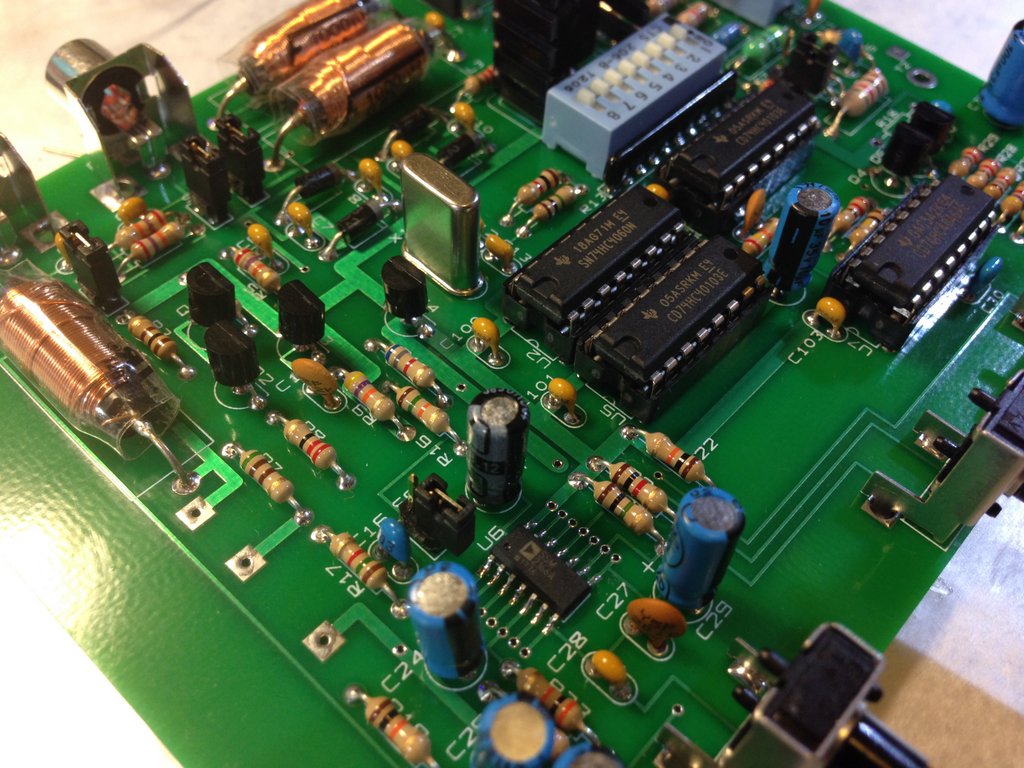
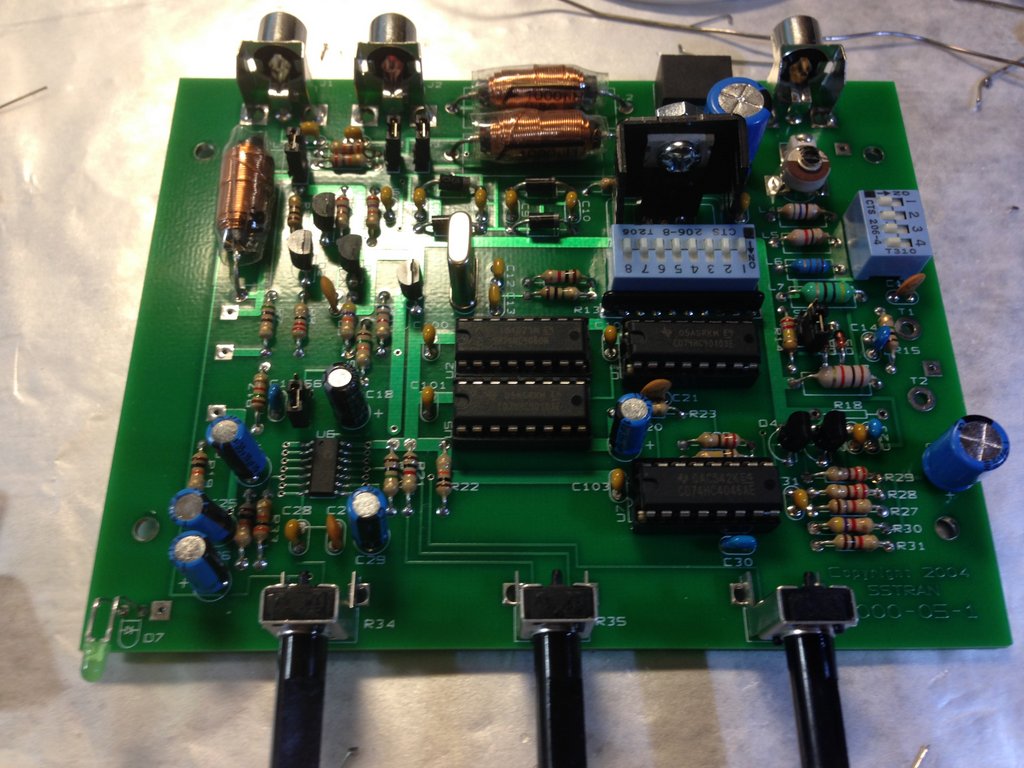
SStram-AMT3000-Board2

Regular SWLing Post readers know that I’m a sucker for vintage radios––especially those of the WWII era. Indeed, I’m pretty much a fan of anything from the 1930s and 40s. I love the technology of that era and have an affinity for the culture and history, especially film and music.

Last year, I acquired a beautiful Scott Marine Radio Model SLR-M––a receiver that quickly became the centerpiece of my modest vintage radio collection.
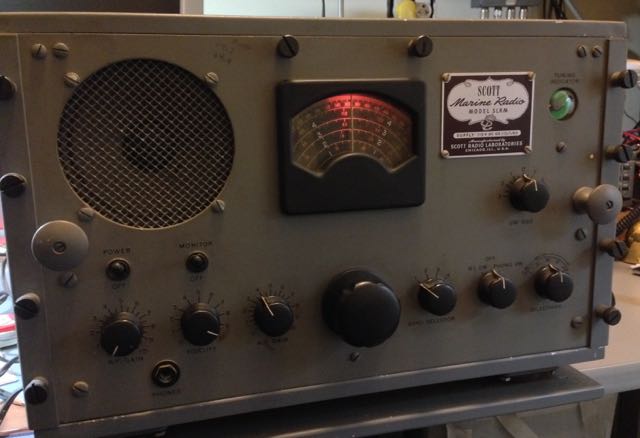
Scott-Marine-SLR-M

Scottie (yep, I call her Scottie) produces beautiful, rich audio from her internal speaker. It’s truly an amazing piece of over-engineered technology that still sounds this good after 70 years.

Edythe Wright

Edythe Wright

Only a week or so after plugging Scottie into an antenna, my wife and I picked up a $1 CD at a church yard sale. The CD featured big band music from the late 30s/early 40s. Though we already had much of the music on the CD, we bought it anyway to keep in our car. One beautiful fall day, I was driving down a rural road and had the CD playing when a Tommy Dorsey recording of “The Music Goes Round And Round” with Edythe Wright on vocals, began playing. It had been ages since I heard this song…I then wondered how many GIs might have heard this song during WWII via GI Jive or the Armed Forces Radio Network. Perhaps they heard it on the Navy version of my Scott Marine radio, the Navy REH?

It was then I decided to finally pull the trigger and order a proper low-power AM transmitter for our home––something with which I could broadcast period music via my vintage gear.

There are a number of AM transmitters on the market, but the one that always stands out from the crowd is the SSTRAN AMT3000. My buddy, The Professor, has one and uses it to consume much of his digital audio content including podcasts and Internet radio stations. He sang the AMT3000’s praises, and I trust the Prof; he’s something of a medium wave guru.

Thing is, the AMT3000 only ships as a kit. In the past, this had stopped me from ordering the transmitter as I figured it was more than my beginner kit-building skills could manage. But after building David Cripe’s Ozark Patrol regenerative receiver, and loving the experience, I felt confident enough to make the order.

And, boy, am I glad I did!

The SSTRAN AMT3000 kit

The kit arrived within a few days of ordering it. Upon unboxing it, I felt like I had gotten my money’s worth, as it was packaged carefully in a quality box: components were clearly labelled in their own poly bags, the board was clearly marked with component numbers and the assembly/instruction manual was in a plastic binder, all clear and straightforward.

SSTRAN suggests taking your time building the kit, as there are a lot of components to solder, and you risk making mistakes that aren’t necessarily easy to remedy if you rush through the process. I tried to follow this advice––well, I intended to follow this advice. Thing is, I find it very difficult to put down a kit once I’m in the zone, so I zipped along a bit more quickly than I intended.

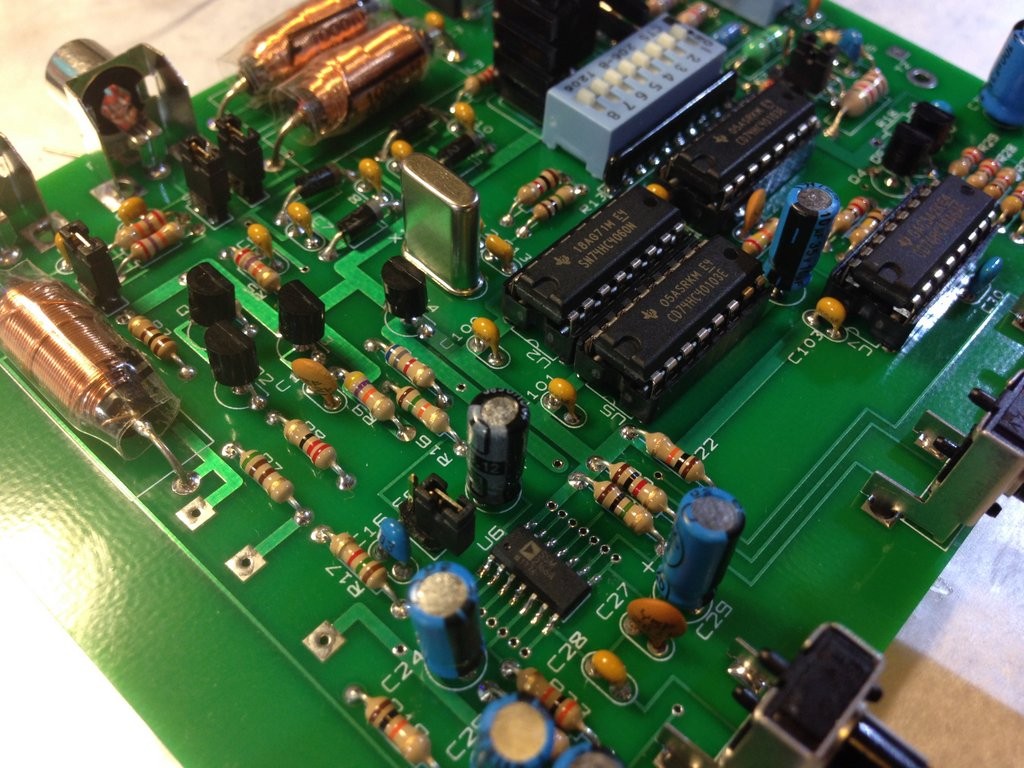
But it helped that SSTRAN took out a lot of the head-scratching and guesswork; the process couldn’t have been more smooth. I carefully checked and double-checked each component and marked it off the assembly list. First, you install all of the resistors, then capacitors, and on to other components. Other than having to hunt for some of the component locations on the board, it really was quite simple.
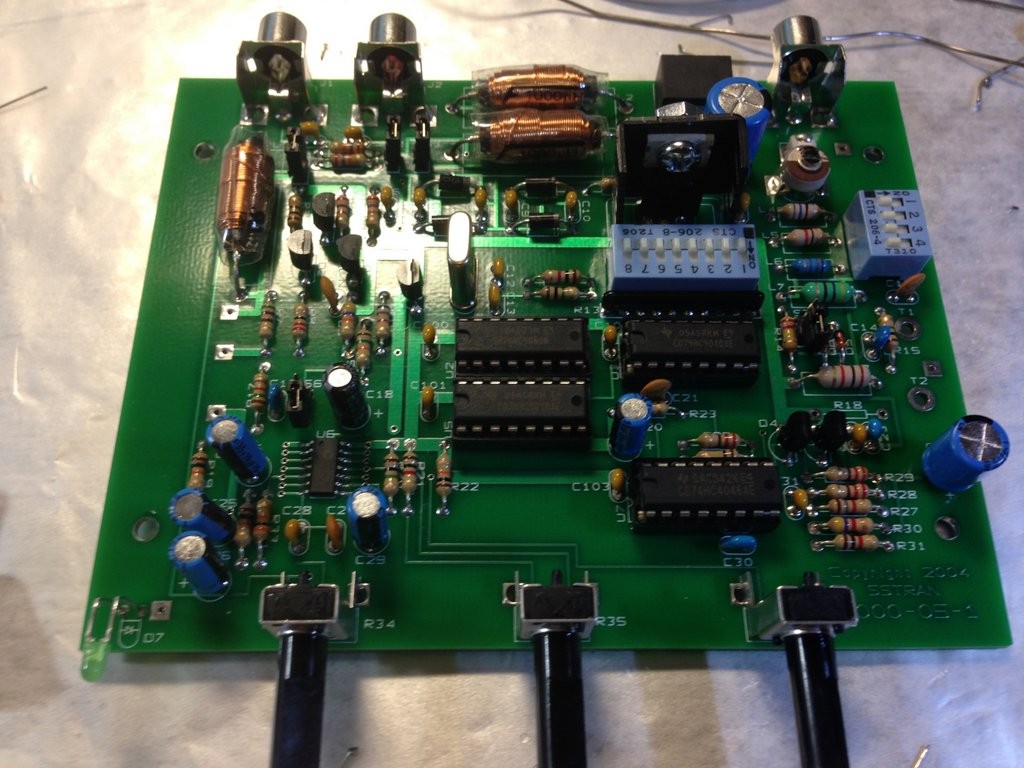
SStram-AMT3000-Board

I started building the kit on a Friday afternoon and actually finished it the following Saturday morning. Much to my delight, after performing the tuning procedure, the transmitter worked on the first go. Whew!

Powerful (low power) broadcasting
SSTRAN-AMT3000-2

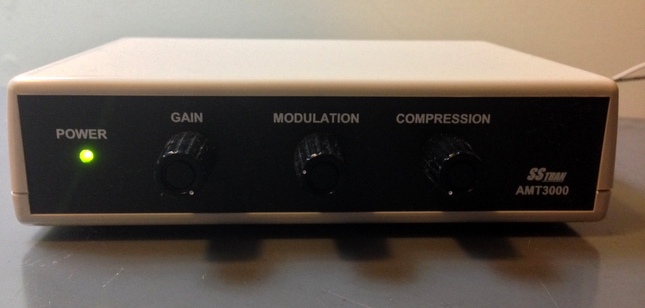
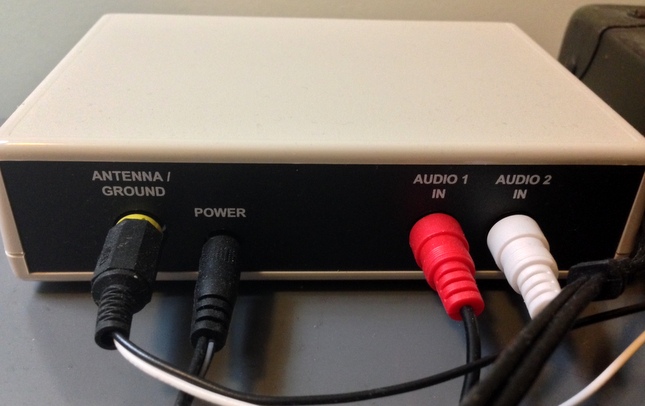
The AMT3000 can be configured to work with the supplied simple wire antenna, which will essentially broadcast AM to radios throughout your home, or it can be configured for a Part 15 compliant outdoor base-loaded vertical antenna which will extend your range up to 3/4 of a mile, should your shack be down the road or in an outbuilding.

For the moment, I have my transmitter set up for in-house broadcasting only.  If I ever want to build the base-loaded vertical, I only need to make a simple modification to the board to do so.
SSTRAN-AMT3000-3

The supplied manual does a great job of explaining the best ways to maximize your signal, reduce any electrical hum and tweak your audio fidelity.

I’ve been using the AMT3000 nearly every day since I finished building it in mid-November. It seems to have a 100% duty cycle, does not overheat, and has no drift.

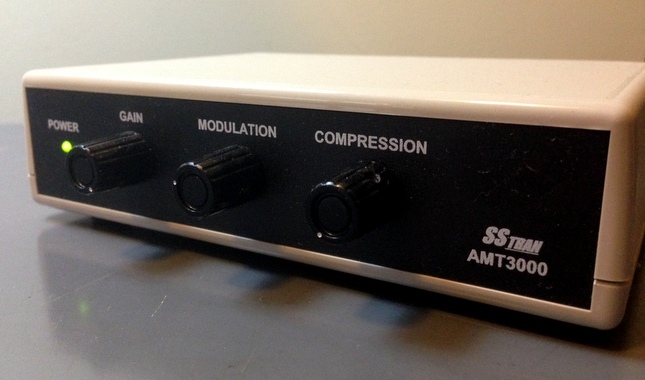
It produces high fidelity audio with a flat frequency response––and of course, with modulation and compression controls, you can tailor the audio to your particular taste.

Result?  It sounds amazing piping WWII-era tunes through my Scott Marine SLR-M, Hallicrafters SX-24, and SX-99 and my Hammarlund SP-600.

As a bonus, I can hook my shortwave receivers up to the AMT3000 and listen to received audio via other radios throughout my house. Many times, I’ve listened to live broadcasts of ERT Open on 9,420 kHz via my kitchen AM radio…Very cool!

I also hook the AMT3000 up to my shack PC and stream my favorite internet radio station: the UK 1940s Radio Station via TuneIn radio. Absolutely brilliant!

I set my transmitter to 1410 kHz, and have left it there.  You’ll need to do a medium wave (AM) survey to find the clearest spot on your AM dial. I’m sure results will vary, depending on the level of medium wave broadcast activity in your area.

Here’s what my Scott Marine SLR-M sounds like playing “March of the Toys” by Tommy Dorsey and his Orchestra via the SSTRAN AMT3000 (note that this was recorded with just an iPhone, so audio fidelity is somewhat lacking):

Conclusion
SSTRAN-AMT3000-1

If you’re looking for a high-quality, low-power legal AM transmitter, I highly recommend the SSTRAN AMT3000. Even if you’re a novice kit builder, with time and patience, you can successfully construct the AMT3000, too. If I did it, you certainly can!

If you’d prefer buying a pre-assembled AMT3000, they do occasionally turn up on eBay. Click here to search.

As for me, I’m happy to have achieved my modest goal of being able to broadcast 1930s and 1940s music to vintage radios of the same era.

SSTRAN sells the AMT3000 directly on their website. Click here to view.


SSTRAN AMT3000 Models and Prices (via SSTRAN)

AMT3000
10 kHz channel spacing for use inside North and South America. Includes enclosure and 120 Volt AC Adapter. The single surface-mount IC is pre-soldered on the board.
Price: $92.95

AMT3000-9K
9 kHz channel spacing for use outside North and South America. Includes enclosure and 120 Volt AC Adapter. The single surface-mount IC is pre-soldered on the board. *
Price: $92.95

AMT3000-9KNT
Same as AMT3000-9KSM, except the US-standard 120 Volt AC Adapter is not included. **
Price: $88.95

Pete gives Kaito high marks for customer service

PL-880 (1)

SWLing Post reader, Pete Jernakoff (K3KMS), writes:

“I purchased two PL-880 radios from Amazon about a year ago and before the soft muting issue became a hot topic. Both of my radios (8819 firmware version) suffered from this most annoying problem but it wasn’t until I started reading your excellent blog that I learned of the cause.

About two weeks ago, I called Kaito Electronics USA and asked if they could upgrade the firmware on my two radios to the 8820 version. The person I spoke to said (paraphrasing) “Sure! Send them to us any we’ll perform the upgrade for free. All you do is pay for the return shipping.”

So off the radios went to Kaito. About 10 days later I had them back with the new firmware installed. The return shipping was $10. Weak MW and SW signals are now easy to listen to: no soft muting issues at all. Kudos to Kaito for agreeing to perform the upgrade for me. My dealings with them were thoroughly pleasurable.”

Thanks for sharing that great experience, Pete! You’re right–the 8820 upgrade is certainly worth the shipping costs and I’m happy to hear Kaito makes the process so easy.

Don’t know the firmware version of your PL-880? Click here to learn how to display the firmware version.

For more information on PL-880 soft muting, click here.

A Photo Tour of the National Capital Radio and Television Museum

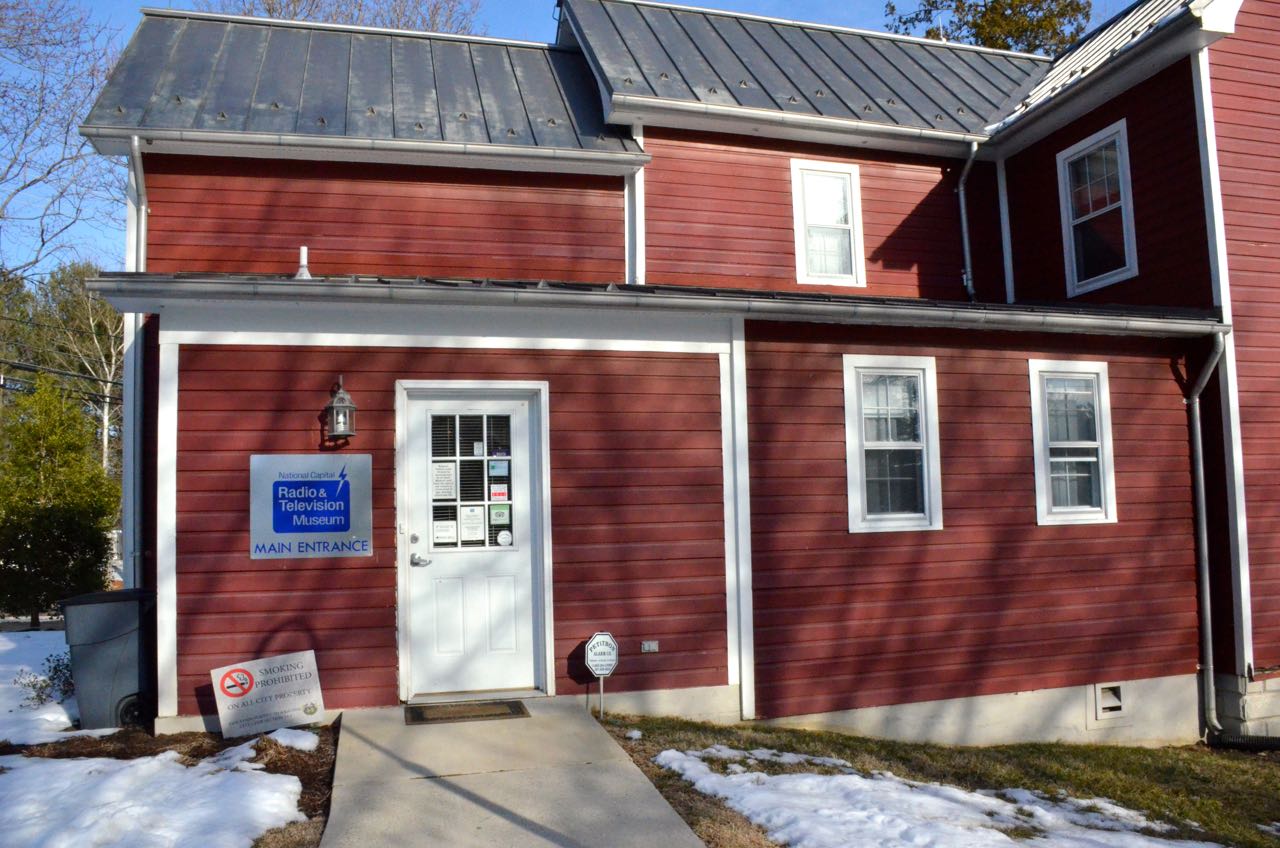
On Tuesday afternoon, I made a pilgrimage the to the National Capital Radio and Television Museum in Bowie, Maryland, USA.  The museum is located in a modest and beautiful historic house on the corner of Mt. Oak and Mitchellville Roads in Bowie.

RadioMeseumExterior

RadioMuseum-Exterior-FrontDoor

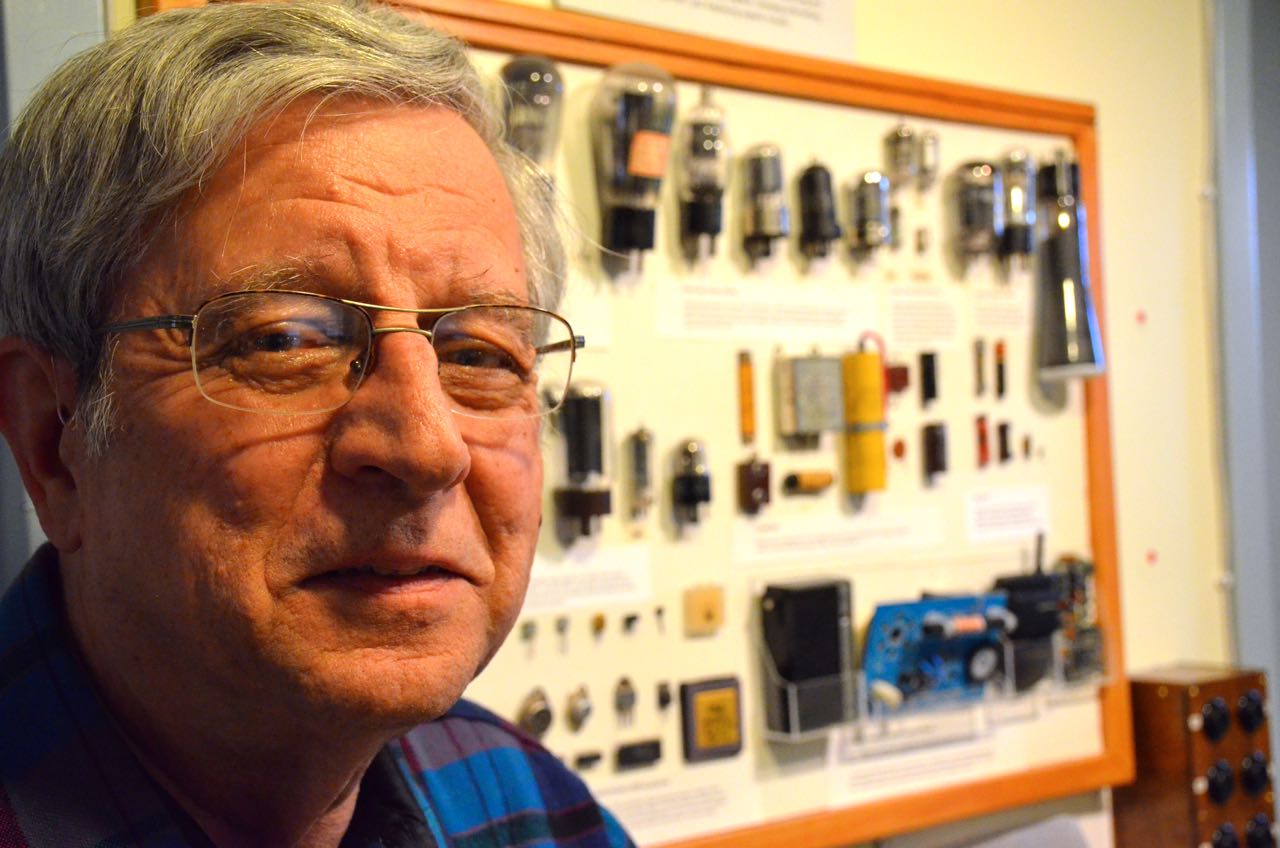
Museum Curator and volunteer, Brian Belanger, kindly gave me a private tour of the museum collections (the museum is closed on Tuesdays). Brian

Many thanks to Brian for taking time out of his day for the tour, and for allowing me to take some photos for the SWLing Post!

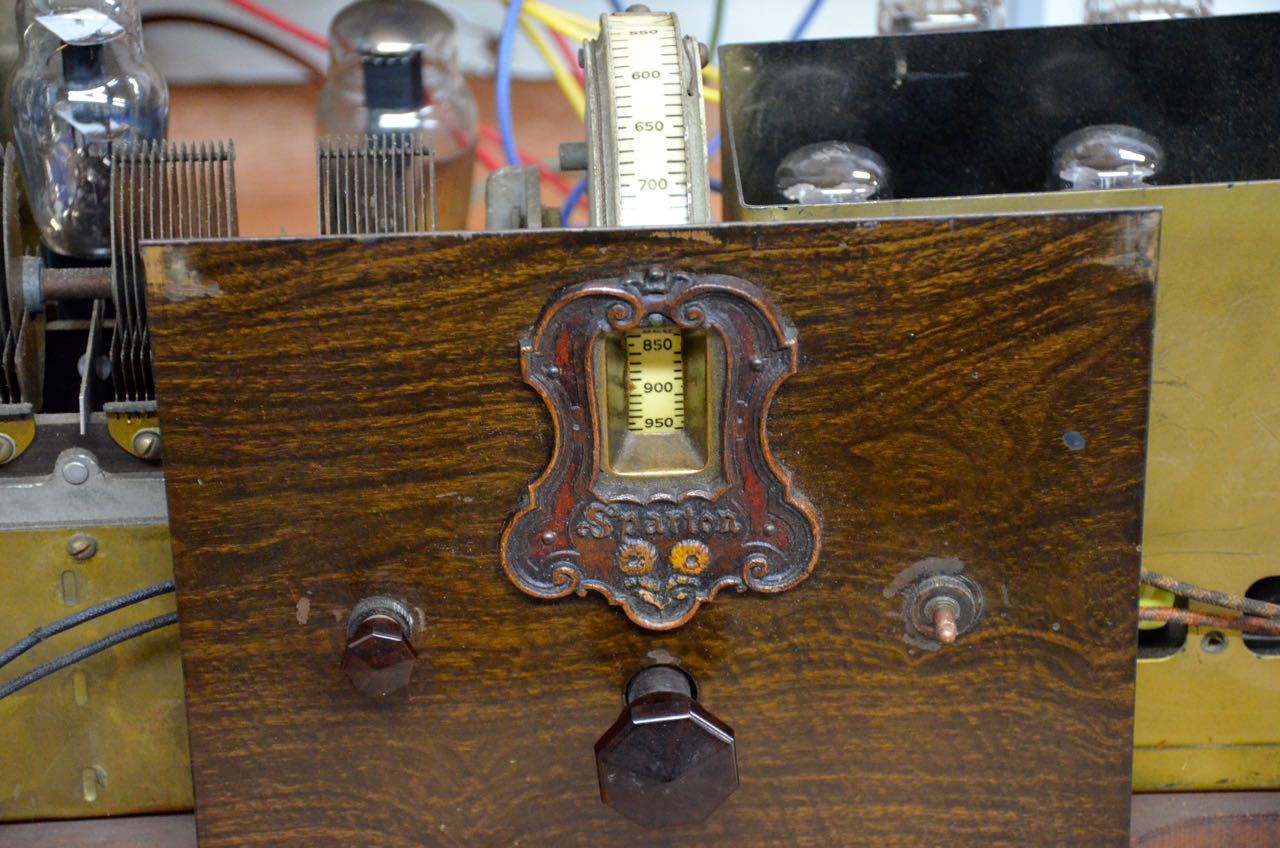
The museum has a number of display rooms with radios broadly grouped by style and decade. The first room offers examples of some of the earliest radios produced–including the venerable crystal radio (below).

[Click photos to enlarge.]

Miracle

Radio4

Like Brian, numerous volunteers work to keep the collections in working order. This isn’t a place where vintage radios come to die; they actually come to life here.

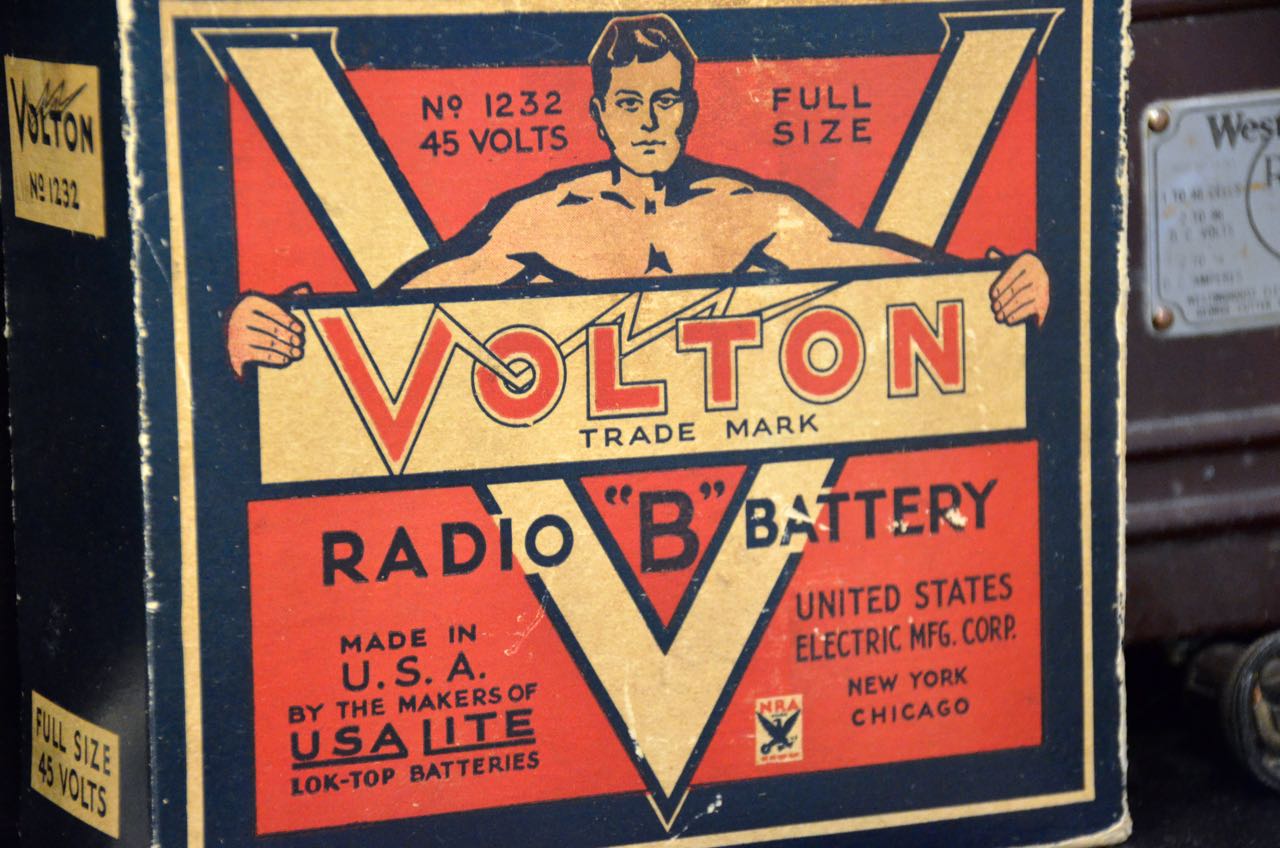
Volton-Battery

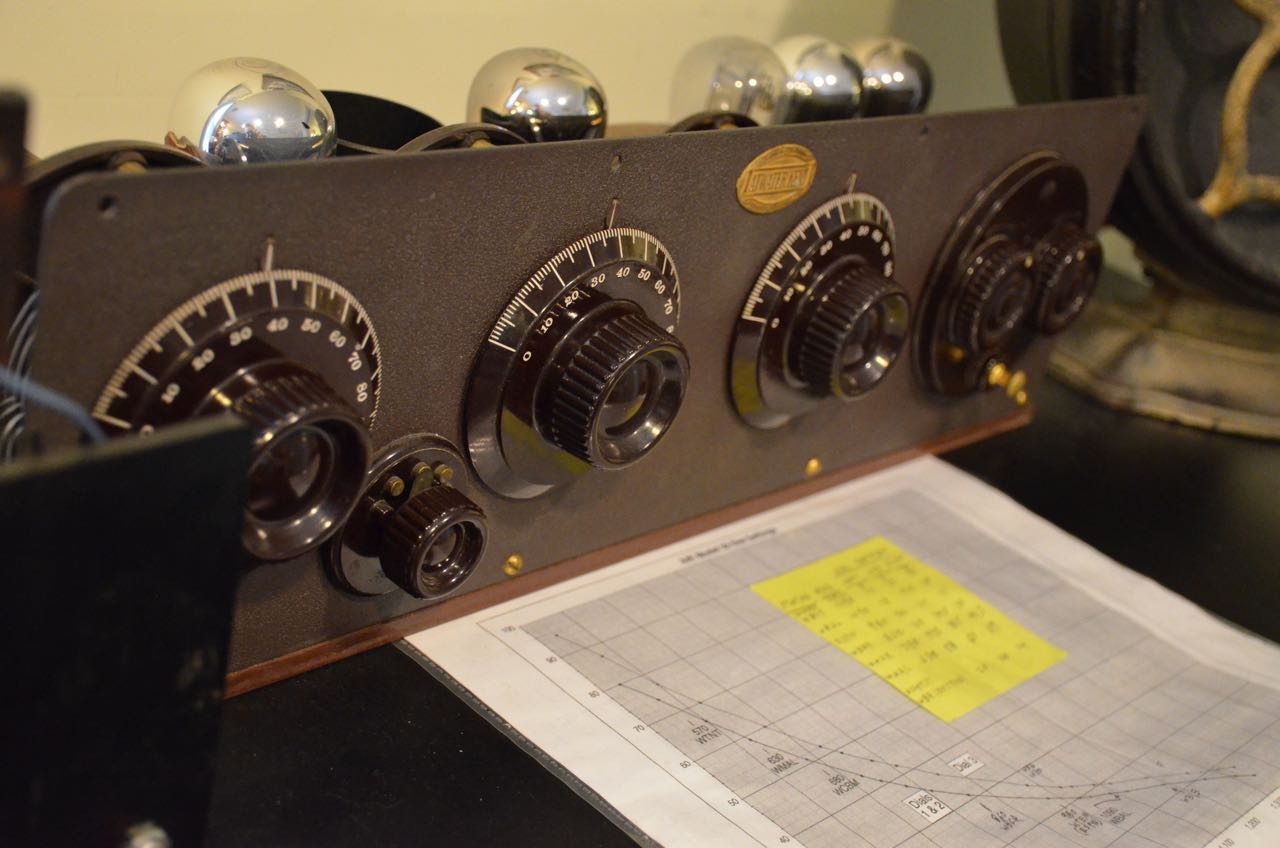
1920sRadioEven examples of some of their earliest radios are on the air and can be tuned to local and international stations.  Radio5
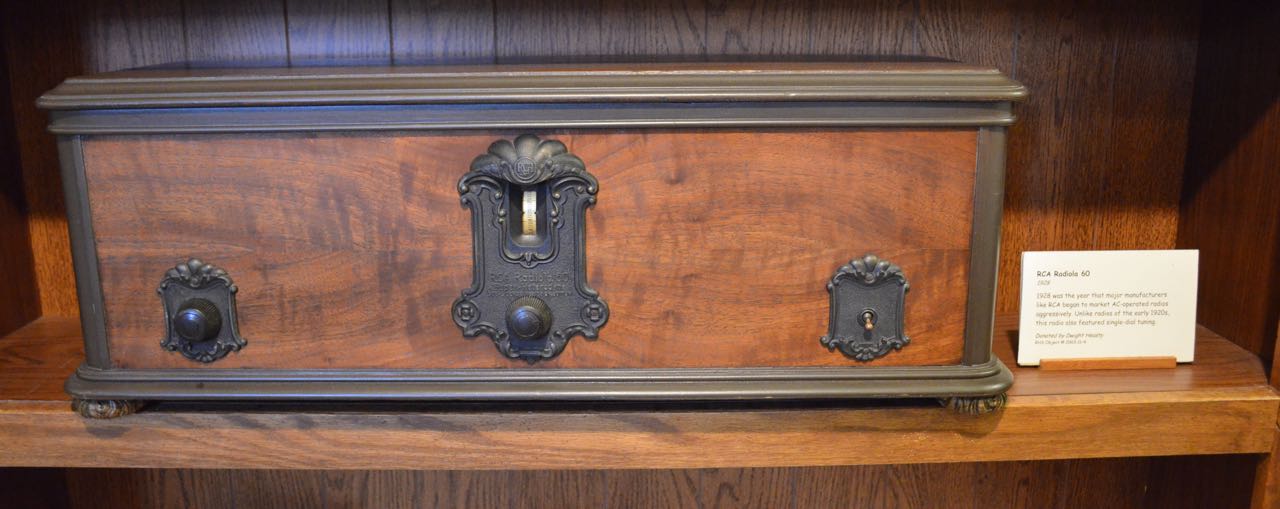
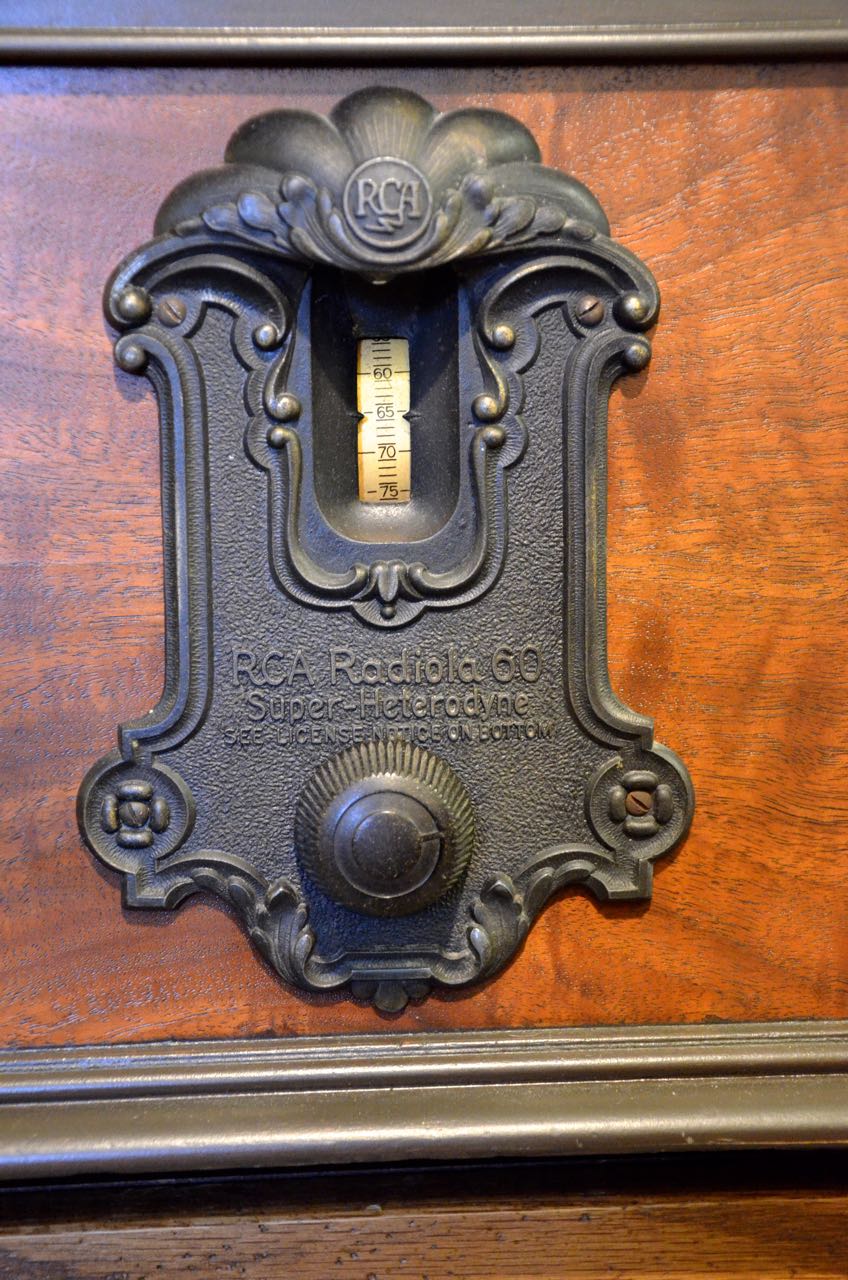
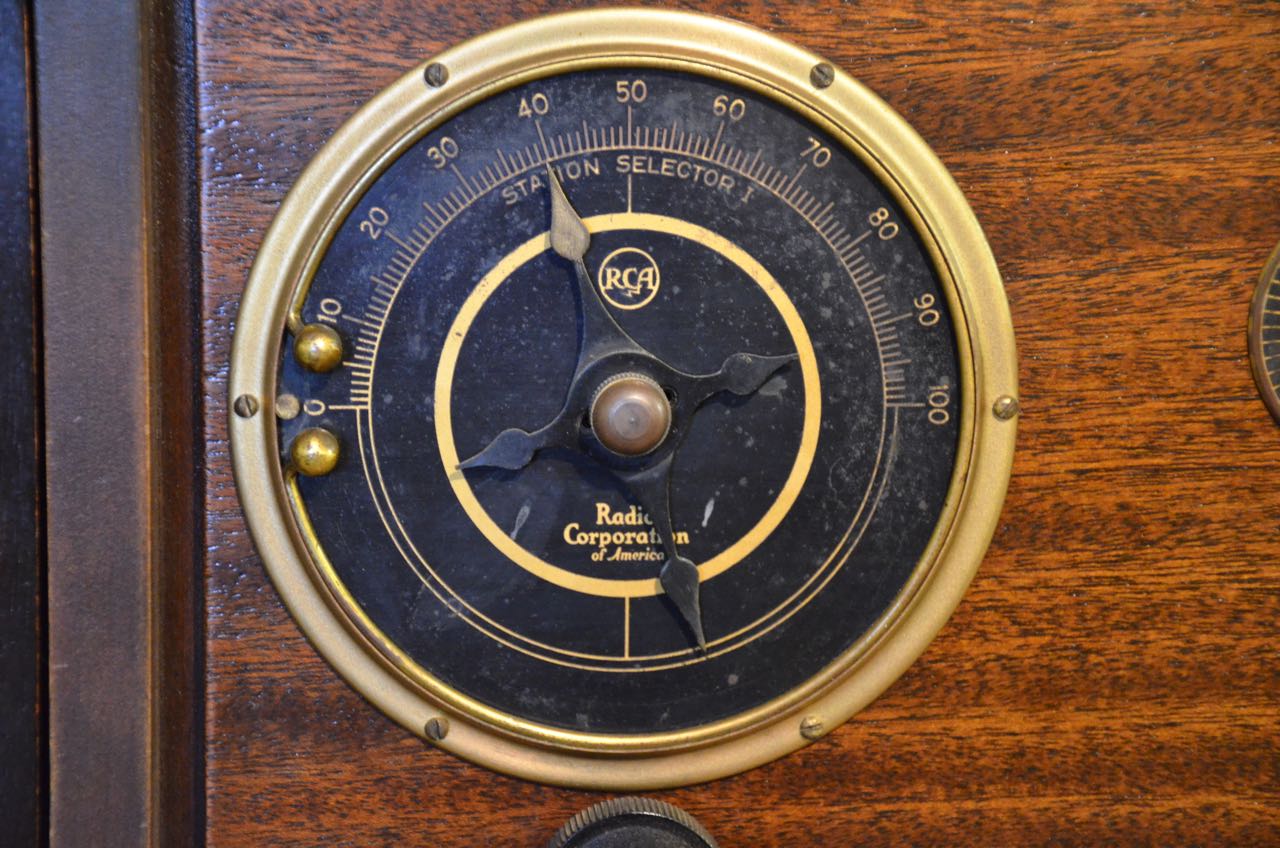
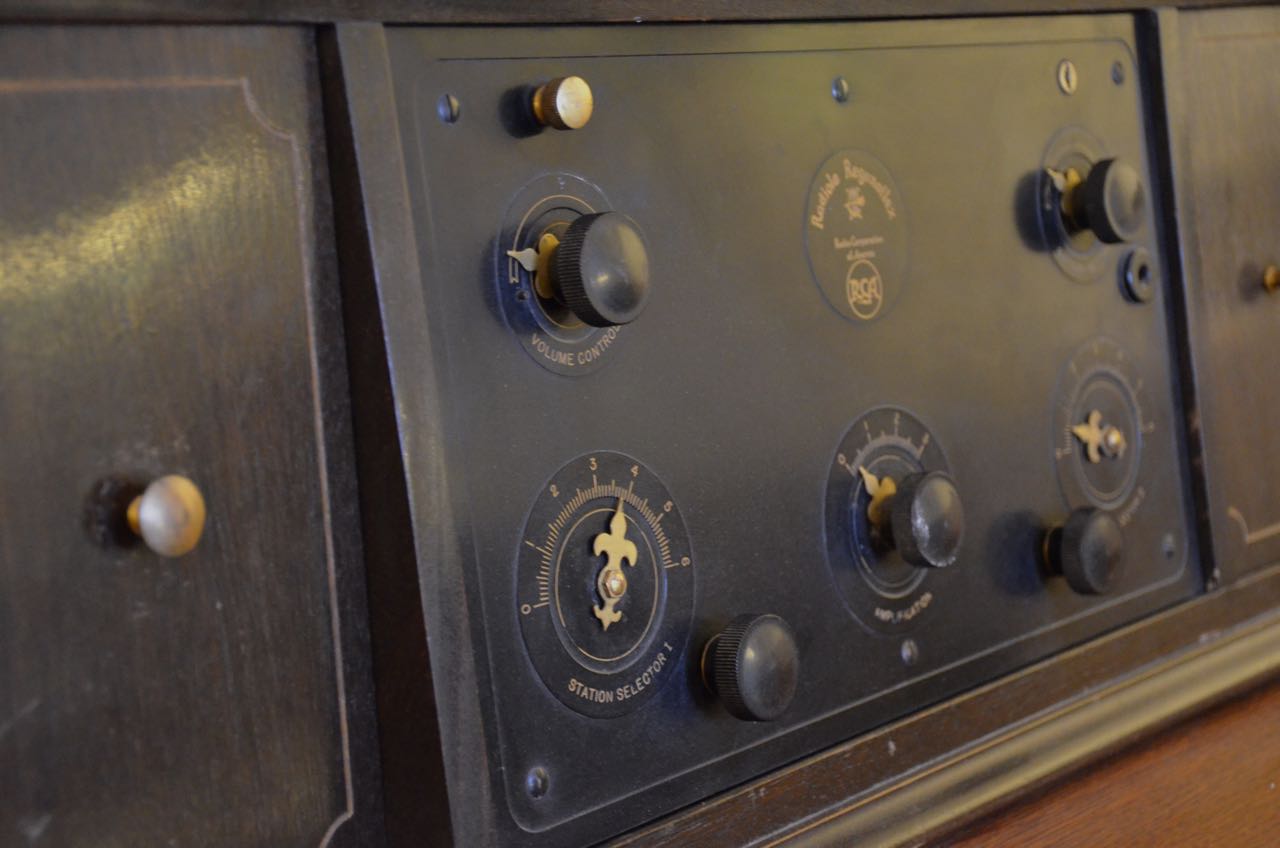
RCA-Radiola-60 RCA-Radiola-60Dial

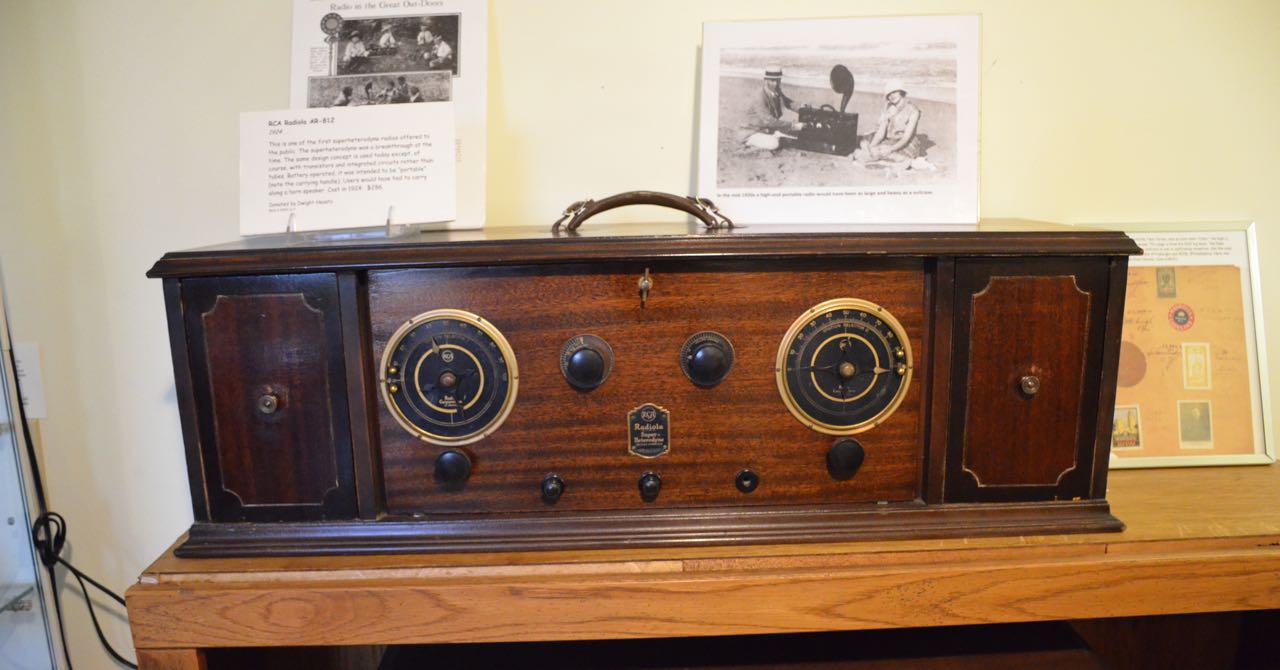
This RCA “portable” (below), housed two batteries on either side of the center faceplate. Note the ad on the wall above–a couple enjoy the RCA as they recline on a beach.

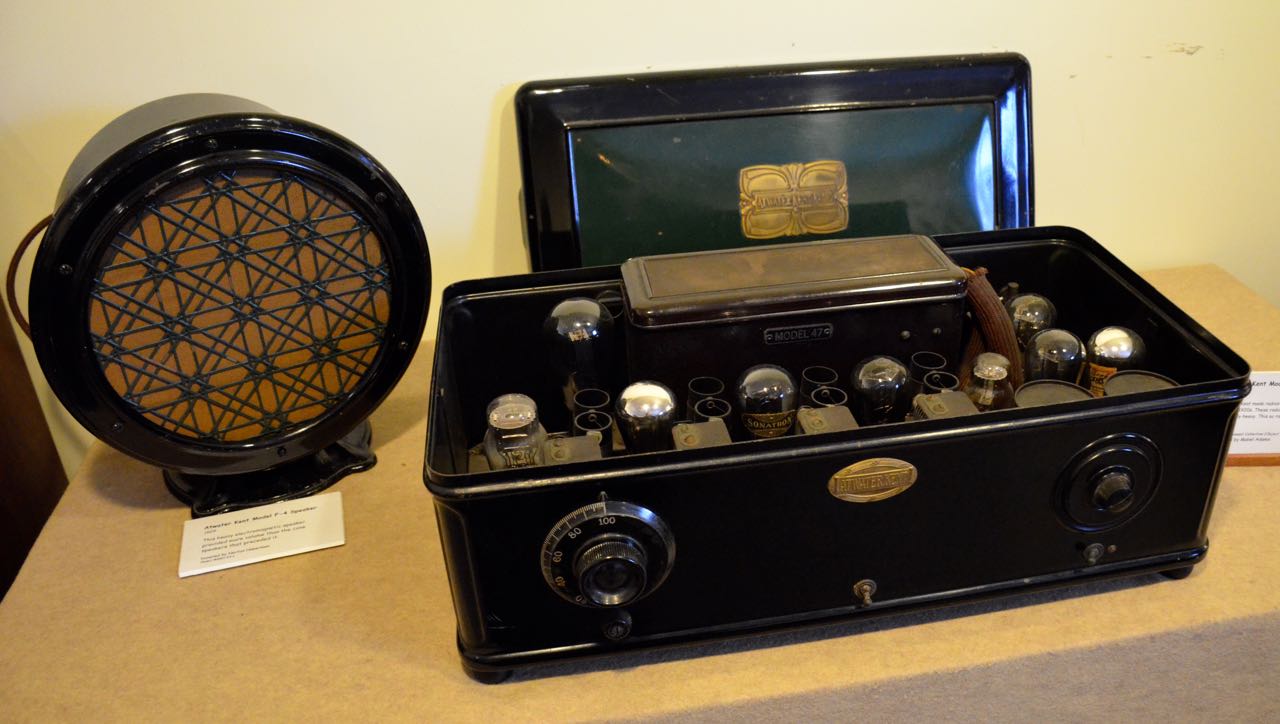
RCA-Portable RCA-Portable-Dial Radiola-X-RCA Radio10 Atwater-Kent-Black Atwater-Kent-Black-Interior

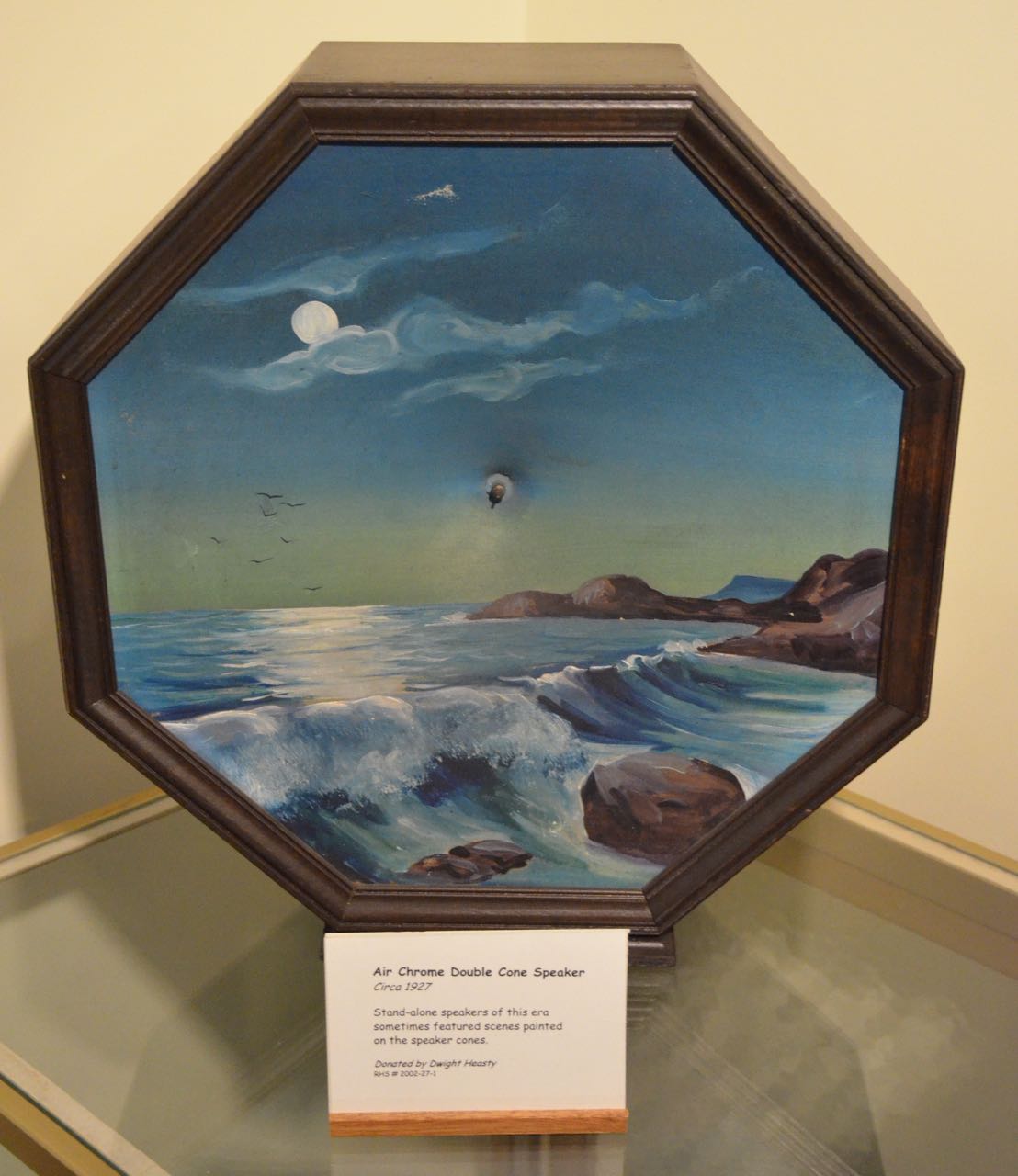
Speakers of the day were pretty amazing, too–check out this hand-painted 1927 Air Chrome Double Cone Speaker, below.

Air-Chrome-Double-Cone-Speaker

The museum also has an extensive collection of studio and off-air recordings that can be played over an AM carrier throughout the building.

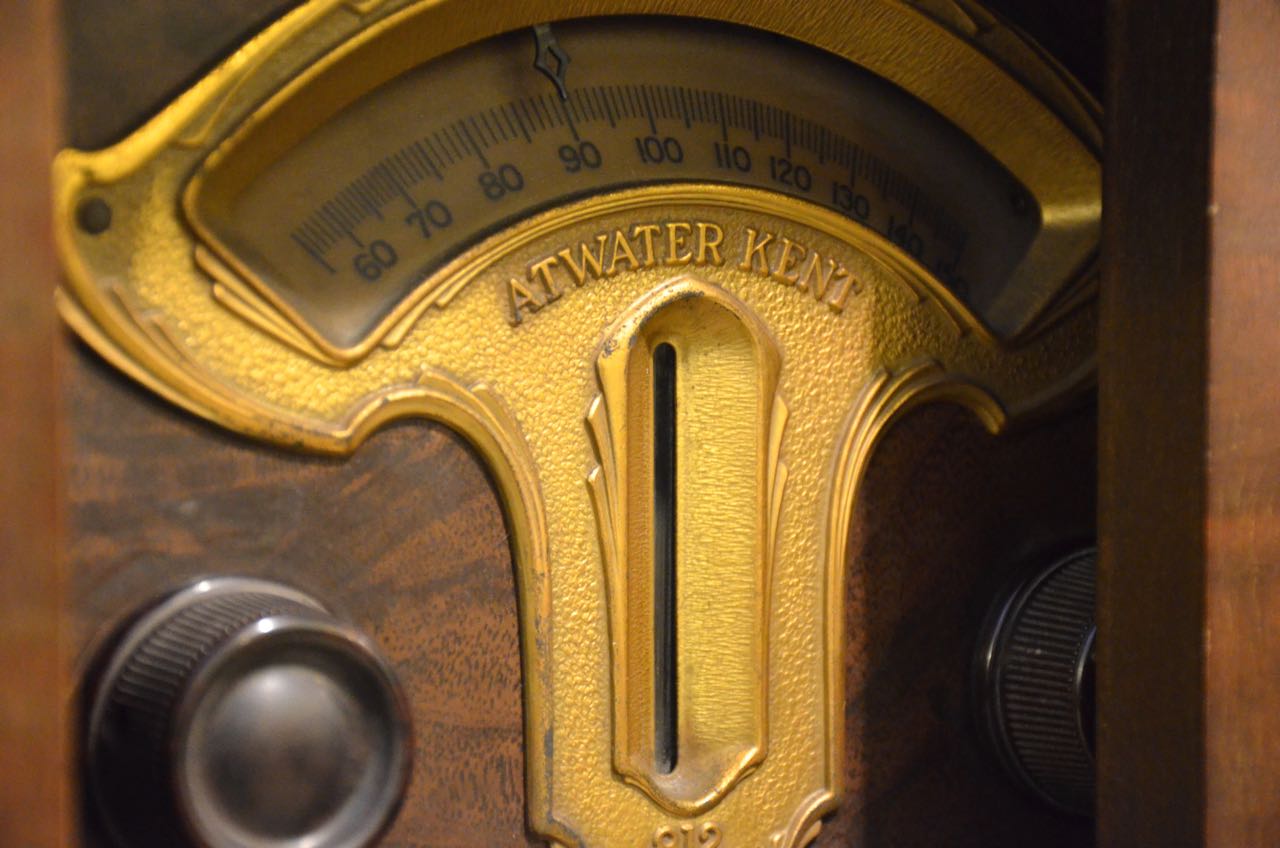
Atwater-Kent-Dial

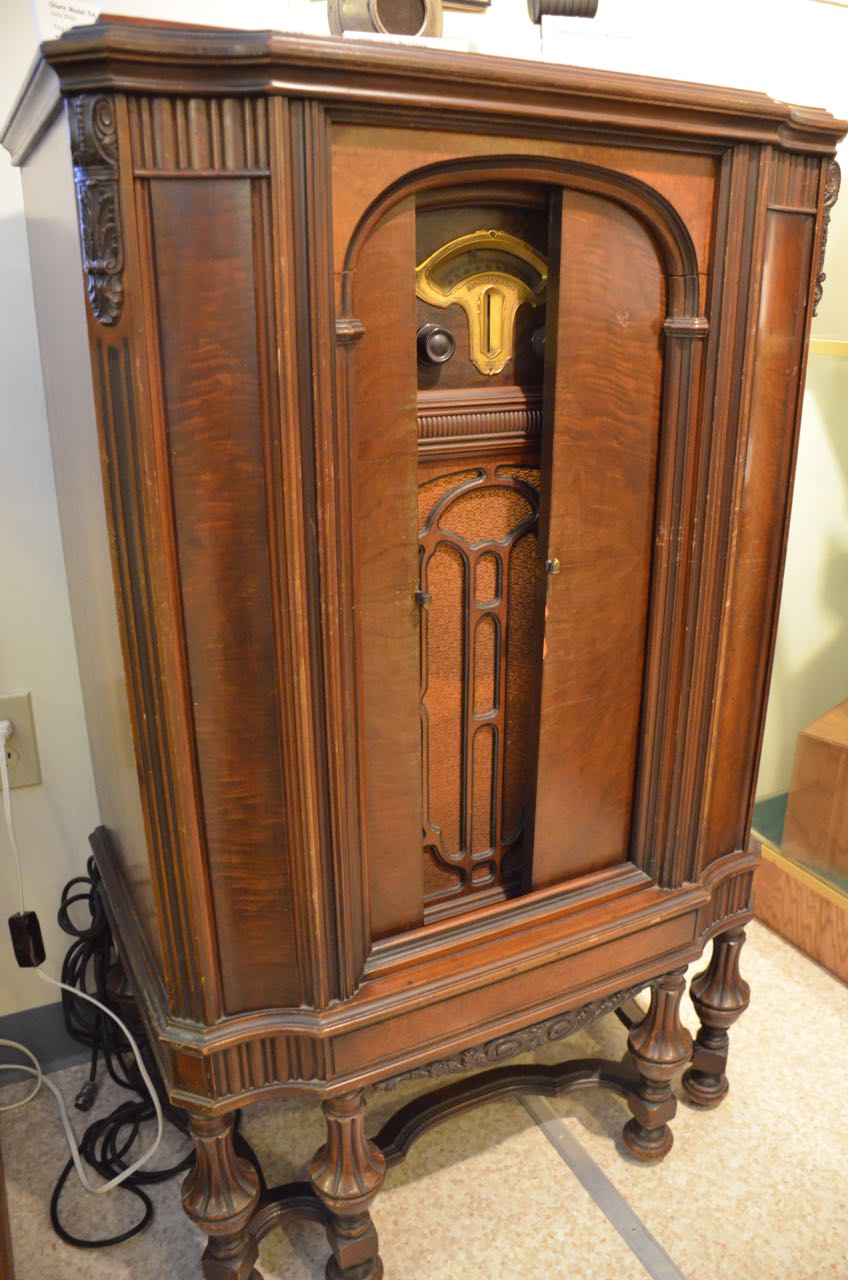
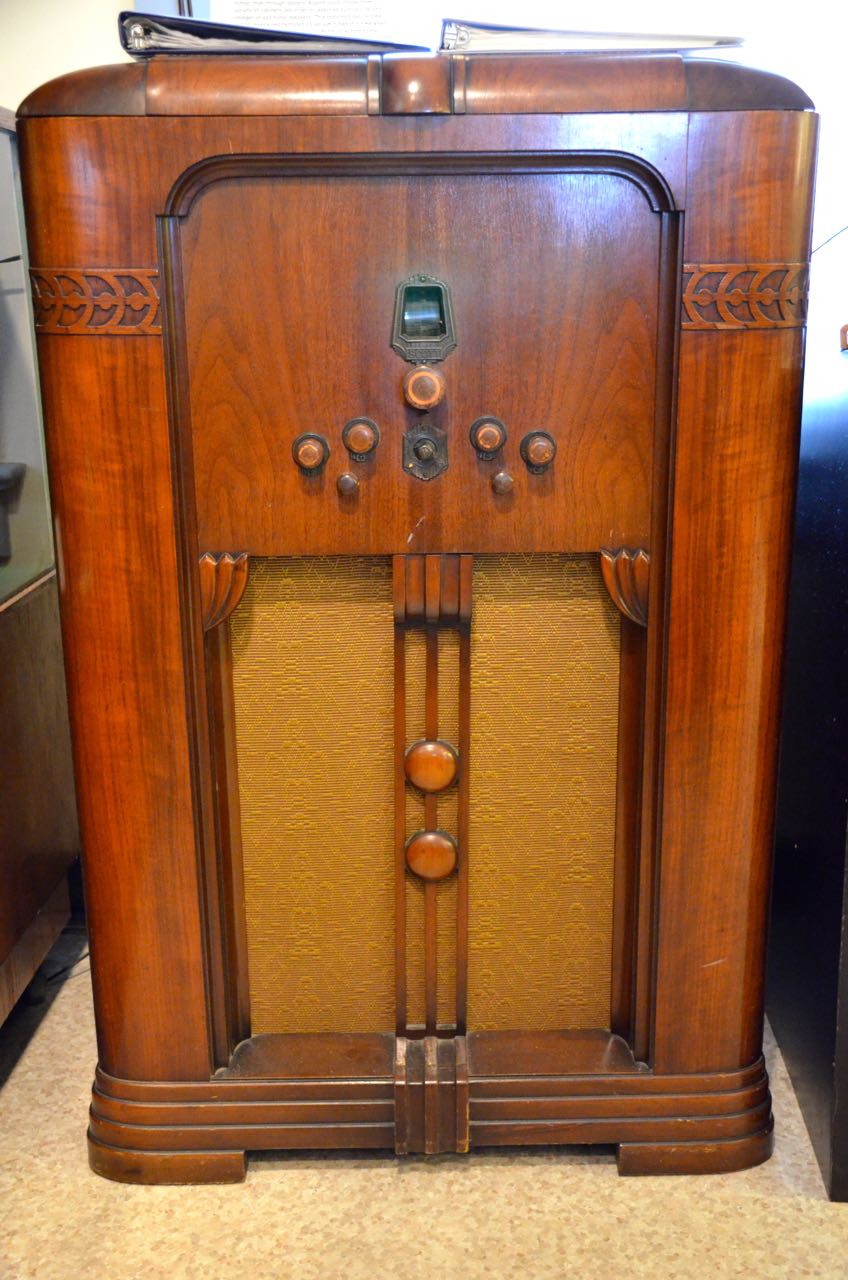
By the late 1920s and early 1930s, radio manufactures built gorgeous console radios, features in the living rooms and parlors of many lucky homes.

Atwater-Kent

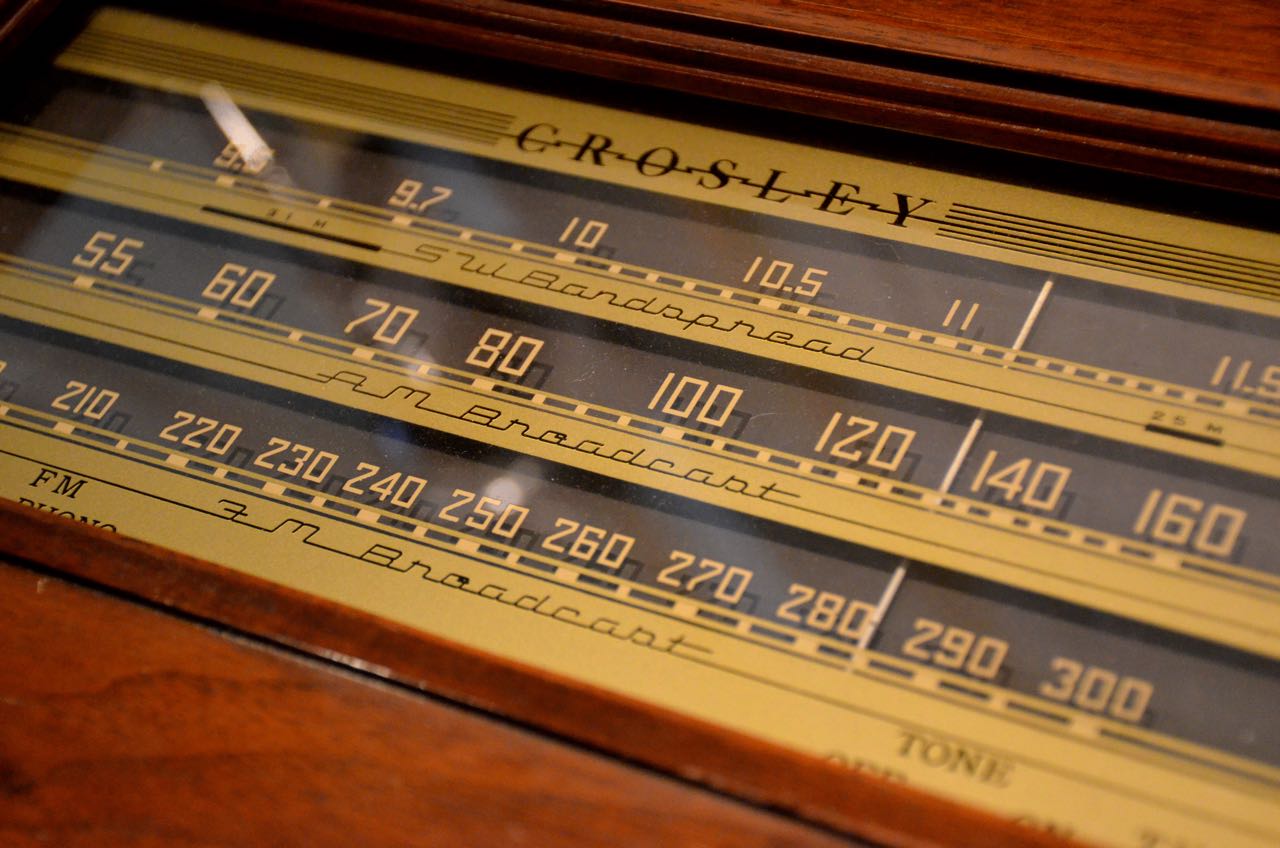
Crosley-Dial

Scott-ConsoleRadio

This E.H. Scott All-Wave 23 console (above and below) sported not only twenty-threee vacuum tubes, but a large, robust internal speaker. Radio collectors consider the All-Wave 23 to be one of the finest performing radios of the vacuum-tube era. Scott-Console-Radio-Dial

Zenith-Shuttle

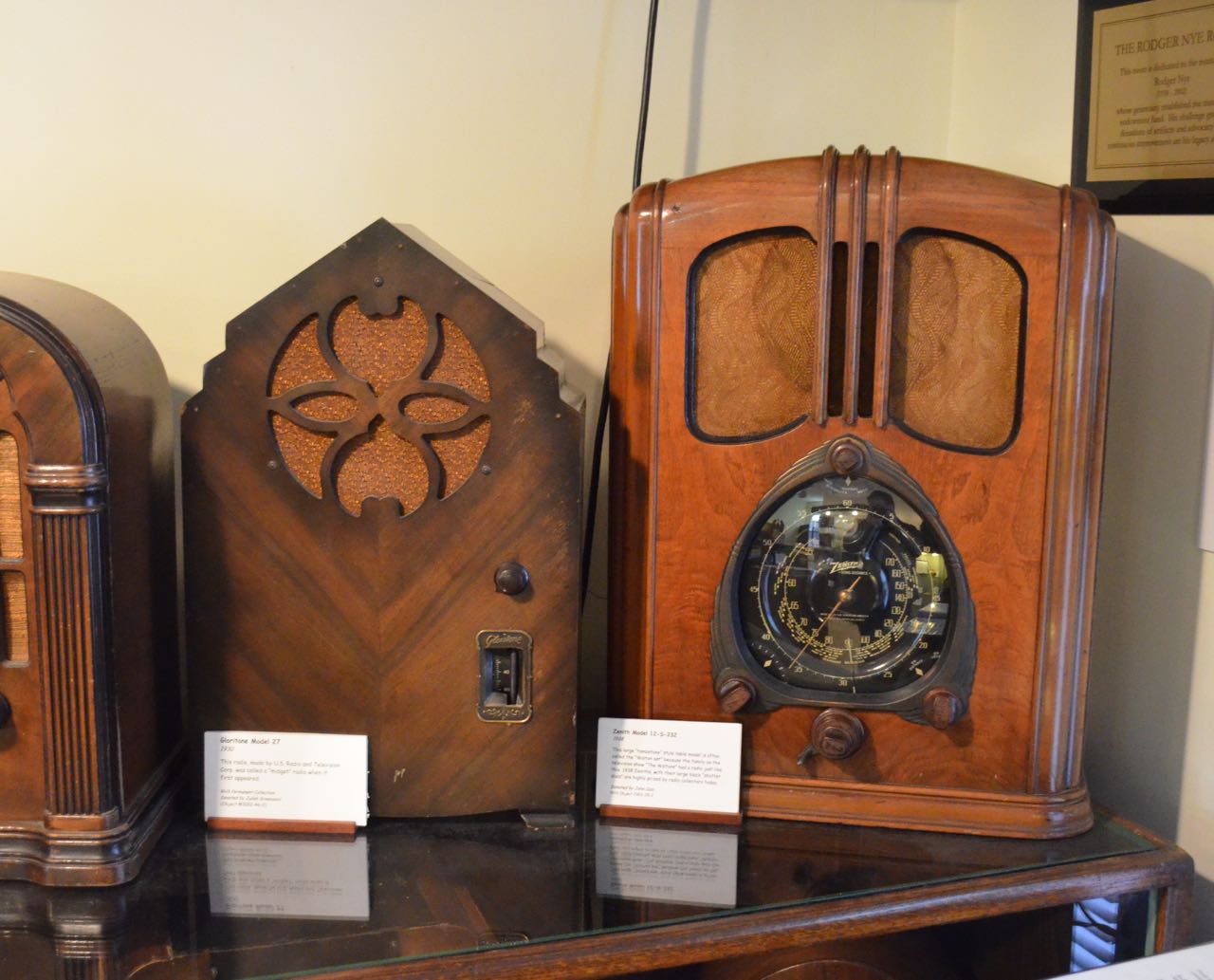
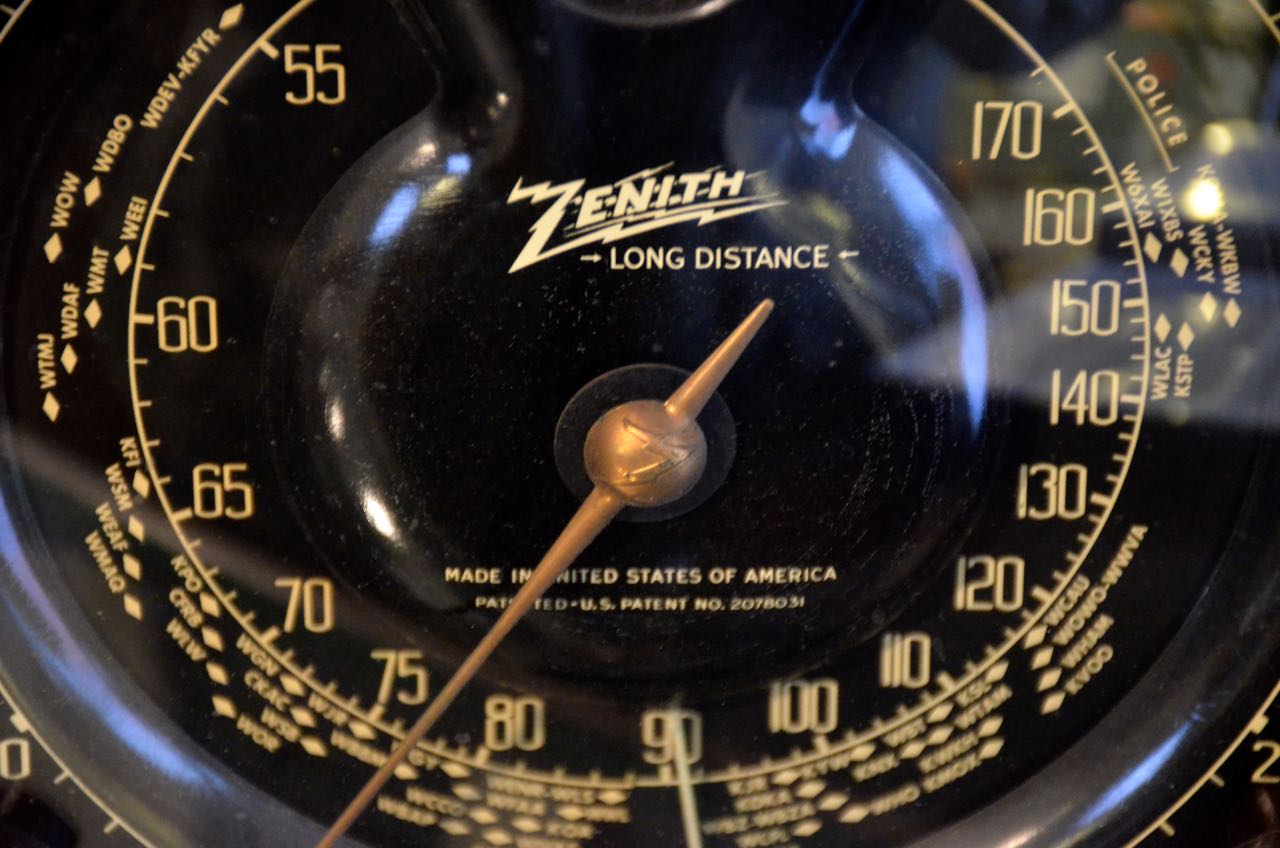
The museum also features the Zenith 12-S-232 tabletop radio with working shuttle dial–a futuristic band-switching mechanical wonder with a stunning dial.

Zenith-Shuttle-Dial ClintonModel-445X

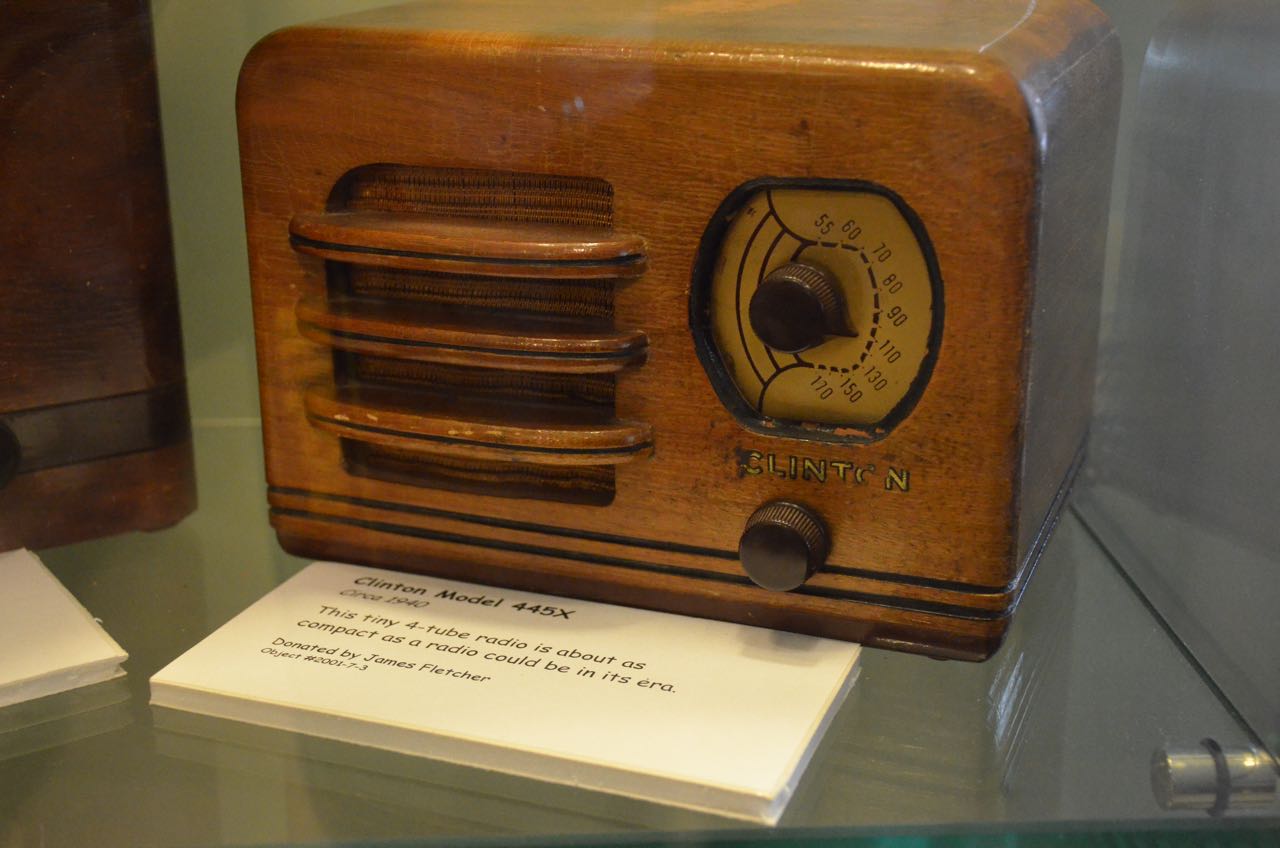
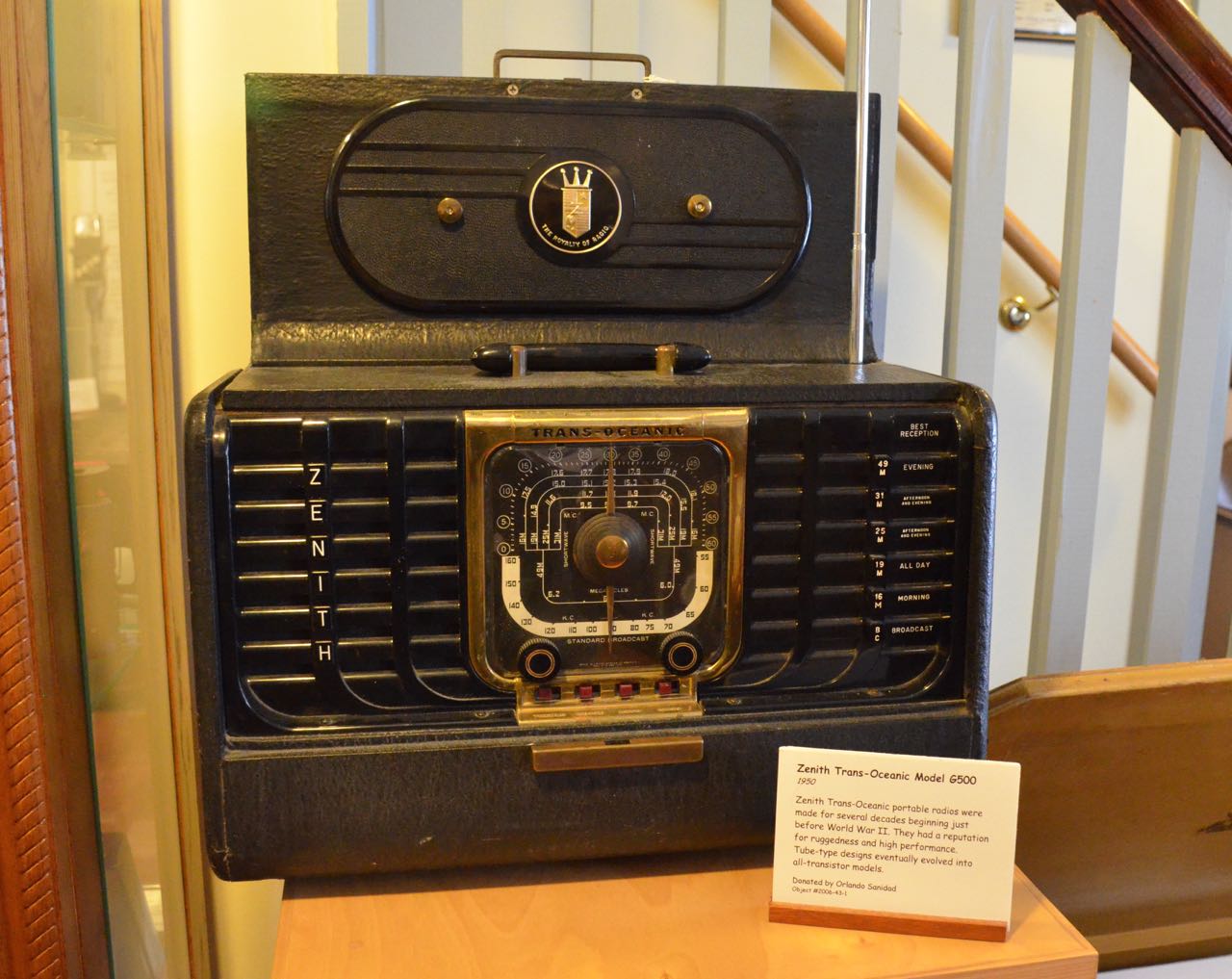
A number of tabletop and portable radios that span the decades have found their homes in this museum.  No doubt many SWLing Post readers cut their teeth on these classics!

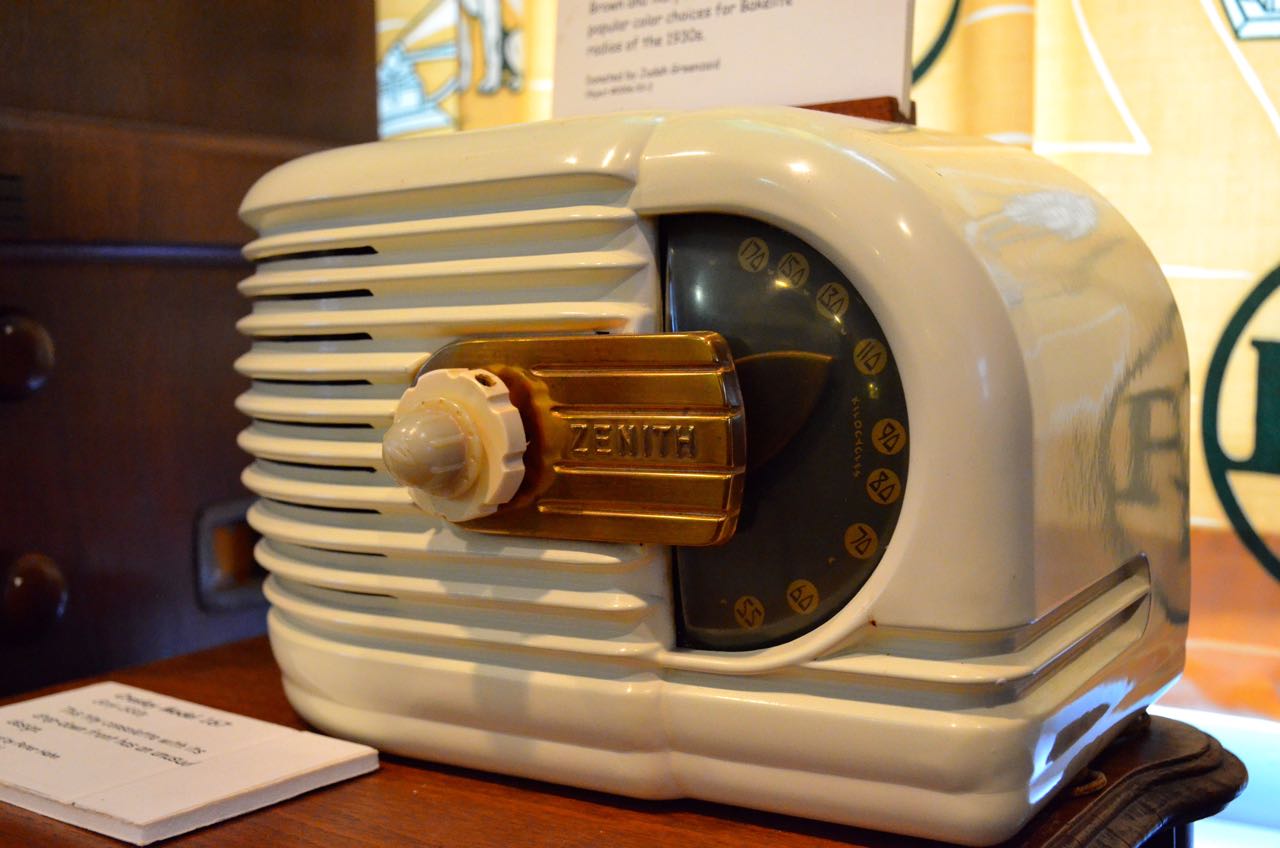
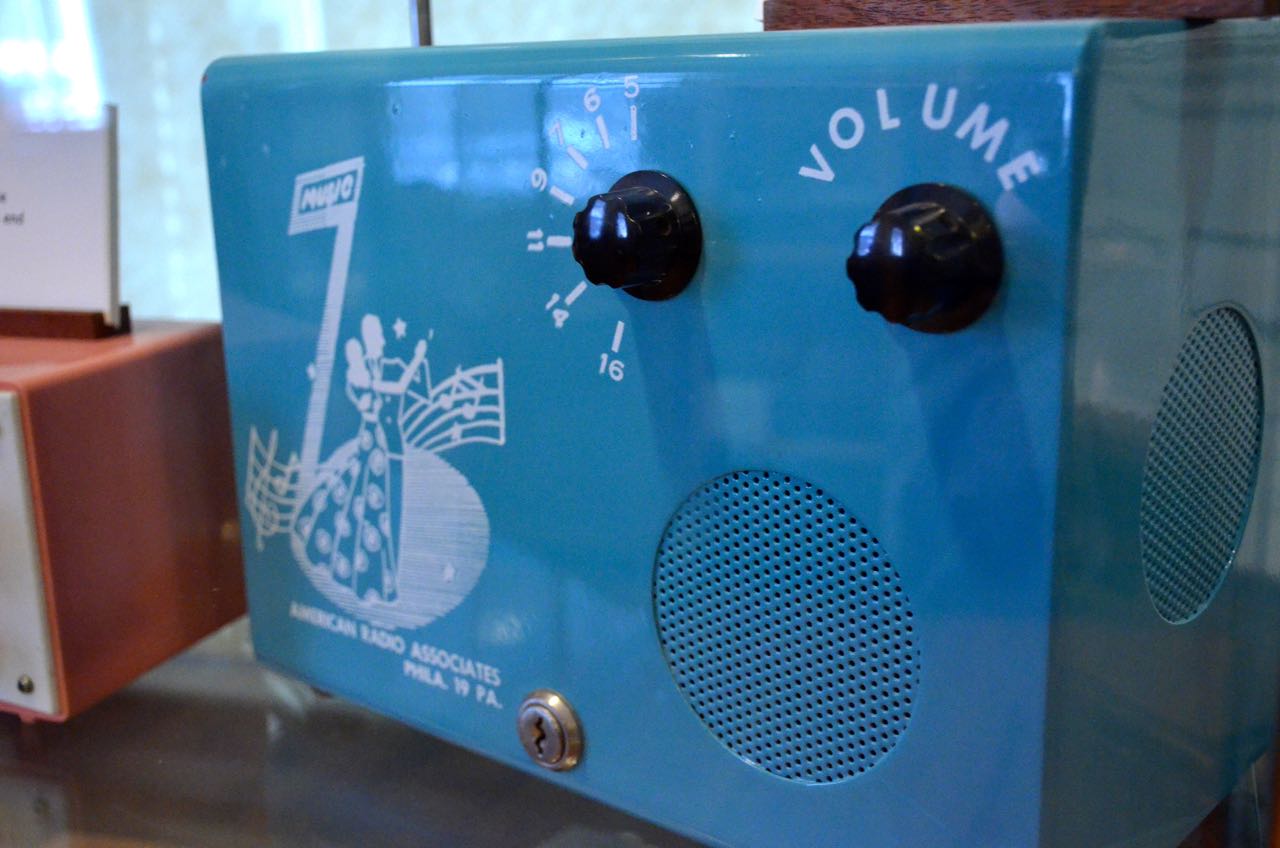
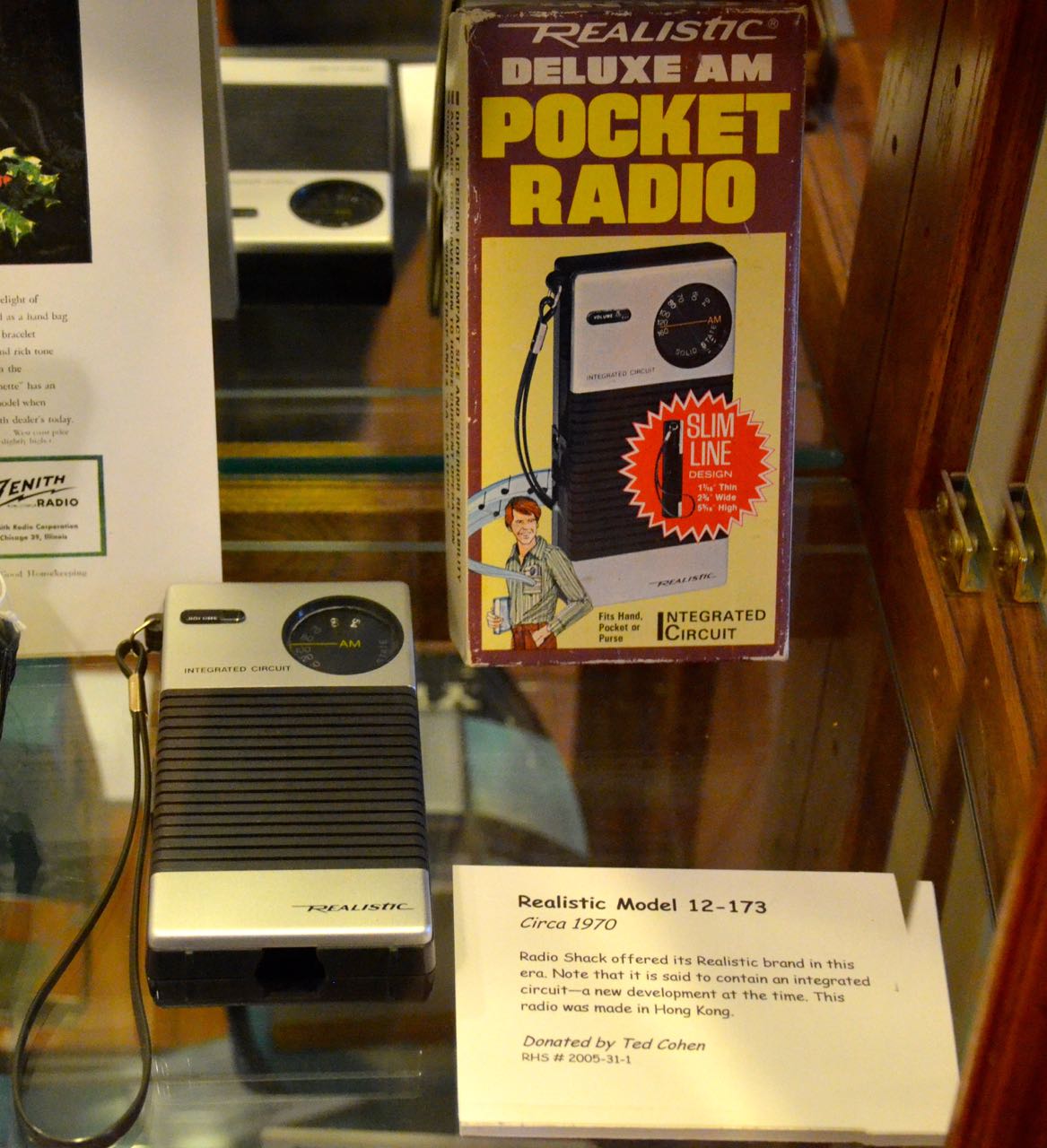
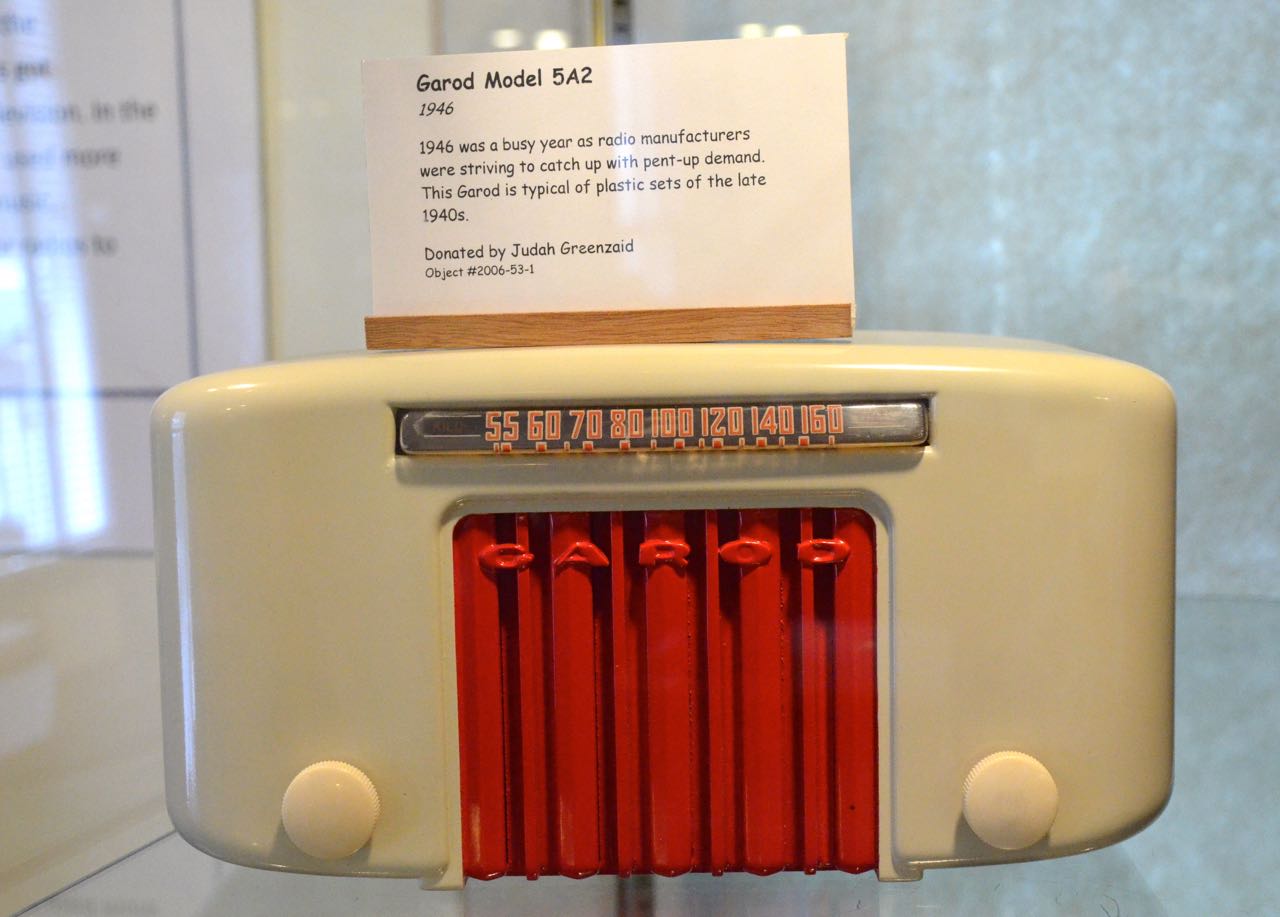
Zenith-Trans-Oceanic-6500 Zenith-Portable American-Radio-AssociatesRealistic-Model-12-173 Garod-Model-582

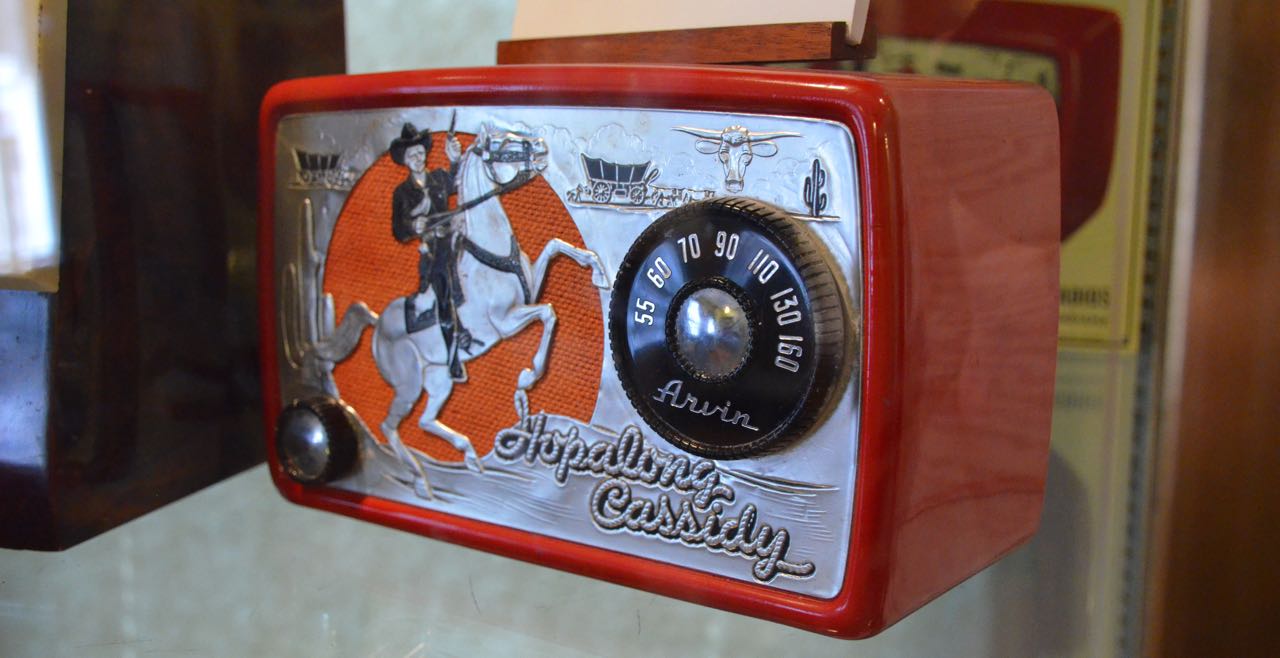
I love the design of the Garod Model 5A2–wow! And I’m sure many kids of the fifties wished they had an official Hopalong Cassidy AM radio (below).HopAlongCassidy-Radio

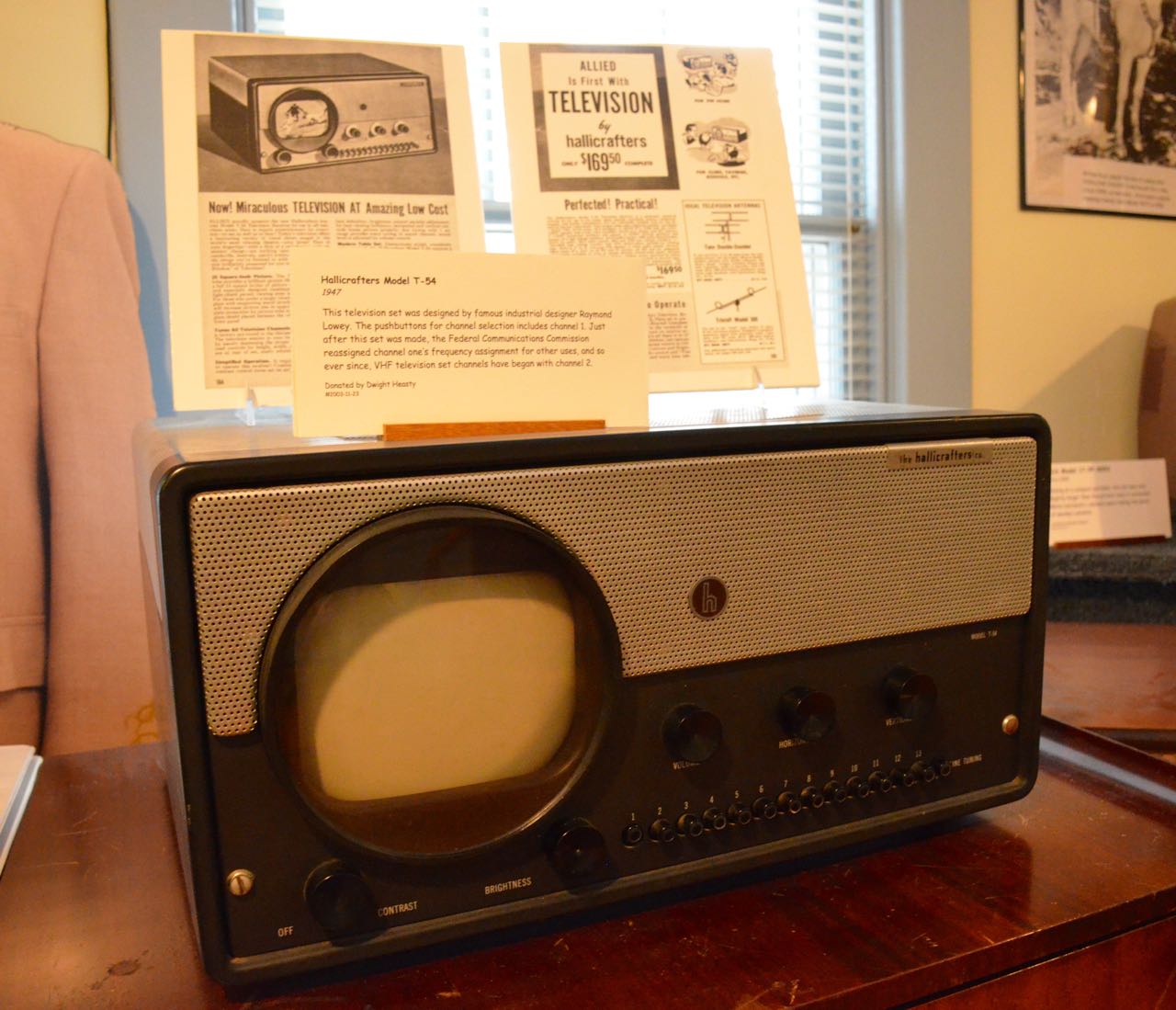
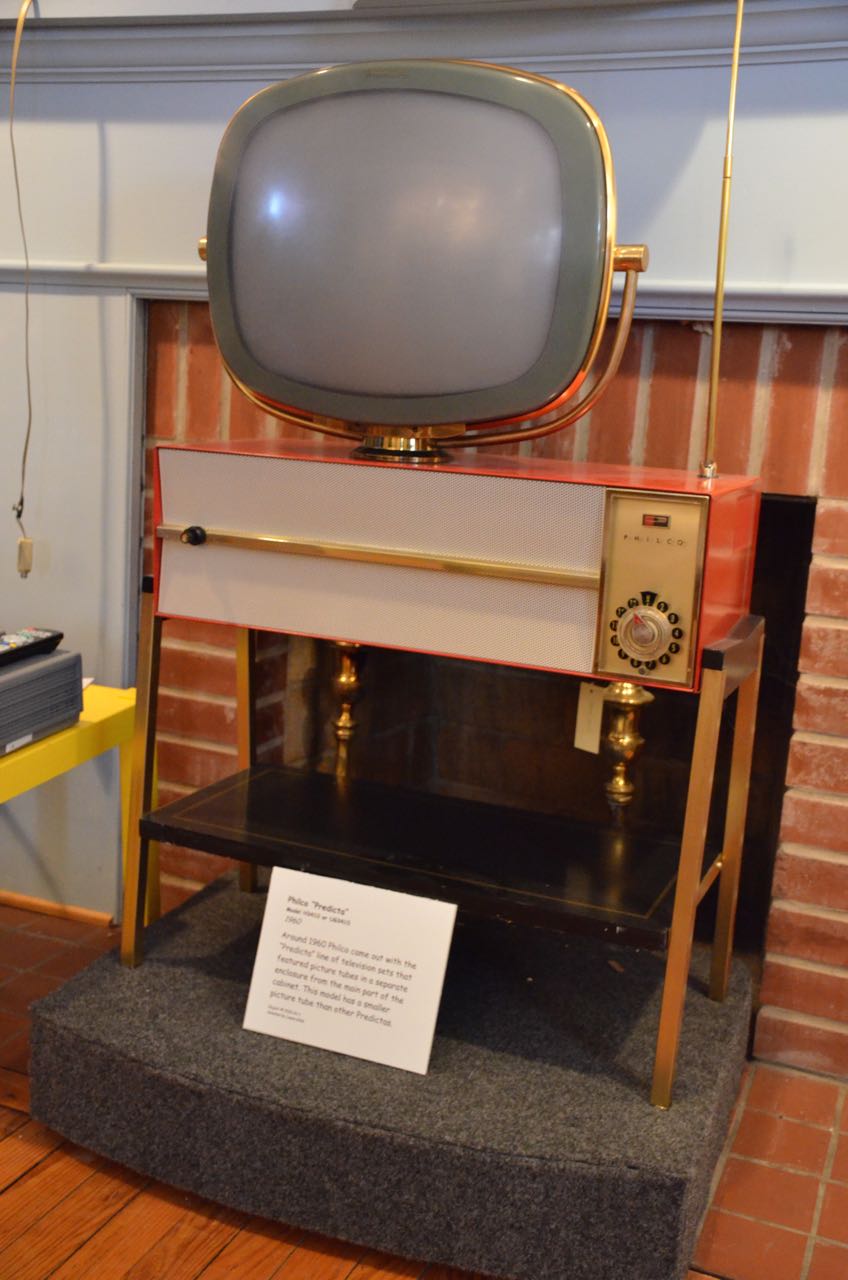
The museum, of course, also houses a large number of classic televisions.

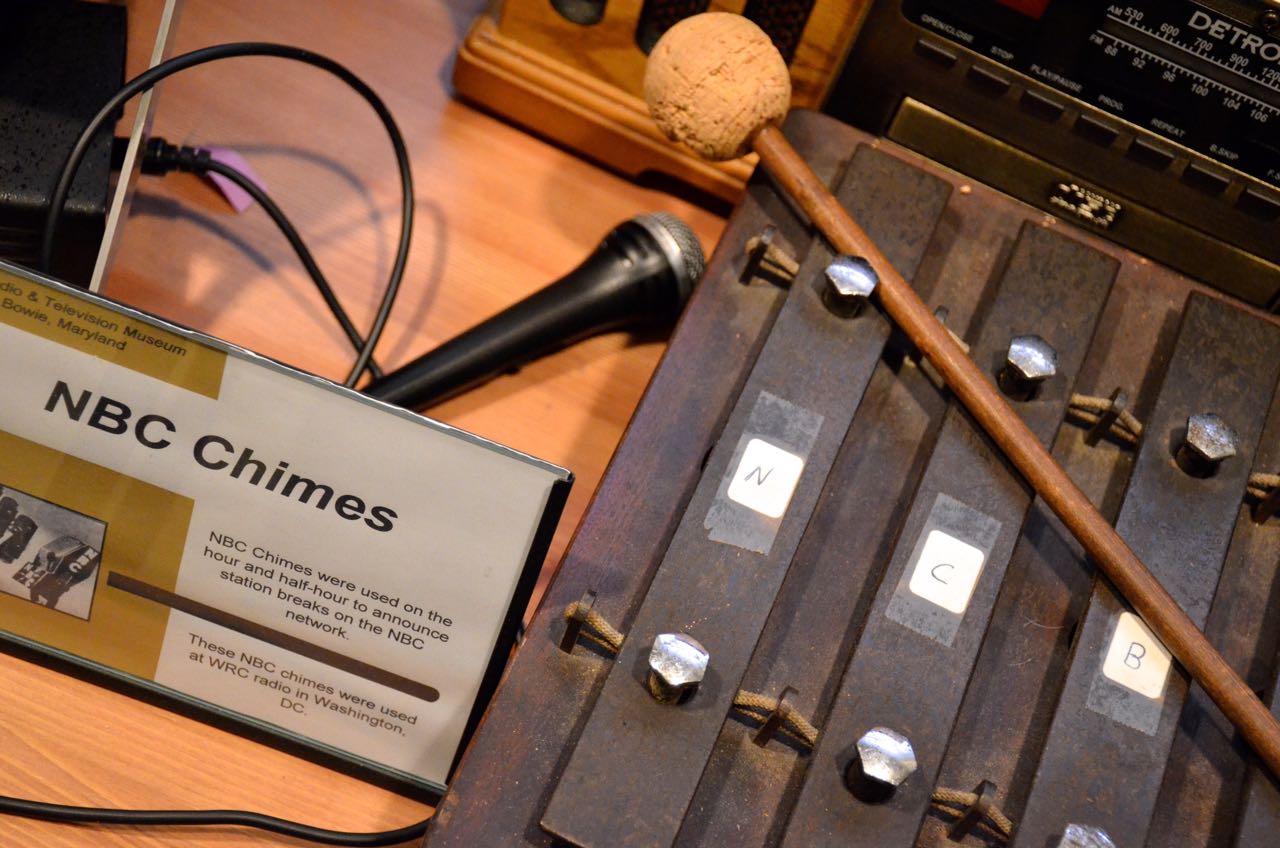
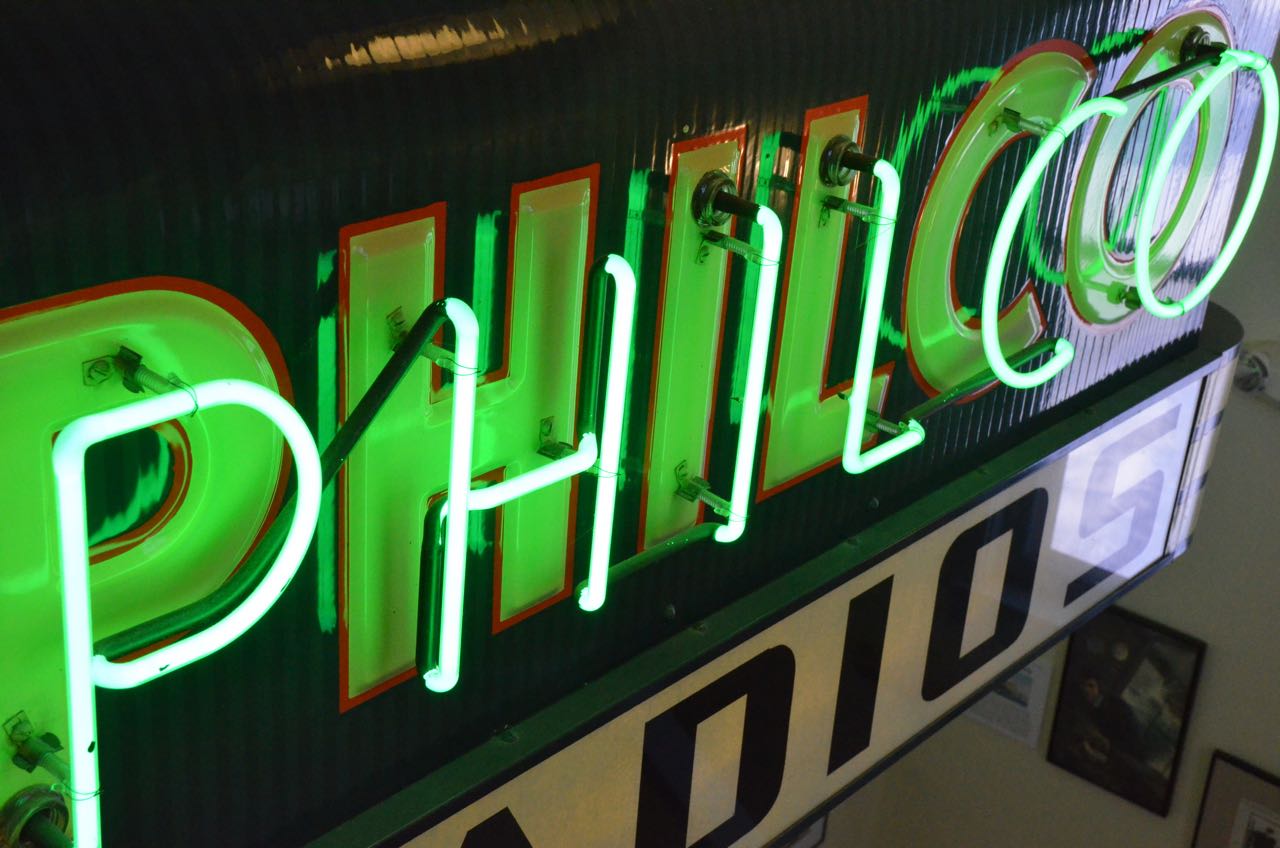
Pilot-Model-TVHallicrafters-TV Philco-TV Philco-TV-ControlsRadio stations and benefactors have also donated many items used in the industry, both in broadcast and retail.

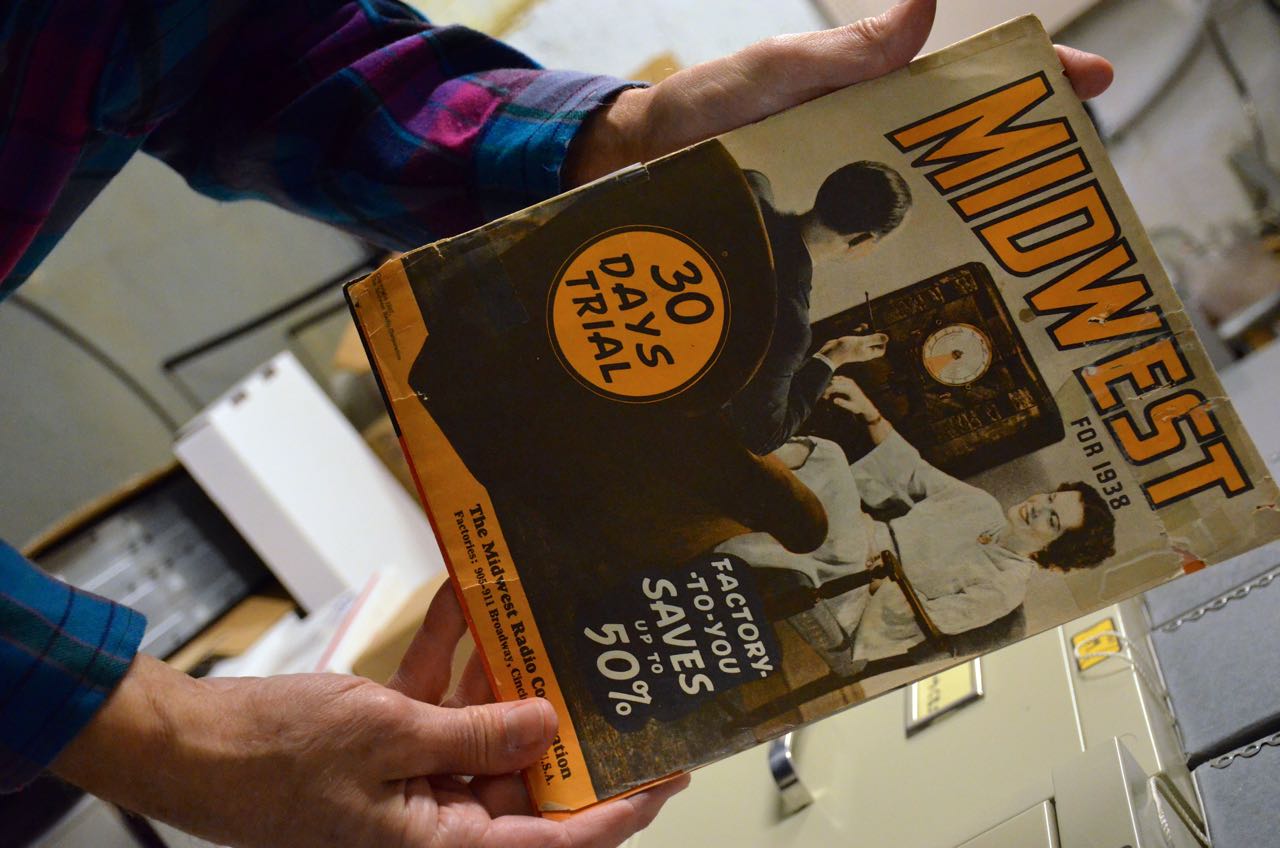
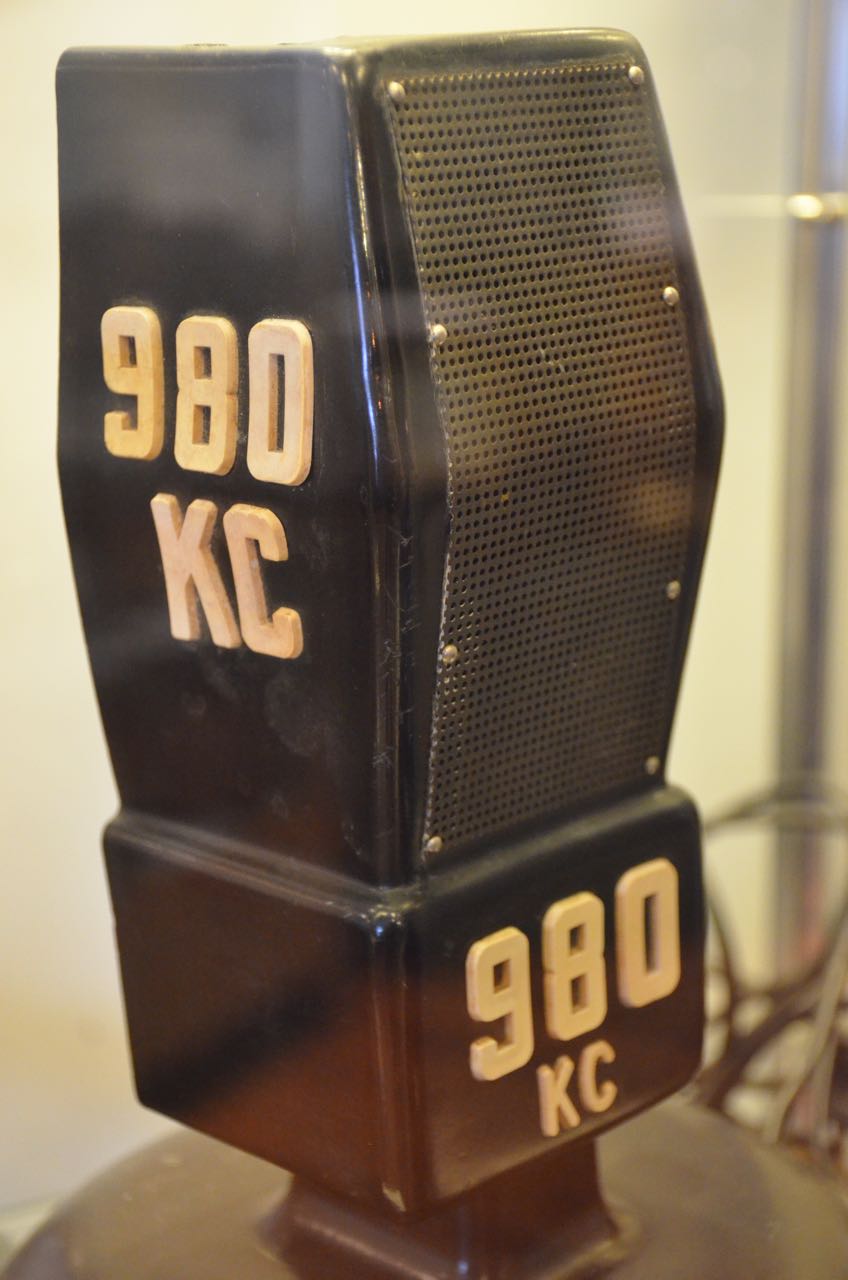
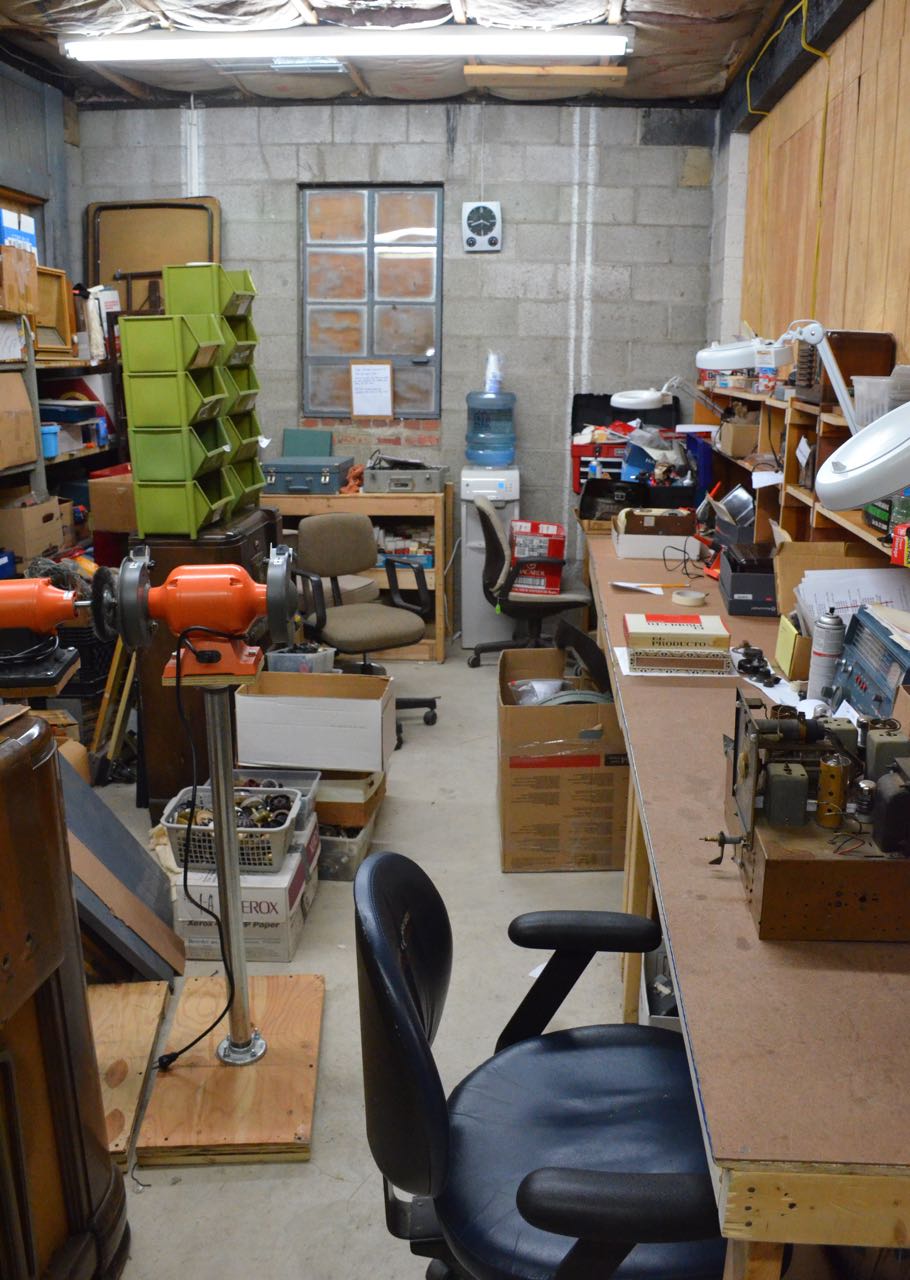
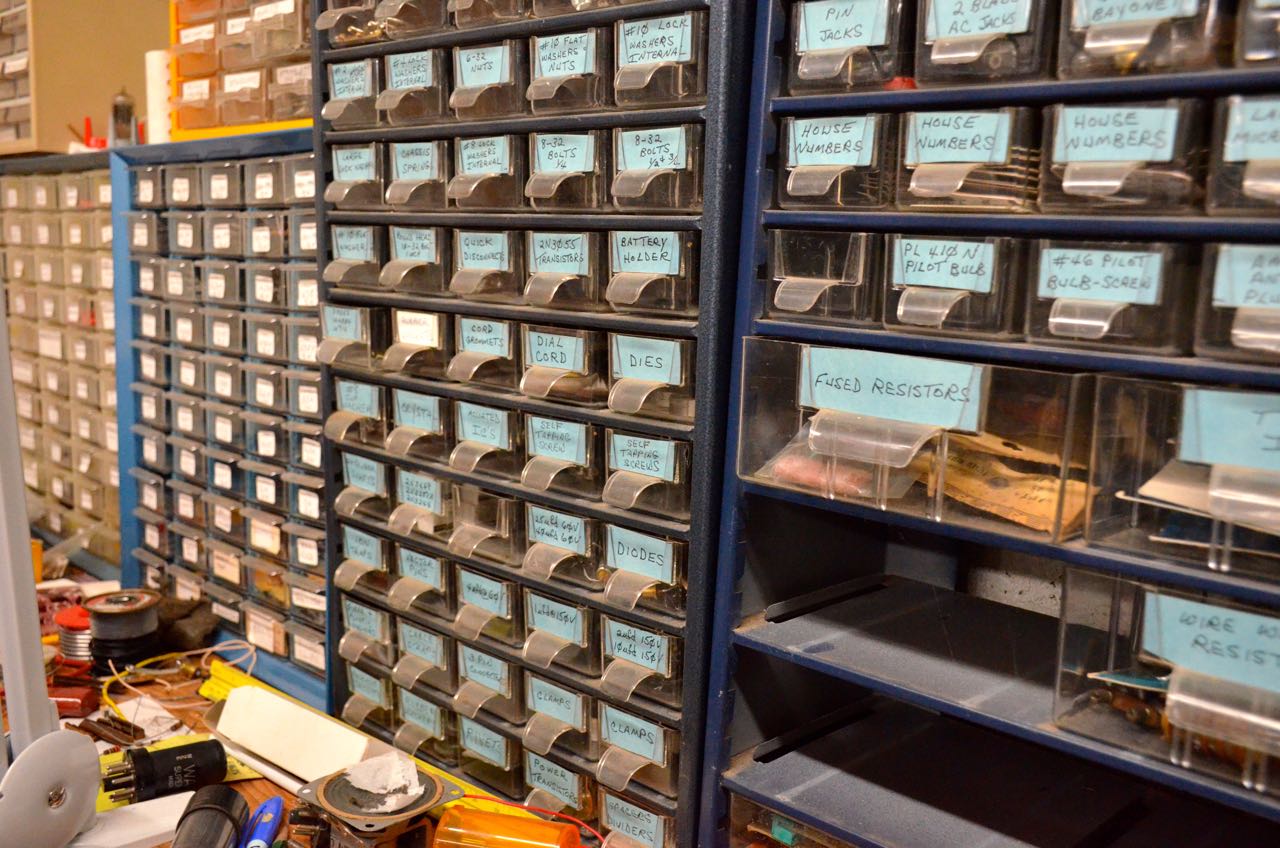
NBC-Chimes PhilcoSign Midwest-Magazine SylvaniaSigns 980KC-MicBrian was also kind enough to take me to the building, next door, where they repair radios and store others for eventual rotation into the collection.

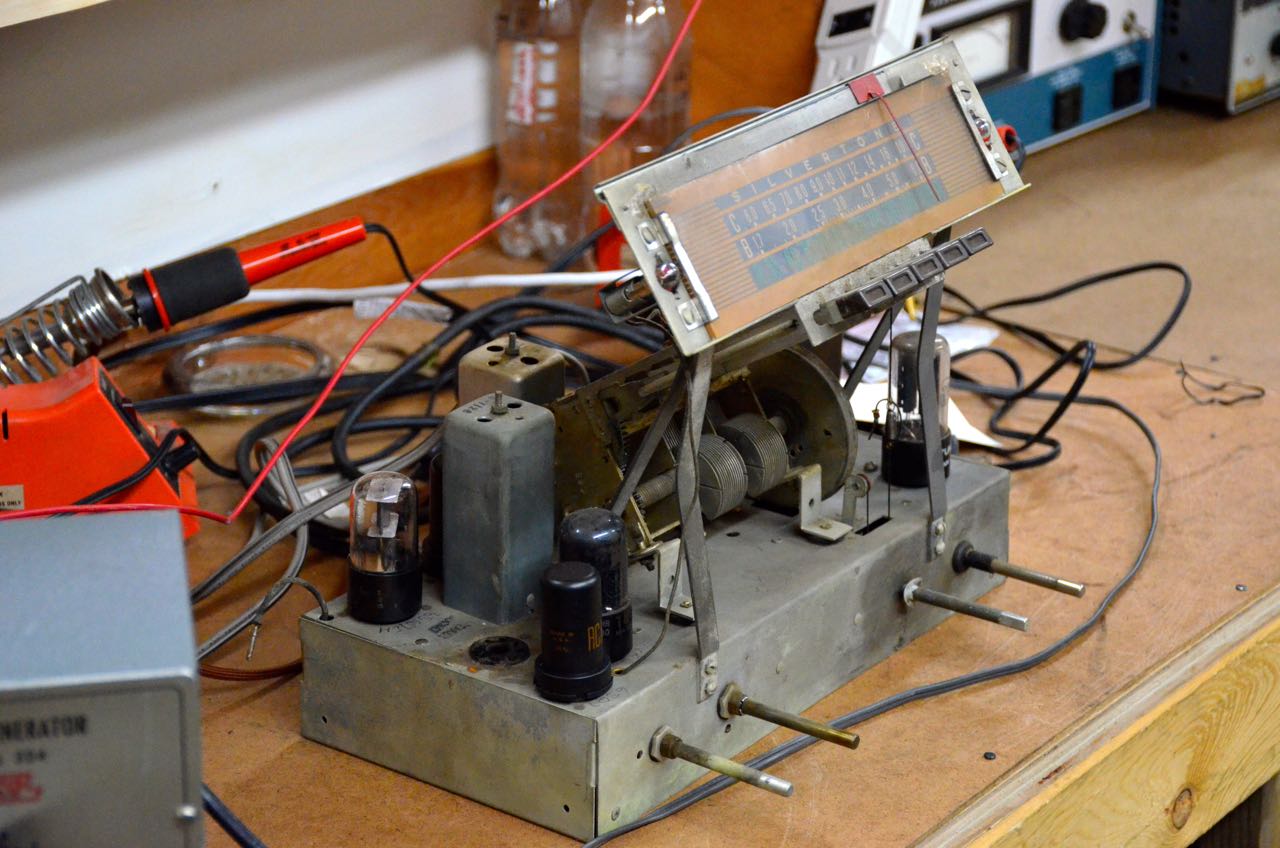
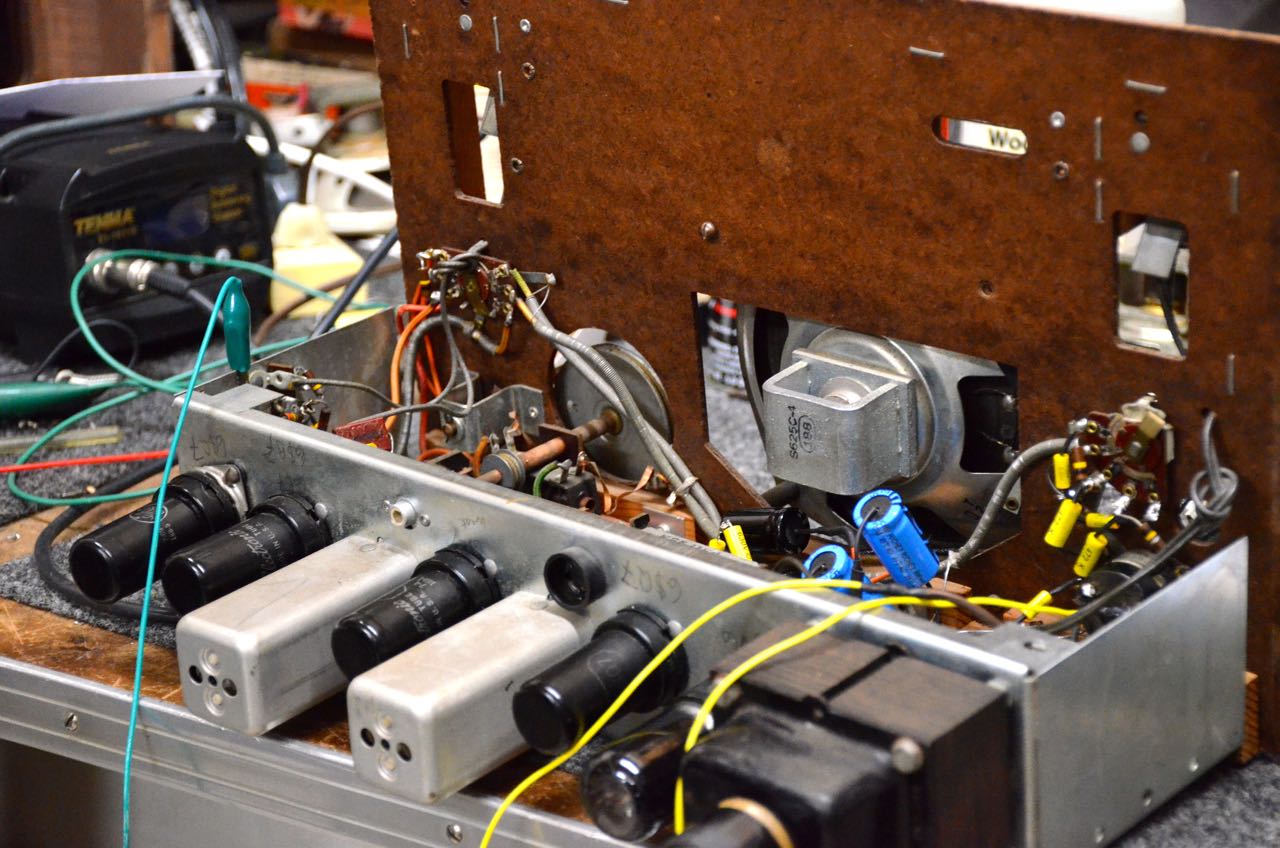
Workshop Repair4 Repair2

Museum volunteers also teach radio repair and restoration classes.Repair1 Repair3

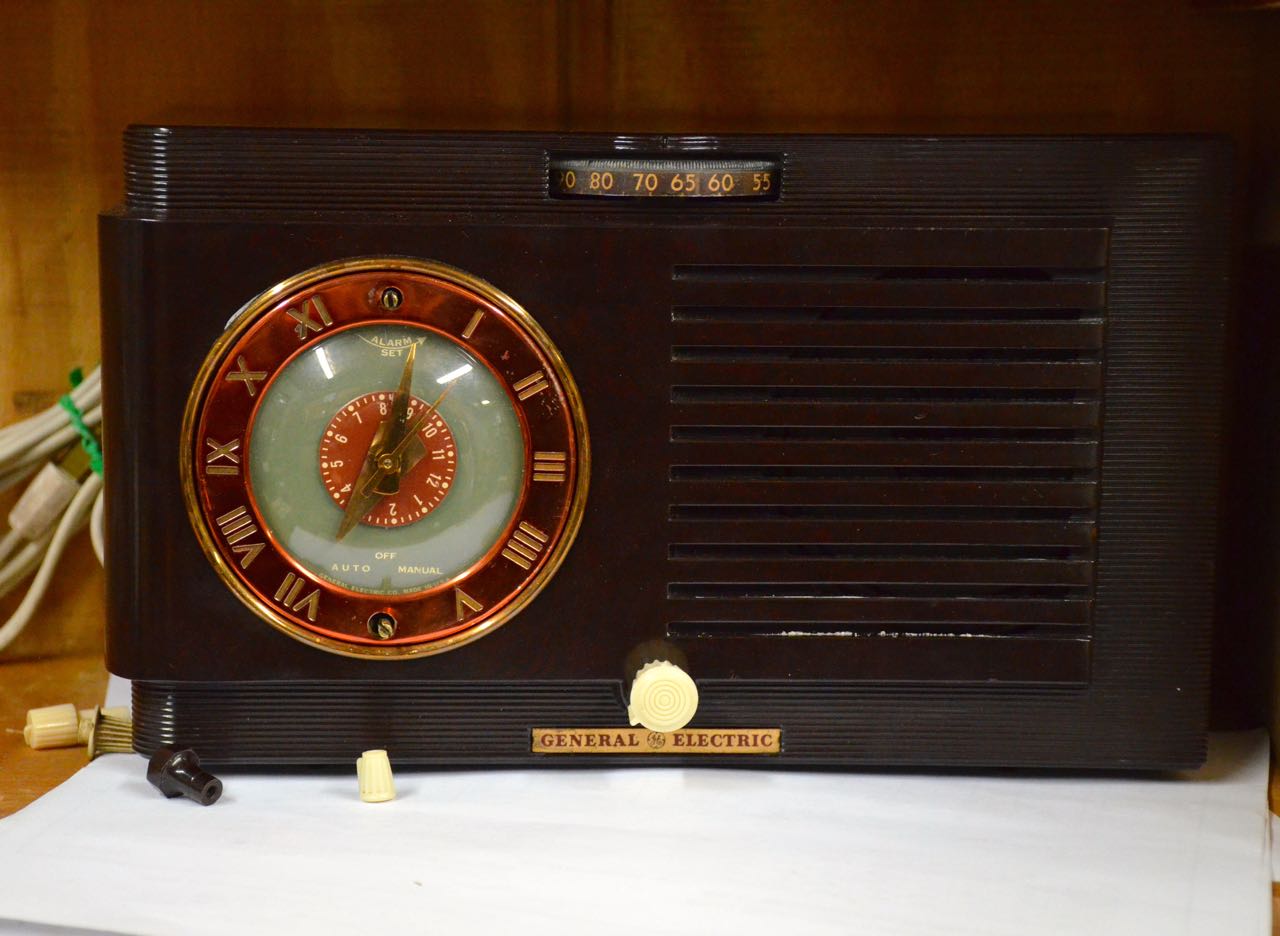
GE-RadioThe number of classic ham radios, home brew receivers and transmitters was simply amazing. Indeed, I felt like a kid in a candy shop!

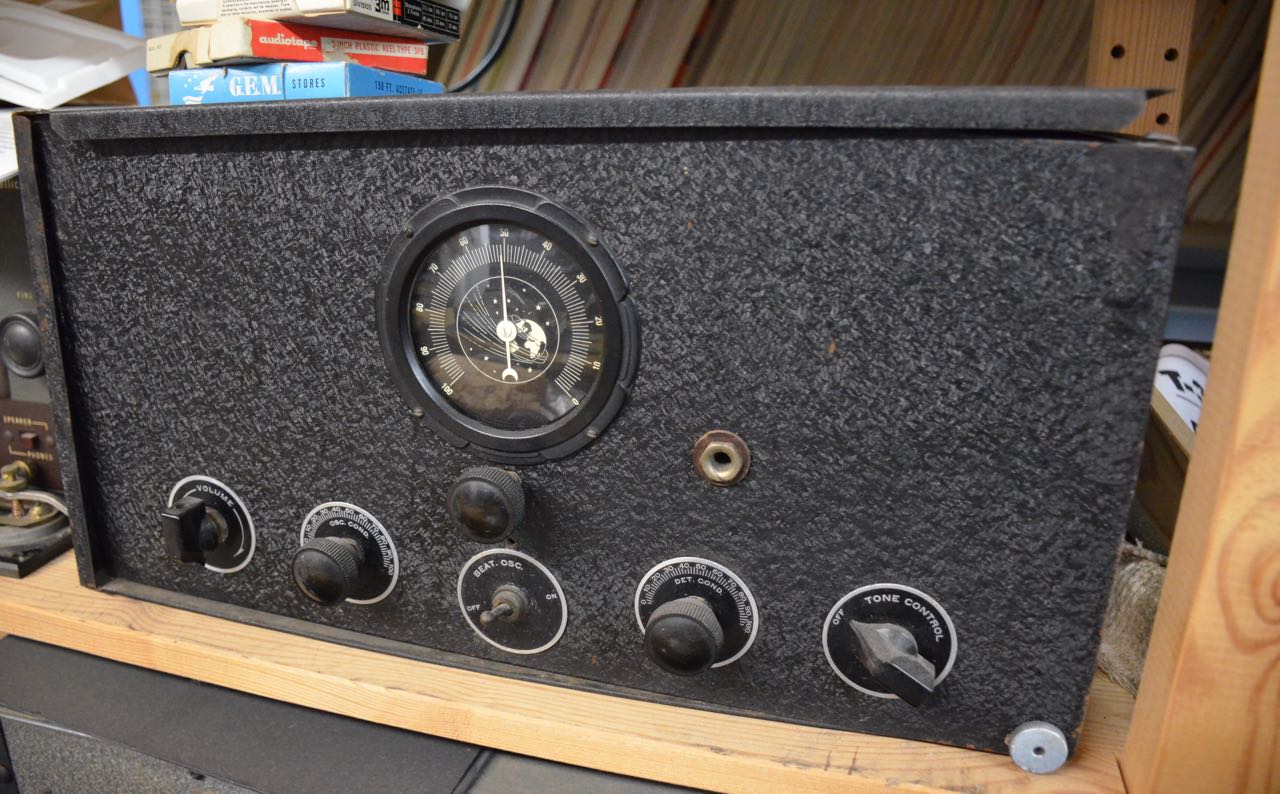
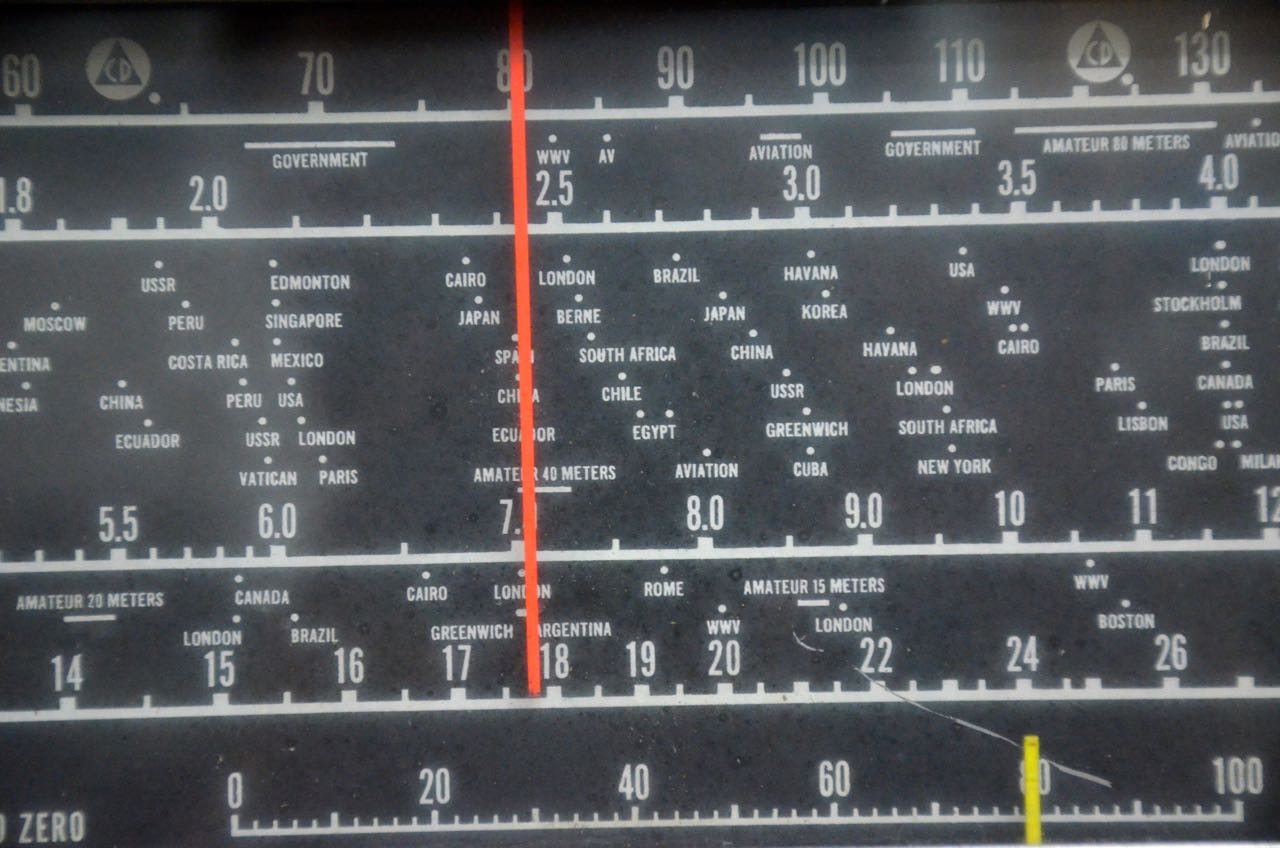
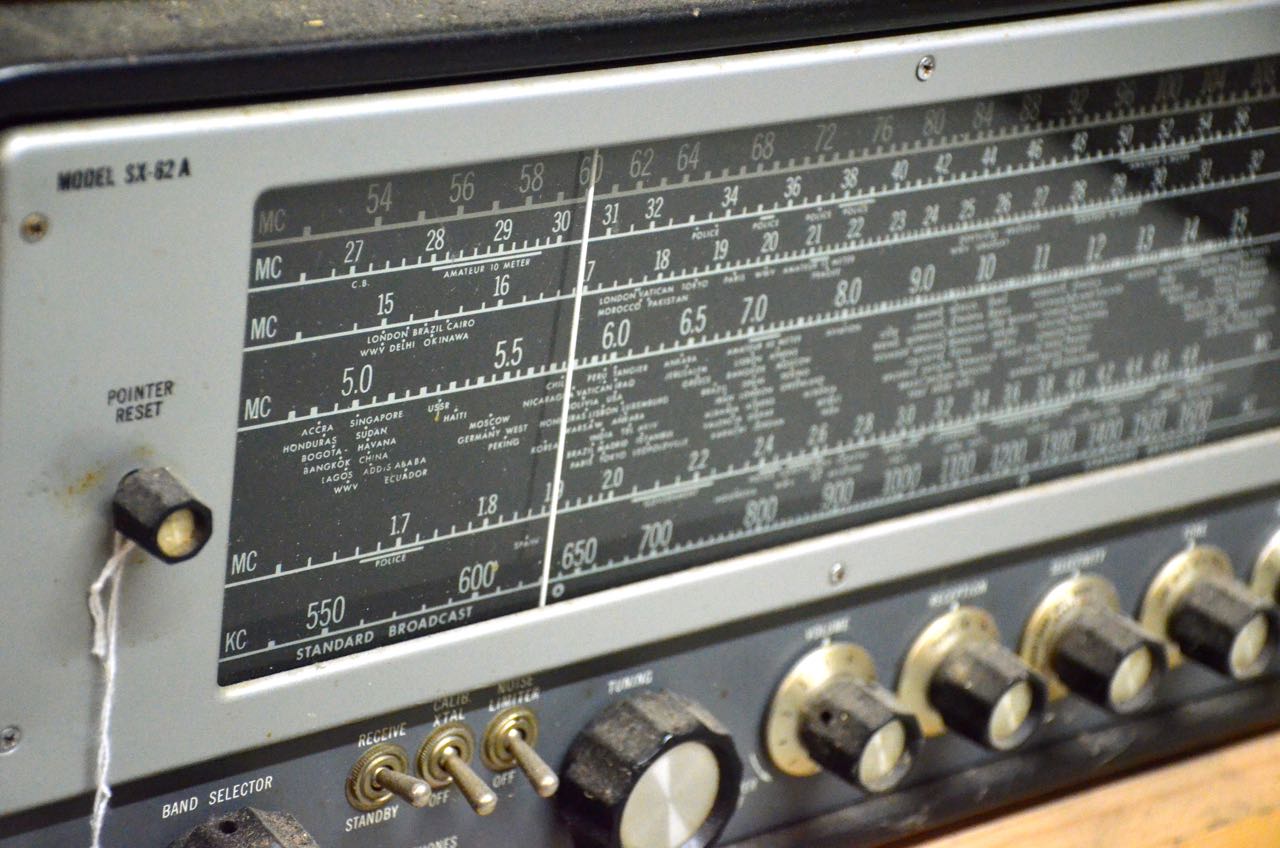
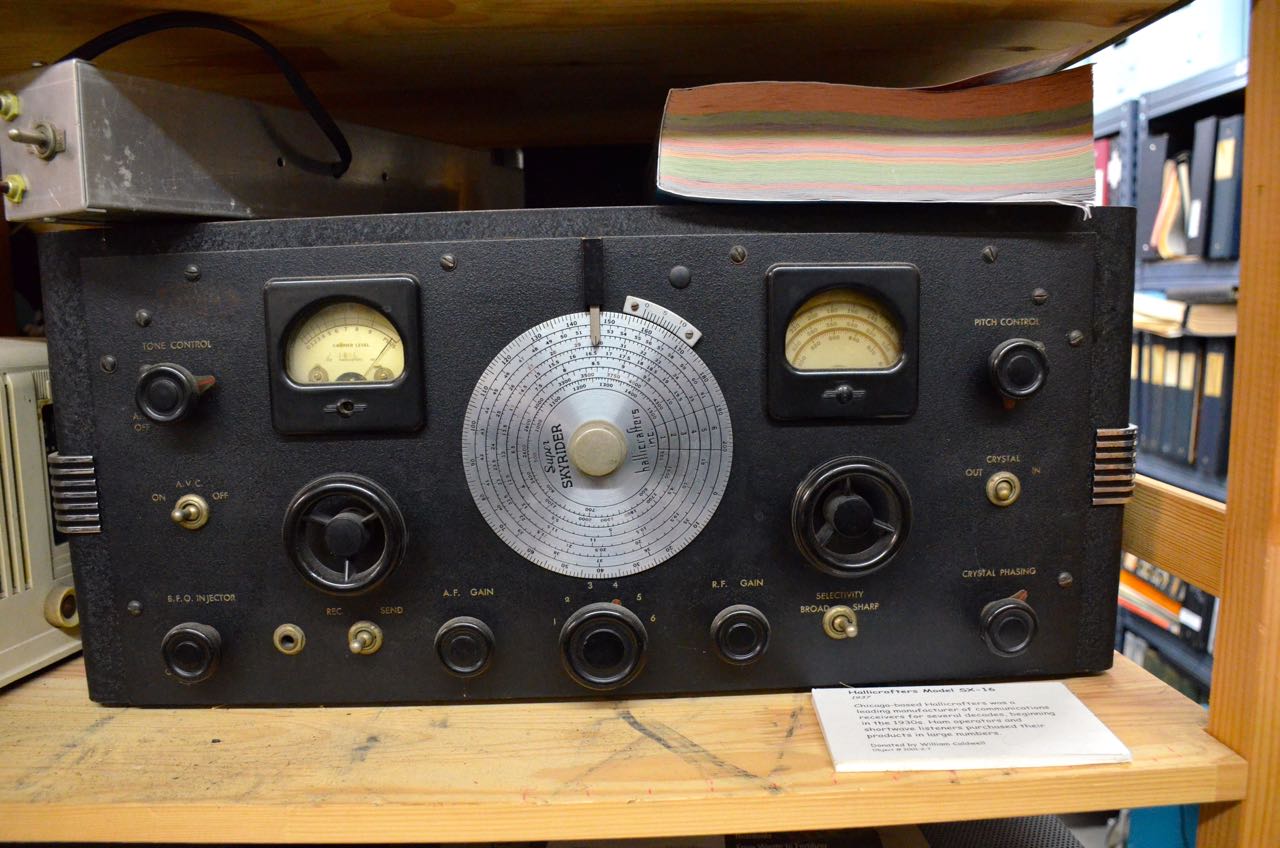
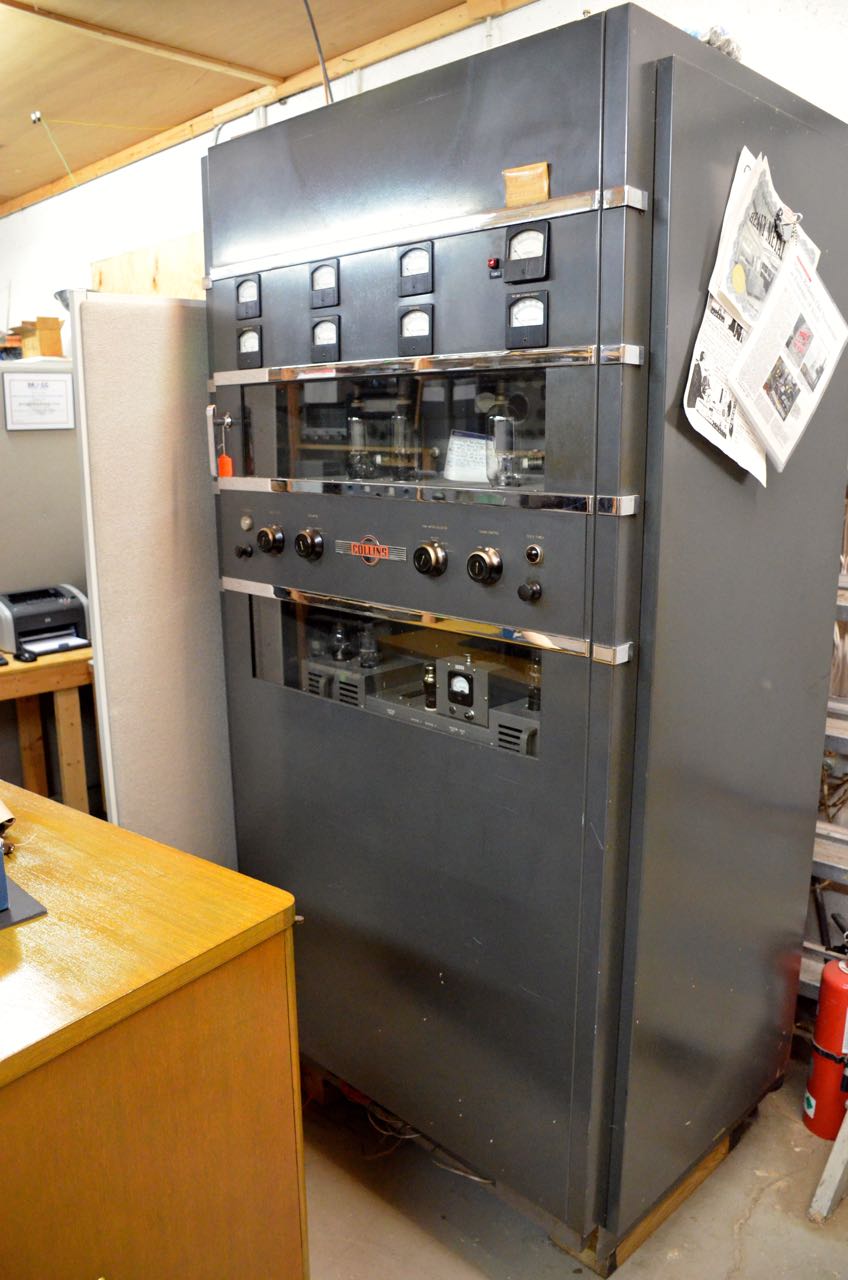
Radio1 National-NC-46 HalliDial Hallicrafters-SX100 Hallicrafters-SX62A Hallicrafters-SuperSkyrider Hallicrafters-Super-Skyrider CollinsTransmitterBy the end of the tour, I had decided to become a member of the National Capital Radio and Television Museum. Even though I live a few states away, I like knowing that my membership funds not only help preserve vintage radios and televisions, but also provide me members-only access to many of their scanned archives. Click to view a full list of benefits for a modest $25 membership.

Again, many thanks to Brian Belanger for the amazing tour of this wonderful museum!  Brian, I’ll be back next year…