Category Archives: Radios

The RX888 SDR – Up Close Photos

I received my new RX888 SDR receiver today, via DHL shipping in only seven days from ordering on Ebay from seller “shenglongsi”. I’ve noticed that some Chinese Ebay sellers use a placeholder shipping number when choosing the DHL carrier, and then some days later they forward the actual shipping number when the product is out the door.  That was the case with the RX888– four days in limbo, and then BINGO!–a real tracking number was sent and the package arrived three days later.

It should be noted right up front, as others have pointed out, the RX666 and RX888 SDRs are commercial implementations of the excellent, open source BBRF103 receiver. The BBRF103 is the creation of talented Italian designer Oscar Steila IK1XPV.

Hopefully tonight I’ll be sorting out files to get the radio operating, and if there are hiccups along the way I have help from some other early adopters around the globe.

The radio arrived with zero documentation or links to support files, but I already have files known to work with the RX666. The receiver should work with HDSDR after the correct additional files are added to the HDSDR folder, as does the similar RX666 model. Cypress USB drivers also need installation on the host computer. One concern is operating the LNA (low noise amplifier) on the RX888, which the RX666 lacks. This may take a different EXTIO .dll file than the one intended for the earlier RX666.

I’m aware of the developer of another popular SDR program who will almost certainly add support for the RX888/RX666 to his software.

I’ve read that the powerful ADC chip inside these two models is a USD ~$60-70 component (or from the same chip series) which is also found in a few commercial grade SDRs plus the newer WinRadio G33DDC & G35DDCi models. Translation? The RX666 & RX888  could turn out to be amazing performers for the price.

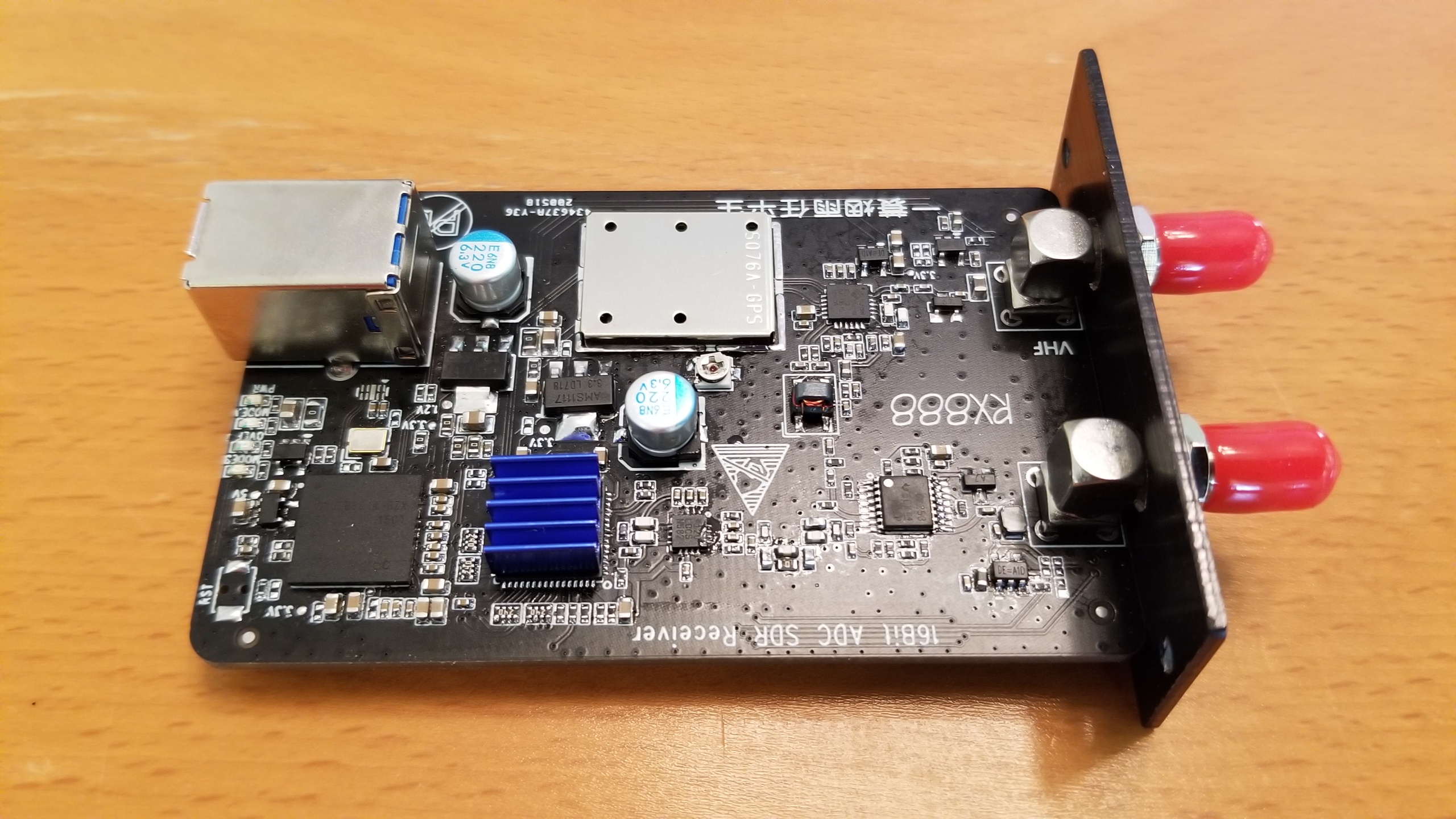
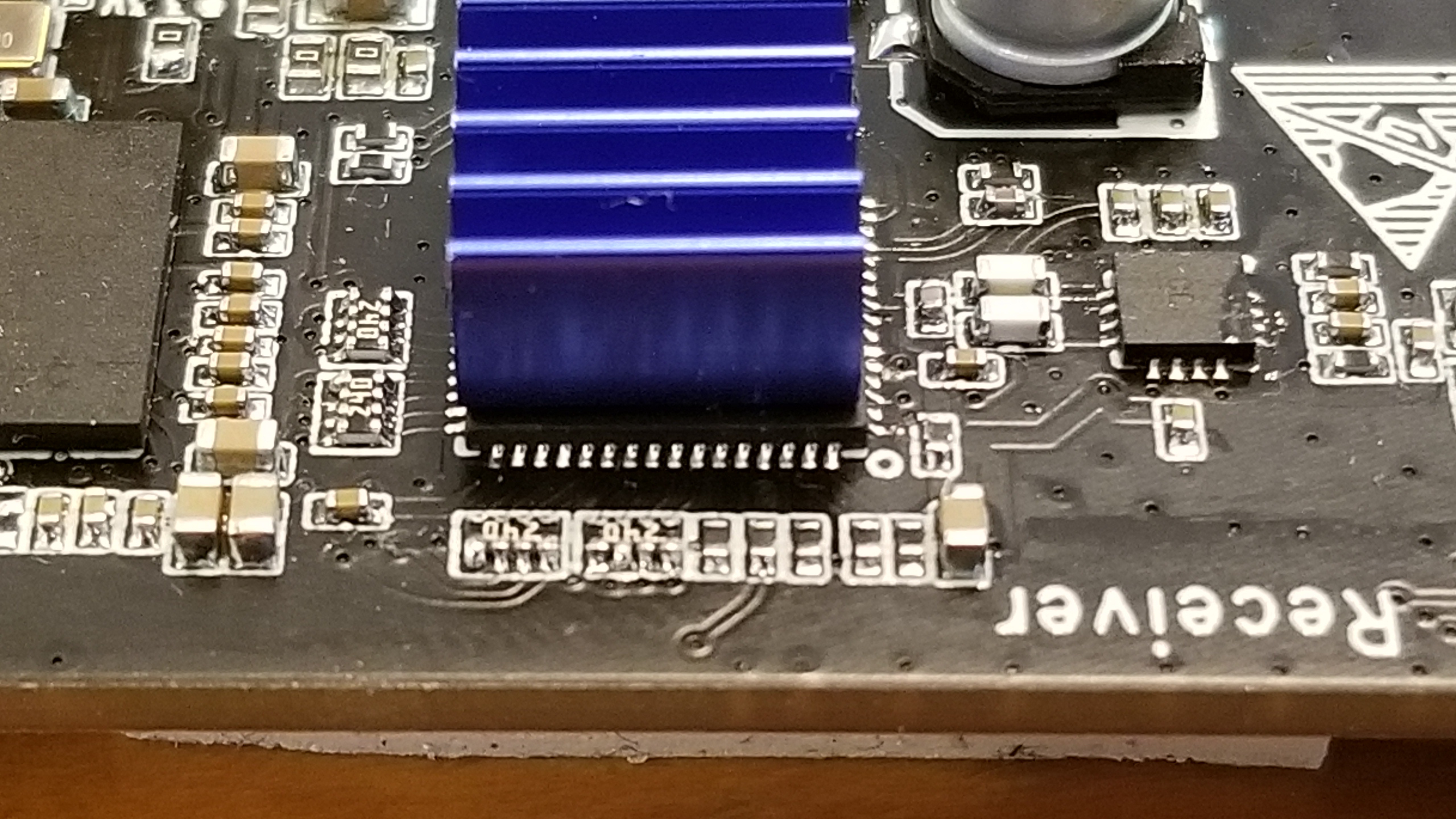
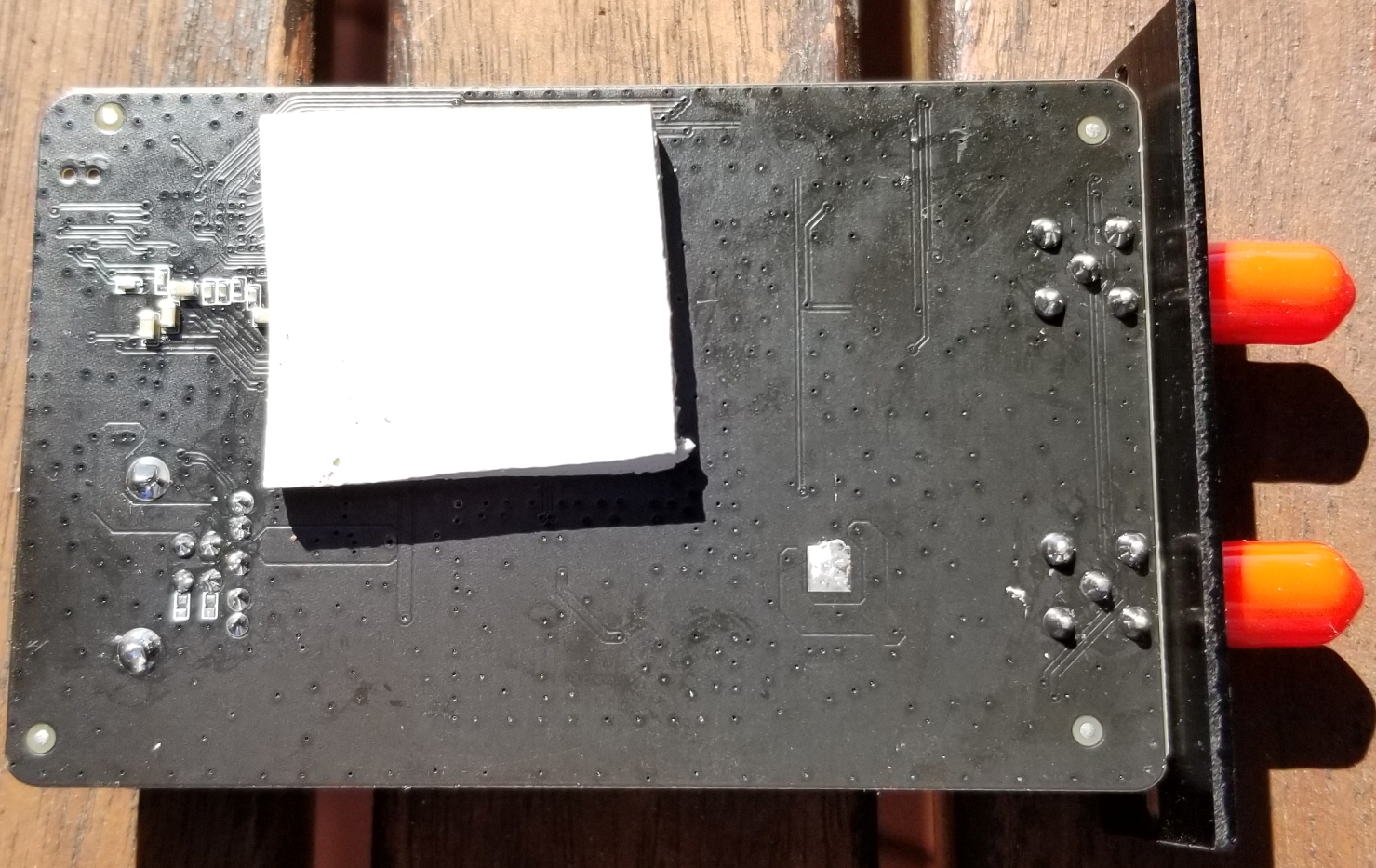
Below are up-close pictures of the receiver’s printed circuit board. Construction and soldering look quite good considering the USD $188 price. In my opinion the build quality appears to somewhat exceed that of the RX666, which was the first of these two units on the market.

Note that in the last photo the whitish square on the bottom of the PCB is a thick foam pad, perhaps some thermal transfer material. It is sticky-backed and placed so that it’s wedged between the bottom of the chip (ADC?) with the blue heat sink and the bottom of the case.

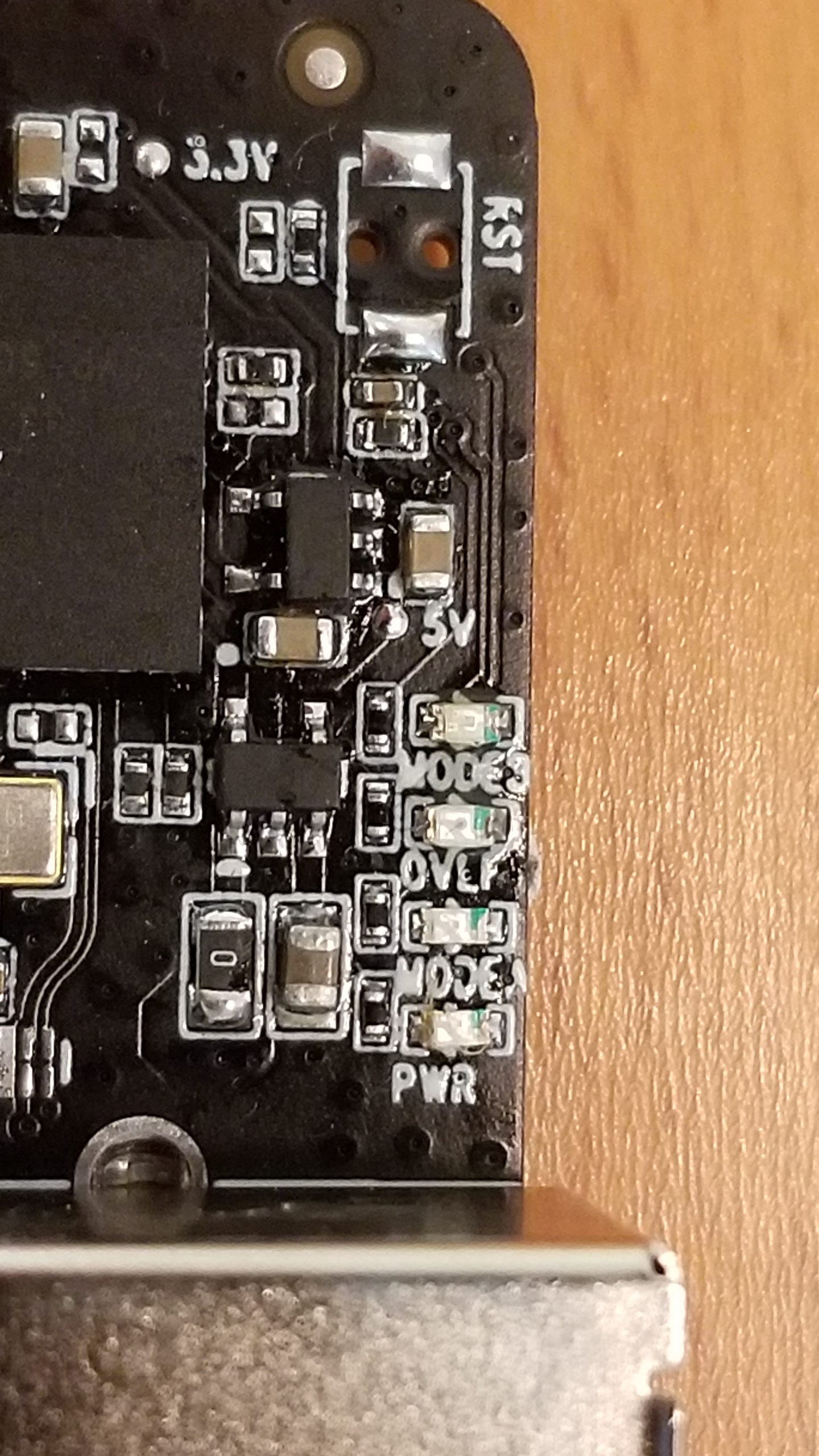
In the below photo, note the small LEDs with indications “PWR”, “MODE”, “OVLF”, and “MODE” (again). At the upper-right corner are two pads marked “RST” (reset?).

Guy Atkins is a Sr. Graphic Designer for T-Mobile and lives near Seattle, Washington.  He’s a regular contributor to the SWLing Post.

Take the field and abandon the radio noise!

The most common complaint I hear from new SWLing Post readers is that they can’t hear stations from home on their receivers and transceivers. Nine times out of ten, it’s because their home environment is inundated with man-made electrical noises often referred to as QRM or RFI (radio frequency interference).

RFI can be debilitating. It doesn’t matter if you have a $20 portable radio or a $10,000 benchmark transceiver, noise will undermine both.

What can you do about it?

Since we like to play radio at home, we must find ways to mitigate it. A popular option is employing a good magnetic loop receive antenna (check out this article). Some readers find noise-cancelling DSP products (like those of bhi) helpful when paired with an appropriate antenna.

But the easiest way to deal with noise is to leave it behind.

Take your radio to a spot where man-made noises aren’t an issue.

Field radio

If you’ve been reading the SWLing Post for long, you’ll know how big of a fan I am of taking radios to the field–both transceivers and receivers. Not only do I love the great outdoors, but it’s the most effective way to leave RFI in the dust.

Sunday was a case in point (hence this post).

Let’s be clear: I blame Hazel…

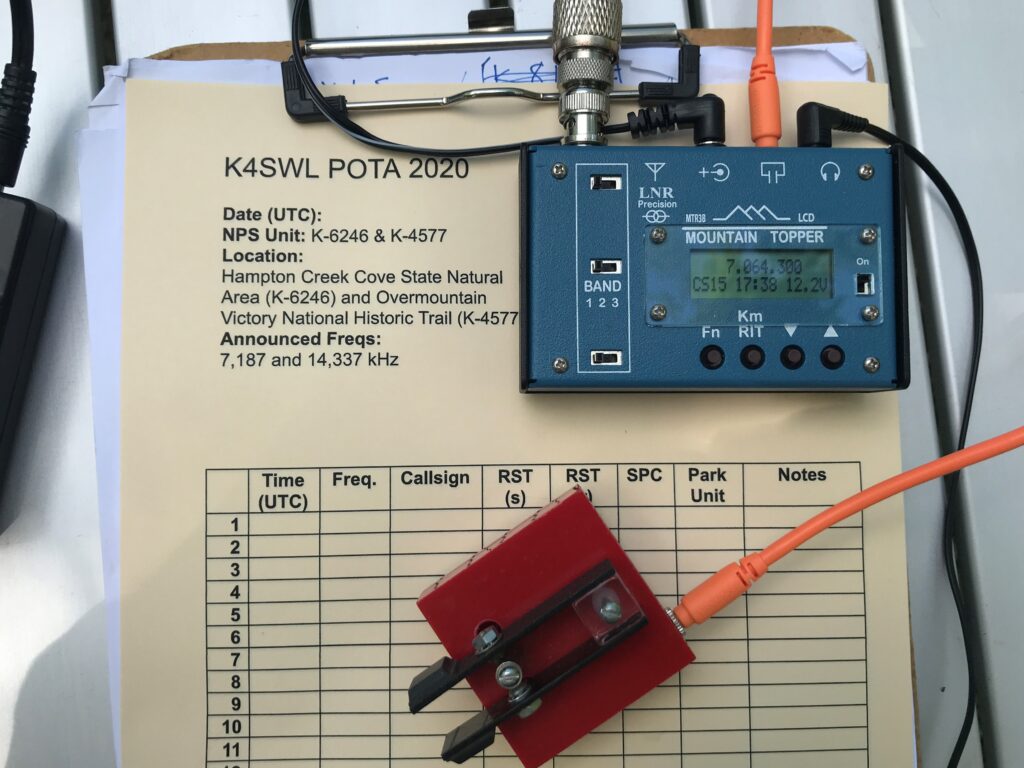
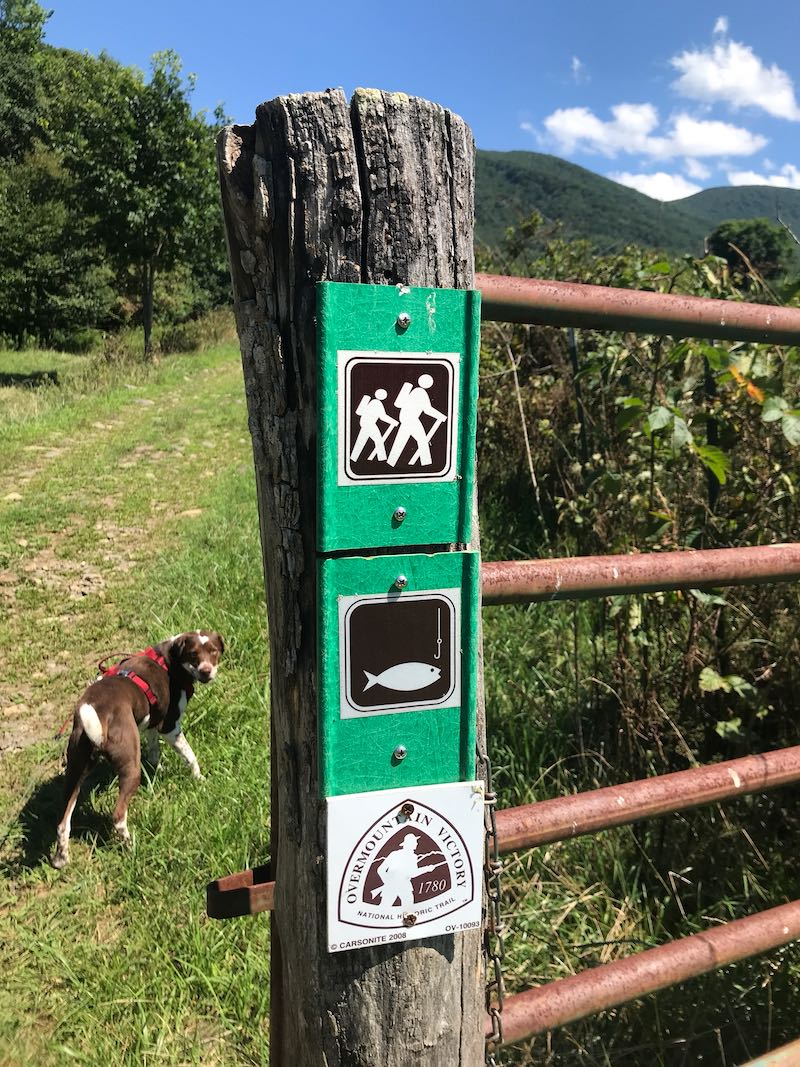
Last week, I did a Parks on the Air (POTA) activation of Hampton Creek Cove State Natural Wildlife Area in Tennessee. It’s a beautiful area with a fantastic hiking trail (the Overmountain Victory Trail) in a relatively remote/rural area.

About 5 minutes before Hazel’s cow patty fun.

My family had a great time at the site–we enjoyed a picnic and I played radio–but Hazel (our trusty canine companion) decided to roll in a cow patty during our hike. Hazel thought it smelled wonderful. Her family? Much less so. And all five of us were staring at a two hour car ride together.

Fortunately, my wife had a bottle of bio-degradable soap we use while camping, so I washed Hazel in Hampton Creek. (Turns out, Hazel didn’t mind that nearly as much as getting washed at home in the tub.)

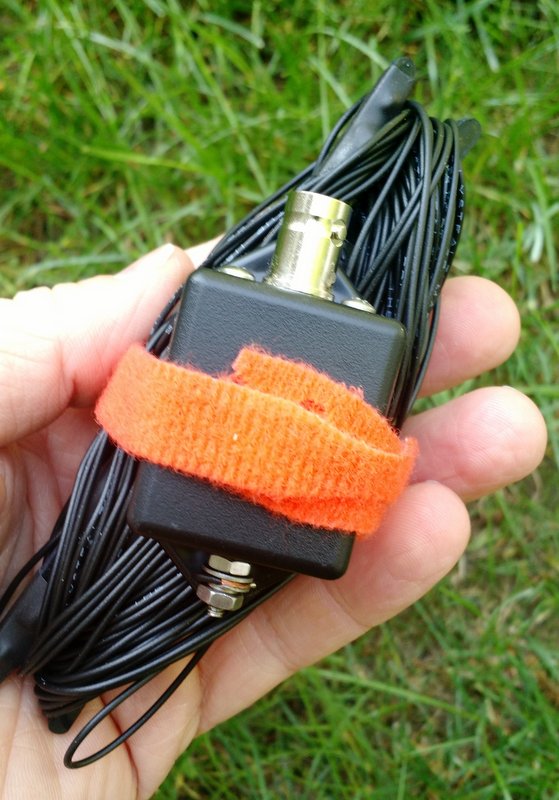
In all of the commotion I forgot to take my EFT Trail-Friendly antenna out of the tree. Doh!

The EFT Trail-Friendly antenna is incredibly compact and quite easy to deploy.

The EFT is my favorite field antenna for POTA activations. It works so well and is resonant on 40, 20 and 10 meters. With an ATU, I can also tune any bands in between. I’ve deployed this antenna at least 130 times in the field and it was still holding up.

I was bummed. Hampton Creek is nearly a four hour round-trip from my home. Was it worth the trip to rescue my antenna?

Fast-forward to Sunday: my amazing wife actually suggested we go back to Hampton Creek Cove on Sunday and also check out nearby Roan Mountain State Park. Would my antenna still be in the tree? Hopefully.

Whew! Still hanging out!

Fortunately, my antenna was still hanging there in the tree as I left it the week before. I was a little concerned the BNC end of the antenna may have gotten wet, but it was okay.

Mercy, mercy, so little noise…

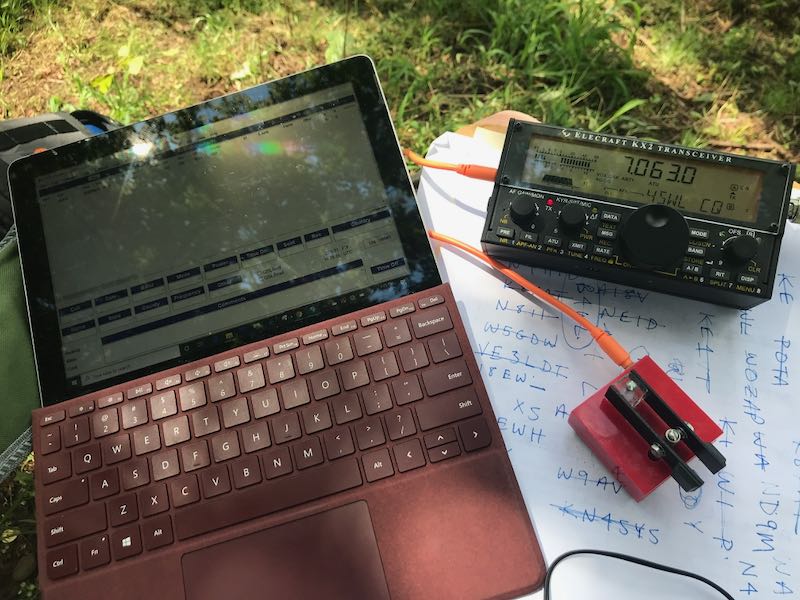
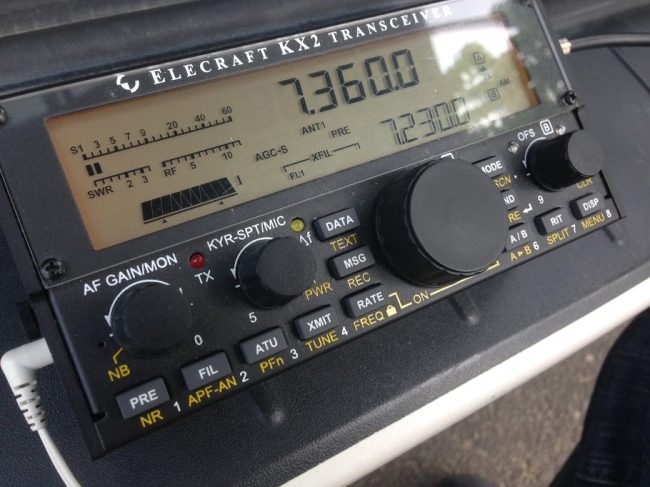
I turned on my Elecraft KX2 and plugged in the antenna. Oddly, there was very little increase in the noise level after plugging in the antenna. That worried me–perhaps the antenna got wet after all? I visually inspected the antenna, then pressed the “tune” button on the KX2 and got a 1.4:1 SWR reading. Then I tuned around the 40 meter band and heard numerous loud stations.

What was so surprising was how quiet the band was that day (this time of year the 40M band is plagued with static crashes from thunderstorms).

Also, there were no man-made electrical noises to be heard.  This allowed my receiver to actually do its job. It was such a pleasure to operate Sunday–no listening fatigue at all. Later on, we set up at Roan Mountain State Park and did an activation there as well. Again, without any semblance of RFI.

When I’m in the field with conditions like this, I always tune around and listen to HF broadcast stations for a bit as well. It’s amazing how well weak signals pop out when the noise floor is so incredibly low.

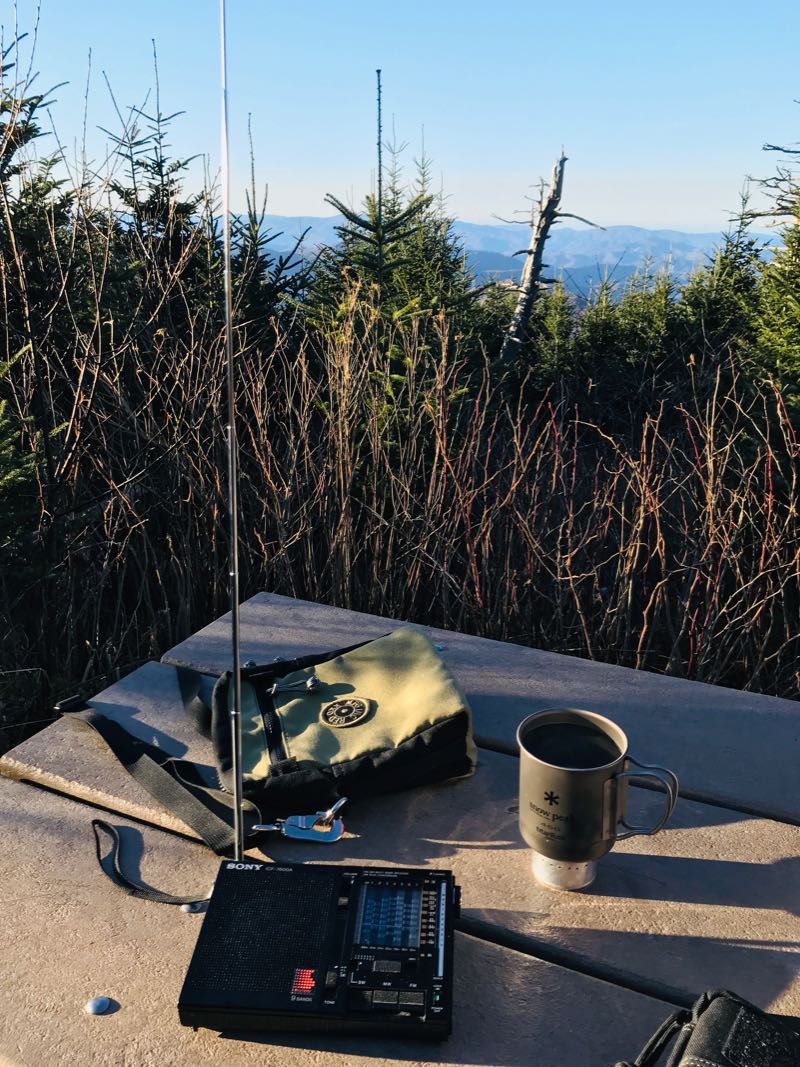
It takes ten or so minutes to set up my POTA station in the field, but if you have a portable shortwave radio, it takes no time at all. None. Just extend the telescoping antenna and turn on the radio.

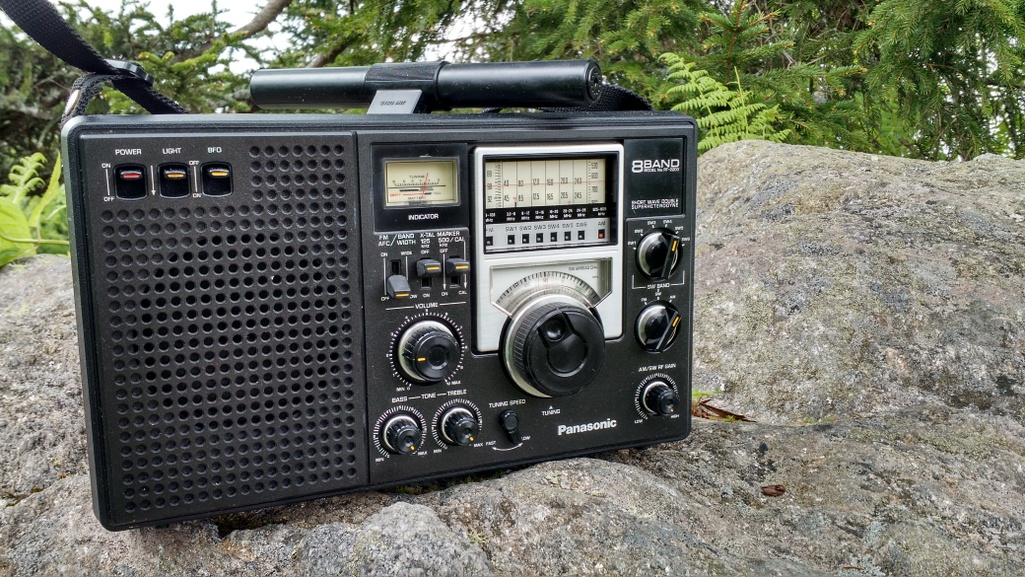
Or in the case of the Panny RF-2200 use its steerable ferrite bar antenna!

If you’re battling radio interference at home, I would encourage you to survey your local area and find a noise-free spot to play radio. It could be a park, or it could be a parking lot. It could even be a corner of your property. Simply take a portable radio outside and roam around until you find a peaceful spot with low-noise conditions. It’s the most cost-effective way to fight RFI!

Post readers: Do you have a favorite field radio spot? Do you have a favorite field radio? Please comment!

Also, check out these articles:

A review of the Ocean Digital WR-26 FM, DAB, Internet and Bluetooth radio

A few weeks ago, I was contacted out of the blue by a company I’d never heard of: Ocean Digital. They asked if I would be interested in reviewing one of their radios.

I almost deleted their message out of habit because (no kidding) I get at least one or two messages like this from retailers and manufacturers per week–often more. I checked out their website and could quickly see that they specialize in a variety of digital WiFi radios with Bluetooth, FM, and DAB. A quick search on Amazon and I could see a number of Ocean Digital models. I replied back and the company representative mentioned that it was one of my trusted friends and SWLing Post contributor who recommended that they reach out to me. So I read through their catalog of radios and selected their most affordable model: the WR-26. Ocean Digital sent a sample WR-26 at no cost to me.
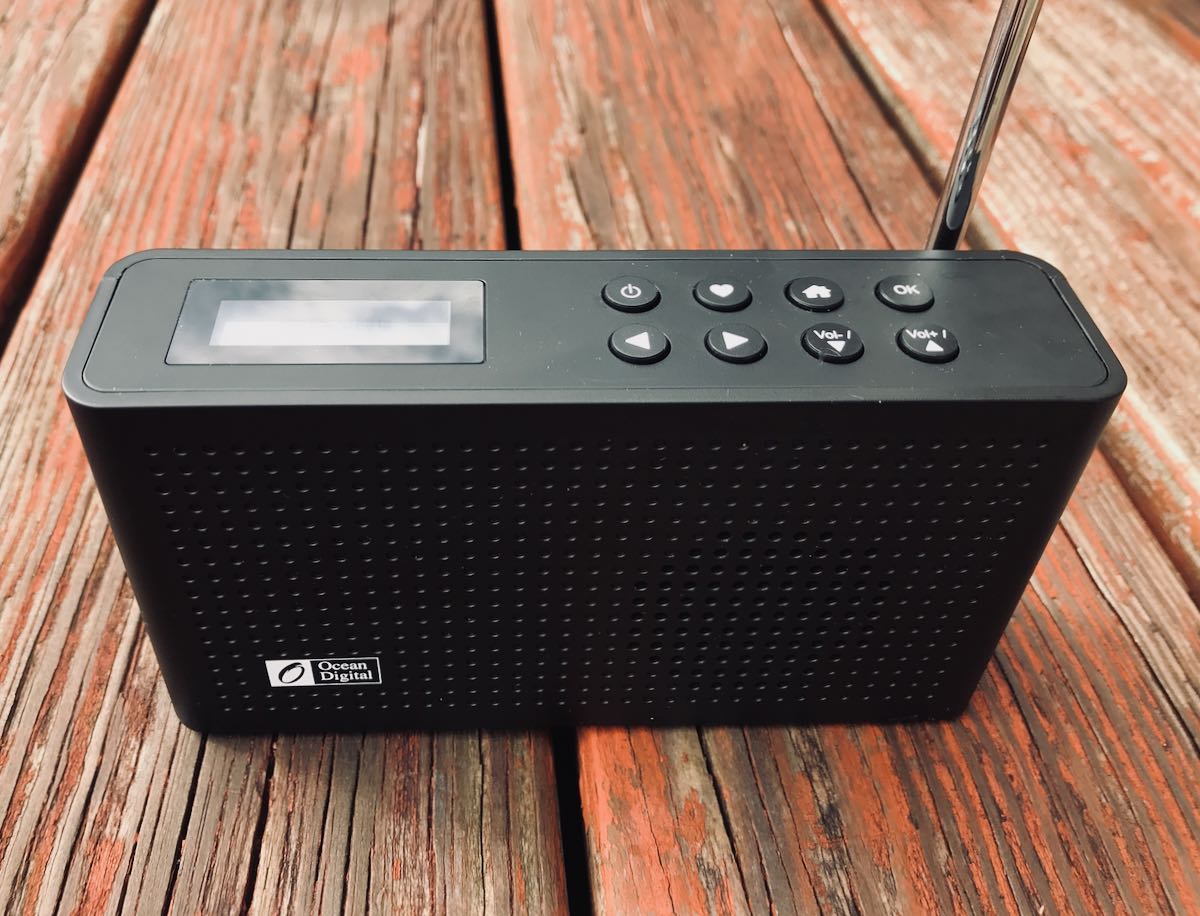
I picked the WR-26 because, in terms of features, it packs a lot for a $75-80 US radio. I also love the portable size and built-in rechargeable battery.

WIth that said, it’s also a very simple radio. There was no need to reference the owner’s manual for basic operation.

Look & Feel

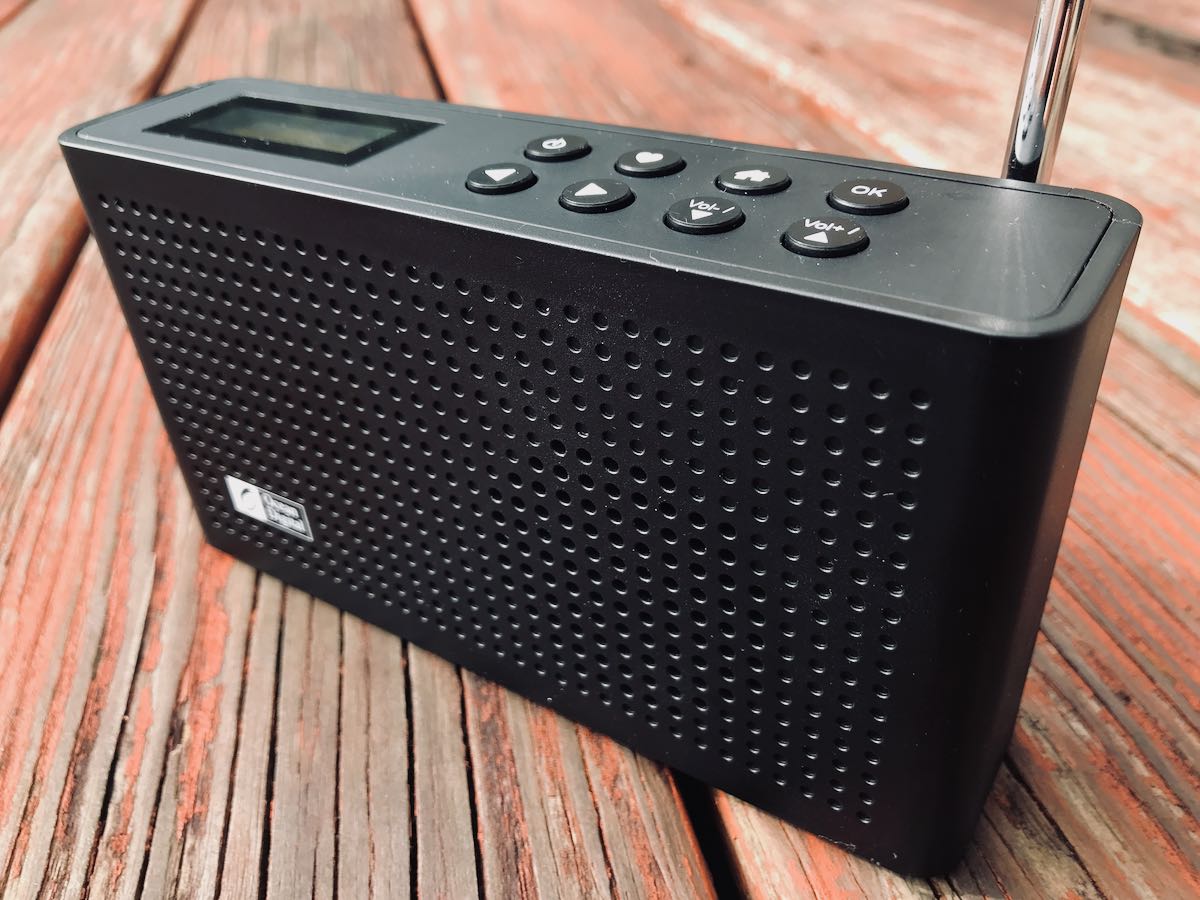
The WR-26 is compact, lightweight and sports an internal rechargeable battery pack with a Micro USB connection.

It has a front-facing internal speaker, and on top a small backlit display and eight function buttons:

  • On/Off
  • Home
  • Favorites
  • Left/Right arrows (for selecting and backing out of menu items)
  • Up/Down arrows (for tuning, and stepping through selections)
  • OK button for making selections

On the back of the radio, there’s a telescoping antenna, Micro USB charging port, and a headphones jack.

Overall, I really like the clean and simple design. If I could change one thing, I would move the telescoping antenna to the top of the radio and make it recessed to better protect it when packed in a travel bag, for example. But in the end, this is a very minor criticism.

Audio

The WR-26’s built-in speaker provides well-balanced audio. In fact, readers who own late-model compact shortwave portables (like the XHDATA D-808) will recognize the audio characteristics of this small internal speaker that I assume uses an acoustic chamber to provide a better bass response. I’m always pleased to find compact radios that implement this type of speaker.

One interesting note: when you tune to an audio source–a stream or FM station for example–the volume fades in slowly after making the selection.

FM Radio/DAB
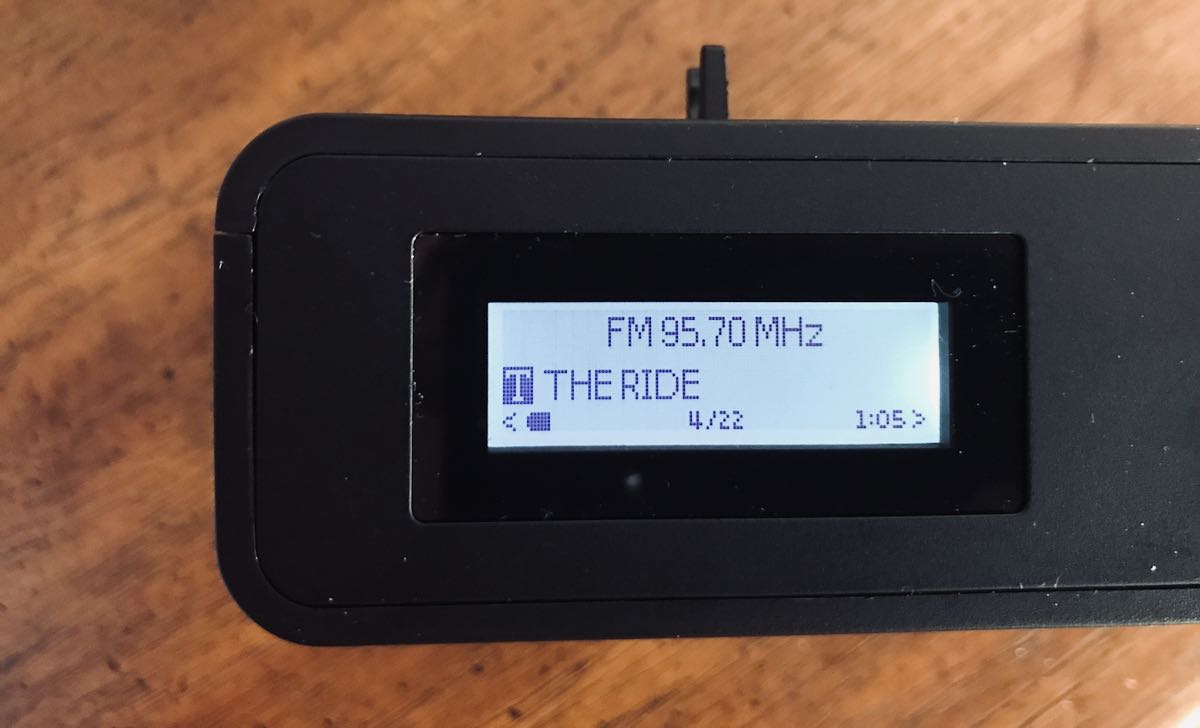
The WR-26 has a built-in FM tuner that functions quite well. It received all of my local radio stations and even a few further afield. The first time you turn on the FM radio, it will ask if you want to scan the band. If you initiate a scan, it will search for signals and auto store found stations in memory locations that you can shuffle through with the up/down arrows.

The WR-26 also displays RDS information on the screen–very nice!

To manually tune the WR-26, press and hold the ‘OK’ button until ‘Tuning’ appears on the bottom right corner of the display. Then use the left /right arrow buttons to adjust the frequency. Press and hold the OK when done to exit manual tuning.

I did not test DAB reception. I’m located in North America where there are no DAB stations on the air to test this functionality.

Bluetooth

Not much to say about Bluetooth other than it works. You can wirelessly connect your smart phone, tablet, or PC to the WR-26 and use it as an external speaker. If you’ve ever used a bluetooth device, you’ll find pairing a straight-forward, easy process.

WiFi Radio
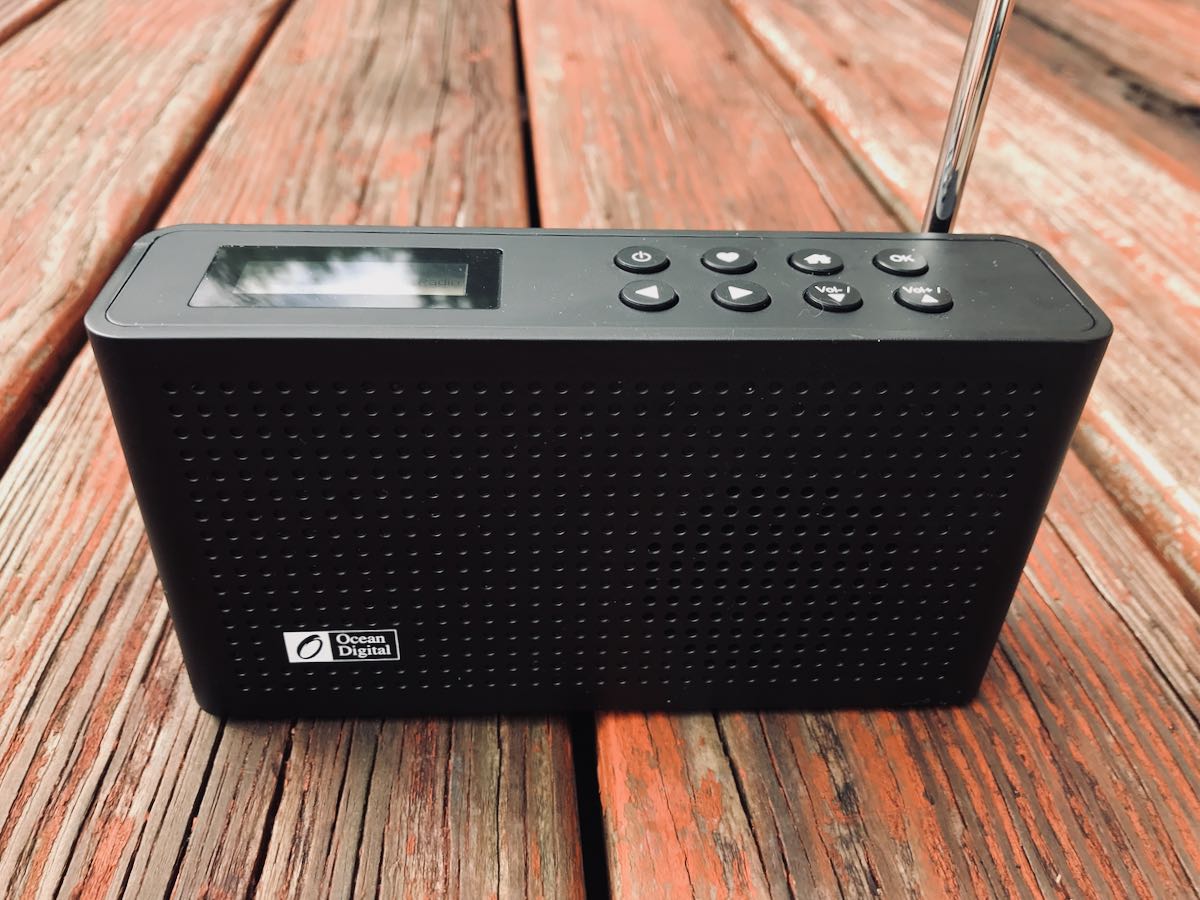
Ocean Digital radios use an Internet radio station aggregator (click here to learn about aggregators) called Skytune. I don’t know if Skytune manages their own database of Internet radio stations, or if they rely on a larger, more established aggregator in the background. I suspect the latter.

To use WiFi radio, you must first connect to your local WiFi network. I connected to my smart phone’s personal hotspot without any problems. If you have a long WiFi password, you’ll need a little patience to enter it the first time. Entering the password requires scrolling through a long list of upper and lower-case letters, numbers, and symbols.

Like most WiFi radios, you can tune the station of your choice by selecting the WiFi radio function, then searching stations by location/region, popularity, genre, etc. Once you’ve selected a station, the radio connects and if you wish to save it to your favorites list, simple press and hold the heart button.

On devices like this, I always worry about WiFi radio functionality failing if the station aggregator disappears. In the case of the WR-26, you can actually program your favorite radio stations manually. You simply find the radio’s IP address on your network (the manual describes how to find this in the Configuration menu selection) then enter the radio’s IP address in a browser on a computer or device that is connected to the same WiFi network.
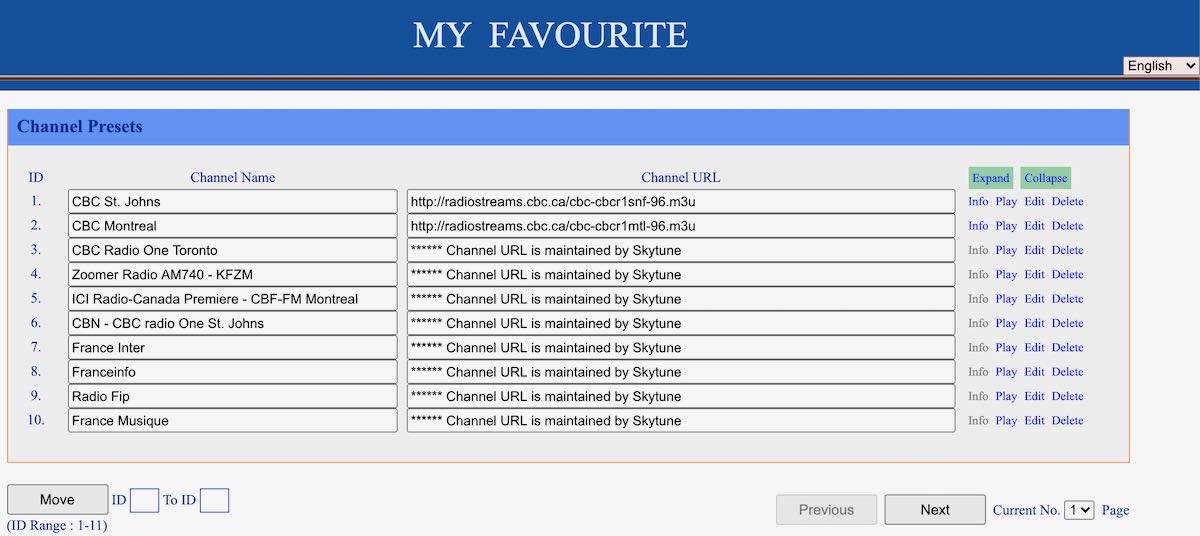
I took the screenshot above by connecting my laptop to my phone’s personal hotspot and directing it to the radio’s IP address.

I like this functionality because it means I can even connect to streaming sources not found in the Skytune directory like more obscure internet stations, LiveATC and scanner feeds.

I’ve reviewed a lot of WiFi radios and I find the WR-26 to be rather easy to use. So far, I’ve found all of the stations I normally listen to via their aggregator.

Summary
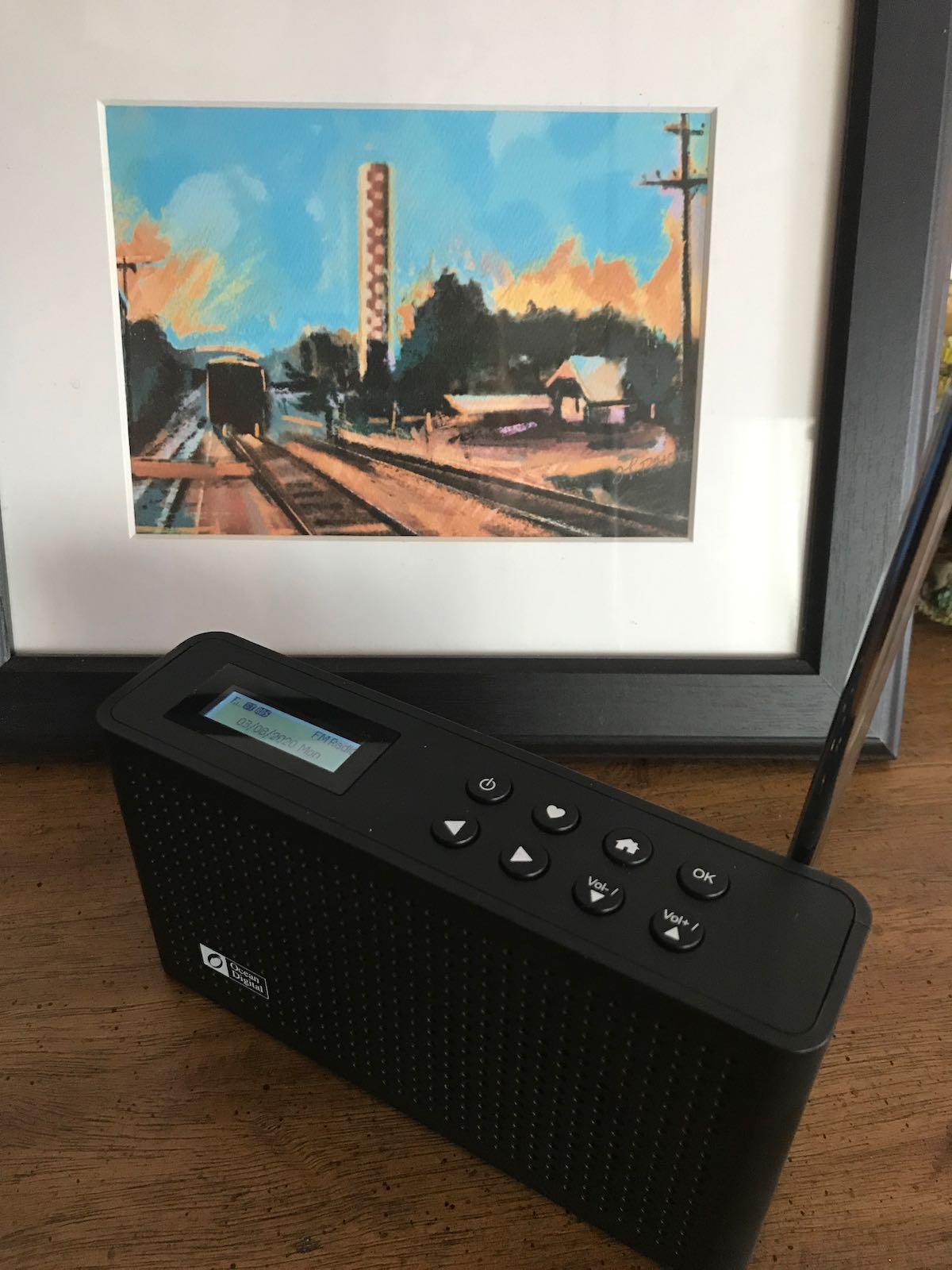
All-in-all, I really like the WR-26. For the price, it’s a very capable little WiFi radio and a good value.

What I really love is the portability of the WR-26. After charging the battery with a standard USB charger, you can listen to FM, DAB, Bluetooth or WiFi radio for hours. The audio is respectable and volume can be increased to be almost room-filling.

The WR-26 is small enough that you could actually pack it and take it on travels. If your phone has a personal hotspot, you’ll be able to use all of the WiFi radio functionality on the road. Since I’ve no experience with Ocean Digital devices, I always question product longevity so we’ll have to see how that plays out. It’s comforting, though, knowing that a trusted friend in the radio industry made the recommendation–he’s never lead me astray!

Click here to check out Ocean Digital’s website.

Click here to purchase the WR-26 and here to check out their other products on Amazon (these affiliate links support the SWLing Post).

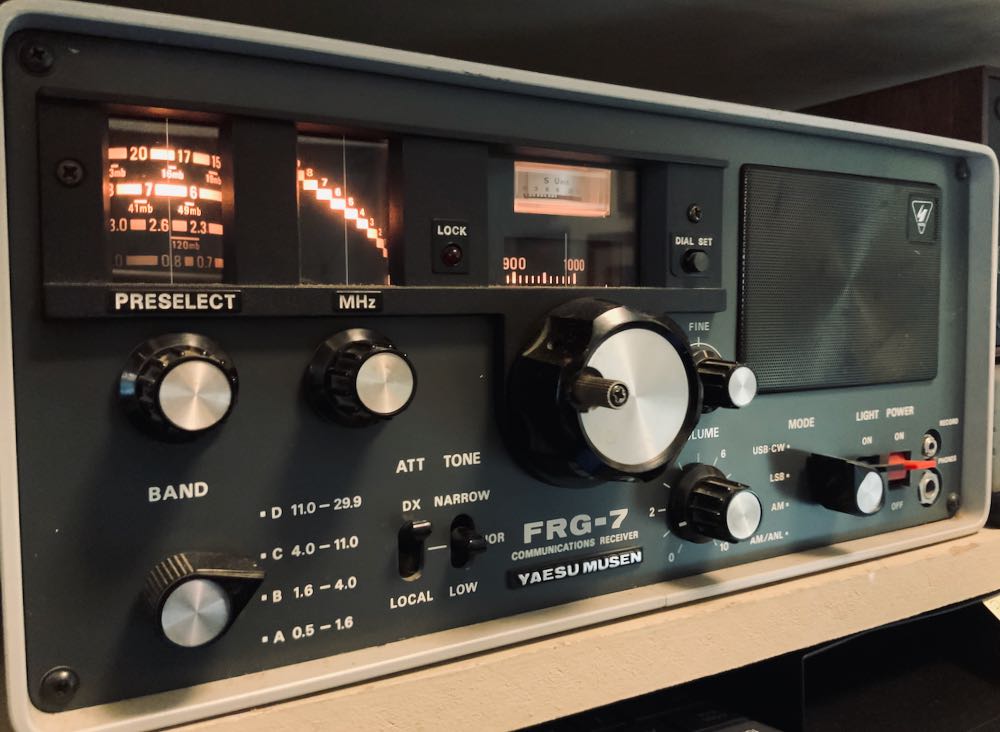
Kostas’ Yaesu FRG-7 adjustment that improves opposite sideband rejection

Many thanks to SWLing Post contributor, Kostas (SV3ORA), who shares the following video and writes:

In this 7.8Mb video (attached) is my solution for “converting” the Yaesu FRG-7 for single signal reception on SSB:

Not a mod actually, no additional filters, no soldering of any kind. Just tune the BFO on USB and on LSB a bit far away from the 455KHz ceramic filter (using the transformer for LSB and the capacitor for USB, as the manual states). As the video shows, this provides the near to
carrier selectivity to cut off the unwanted sideband.

The price you pay is more high frequencies (but in the wanted sideband) and a bit attenuated low frequencies as the filter is effectively shifted to higher frequencies. Very high frequencies cut-off is helped by the tone control of the receiver to some point.

This is a cost-free mod and requiring even no soldering skills, neither any mod to the receiver. Now as you tune the bands in SSB and CW, you do not hear the same signal twice. On AM mode nothing changes, since the BFO is switched off in this mode.

Many thanks for sharing this, Kostas! This seems like a simple adjustment for one of my all-time favorite receivers!

Post readers: Check out Kostas’ website for more modifications, ideas and radio projects.

Radio Globe: A handy way to explore the world of Internet radio

Many thanks to SWLing Post contributor, Dennis Dura, who shares a link to this fascinating project on the excellent Hackday site:

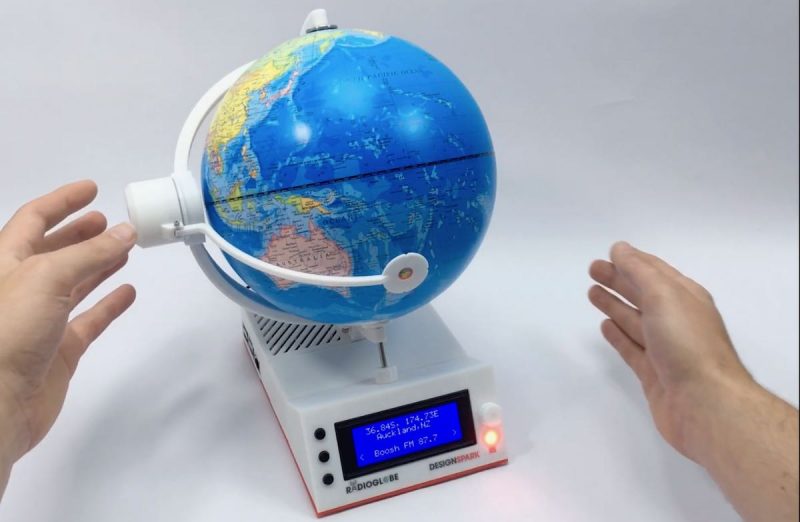
[…]RadioGlobe lets the user tune in over 2000 stations from around the world by spinning a real globe. It works by using two absolute rotary encoders that each have a whopping 1024 positions available. One encoder is stuck into the South Pole, and it reads the lines of longitude as the user spins the globe.

The other encoder is on the left side of the globe, and reads whatever latitude is focused in the reticle. Both encoder are connected to a Raspberry Pi 4, though if you want to replicate this open-source project using the incredibly detailed instructions, he says a Raspberry Pi 3 B+ will work, too.[…]

Just check out this video of Radio Globe in action!

I love it. It’s like a physical version of the amazing Radio Garden website and app.

Hackaday notes that if you want detailed information about this project, the designer made a series of vlog posts about the build. Click here to check it out on his website. Click here to read through build details on Instructables.

Thank you for the tip, Dennis!

Bill’s first DX contest using a Panasonic RF-2200 and a hombrew diode/loop radio

Many thanks to SWLing Post contributor, Bill Hemphill (WD9EQD), who shares the following guest post:


My First DX Contest

by Bill Hemphill, WD9EQD

Being a recent new member of NJARC, this is my first time competing in this contest.  I have always been a big fan of BCB DXing and have recently got back into it – especially with the amateur radio bands being in such poor conditions.  The acquisition of a couple of Loop antennas plus two Panasonic RF-2200 radios have just enhanced my enjoyment.

For the contest, I used two completely different radios.  First was the RF-2200 and second was a spur of the moment creation.

The RF-2200 was its usual good performer. While the RF-2200 has a beautiful built-in rotating bar antenna, I enhanced it with the 27” Torus-Tuner Loop Antenna as made by K3FDY, Edmund Wawzinski.  I think I had picked this antenna up at one of NJARC’s swap meets.  So I wish to thank whoever it was that was nice enough to bring it and sell it at the meet.  I have really enjoyed using it.  With this setup, I was hoping that I might be able to pull in Denver, Salt Lake City and maybe even a Mexican station, but it was a complete bust on them.  But I did have a nice surprise in receiving the Cuban station Radio Enciclopedia on 530 in addition to the usual Radio Reloj time signal station.  Following is photo of it in operation:

Originally, I had thought that my second contest entry would be done with a 1962 Sony TR-910T three-band transistor radio.  This radio has a fairly wide dial along with a second fine-tuning knob which would be a big help.  I would have again used the 27” hula-hoop antenna.

But I made the nice mistake of running across Dave Schmarder’s Makearadio website:

http://makearadio.com/

Dave’s site is a wonderful resource for creating your own Crystal, Tube, and Solid State radios as well as Audio Amplifiers and Loop Antennas.  While going down the rabbit hole of his site, I ran across his Loop Crystal Set, #19 Crystal Radio:

http://makearadio.com/crystal/19.php

What grabbed my attention was the wood frame loop antenna which is similar to one I had acquired a couple of years ago at a ham fest:


It was a really nicely constructed, nice swivel base.

I replaced the tuning capacitor with one that has a 6:1 ratio.

At this point I started thinking that I could create something similar with my loop.

I randomly grabbed a diode from my parts box.  Not sure what the exact model is.  (I later found out that it was an IN-34 which is what I was hoping it was.)  Then quickly soldered the diode, a resistor and capacitor to a RCA plug:

I then proceeded to use some jumper cables and just clip it to the tuning capacitor on the antenna base:

The RCA plug was then the audio out (I hope) from the radio.

I quickly realized that I did not have a crystal headset or any headset that would reproduce any audio.  So I used an old Marantz cassette recorder to act as an amplifier.  Fed it into the mic jack and then tried to listen to the monitor out.  Bingo – I could pick up or local station on 1340 really weak.

So I then fed the audio from the Marantz into a Edirol digital recorder.  Now I was getting enough audio for the headphones plus could make  a recording of the audio.

At last I was receiving some signals.  To boost the audio some more I removed the resistor from the circuit.

I found out the I could only tune from about 530 to 1350.  I probably needed to clip the lead on one of the loop turns, but I really wanted to see how it would do at night.  I spent several hours and was just totally amazed at how well it performed and how good the audio was.  The hardest part was when there were very strong signals on the adjacent frequency.  What I found really interesting was that it was not linear in its tuning.  At the low end of the band the stations were more spread out than at the higher end.  This made tuning fairy easy at the low end and very touchy at the high end.  I was able to hear a couple of Chicago stations along with Atlanta and St. Louis.

Here’s photo of it in action:

I have created an audio file of the station ID’s heard with the diode/loop radio.  The audio file is on the Internet Archive at:

https://archive.org/details/bcbstationidsondioderadio

I had a lot of fun in the contest and especially enjoyed trying something really different with the diode/loop radio.  Now I have a whole year to try to think up something really creative for next year’s contest.


Absolutely brilliant, Bill! I’m so happy to see that your ham fest homebrew loop has served you so very well in a contest. I love how you pulled audio from your homebrew, make-shift diode radio as well–using your audio gear in a chain for amplification obviously worked very well.

Thanks so much for sharing your experience, Bill!

Radio history videos are a serious benefit of Social Distancing!

Many thanks to SWLing Post contributor, Bill Hemphill (WD9EQD), who shares the following guest post:


Benefits to Social Distancing

I have discovered that there is a positive side effect of social distancing.  With so many organizations using Zoom and other video methods for their meeting, the volume of great videos to watch has drastically increased, with most of it residing on YouTube.  Also everyone is sharing video links that they have found with other.

For example, the New Jersey Antique Radio Club (NJARC) has, for some time, posted their monthly meetings on their YouTube channel.  They have very enjoyable presentations.  Last night was their virtual monthly meeting for June and they had a great talk by Prof. Joe Jesson on “What You Did Not Know About the RCA AR88.”

I am a fairly new member to NJARC and must recommend them to others.  They are a very active group and are currently having Zoom conferences weekly between the members.  They also host the RADIO TECHNOLOGY MUSEUM at the InfoAge Technology Center.

Link to NJARC:

http://www.njarc.org/

Link to NJARC YouTube channel:

https://www.youtube.com/user/njarc/

Link to the Radio Technology Museum:

http://www.rtm.ar88.net/

Last week, I received an email from Mark  Erdle (AE2EA) referring to some videos by the Antique Wireless Museum which is hosted by the Antique Wireless Association (AWA).  From his email:

The Radios (and Filming) of “Across the Pacific”  presented by AWA member Brian Harrison.  Brian served as the radio consultant for the 3-hour PBS documentary “Across the Pacific”, which tells the story of the early days of Pan American Airways and of Hugo C. Leuteritz, a RCA radio engineer who helped make Pan Am’s expansion across the oceans possible with radio communication and navigation systems. Brian explains how he worked to insure that this documentary portrayed the pioneering work of Hugo Leuteritz as accurately as possible. Much of the early radio equipment that Pan American used was custom made for Pan Am, and is quite rare today, but Brian hunted it down.


In addition to Brian’s video, you can also see Tom Perera’s updated presentation of “Phil Weingarten’s Fabulous Fakes” which was originally presented at the 2007 AWA conference:

Link to AWA:  https://antiquewireless.org/homepage/

Link to AWA You-Tube Channel:  https://www.youtube.com/channel/UCX55peBhzeX1qps_VYXdLBA

Here are some other videos that people have passed along to me that I have found enjoyable.  Most of these are radio-oriented and I have omitted the many cat videos:


Thank you for sharing these links and videos, Bill! I’ve been watching Phil Weingarten’s Fabulous Fakes this morning–what a fascinating bit of history!

Post readers: Have you discovered videos and sites while social distancing (a.k.a. Social DXing)? Please comment and share your links!